
Operator OS 9 min read
Are Your Recipes Profitable?
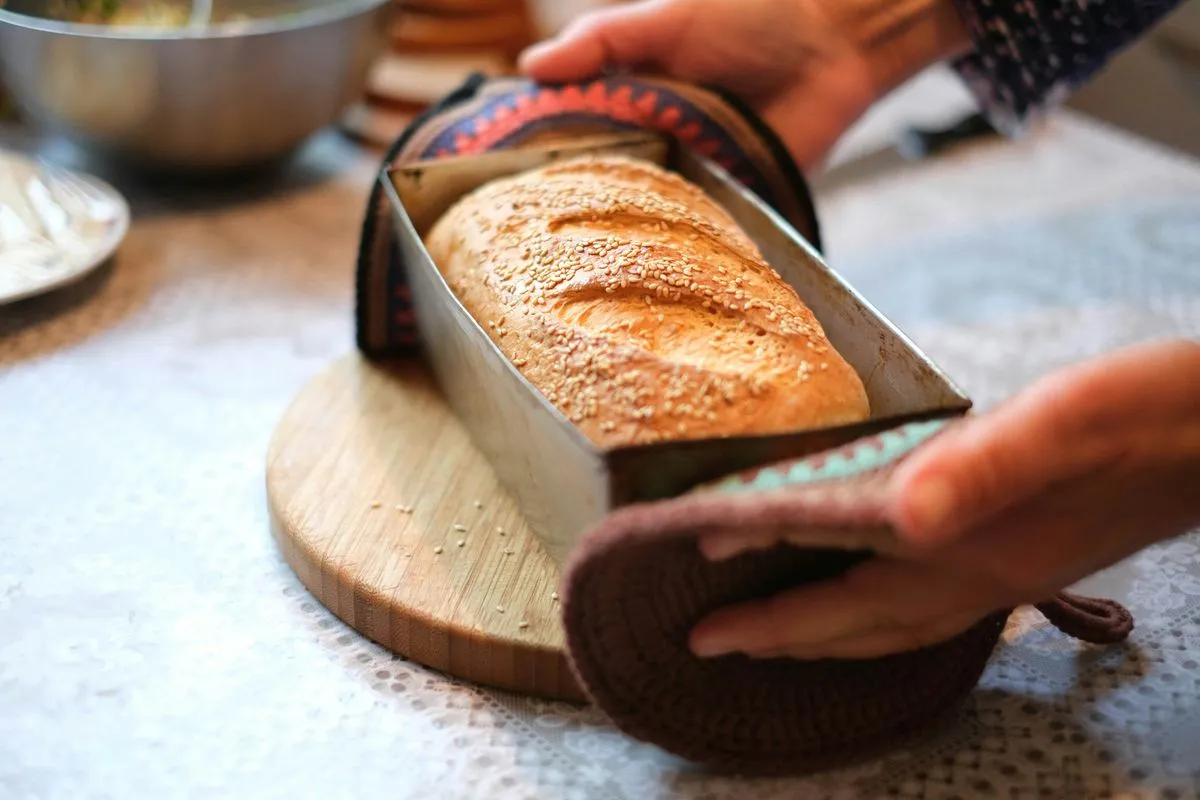
From kitchen to cash: how home bakers price baked goods for profit — ingredient costing, labor, overhead, and the markup that keeps a baking business alive.
A curated set of 19 workbooks — and the guides that go with them — for people who make the thing themselves. Cost a batch from what it actually consumes, keep a materials drawer that counts itself down, and price a catalog that still holds when a supplier raises a price.
Most selling advice starts after the thing exists. This collection starts before it does — at the pour, the kiln, the bench pin, the needles, the print bed. That is where the numbers that decide your margin are actually set, and where a generic pricing template stops being useful: you buy wax by the pound and pour it by the jar, silver by the troy ounce and set it by the gram, glaze by the bucket and brush it by the piece.
So these are per-craft files. Each one knows the units its craft is really bought and spent in, keeps the batch and lot records that craft needs, and turns them into a cost per unit you can defend — then into a price you can hold at any counter. If you want the selling side instead, the craft-seller and Etsy-seller collections cover the table and the shop.
And if you want the studio side whole rather than a file at a time, the Maker’s Complete Business System gathers fourteen of these into one purchase — start it, run it, price it, sell it, handle it, cover it — with a control panel that routes each job to the right file and works out the one number none of them can see on its own: what an hour of your work is actually paying you.
Some of the hours on a bench are not yours at all — they belong to a machine. A laser, a printer or a CNC bed costs real money for every hour it runs: the tube or module wearing towards its replacement, the purchase price spread across the hours it will work, and the draw at the wall. What machine-hour cost is sets out that arithmetic, and how to price laser-engraved products walks one piece from the sheet it was cut out of through to a price you can hold — the CO2-versus-diode comparison is why two machines in the same room do not cost the same per job. The free settings and material test log keeps the settings that produced a good burn, so the next one is not guesswork.
And when the bench stops being yours alone — a first helper, a week away, an order that has to go out while you are ill — the method has to come out of your head and onto a page. Start with what an SOP is and what a work instruction adds, then how to write one somebody else can follow. The free one-page SOP template is the form itself, shown filled in.
Then there is the part of the year the bench cannot help with. When a marketplace processes enough of your sales to cross the reporting threshold, it sends you and the IRS a 1099-K reporting gross payment volume — everything it processed for you, before a single fee, refund or shipping charge comes out — which is why the figure is usually bigger than the money that reached your bank, and why nothing on the form explains the gap. Plenty of shops stay under the threshold and get no form at all — though some processors send one below any threshold anyway, and the income is taxable either way. Alongside that, marketplace facilitator laws generally mean the platform already collected and remitted sales tax on the sales you made through that platform — but not on your own website, your craft-fair table or your wholesale invoices.
Start by checking whether a form is even coming, with the free 1099-K threshold tracker, then work through reconciling an Etsy 1099-K to what actually hit your bank. The Sales-Tax & 1099-K Reconciliation Workbook does that arithmetic for you, and an owned file against bookkeeping software weighs the two ways of doing it. All of it is general information, not tax advice — thresholds and rules change, so check current figures with the IRS or a tax professional.
Recommended workbooks
19 templates
Batch and recipe costing, materials inventories, wick and lot records, and the studio ops behind them — in Excel and Google Sheets.

The Maker's Complete Business System: a handmade-seller bundle of 14 products — pricing, orders, inventory, listings, shop policies and legal templates.

Cost every candle and soap from one ingredient table, reprice the whole catalog at once, and see margin at retail and wholesale. Excel + Google Sheets.

Cost every piece from the metal it weighs and the components it consumes — then see what retail, wholesale and consignment each pay you per bench hour.
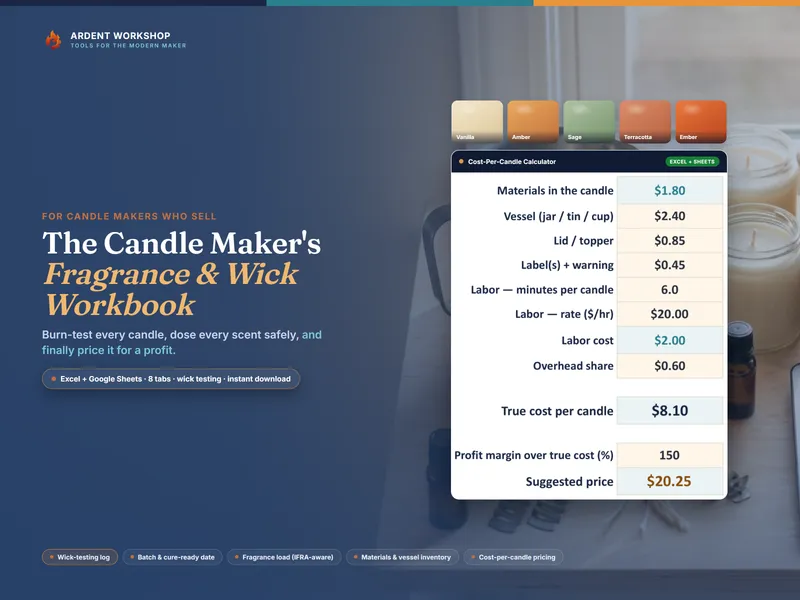
A candle business workbook — wick-testing log, batch log with cure-ready dates, fragrance-load and cost-per-candle calculators. Excel + Google Sheets.
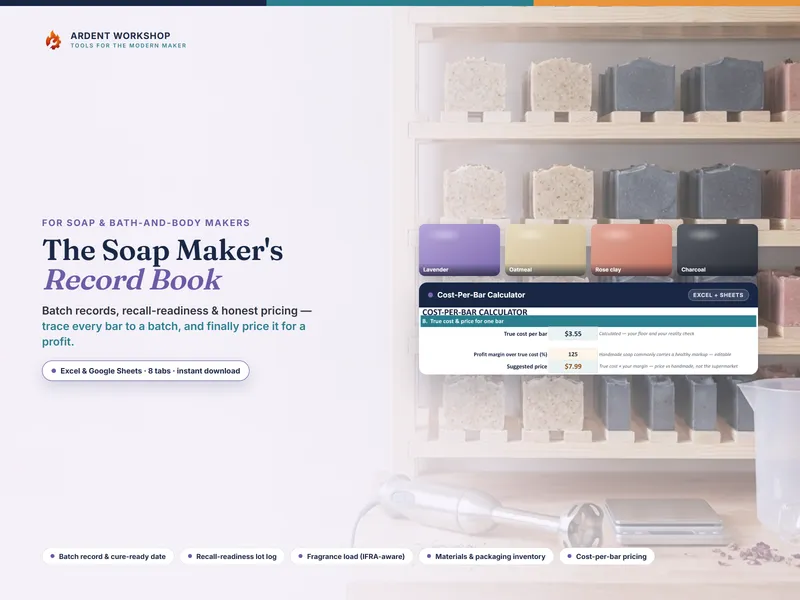
Soap batch log with cure-ready dates, a recall-readiness lot tracker, inventories, and a cost-per-bar calculator. Excel, Google Sheets + PDF.
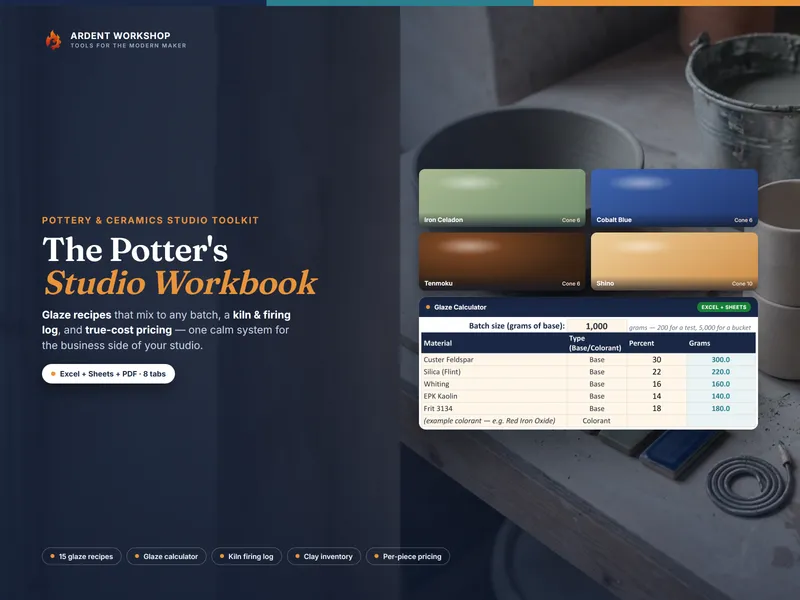
The business side of a pottery studio — 15 glaze recipes with a batch calculator, kiln logs, clay inventory and true-cost pricing. Excel + Google Sheets.
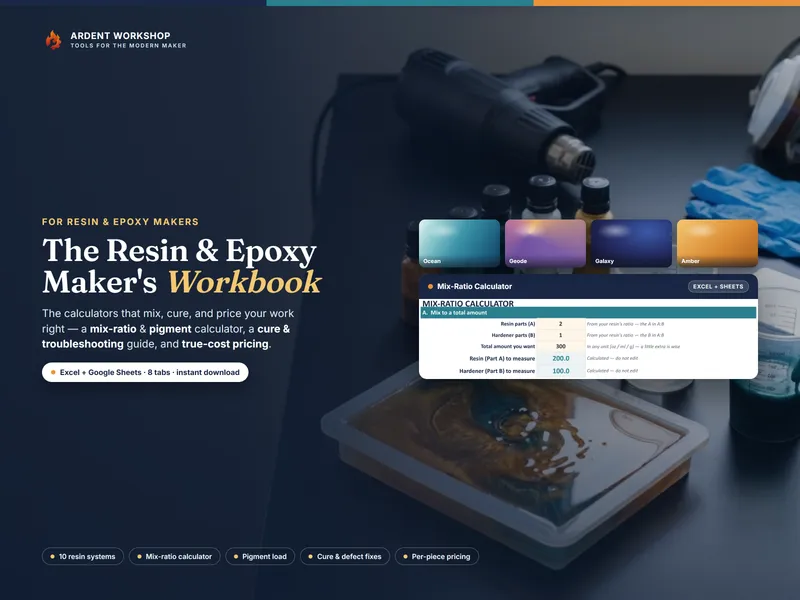
Mix-ratio and pigment-load calculators, a cure log, mold inventory and true-cost pricing — the business side of a resin studio. Excel + Google Sheets.
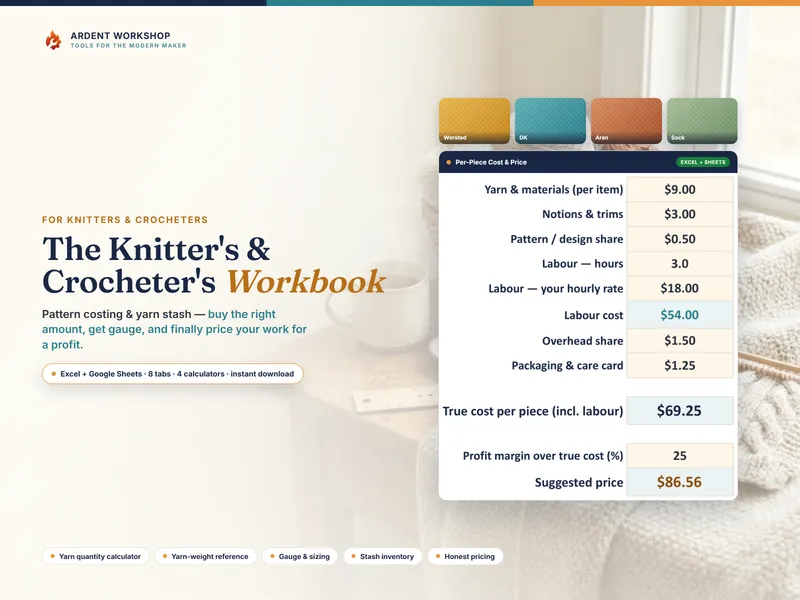
A pricing calculator that counts your hours, plus yarn quantity, gauge, stash & project tools for knitters and crocheters. Excel and Google Sheets.
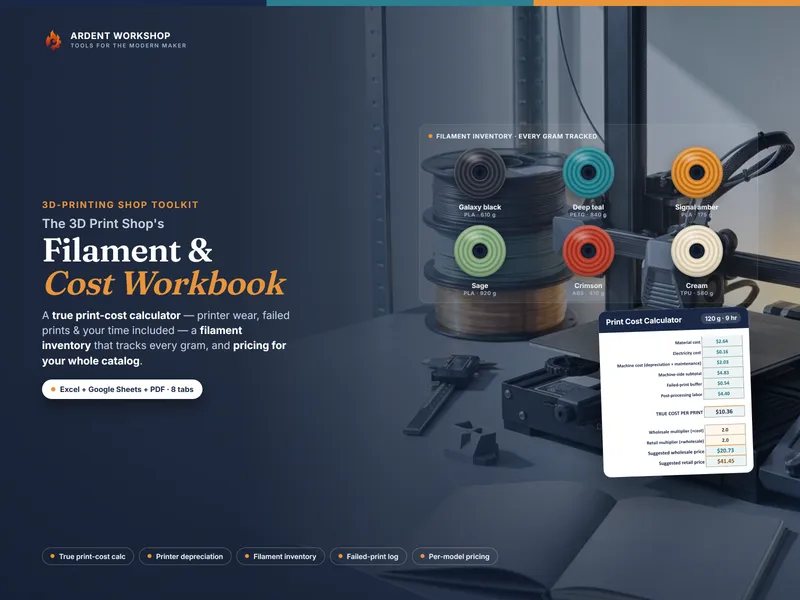
True print costs — filament, power, printer wear and failed prints — plus a filament inventory and catalog pricing. Excel + a Google Sheets copy.
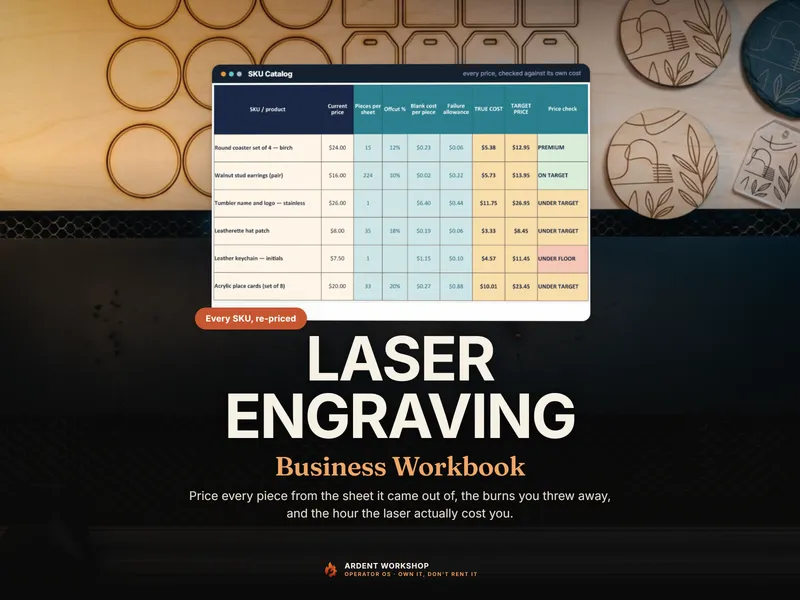
A laser engraving workbook for Excel & Google Sheets — true cost per piece from sheet yield and a measured failure rate, then re-price the whole catalog.

The business side of an apiary for honey sellers — a hive log, a harvest & lot tracker, inventories and a cost-per-jar calculator. Excel + Google Sheets.
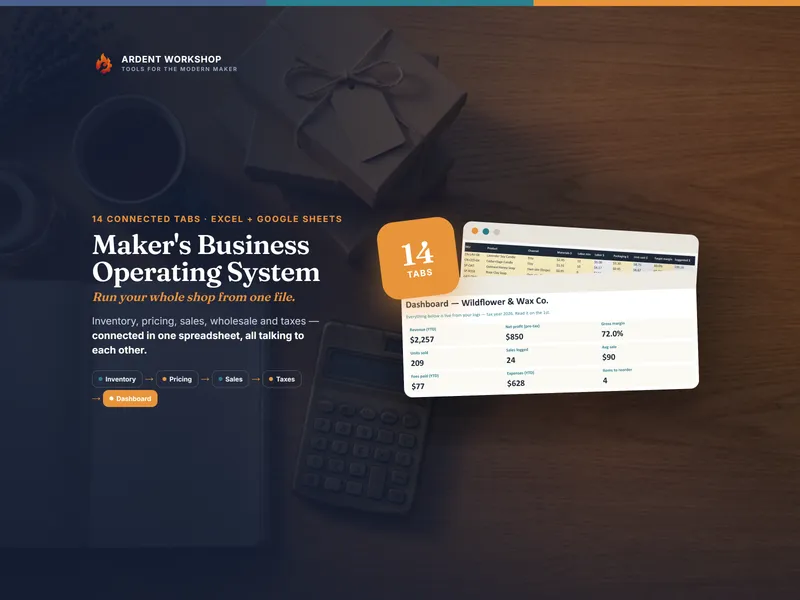
One connected spreadsheet — Excel plus a ready-made Google Sheets copy — running your handmade business inventory, pricing, sales, wholesale and taxes.

For candle and soap makers: carrier cutoffs worked back to the day each product must be finished, plus order-by dates and discount floors. Excel & Sheets.
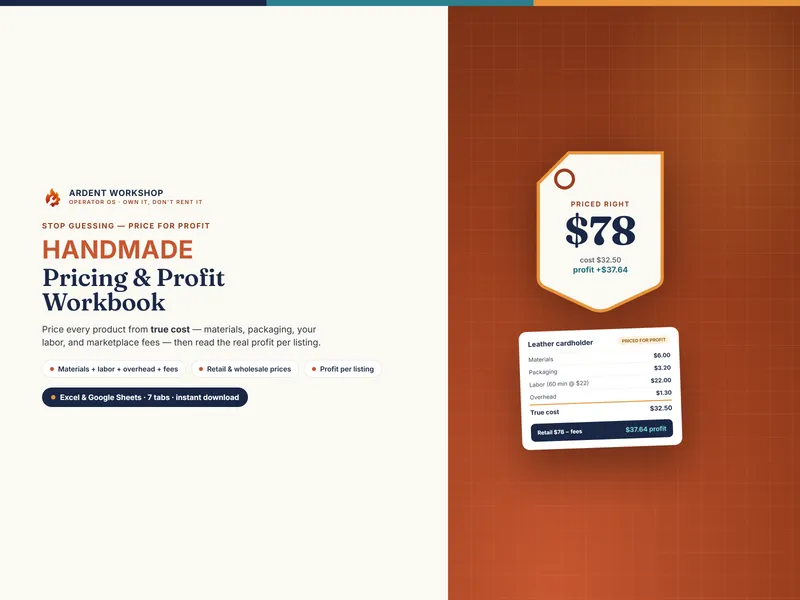
A handmade pricing workbook for Excel & Google Sheets — price every product from true cost (materials, labor, overhead, fees) and see the real profit on each.

Price DTF, vinyl, screen print and embroidery in the units each one actually bills in - then quote, track the order, and see real profit.
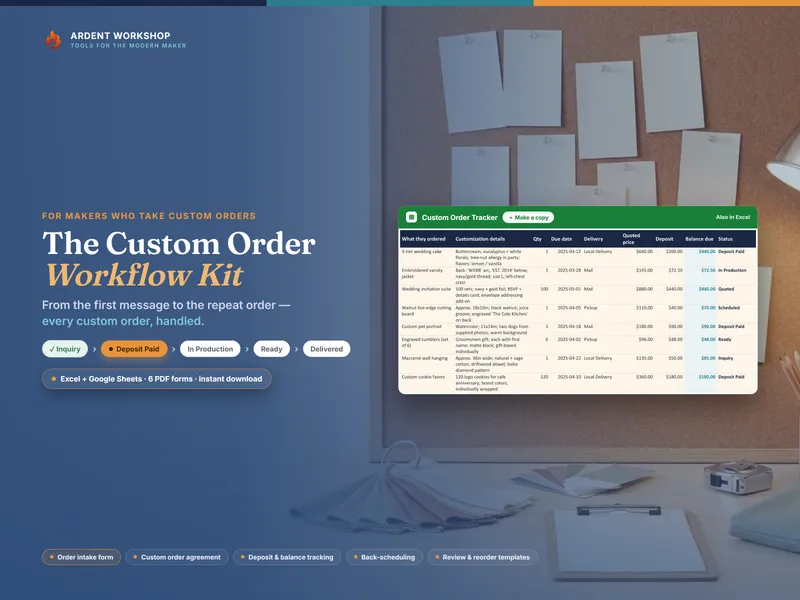
A custom-order system — a 6-tab order tracker in Excel and Google Sheets, plus six fillable PDF forms for intake, agreement, schedule, QC and follow-up.
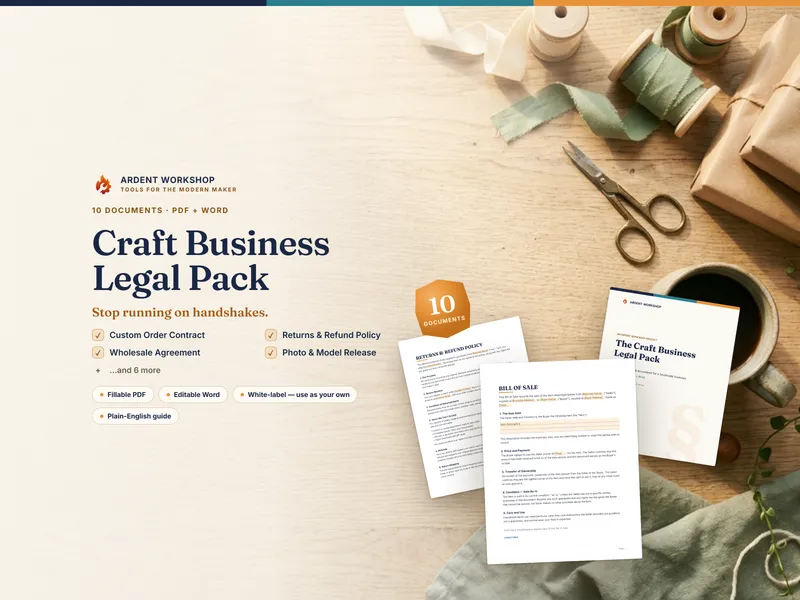
10 plain-English legal templates for handmade sellers — contracts, returns, shipping, privacy, wholesale, consignment & more. Fill in the blanks. Word + PDF.
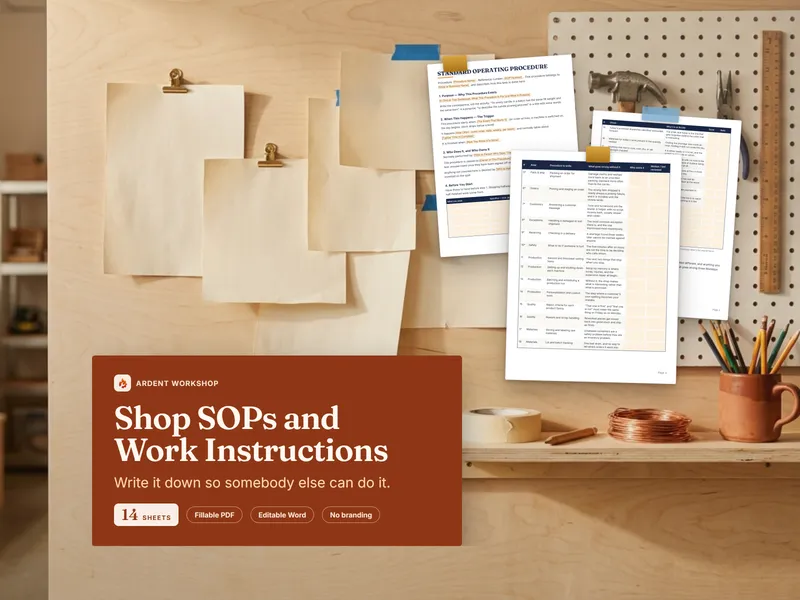
Fourteen fillable sheets for writing down how your shop runs — SOPs, work instructions, checklists, reject criteria and a training record, in PDF and Word.

A 90-day, week-by-week plan to start a craft or digital business — ebook, live-calculator workbook in Excel and Google Sheets, worksheets, wall planner.
Where we fit
Most tools force a choice between a blank spreadsheet you build from scratch and a monthly app that's overkill. Ardent Workshop is the rung in between — structure you own.
Free, but you build and maintain every formula, tab and layout yourself.
Owned, structured, connected workbooks — a one-time price, yours to keep.
Powerful, but overkill, rented and locked-in — built for someone bigger than you.
Running an operation that's genuinely outgrown the file? Ardent Seller isn't the generic SaaS app this ladder warns about — it's maker-first software built by the same workshop: your data stays yours, you can start free or pay as you go with no subscription required, and it's sized for your operation, not someone bigger. The platform to graduate to when a spreadsheet honestly can't keep up.
Reading list
Whether a recipe is actually profitable, the inventory trap, why makers undercharge, and what selling really costs.
From kitchen to cash: how home bakers price baked goods for profit — ingredient costing, labor, overhead, and the markup that keeps a baking business alive.
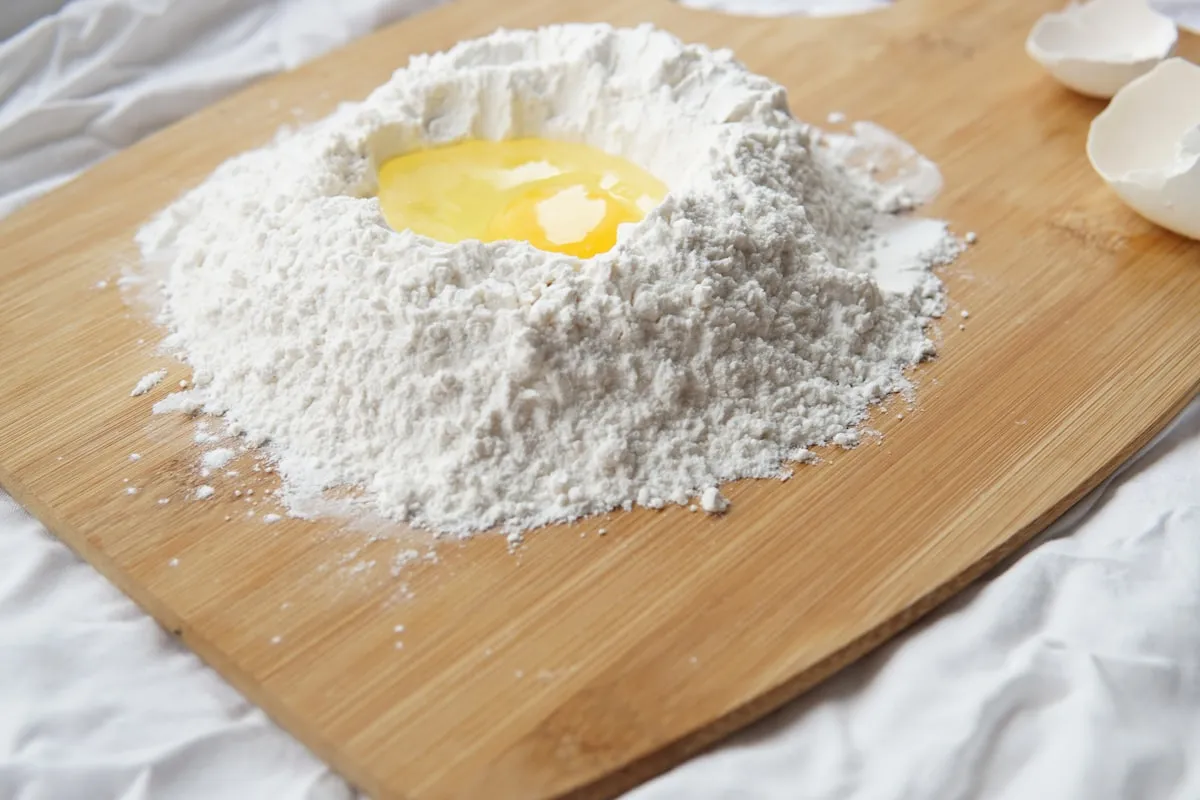
Many home bakers significantly underprice their products. Here's how to calculate your true recipe costs and set prices that actually turn a profit.
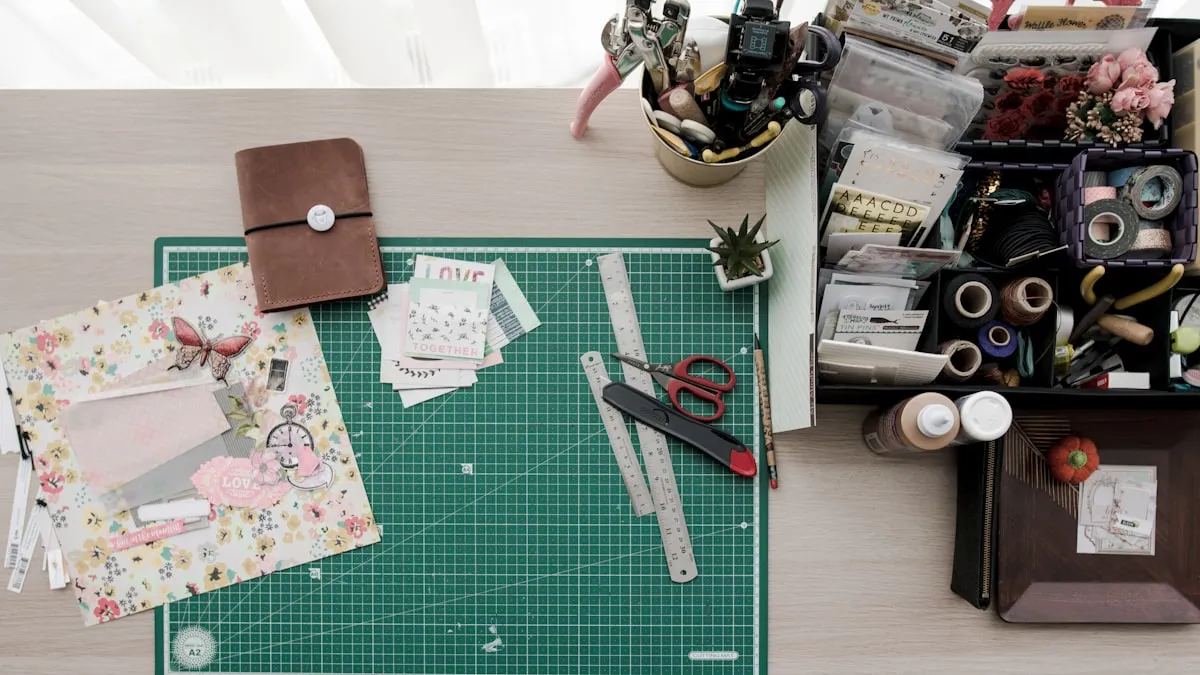
Most craft sellers lose money on forgotten supplies, materials that expired in a drawer, and products they can't price because they never tracked the real cost.
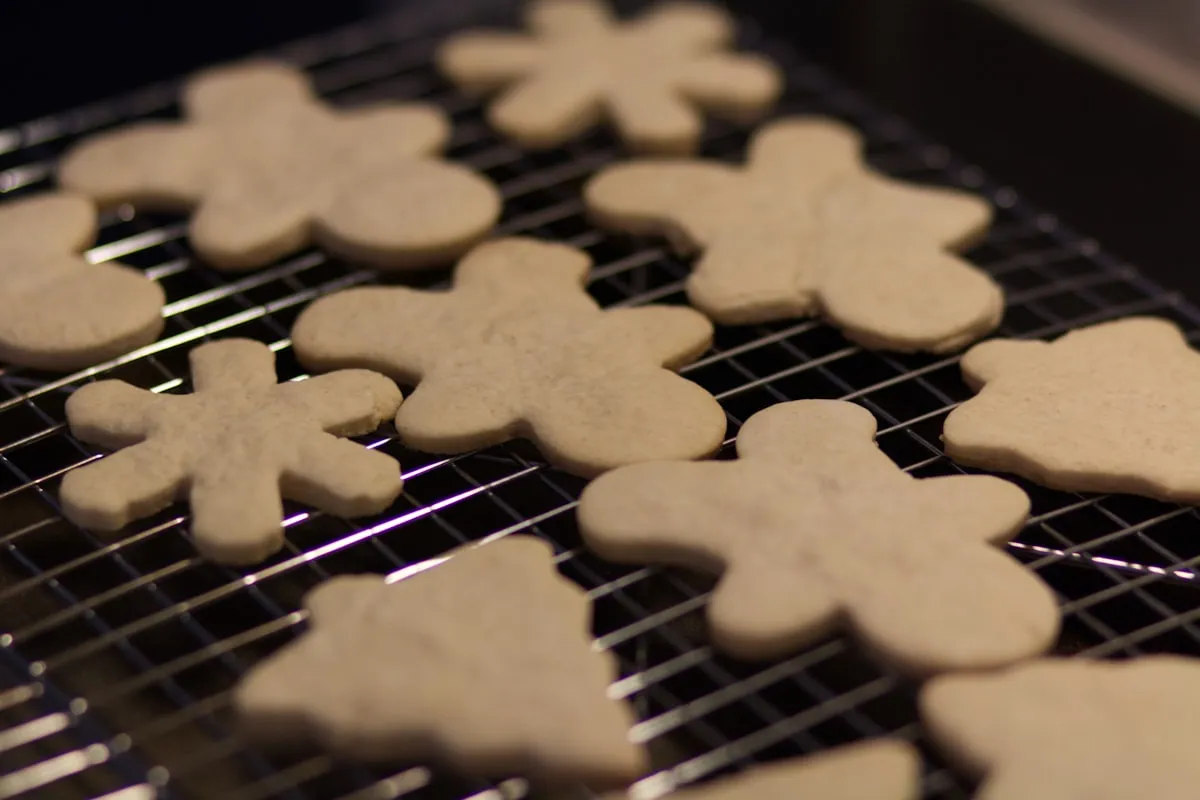
Your holiday capacity is a number, not a feeling. The September math that tells you how many pieces you can actually make — and when to close the order book.

Handmade sellers undercharge for predictable reasons. Here's the simple materials-plus-labor-plus-margin formula to stop leaving money on the table on every sale.

How to price 3D prints from the true cost, not the filament: material, electricity, printer wear, failed prints, your time and packaging, worked through one illustrative print to a price that pays.

A field guide to the 10 spreadsheets every craft seller and home baker builds at 2 a.m. — what each one tries to fix, and why it always gets abandoned.

Grow your handmade business with recurring revenue — how craft sellers use subscriptions, virtual workshops, and memberships to stop chasing one-off sales.

Free templates aren't really free — they cost you hours of workarounds, broken formulas, and duct-tape fixes. Here's how to know when it's time to upgrade.

Take product photos that sell using only your phone — lighting, backgrounds, the 5-shot formula, and the edits that actually move clicks.

The five pricing, inventory, and bookkeeping mistakes most handmade sellers make — and the fixes that keep a craft business profitable instead of just busy.
Your shop runs on everything you carry in your head. Here's how to turn that into a written manual—SOPs anyone can follow—so it survives a day off.

The five roles handmade and maker businesses hire first, in order — and the one core skill that makes each new hire actually pay off.

A full breakdown of every Etsy fee, hidden cost, and margin killer — so you can finally see what you actually take home from each sale.