The structure of a decision matrix
A working decision matrix has four moving parts:
- Options (rows). The choices you're deciding among. Houses, candidates, vendors, vacation destinations.
- Criteria (columns). The factors that matter to you. Price, commute, schools, condition, maintenance, etc.
- Weights. A multiplier for each criterion (0–10 or 0–1) reflecting how much it matters to you. The whole point of the matrix is making weights explicit.
- Scores. A rating (typically 1–10) of how each option performs on each criterion.
The total score for each option is the sum of (score × weight) across every criterion. The matrix ranks options by total score. You read them top to bottom and you have your answer — or, more usefully, you have the math behind your gut.
What it's actually for
Decision matrices aren't truly about computing the right answer. They're about surfacing the trade-offs. Three things happen almost every time someone runs one honestly:
- You realize you've been weighing a criterion (commute, square footage, school district) much more heavily than you'd admit out loud.
- An option you'd half-dismissed scores surprisingly well. Worth a second look.
- Your "favorite" option scores lower than expected — and the matrix tells you which criterion is dragging it down.
None of those require you to obey the spreadsheet. They just put the choice on the table where two people can argue about it instead of talking past each other.
When to use one
- Major purchases. Houses, cars, mattresses, appliances — anywhere there are more than three serious options.
- Career decisions. Competing job offers, especially when comp is only one factor.
- Vendor selection. Software, contractors, agencies.
- Family decisions. Schools, vacation destinations, neighborhoods — anywhere multiple people have different weights and need to negotiate.
- Elder care. Choosing among in-home care, assisted living, memory care, and a nursing facility — score the care, not the lobby.
- Hiring. Most structured interview scoring is a decision matrix in disguise.
How to build one in twenty minutes
- List your options. Three to seven is the sweet spot; ten gets unwieldy.
- Brainstorm criteria — what actually matters about this choice. Aim for 5–10. More than that and the weights stop mattering.
- Assign weights. The instinct to give everything weight 5 is the mistake the matrix exists to fix. Make some things 9 and some things 2.
- Score each option on each criterion. Score in isolation, not relative to other options — "this house's commute is a 6," not "this house's commute is better than that one."
- Read the totals. Look at the top two or three. Then look at where they differ and ask if those differences match your gut. If they don't, the weights are wrong — fix them and re-score.
Pitfalls
- Reverse-engineering the answer. If you already know which option you want and you adjust weights until it wins, you've built a justification, not a decision aid.
- Too many criteria. Past about ten, every option's strengths and weaknesses average out and the totals flatten. Trim to what really matters.
- Vague criteria. "Better fit" isn't scorable. "Within 30 minutes of work" is.
- Skipping weights. An unweighted matrix treats "school district" and "kitchen cabinet color" as equally important. They are not.
- Forgetting the deal-breakers. Some criteria are thresholds, not weights — "must be under $450K" knocks options out regardless of their score elsewhere. Apply those first.
Variants worth knowing
- Pugh matrix. Scores everything relative to a baseline option using only +, 0, and −. Faster, less precise.
- Decision tree. For sequential choices where each decision changes the next set of options.
- Pros/cons list. The pre-spreadsheet ancestor. Useful when you only need to convince yourself, not a partner or a spouse.
Related templates and concepts
The math a decision matrix runs on is weighted decision scoring. Its simpler ancestor — and when each still fits — is covered in decision matrix vs pro/con list, and whether to keep your matrix in an owned spreadsheet or a subscription tool is spreadsheet vs a decision-making app. For a job offer specifically, the Job-Offer Decision Helper is a ready-made weighted matrix; for an elder-care choice — in-home care, assisted living, memory care, or a nursing facility — the Elder-Care Decision Helper is the same, with a free elder-care web scorer to try first. And for a retirement location — where two of the criteria run the other way, because a lower cost of living and a lighter tax bill are what you want — the Where-to-Retire Decision Helper computes those rows from your own money rather than asking you to rate them, with a free where-to-retire web scorer to try first. And for a child's schooling — public, charter, private, a hybrid program, or teaching at home — the School-Path Decision Helper holds all five to the same criteria and prices the one thing a tuition line never shows, the paid work a parent gives up, with a free school-path web scorer to try first.
A pet adoption is the case where the options are usually undocumented: the animal in front of you rarely arrives with an ancestry on record, and a kennel card is often a label rather than a report. The Pet-Adoption & Breed-Fit Decision Helper puts the animal you actually met into the matrix. Mark a candidate as an individual animal, and eight of the nine things you note at a visit re-score its ratings in place of the breed averages. Hours alone, grooming, shedding, lifespan and health outlook still come from the breed reference. There is a free pet-adoption web scorer to try first.
Pet insurance inverts the adoption problem: here the options are documented, at length, in a policy written to be skimmed past. The premium is on the quote page and everything that decides what the premium buys — the deductible, the reimbursement rate, the annual payout cap, three separate waiting periods, and the exclusions list — is somewhere else. A matrix with a row called “cost” quietly invites you to put the premium in it. The Pet-Insurance Plan Decision Helper fills that row by computing what each plan would actually pay back on a set of vet bills, and runs the same bills again from year two so a six-month orthopedic wait stops being fine print and starts being a number. There is a free pet-insurance web scorer to try first.
Mortgage offers expose a different limit: a matrix has no time axis. Loan Estimates are a standardized federal form, so three of them arrive with the same headings in the same order — and the tidy grid you get still holds one answer where the honest answer is several. Rank the same three offers on what borrowing costs at three years, at seven, and at full term, and the winner can be a different offer at each. A matrix drawn once quietly picks whichever of those years you happened to have in mind. The Mortgage / Loan-Offer Decision Helper draws it at all of them and flags the horizon where the ranking turns over, on the occasions it does — with each offer's mortgage insurance stopped on the month its own schedule says it stops. There is a free loan-offer web scorer to try first.
Staying in a job versus going self-employed is the same problem one step harder: the two sides are not even measured in the same unit until self-employment tax, lost benefits and unpaid hours are accounted for. The Career-Pivot Decision Helper does that conversion first and scores it second, with a free runway web calculator for the cash-timing question — how many months your savings would buy you.
A renovation is where a matrix built straight from the quotes can go wrong. A matrix compares options on the same criteria, but two contractor bids for the same job need not describe the same work: one may hand you demolition and debris haul-away, while a materials allowance for lighting may be written against a cheaper fixture than the one you picked out. A cost row built on those numbers can flatter the thinnest quote. The Contractor-Choice Decision Helper levels up to five bids against a single 46-line scope before the matrix sees them, then scores cost off that comparable total. The free contractor bid comparison worksheet is the two-bid, 16-line version, and it stops at the comparison.
A matrix averages a hard failure away: say a place is forty-five minutes too far to commute, and it still wins on schools and amenities, because the total cannot tell a preference from a requirement. The Neighborhood / Relocation Decision Helper runs up to five must-haves as a screen on the candidates before any score exists. A candidate that fails one is marked excluded, kept out of the ranking, and kept out of the price scale that the automatically scored criteria are measured on. A place you have ruled out cannot quietly set the scale for everything else. The free neighborhood scorer scores two places on six fixed criteria and has no must-have screen at all.
Decision matrices show up everywhere — see the dedicated decision helpers for the choices people most often run them on, plus generic matrices for one-off decisions. The templates for homebuyers hub and templates for college students hub both make heavy use of decision matrices.
Templates that implement this
Templates that build a decision matrix
11 templates
Generic decision helpers and pre-built matrices for the choices people actually agonize over — houses, cars, colleges, vacations, mattresses.
- $18.95 Spreadsheet

Business-Entity Decision Helper — Compare LLC, S-Corp, Sole Proprietorship & C-Corp (Excel & Google Sheets)
Compare LLC, S-Corp, sole proprietorship & C-Corp with a weighted scorecard and a self-employment-tax estimator — find your best-fit structure.
Big DecisionsView details - $14.95 Spreadsheet

Job-Offer Decision Helper — Weighted Decision Matrix to Compare Job Offers (Excel & Google Sheets)
Compare competing job offers with a weighted decision matrix — score pay, benefits, growth, commute & fit, and rank offers by overall fit.
Big DecisionsView details - $14.95 Spreadsheet

Buy-vs-Rent (Home) Decision Helper - Break-Even Year, Readiness Gates & Weighted Scoring (Excel + Google Sheets)
Settle whether to buy or keep renting. Computes your break-even year, runs six readiness checks, and weights 16 criteria to your household.
Big DecisionsView details - $18.95 Spreadsheet

Franchise Decision Helper — Weighted Decision Matrix to Compare Franchise & Business Opportunities (Excel & Google Sheets)
Compare franchise & business opportunities with a weighted decision matrix — score investment, ROI, support, brand & lock-in, and rank them by overall fit.
Big DecisionsView details - $19.95 Spreadsheet

Vendor & Software Selection Scorecard — Weighted Decision Matrix to Compare Vendors & Score Software (Excel & Google Sheets)
Compare vendors & software with a weighted scorecard — score price, features, support, security & integration, and rank options by overall fit.
Big DecisionsView details - $14.95 Spreadsheet

Wedding-Venue Decision Helper — Weighted Scorecard to Compare Wedding Venues (Excel & Google Sheets)
Compare wedding venues with a weighted scorecard — score cost, capacity, location & the look, then rank by overall fit with an all-in cost calculator.
Big DecisionsView details - $2.95 Excel
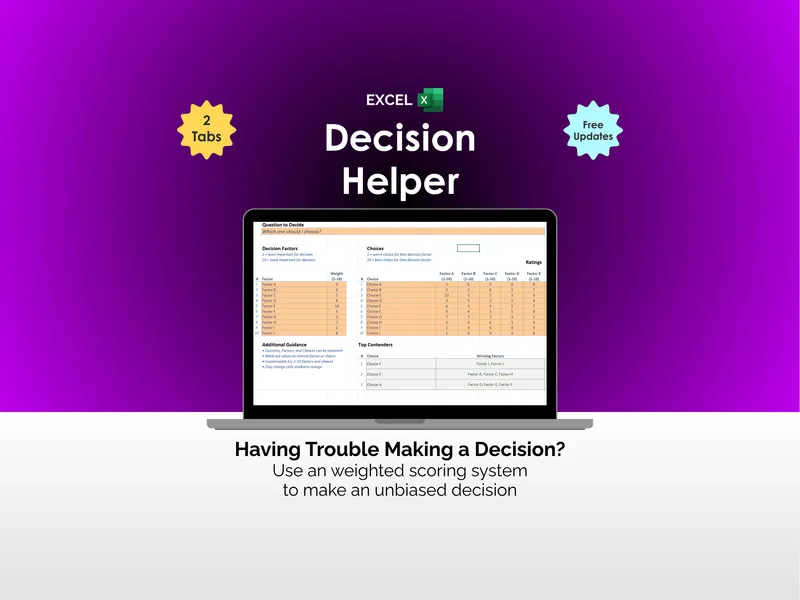
Decision Helper - Excel
Stuck on a big choice with five tabs open and zero clarity? This excel decision helper is a weighted decision matrix template that ranks options for you.
Big DecisionsView details - $2.95 Excel
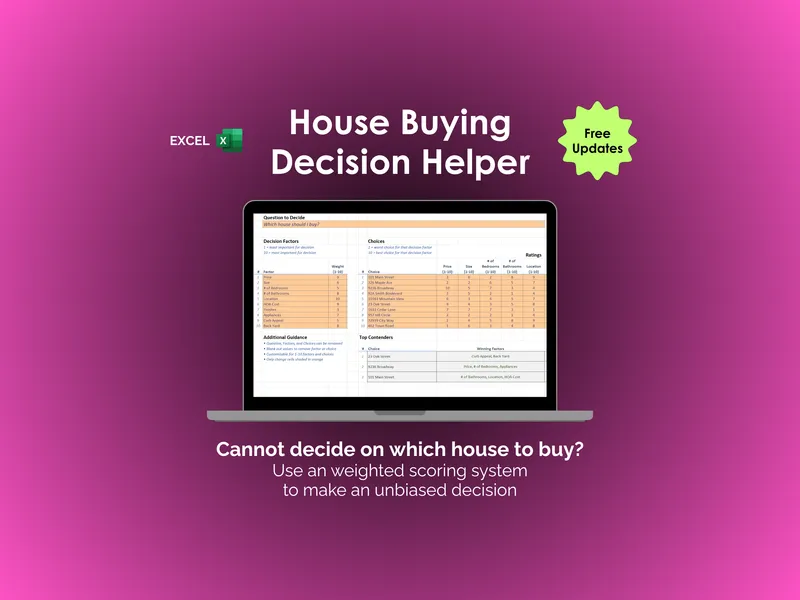
House Buying Decision Helper - Excel
Which house actually wins on the factors you care about? An excel house buying decision helper that scores up to 10 homes against 10 weighted factors.
Big DecisionsView details - $2.95 Excel

Car Buying Decision Helper - Excel
There are two kinds of car shoppers: the ones who score every option, and the ones who guess. This Excel car buying decision helper turns gut feel into weighted math.
Big DecisionsView details - $2.95 Excel
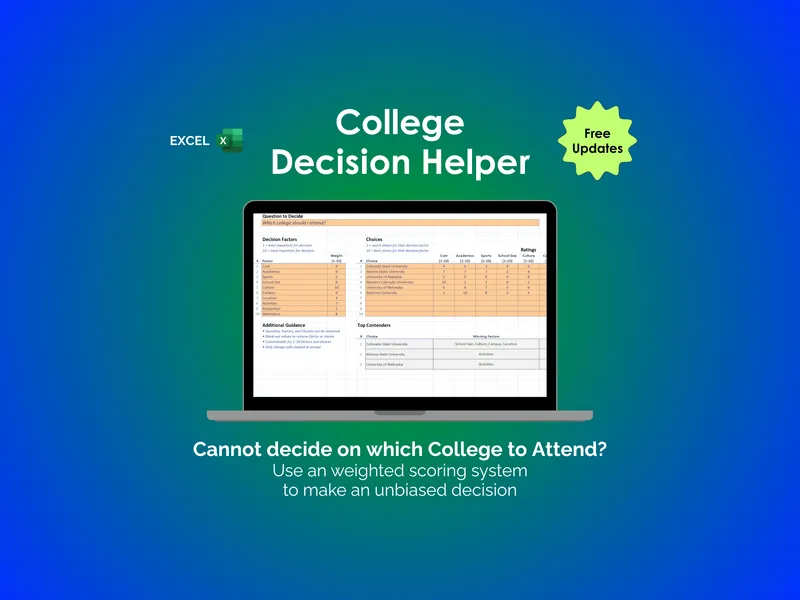
College Decision Helper - Excel
College choices come down to two camps: the gut-feel and the scored. This excel college decision helper is a college comparison spreadsheet with weighted factors and ranked contenders.
Big DecisionsView details - $2.95 Excel
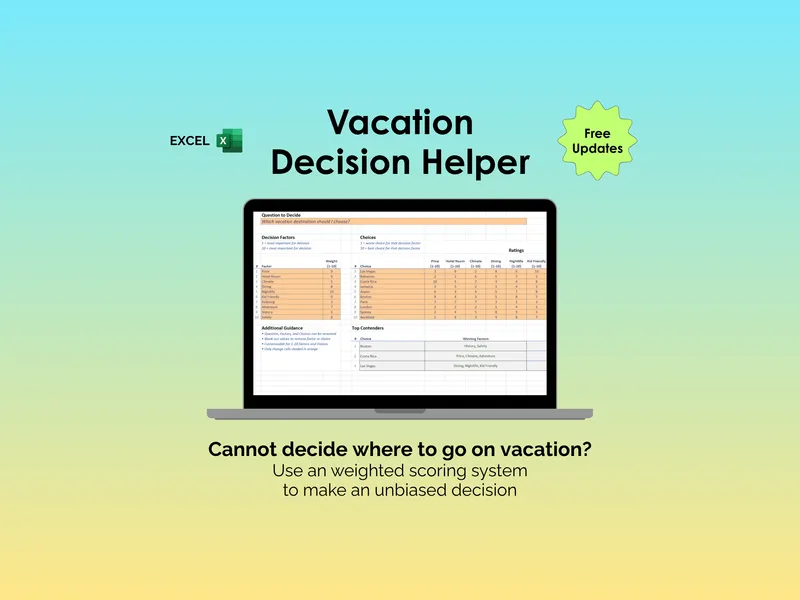
Vacation Decision Helper - Excel
Still stuck choosing between Maui and Costa Rica? This excel vacation decision helper scores up to 10 destinations against your weighted priorities.
Big DecisionsView details