This isn't really spreadsheet-versus-software. It's "the right tool for where your business is today." Most makers should start on a spreadsheet and stay there longer than the software companies would like you to believe. The skill is recognizing the day the spreadsheet flips from saving you time to quietly costing you time — and not jumping a moment before.
When a spreadsheet is exactly right
- You're costing recipes or products and pricing a line.
- You track a few dozen to a few hundred SKUs.
- One or two people touch the numbers.
- You sell through one or two channels and reconcile by hand.
- You want something private, cheap, and bent exactly to your business.
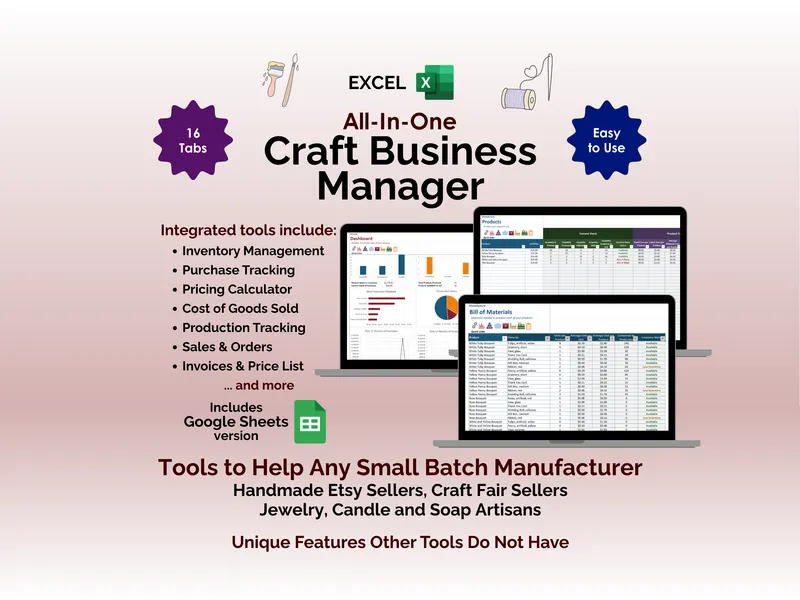
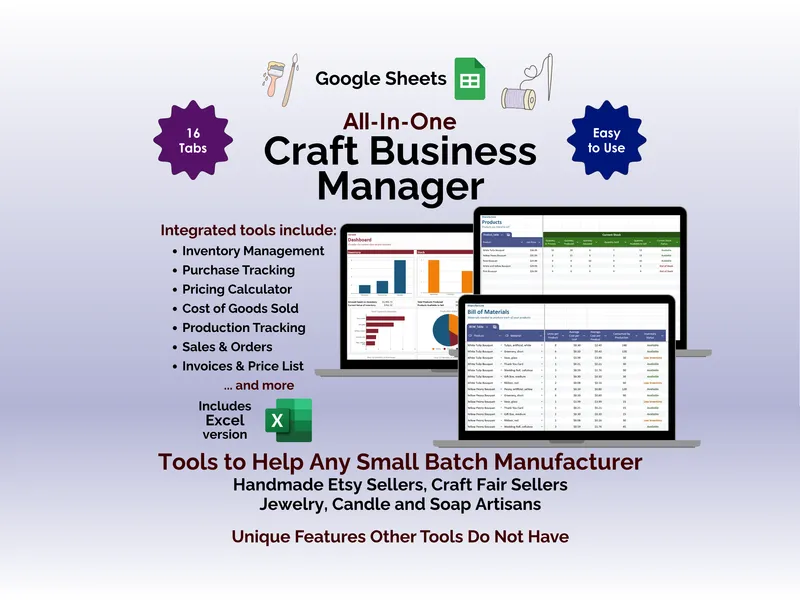
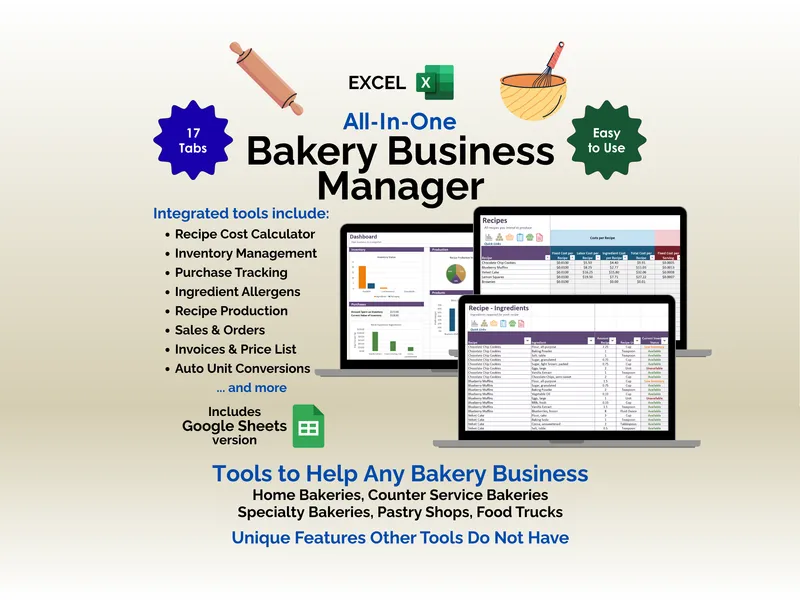
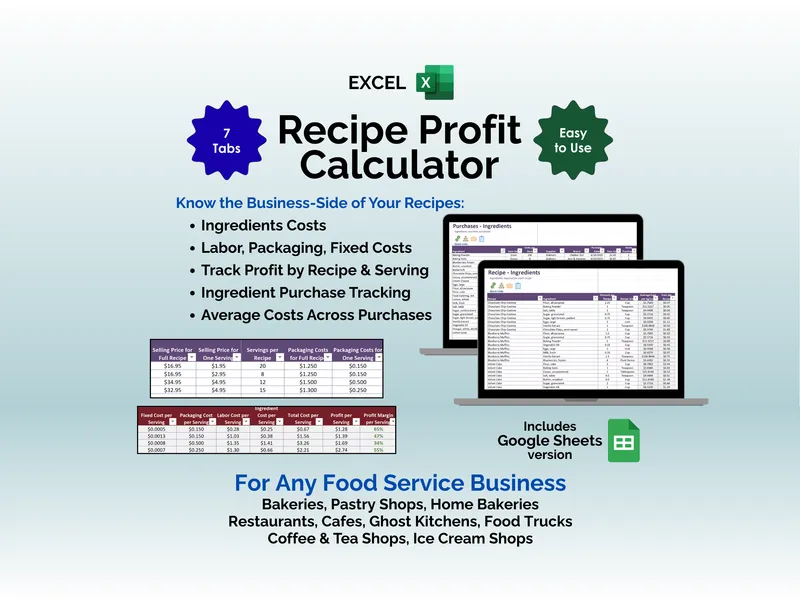
At this stage a good template beats software outright. It costs once, it's yours, and there's no subscription or learning curve. The craft seller and home baker hubs collect the templates built for exactly this phase.
The signals you've outgrown it
You don't decide to switch — the spreadsheet tells you. The tells:
- Your stock count is wrong by the time you read it. Sales, restocks and waste happen faster than you update the file.
- A sale doesn't change anything automatically. Selling an item should draw down its components and finished stock. In a spreadsheet, that's a manual edit you'll forget.
- Re-costing is a chore. A supplier raises a price and you're hand-updating every recipe and product that uses it.
- Version chaos. Two people edit "the latest" file and overwrite each other.
- You're stitching tabs together to answer one question. "What did this product actually make me last month?" takes ten minutes of cross-referencing.
One or two of these is normal. All of them, every week, is the file telling you it's done.
Side by side
| What matters | Spreadsheet template | Inventory & sales software |
|---|---|---|
| Cost | One-time, low | Ongoing subscription |
| Setup | Open and go | Some onboarding to set up products & recipes |
| Inventory accuracy | As current as your last manual update | Live — sales draw down stock automatically |
| Costing updates | Re-enter when prices change | Recalculates across recipes & products |
| Multi-user | Risk of version conflicts | Shared live data, roles & permissions |
| Multi-channel sales | Manual reconciliation | Tracked in one place |
| Flexibility | Total — change anything | Structured around how the system models a business |
| Best for | Early and small — costing, pricing, light tracking | Scaling — when sync and accuracy stop being optional |
The honest middle ground
Plenty of businesses run on spreadsheets far longer than they "should" — and that's fine, because the spreadsheet is free of subscriptions and bent exactly to their needs. The hidden cost only becomes real when the hours you spend keeping the file true exceed what software would cost you. Track that honestly and the decision makes itself.
What "the software" looks like here
When you do reach that point, you don't have to leave the workshop. Ardent Seller is our inventory, manufacturing and sales platform built for exactly this graduation — bakers, crafters and small-batch makers who've outgrown the file. It keeps inventory, transactions, recipes and the suppliers and customers behind them in sync, so a sale, a restock or a price change updates everything at once instead of waiting on your next manual edit.
Not there yet? Good — stay on the spreadsheet and put the savings to work. The templates below are the ones that stretch the runway furthest.
Frequently asked questions
- When should a small business stop using spreadsheets for inventory?
- When the spreadsheet stops matching reality. Common signals: stock counts that are wrong by the time you check them, no live link between a sale and what's left on the shelf, multiple people editing the same file and overwriting each other, and recipes or bills of materials you re-cost by hand every time a supplier price changes. At that point the spreadsheet is costing you more time than it saves.
- What can inventory software do that a spreadsheet can't?
- Dedicated software keeps inventory, manufacturing and sales connected in real time: a sale automatically draws down stock and components, recipe and product costs recalculate when an ingredient price changes, and multiple users see the same live numbers without version conflicts. A spreadsheet can model any one of those, but it can't keep them all in sync automatically.
- Are spreadsheets ever the right choice for a maker business?
- Often, yes — especially early on. A well-built spreadsheet is cheap, private, endlessly customizable and perfect for costing a recipe, pricing a product line, or tracking a few dozen SKUs. The trouble starts only when volume, channels and team size outgrow what one file can hold in sync.
- What is Ardent Seller?
- Ardent Seller is our inventory, manufacturing and sales platform for small-business makers — bakers, crafters, and small-batch producers. It tracks inventory, transactions, recipes and procedures, and the entities (suppliers, customers, locations) behind them, keeping the numbers in sync the way a spreadsheet can't once you scale.