People treat this like a three-way fight, but Excel, Google Sheets and Notion aren't really competing for the same job. Two of them are spreadsheets and one of them isn't. The fastest way to choose is to name the shape of your problem first, then pick the tool built for that shape.
One question that settles most of it
Is the answer you need a number, or a system?
- If you're calculating, modeling, or staring at a big table of data, you want a spreadsheet — and then it's just Excel vs Google Sheets.
- If you're organizing notes, tasks, projects and records you want to view as a board, calendar or gallery, you want Notion.
Most people who think they need "a better spreadsheet" actually need Notion, and most people who think they need Notion for a budget actually want a spreadsheet. Get this right and the rest is detail.
Side by side
| What matters | Excel | Google Sheets | Notion |
|---|---|---|---|
| Core strength | Calculation & modeling | Collaborative spreadsheet | Flexible, connected workspace |
| Price | Paid (Microsoft 365 / Office) | Free with a Google account | Free plan; paid for teams |
| Math & formulas | Best in class | Very strong | Basic — not its purpose |
| Large data tables | Excellent | Good, with limits | Fine for records, not big math |
| Views (board/calendar/gallery) | No | No | Yes — its signature feature |
| Notes & documents | No | No | Yes — pages, wikis, linked docs |
| Collaboration | Good (web/365) | Excellent, real-time | Excellent, real-time |
| Offline | Excellent | Limited | Limited |
| Best for | Models, finance, big tables | Shared budgets & trackers | Systems, notes, visual tracking |
Pick Excel when…
The answer is a number and you want the most powerful, offline-capable tool to get it. Financial models, pivot tables, large datasets, serious formulas. See the Excel templates hub.
Pick Google Sheets when…
You want a spreadsheet that's free, lives in the browser, and lets several people edit at once. Shared budgets, household trackers, a file your VA can open without buying anything. See the Google Sheets templates hub, or read the head-to-head in Excel vs Google Sheets.
Pick Notion when…
You're building a system, not running math — a reading list with cover art, a project hub with linked notes, a content calendar you flip between board and calendar views. Notion turns records into something you can actually browse. See the Notion templates hub.
You don't have to commit blind
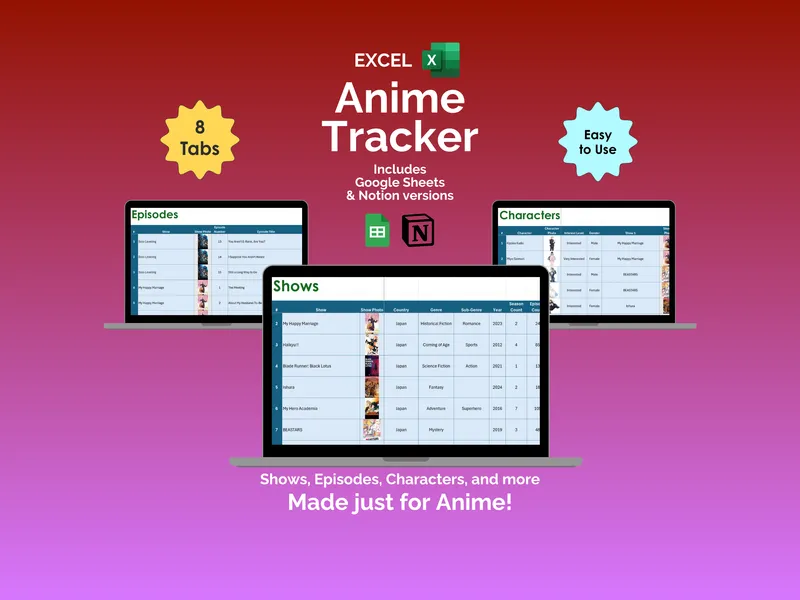
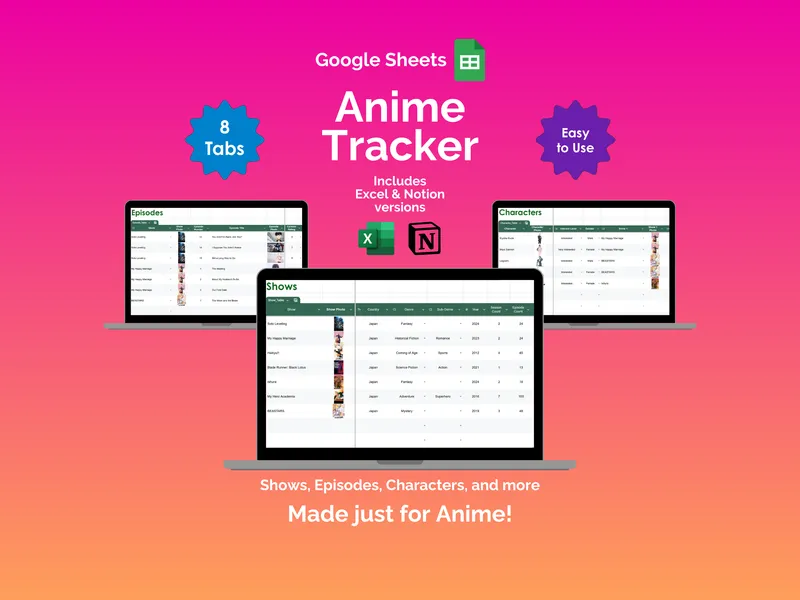
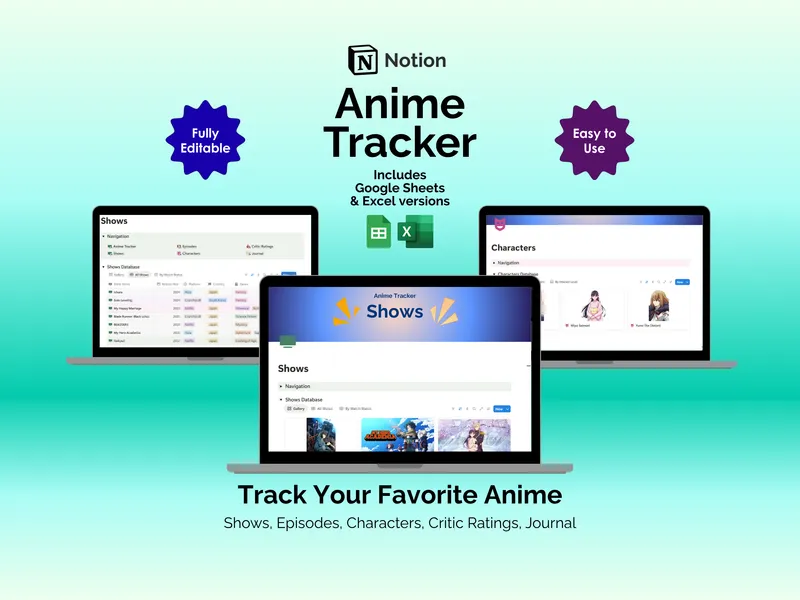
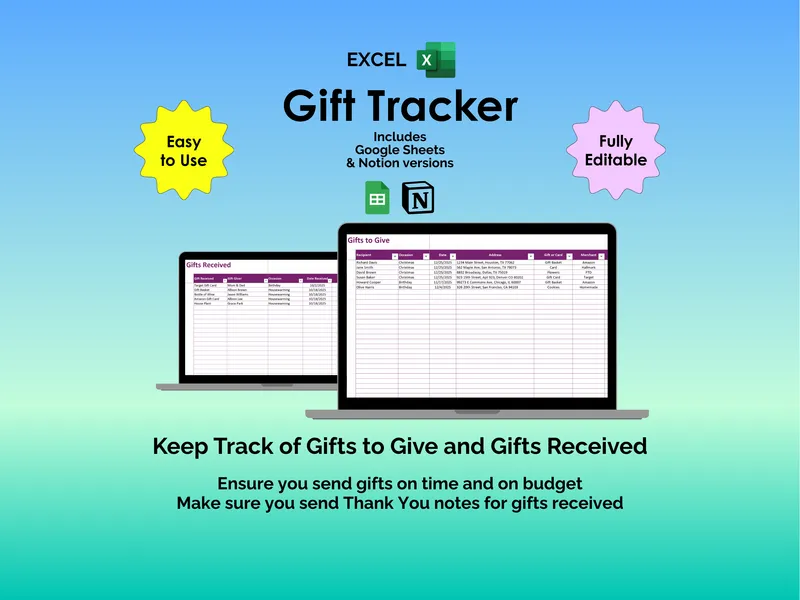
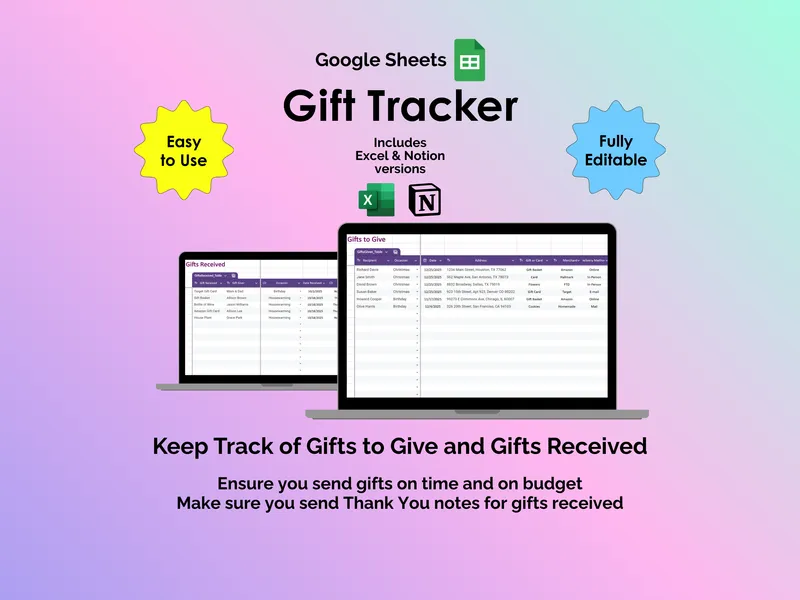
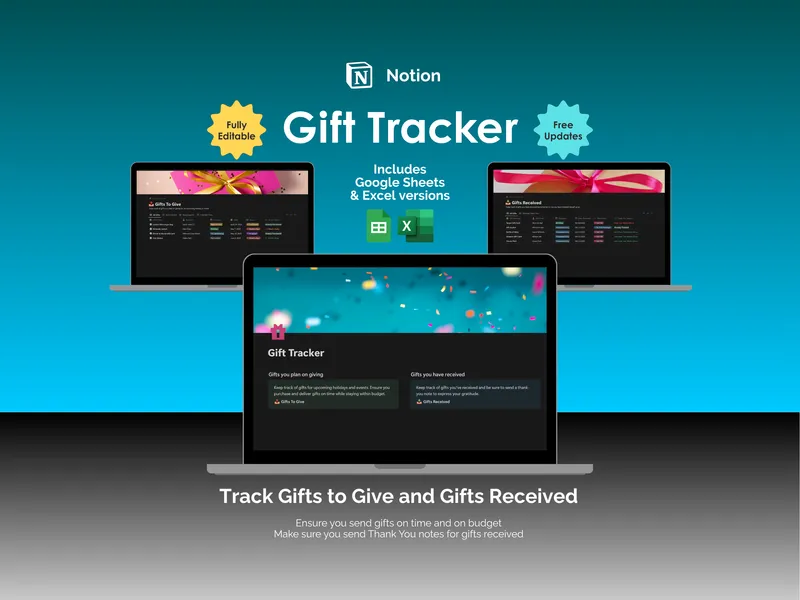
Because the line between these tools is about workflow rather than capability, plenty of our trackers ship in all three formats — each one built natively for its app. Start an anime watchlist or a gift tracker in whichever you already live in, and move later if your habits change. Data converts between them via CSV; you'll rebuild views, not retype records.
And when none of them are enough
If you're running a small business, there's a point where a tracker — in any of these three — stops keeping up with inventory, costing and orders. That's a different decision: spreadsheets vs purpose-built software.
Frequently asked questions
- What's the real difference between a spreadsheet and Notion?
- Spreadsheets (Excel and Google Sheets) are built around a grid and calculation — they're unbeatable for math, modeling and large tables. Notion is built around connected pages and databases — it's better for organizing notes, tasks and records you want to view as a board, calendar or gallery rather than a grid. Use a spreadsheet when the answer is a number; use Notion when the answer is structure.
- Is Notion free?
- Notion has a generous free plan that covers personal use and most solo workflows, with paid tiers for teams and heavier collaboration. Google Sheets is free with a Google account. Excel is paid, via Microsoft 365 or a one-time Office license.
- Which should I pick for tracking a collection or watchlist?
- All three work. Choose a spreadsheet (Excel or Google Sheets) if you want quick stats, totals and filtering in a familiar grid. Choose Notion if you want a visual gallery or board with cover images, tags and linked notes. Several of our trackers ship in all three so you can match your habit.
- Can I move my data between them later?
- Yes, with some friction. Excel and Google Sheets convert back and forth easily. Notion can import from CSV (which both spreadsheets export) and export to CSV/Markdown. You won't lose the data — you may need to rebuild views and formatting in the new tool.