You got the keys. Now what, and when?
A closing hands you a folder about the transaction — the loan, the title, the disclosures — and then the house is your problem. The first year of owning one runs on dates nobody mails you: the locks you meant to rekey, the warranty registrations that expire quietly, the first escrow statement, the builder’s 11-month walkthrough, the smoke alarms that need replacing.
A checklist with no dates on it cannot tell you what is due this week, and a home binder that asks for everything at once cannot either.
The New-Homeowner Bundle is six finished home products — plus one new workbook that turns your closing date into a dated first year across all six, with the file and tab to open for every job.
What’s in the bundle: the six products
Each of these is a complete Ardent Workshop product, also sold on its own. You get all six in one purchase, plus the Command Center, which is not sold separately.
Move in
- New-Homeowner Move-In & First-Year Setup Binder — a ten-tab workbook for the move itself: a dated setup timeline, utilities and address changes, a learn-the-house walkthrough, a closing and warranty index, first-year maintenance, a setup budget and contacts, plus a first-week walkthrough guide and printable shutoff and breaker cards.
- The First-Year Homeowner’s Playbook — a ten-chapter guide to what to do first, what it costs to own, and who should do the work, with home-systems and hiring-and-quotes references.
Look after it
- Home Maintenance & Warranty Log — every appliance and system with its warranty, service history and seasonal schedule, plus the contractors you trust.
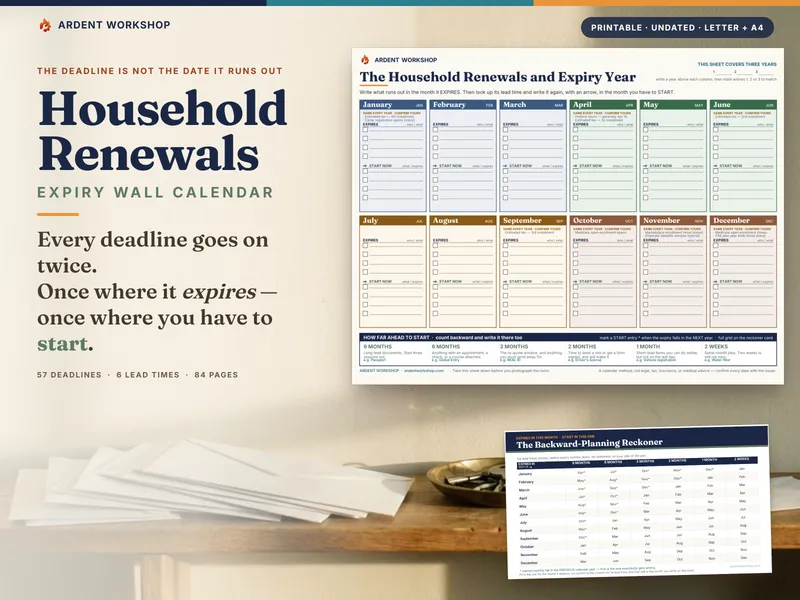
- Home Maintenance Seasonal Wall Calendar & Task Cards — a printable wall calendar, monthly task cards and last-done / next-due cards, so recurring jobs sit where they get done.
Protect it
- Home Inventory — a room-by-room inventory built for an insurance claim, with a claim worksheet, a walkthrough checklist and a claim-day guide.
Afford it
- True Cost of Homeownership Calculator — what the house costs each month beyond the mortgage payment, what to set aside for the parts that wear out, and buy versus rent.
And the Command Center, which only comes with the bundle
6 products. 62 first-year jobs. 16 deadlines and warranty windows. 9 tabs. One closing date.
The First-Year Home Command Center is a workbook — an .xlsx and a native Google Sheet, with its own one-click “Make a copy” link — that sits above the six products as the first year’s control file.
Your Home — type your closing date once
Enter the closing date and a few facts about the house: whether it is new construction, the year it was built, and, if the bundle was a gift, who it is from, their business and how to reach them. Every job’s due date, every money month and every deadline that follows from closing counts from that one date, so nobody has to work out when day 100 falls. It arrives filled in for a fictional sample household, the Marlowes, so you can see a year in progress; the read-me lists the cells to clear before you type your own date.
The First-Year Plan — the whole year, dated
62 jobs from Day 1 to Year 1: find and tag the shutoffs, rekey the locks, date the detectors, register the warranties, confirm the first mortgage payment posted, book the first furnace or air-conditioner service, finish the home inventory. Each has a due date worked out from closing, a Status you set as you go, a computed State — Done, Overdue, Due soon, Upcoming or Not applicable — and the file and tab in the bundle where you do it. The 5 builder jobs switch on only when the house is new construction.
Do Next — the next ten, and nothing else
Nothing to type. Do Next takes the open jobs, puts anything overdue at the top and the rest by due date, and names the file and tab for each. Mark one Done and the list re-orders itself.
Deadlines & Warranties, First-Year Money and Which File
- Deadlines & Warranties counts down 16 dated windows — builder warranty ends, registrations, the first escrow statement, the insurance renewal, detector replacement — and flags Act now or Passed. Dates that follow from closing work themselves out; dates only your county, lender or manufacturer know, you enter. The workbook never states a deadline for you.
- First-Year Money compares what the house was supposed to cost with what it actually costs, on 9 cost lines: the plan per month comes mostly from the True Cost Calculator, and you log each month’s actual. It shows how far spending is over or under plan so far; keeps the maintenance reserve apart, with its balance and whether you have saved ahead of or behind plan; warns when property tax and insurance run above plan — the early sign of an escrow shortage; and when a bill changes, takes a new plan per month from the month it changed, without rewriting the months already logged.
- Which File answers 25 first-year situations — water under the sink, the furnace won’t start, the escrow payment went up, hiring a roofer — with the file and tab to open first, then next, and what to do there.
- The Dashboard shows it all on one page: progress through the year from Day 1 to Year 1, what is overdue, the top three to do next, the next five deadlines, spending vs plan so far and the reserve saved vs plan.
A limit worth knowing up front
The six products are separate files, on purpose — a home inventory and a maintenance log should not be the same spreadsheet. The Command Center does not open or read them. It holds the dated plan and points at the file and tab where each job is done; you keep the records in the product built for them.
The printed guides
- The New-Homeowner Map — how the six products become one first year, and your first hour with them.
- The First-Year Sequence — every job from closing day to month 12, printed with the file and tab for each and a line to pencil in its due date.
- Which File Do I Open? — the 25 situations, printable.
- The Closing-Gift Welcome Card — a To and From card that says what is inside and how to start: printable, as a fillable PDF, and as an editable Word card with a box for a logo.
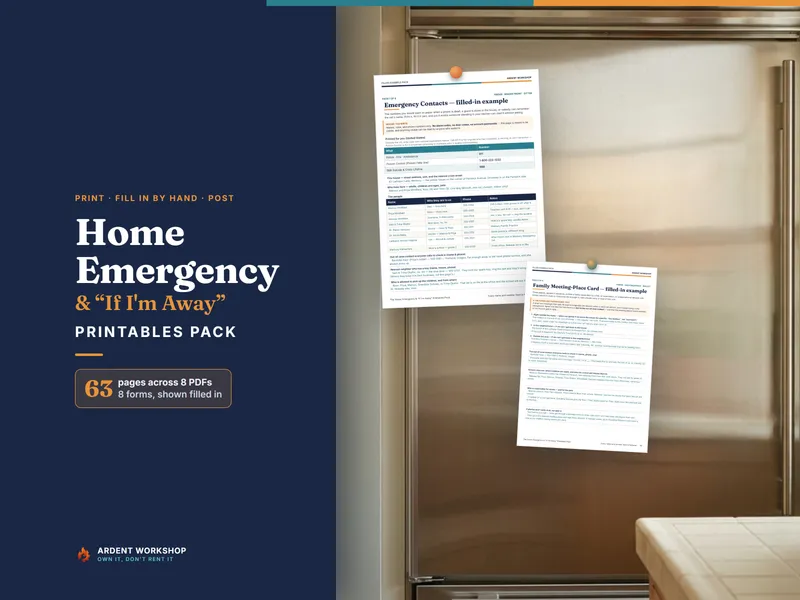
- The System on One Page — a one-page wall chart of the four stages and the first week.
- The Client-Gift License — the gift terms on one page, in plain English.
A closing gift that keeps working
The bundle is built to be handed over with the keys — by an agent, a lender, a builder, or family. To give it:
- Fill in the welcome card — type into the fillable PDF, add your logo to the Word card, or print the plain card and write on it.
- Optional, if you have Excel or LibreOffice: extract all five parts into one folder, open the Command Center .xlsx, type your name, business and contact on the Your Home tab (they print on the Dashboard), and save.
- Hand over the whole
New-Homeowner-Bundlefolder — or, if you skipped step 2, the five zips as they came — by email, a USB stick or a shared folder.
A Google Sheets copy made from “Open in Google Sheets.pdf” starts without the giver’s name, so a new owner who prefers Sheets can copy it in from the card. The standard purchase covers one household. Buying for clients? Choose 5, 10 or 25 client households at checkout; the license in the download covers the number of households shown on your order. Under the included Client-Gift License, a real-estate agent, lender, builder or other professional may give one copy to each client household the order covers, with their own name, business and contact details on the card and the Command Center; it may not be resold, charged to a client as a line item, or posted for download.
Who it’s for
- First-time buyers in their first weeks in a house, who want to know what is due and when.
- Anyone who closed a few months ago and wants to catch up — enter the real closing date and the plan shows what is already overdue.
- Agents, lenders and family looking for a closing gift that is still useful in month eleven.
- Owners of one of these products who want the rest, plus the file that ties them to a closing date. The bundle price is the same whether or not you already own one.
Want the whole household, not just the house?
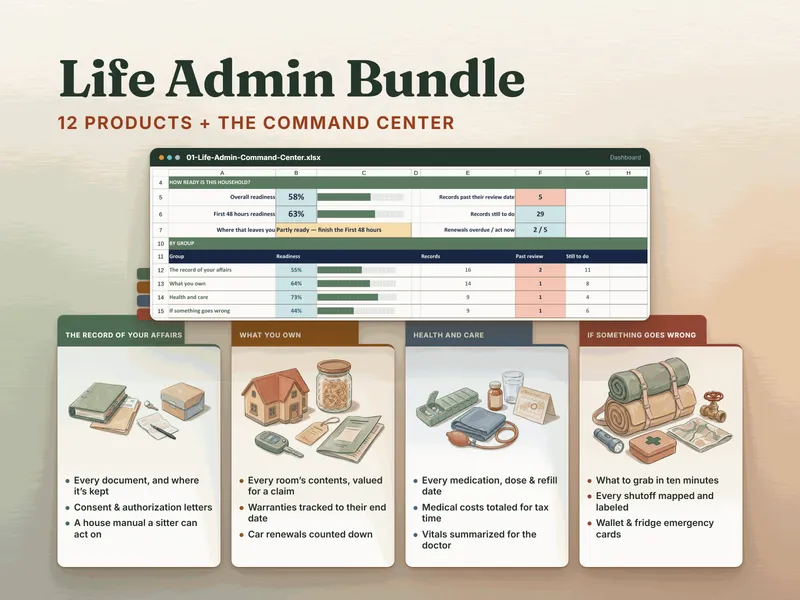
The Life Admin Bundle is the bigger set: twelve products for the whole household’s records — affairs, what you own, health and care, and emergencies — with a Command Center that scores how ready that record is. The Home Inventory and the Home Maintenance & Warranty Log are in both.
Start with the free first-month guide
The Free First 30 Days in a New Home Guide is month one of The First-Year Homeowner’s Playbook, free and ungated — no email, no signup. It covers the four week-one jobs, the paperwork with a deadline, and one worked row of the repair-reserve arithmetic. The full Playbook is in this bundle, with the five other home products above. The bundle also adds the Command Center, which dates the whole first year from your closing date.
Own it, don’t rent it
Some home-management apps are sold as yearly subscriptions. This is one purchase. The workbooks open in Excel, Google Sheets or LibreOffice, and the guides and printables are PDF. Nothing to renew, nothing that stops working.