A moving planner for Excel and Google Sheets that works out the parts of a move a checklist cannot: what each mover can actually make you pay on delivery day given the kind of estimate they wrote, what a rental truck, a moving container and full-service movers really cost once everything around the quote is added in, which utilities will leave you without service or billing you twice, and a numbered label for every box you pack. It also dates a 70-task moving checklist from a single move-out date.
It is for the person running a household move, whether that is across town or across the country. It is a planning aid, not legal or financial advice: the Quotes tab applies the federal rules for interstate household-goods moves, and local or in-state moves follow your own state’s rules.
What each mover can charge at delivery
Three quotes for the same move can carry three different kinds of estimate, and the kind matters more than the number. For an interstate household-goods move, federal rules (FMCSA’s guide to moving estimates (opens in new tab)) set what each kind can cost you at delivery. On the Quotes tab you enter each quote, its estimate type and whether the truck may not reach your door (a shuttle to a smaller truck is likely). Stairs, elevators and long carries are separate add-on services the mover lists in the estimate.
- Binding - you pay the estimate at delivery, plus up to 15% of the other charges if impracticable-operations charges apply.
- Non-binding - at delivery the mover can require up to 110% of the estimate, plus that same up-to-15% allowance; anything above is billed later.
- Not-to-exceed - a cap some movers offer on a binding estimate. It is not a separate federal category, so the workbook models it like a binding estimate and asks you to get the terms in writing.
Each quote gets its worst case due at delivery, the amount that could be billed later, a risk-adjusted total (the quote, raised by the overrun scenario you set if it is non-binding, plus any access extra) and a verdict. In the sample move, a $6,480 non-binding estimate can require $8,197 at delivery and comes to $9,169 risk-adjusted at the 25% overrun scenario (adjustable on Setup), against $8,223 for a $7,150 binding quote that looked more expensive on paper.
Rental truck vs container vs full-service movers, all in
A quote is not what a move costs. The Move Cost tab puts the three ways to move side by side and adds 12 cost lines to each: the quote’s risk-adjusted total (pulled from Quotes), packing supplies, truck fuel from your distance and the truck’s mpg, fuel for the cars you drive, tolls, lodging for each night on the road, meals for each driving day, the days off work at your own take-home pay, storage, helpers, valuation coverage and tips.
It works as a moving cost calculator for all three: it totals each mode, ranks them, shows how much more each costs than the cheapest, and shows how much of the real bill the quote covers. In the sample, the $2,150 truck quote becomes $6,638 all in. The Budget tab then takes its estimates from whichever mode you choose.
Utility gaps and overlaps, plus change of address
The Utilities & Address tab lists 11 services - electric, gas, water, trash, internet, phone, insurance and more. Enter when each one stops at the old home and starts at the new one, and every row is flagged: GAP AT OLD HOME, GAP AT NEW HOME, GAP BOTH ENDS, OVERLAP beyond the allowance you set, or OK, with the number of days. The same tab carries a 20-item change-of-address checklist.
Box labels generated from your own inventory
Number your boxes on the Boxes tab - up to 200 of them - with the room each comes from and goes to, what is inside, and whether it should be opened first, is fragile or is heavy. Each box gets an n of N count for its room, so “kitchen, 7 of 12” tells whoever unloads it that five more are coming.
The Labels tab draws a printable label for every box by formula, 30 at a time, starting at any box number you choose. The open-first boxes also land on the Moving Day tab’s run sheet: load them last, unload them first.
A countdown dated from one move-out date
Type your move-out date once on Setup. Each of the 70 curated tasks has a lead time, so its due date is worked back from your date, and every task is flagged OVERDUE, DUE THIS WEEK, UPCOMING or DONE. Ten household questions (kids changing schools, pets, leaving a rental, buying, crossing state lines, hiring movers or driving a truck) mark the tasks that do not fit your move NOT FOR YOUR MOVE, and 15 blank rows take your own.
The Dashboard needs nothing typed into it: days to move-out, tasks overdue and due this week, the soonest-due tasks, the cheapest mode against your pick, the chosen mover’s worst case at delivery, budget spent, boxes packed and delivered, service gaps and address changes done.
Printables for moving day
The Moving Printables PDF is for the day your phone is in a box: blank box labels, a loading-day run sheet with a blank open-first box list (the Moving Day tab fills yours in), and a room-by-room new-home walk-through to photograph and check before the furniture comes in. The 14-page Start Here guide explains how the tabs fit together and what each estimate type means at delivery.
Works in Excel and Google Sheets
One file works in desktop Excel 2016 or later and in Google Sheets - it uses no Microsoft 365-only functions. The download includes a one-click link that makes your own native Google Sheets copy, with every dropdown, formula and flag already working. Both open on a fictional sample move: clear the sample entries and set your own move-out date to start.
Own it - no app, no account
This is a workbook you keep, not a moving app. There is no account to make, no partner offers, and your move details stay in your own file.
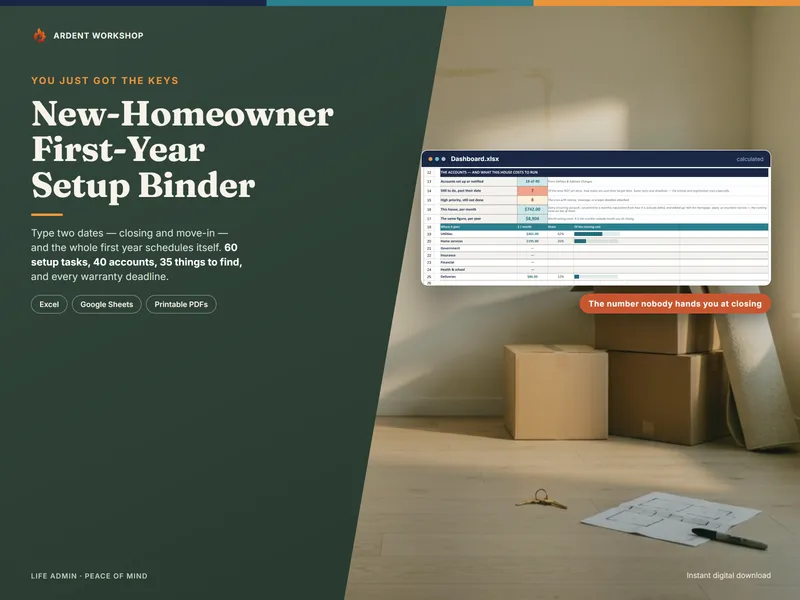
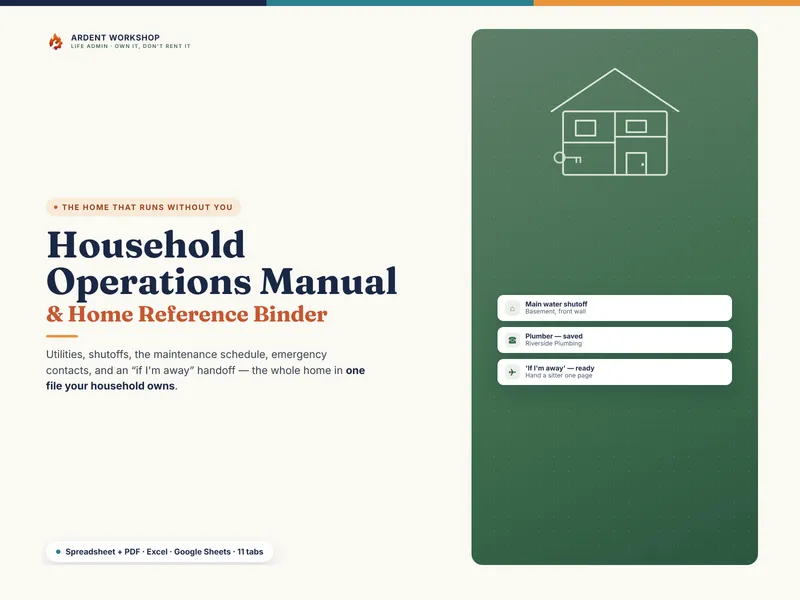
After the move, the New-Homeowner Move-In & First-Year Setup Binder picks up where this leaves off, and the Household Operations Manual keeps the new home’s systems, contacts and routines in one place.
Free guides for the same move: what a binding moving estimate means, moving container vs truck rental cost, a moving checklist from 8 weeks out, and how to label moving boxes.