Most deposits are not lost in an argument. They are lost in an hour nobody spent.
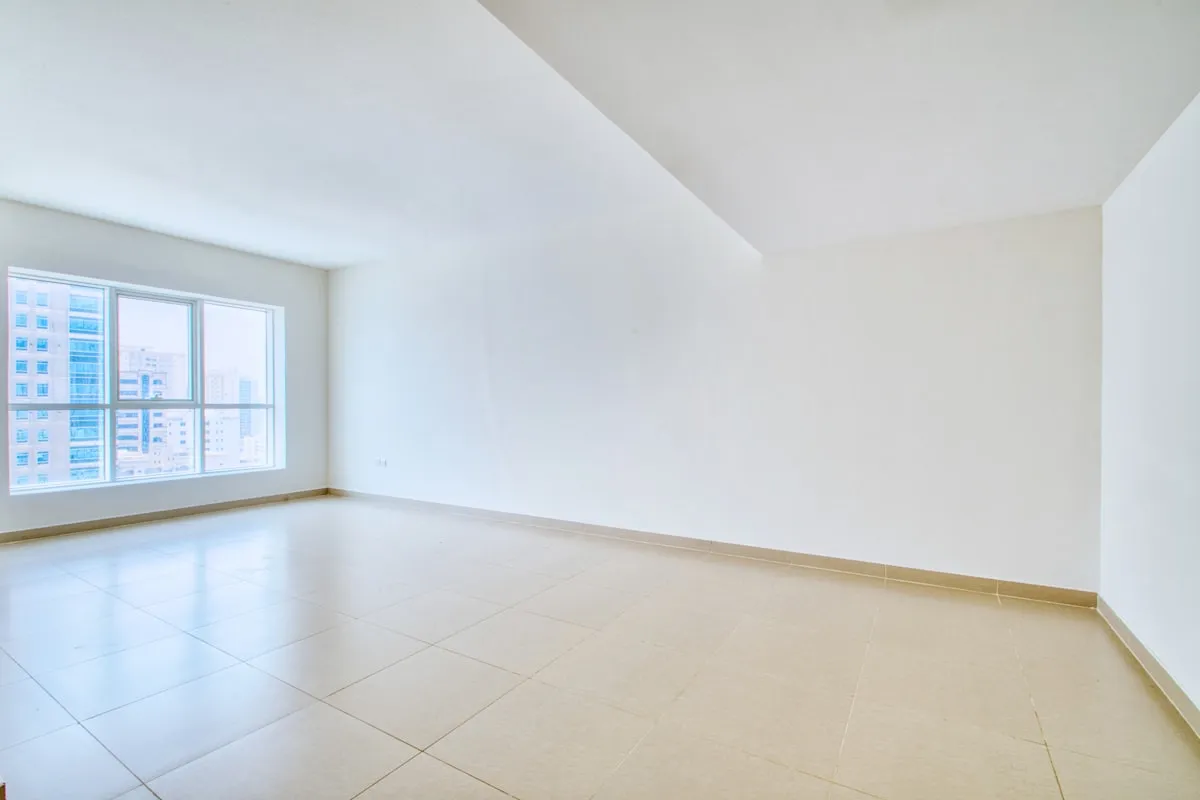
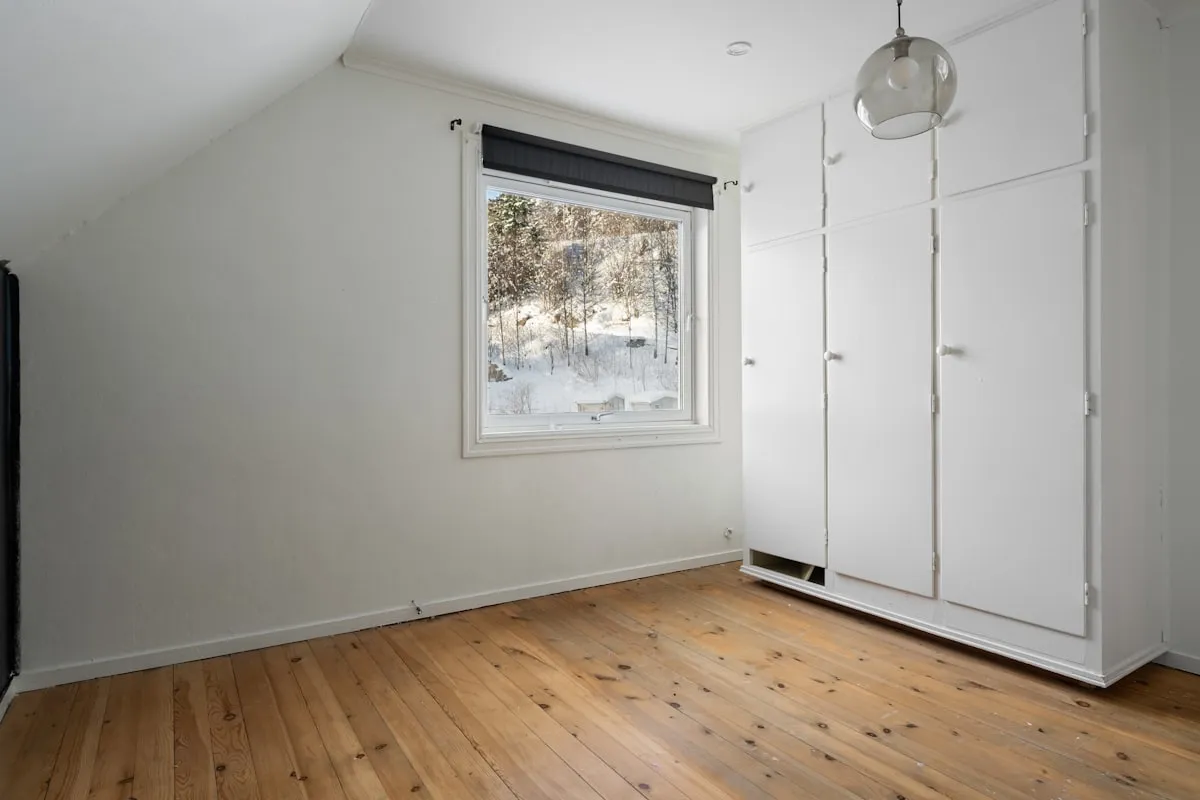
At move-out, two people look at the same worn carpet. One of them has a dated photograph of it from the day the keys changed hands. That person is describing a fact. The other one is offering a recollection.
Almost everything about a deposit dispute is decided in that difference, and it is decided months before anybody argues. This binder is the record that puts you on the right side of it — and then, at the end, does the arithmetic.
What it does that a move-in checklist cannot
A checklist gives you ticks. This gives you a position.
You score 70 rooms, fixtures, and surfaces on the day you move in. Each row also records whether you have a dated photograph of it. Then, on the way out, you score the same 70 rows again — same rows, same order, same angles.
The workbook subtracts one end from the other against a scoring table sitting in plain sight at the bottom of the tab, and returns a verdict for every row:
- Pre-existing — documented. It was already like that when you arrived, and you can prove it. The strongest position in the file.
- Pre-existing — no photo. Same situation, no photograph. Still worth recording, but it is a claim rather than proof — and the binder says so rather than handing you a verdict your evidence does not support.
- No change. Nothing to argue about.
- Wear and tear — argue it. One step of decline on something that wears with ordinary use, over a tenancy long enough for that to be reasonable.
- Undocumented — you carry it. It got worse and nobody photographed it on day one. The uncomfortable one: the dispute is no longer about the damage, it is about who caused it.
- Likely chargeable. Real, documented at both ends, and probably yours.
Then it totals only the rows that genuinely cost you money — the last two — against the deposit they are holding. So you walk into the conversation with a subtraction you can show the working for, rather than a hope. And if you have not yet priced one of those at-risk rows, the Dashboard says so, because a figure that quietly counts an empty cell as zero is worse than no figure at all.
It knows how long you lived there
One step of decline on a carpet means something different after six months than after three years. So the ordinary-wear verdict is gated on a tenancy-length threshold you set on the Lease tab — below it, the binder stops calling a single step of decline ordinary wear. Six months should not wear out a carpet. Twenty-four months reasonably might. The threshold is a cell, not an opinion baked into a formula.
The other deadline that costs real money
Type your lease end date and the notice your lease requires, and the binder works the notice-to-vacate window backward and computes both edges: the date notice may first be given (a surprising number of leases refuse notice given too early) and the date it must be given by. It turns amber before the second one closes.
Miss that date and most leases roll you into another fixed term or a month-to-month holdover at a higher rent. It is the single largest sum of money this file can save you, and it is saved by a date on a dashboard rather than by anything clever.
Ten connected tabs
- Lease & Key Dates — four dates typed once drive every deadline in the file, plus 23 tenancy milestones that each schedule themselves off whichever of the four they belong to
- Condition Log — the 70-row engine, with an editable scoring table and a column for what to photograph and why
- Repair Requests — every request, how you sent it, when they replied, and how long it stayed open, judged against a response window that depends on the urgency
- Rent Ledger — due dates computed from your lease start, days early or late, a running balance, and an on-time percentage that is a fact rather than a claim
- Evidence Index — 22 pre-loaded rows of the evidence a tenancy should generate: what each one proves, where it lives, and whether there is a second copy
- Contacts & Accounts — who to call for a leak at 11pm, plus what each account costs, converted to a monthly equivalent so a quarterly water bill and an annual premium land in the same total honestly
- Deposit Worksheet — held, at risk, what they actually charged line by line, and the gap you dispute
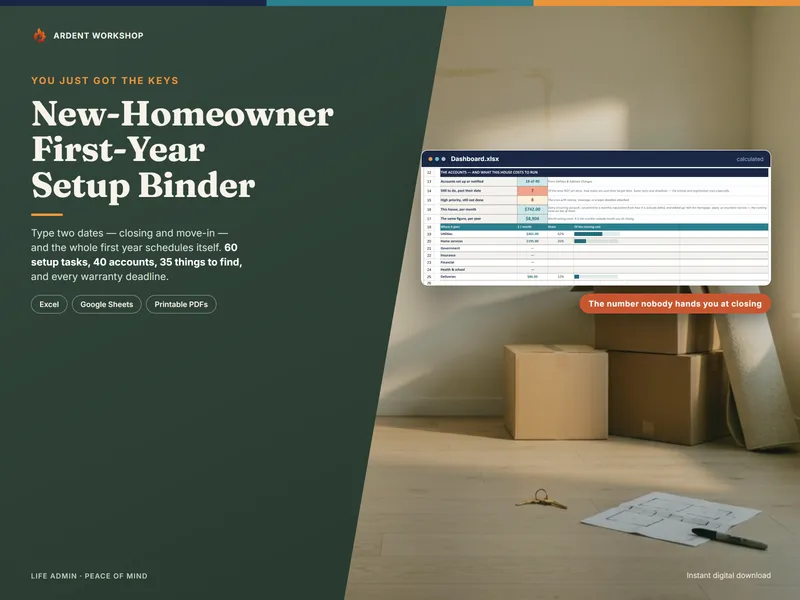
- Dashboard — the whole tenancy on one screen, calculated, with nothing to fill in
- Plus a Read Me and a Start Here Checklist that tell you exactly which cells are yours and which the binder works out
Three guides, not just a spreadsheet
The Start Here Guide covers the hour at the beginning that decides most deposit arguments, the four dates, where the wear-and-tear line falls and how the workbook draws it, asking for repairs so that the asking counts, the rent record that follows you to the next place, the move-out walk done early enough to still be useful, and what to do when the deposit does not come back.
The Move-In & Move-Out Inspection Guide walks six zones and 29 checks — what to photograph, how to shoot it so the photograph is worth something, what to write down, and what a problem looks like — and closes with a 32-row reference on how each kind of item is commonly argued about between ordinary wear and damage, with the evidence that settles each one.
The Printable Renter Pages are for pen and paper, because you do this standing in an empty apartment rather than sitting at a laptop: a day-one photography card, the room-by-room condition sheet, a repair log, a move-out walkthrough sheet, a key handover receipt, and a deposit demand outline.
Own it, don’t rent it — which matters more here than almost anywhere
The landlord’s portal holds the landlord’s version of your tenancy, and your access to it ends the day the tenancy does — usually just before the part where you would like to look something up. You cannot export the repair thread. Nothing in it is arranged to help you, and nothing carries over to the next place.
This file is yours. No account, no subscription, no login. It moves with you to the next lease, it still opens years later, and a clean payment record and a complete condition history are the two most useful things you can hand somebody new.
It deliberately holds no account numbers, no policy numbers, no logins, and no door codes — because a deposit binder is a file you may end up emailing to a landlord, a mediator, or a small-claims clerk.
Works the moment you open it
Eight tabs arrive pre-filled with a clearly fictional example: a tenant eleven months into a thirteen-month lease who has just walked the unit ahead of moving out, with a scorched countertop that is theirs, a weathered balcony that was already like that, a set of living-room blinds nobody photographed on day one, and a landlord asking for a full repaint. Every verdict, flag, and total is visible working before you type a thing. Clear it and put your own four dates in.
Try the free version first
Not ready for the full binder? The free Move-In Condition Checklist is a printable version of the day-one walk — 28 room-by-room checks, with a box for the condition and a box for whether you photographed it, and a worked example so you can see what a useful entry looks like. No email, no signup.
It does the part that works on paper. What it cannot do is the other end of the tenancy, which is where the money actually is.
A note on what this is
This is a records and evidence workbook. It is not legal advice, and nothing in it is an opinion about what your landlord may lawfully keep. Security-deposit limits, which deductions are permitted, whether an itemized statement is required, how long a landlord has to return a deposit, what happens when they miss that deadline, required notice periods, and where the line between ordinary wear and damage falls are all set by state law — sometimes by city ordinance — and by your own lease. They differ enormously between places and they change, which is exactly why this file asks you to type your own numbers into it rather than stating any.
The verdicts describe what your own evidence supports, which is a different and considerably more useful thing than a prediction about a court. Where real money is at stake, a tenants’ rights organization, a legal-aid clinic, your state or city housing agency, or your state attorney general’s consumer division is the next call — many of them answer this kind of question for free.