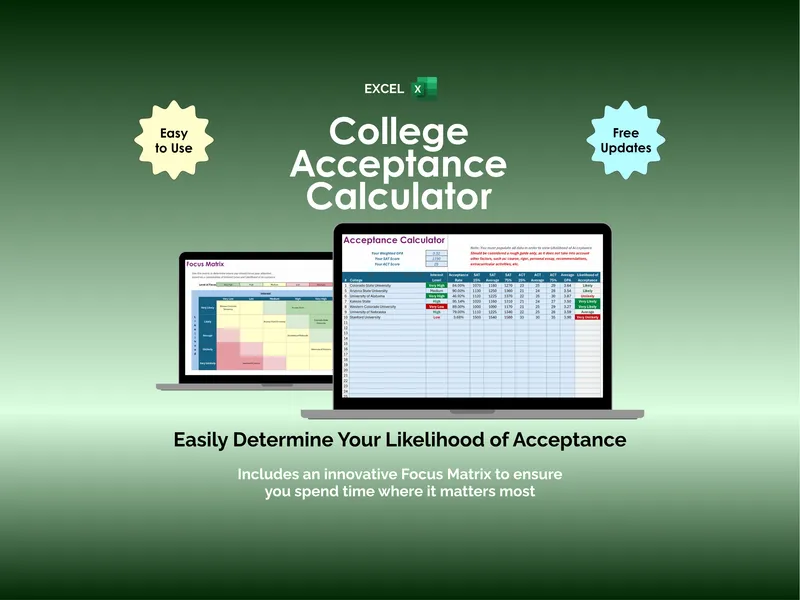
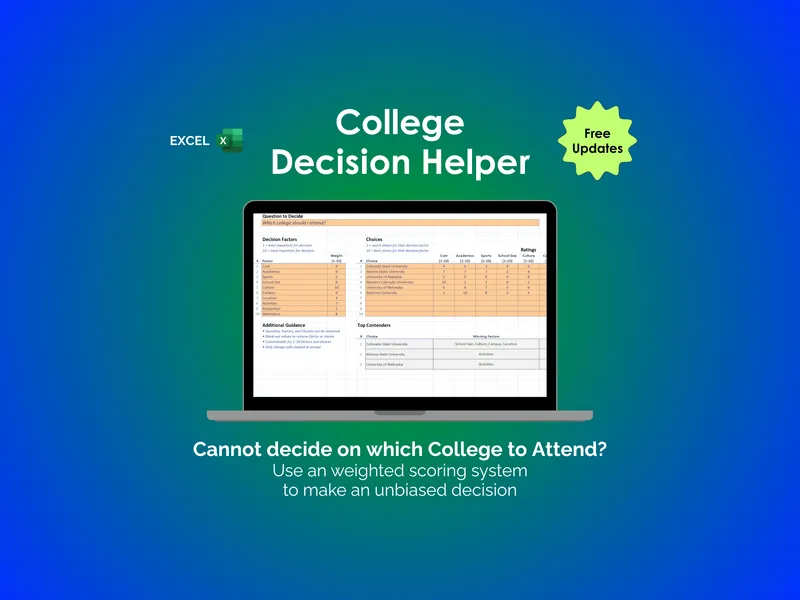
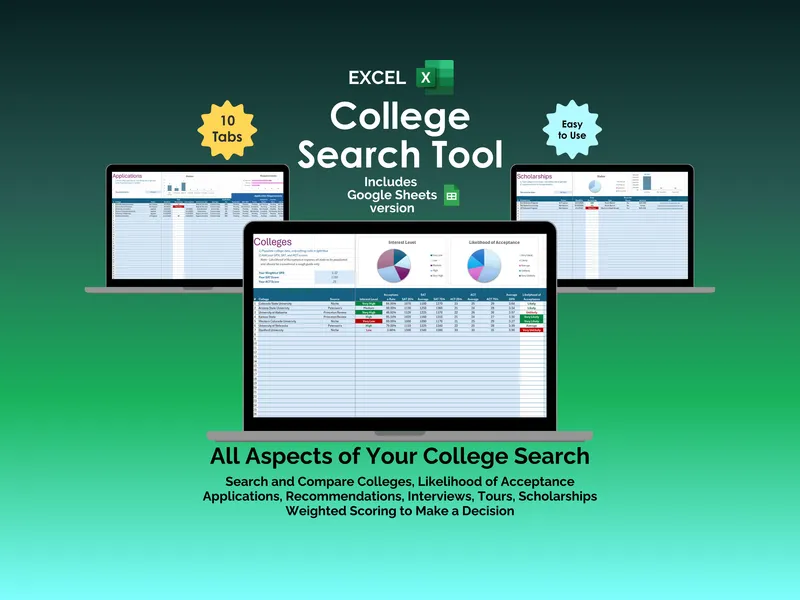
The College Financial-Aid Award-Letter Comparison Calculator is a workbook for U.S. parents and students choosing between college offers. Put up to six award letters into it — in Excel, Google Sheets or LibreOffice Calc — and it works out what each college really costs, once the loans on the letter are actually repaid.
Why can’t I just compare two college financial-aid award letters?
Because they aren’t written to be compared. One college calls a loan an “award.” Another lists a work-study line right next to a grant, in the same font, at the same weight. A third quotes a “cost” that leaves out travel, books and everyday expenses, so its bottom line looks lower for a reason that has nothing to do with the aid it’s actually offering. Lay two or three of these side by side on paper and you’re not comparing colleges — you’re comparing wording.
This workbook puts up to six award letters on the same footing: one grid of 20 line-item rows per college, every line labeled from the same shared wording list and computed the same way, so the number at the bottom finally means the same thing on every letter.
How does the workbook tell a loan from a grant?
The Line-Item Decoder recognizes 81 different ways award letters word the same handful of things — a subsidized loan, an institutional grant, work-study, a merit award, and so on — and sorts every one of them into one of the nine kinds a line can be, with “Other” entries at the end for wording the list doesn’t carry. Type in what the letter says; the workbook decides what it is. That sorting is what makes every tab after it honest.
Why does the cheapest-looking award letter change once you run the numbers?
On the True Net Cost tab, only gift aid — grants and scholarships — ever comes off the sticker price. Loans and work-study never do, no matter which heading they arrived under. A loan is money you pay back with interest; work-study is money you have to earn, hour by hour, on top of a course load. Neither one lowers what college costs — it changes how you cover it.
That’s the moment the ranking can flip. A letter that leads with the lowest number on the page is often leaning on loans and work-study to get there; once those come back out and only gift aid is subtracted, a different letter can come out ahead.
What happens to a college scholarship in year two?
Freshman-year numbers are the ones colleges send you. What matters is the whole degree. The Four-Year Projection tab carries the cost forward year by year, in five year columns, so a fifth year is covered too. Every college gets its own renewal rule applied to its own scholarship: a GPA floor, a flat renewal, an amount that shrinks, whatever that college’s letter actually says. A letter that looks cheapest in year one can lose that scholarship in year two over a condition buried in a footnote; this tab is where that shows up in dollars, not fine print.
What does a student loan actually cost?
Not its face value. The Loan Engine tab prices every loan at its own 2026-27 rate and origination fee, then computes three numbers an award letter never shows you: the amount that actually reaches you after the origination fee is taken out, the real monthly payment, and the total you will have paid once the interest is added in. A loan line on an award letter is a promise of money. This tab turns it into a bill.
Am I about to borrow more than the federal limits allow?
The projection fills each year of borrowing in the order it actually happens: Direct loans first, up to their annual and aggregate federal limits, then Parent PLUS up to its $20,000-a-year and $65,000-lifetime caps, then private debt for whatever is still short. The Borrowing Capacity tab is where that plan is measured against the caps — so if it tries to exceed one, you find out here, before a loan application tells you.
Which college actually costs least? What the Dashboard shows
Every college you entered, ranked by what the degree really costs once the borrowing is repaid, rather than by sticker price, with its loan payments and its borrowing-capacity result carried through. It’s the one screen built to answer “which one actually costs less” — the question six award letters, laid side by side on paper, can’t answer on their own.
Does the workbook check my own work?
Yes. The Checks tab runs 12 plain-language checks — amounts entered against a college with no name, a scholarship-renewal rule left unanswered, a year whose Direct borrowing exceeds the federal cap, a cost-of-attendance line left at zero — and reports each one as a sentence, not a formula error. You don’t need to know spreadsheets to know the file is set up correctly.
What arrives when you buy it
- The 11-tab workbook (.xlsx): Read Me, Setup, Award Letters, Line-Item Decoder, True Net Cost, Four-Year Projection, Loan Engine, Borrowing Capacity, Dashboard, Sources & Assumptions, and Checks
- A one-click Google Sheets copy — a ready-made native version in your own Drive, no import needed
- 5 PDFs, 56 pages total: a 17-page Start Here guide; three companion documents (38 pages combined) — Reading an Award Letter Line by Line, The Cost of Borrowing, and Questions, Appeals & Printables, which carries 23 questions for the financial-aid office plus two printable sheets; and a one-page Open in Google Sheets link sheet
- The Sources & Assumptions tab: 17 dated figures, each labeled a published figure or our own stated assumption
- A complete worked example — six invented colleges, already filled in — so you see the whole model working before you type a single number of your own
Own it, don’t rent it
A blank spreadsheet leaves you to build the loan math, the renewal logic and the borrowing-cap checks yourself, under a deadline, while the decision is live. A rented comparison app charges you for access you lose the moment you stop paying, and you can’t see the assumptions inside it, let alone change them.
This sits between the two: a workbook you own outright, once, with every formula visible and every default editable. Use the .xlsx in Excel or LibreOffice Calc, or open the included one-click link for a native Google Sheets copy in your own Drive — no importing, nothing to rebuild. Keep it for the next kid, or the next year’s letters.
Want to try the idea first? The free College Net-Price Estimator does one college for one year, no signup — this workbook does six, across the whole degree. If the vocabulary is what’s in the way, start with gift aid vs loans on an award letter, what net price means and what cost of attendance covers. The rest of the tools for college students and their families sit alongside it.
A planning tool, not financial advice. This workbook is not licensed financial, tax or legal advice. The colleges, letters and figures it ships pre-filled with are invented examples for illustration only — replace them with your own award letters and numbers. Loan rates, origination fees and federal borrowing caps are the published 2026-27 figures; confirm them, and every college-specific number, with each school’s financial-aid office before you decide.