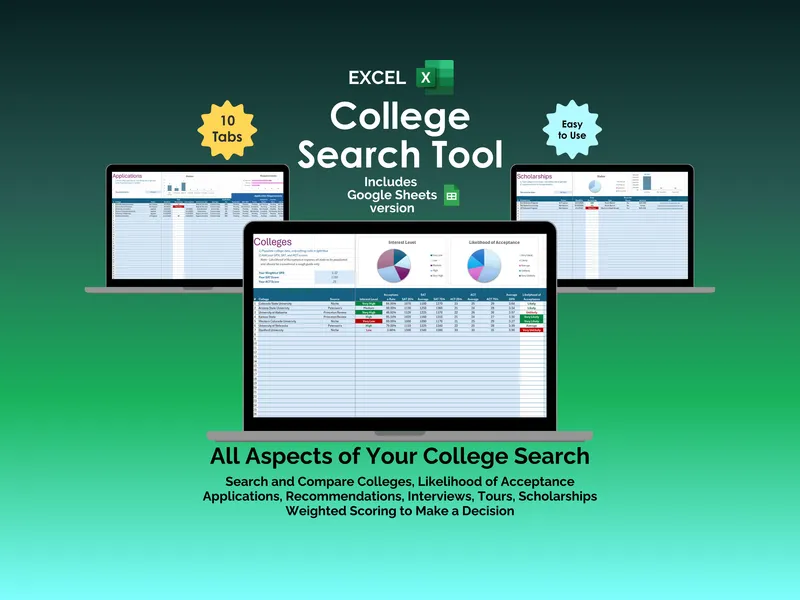
College decisions split clean in two: the ones made on a campus-visit feeling, and the ones with a number behind them. This excel college decision helper is a college comparison spreadsheet that asks you to name what matters, weight it honestly, and then rank up to ten schools against that scoring rubric. The output is a weighted total per school plus a short list of top contenders, each one tagged with the factors it won on and the factors it lost on.
The visible value is the scorecard. You enter up to 10 decision factors — Cost, Academics, Sports, School Size, Culture, Campus, Location, Activities, Reputation, Admissions are the starters — and assign each a weight from 1 to 10. Then you score up to 10 colleges on each factor with a 1-10 rating. The sheet handles the math and produces a weighted score per school, so Stanford and a smaller in-state option get compared on the same axes rather than on whichever one you toured last.
But the part most buyers underuse is the Top Contenders view. It surfaces your three highest-scoring schools and, for each one, lists the winning factors and the losing factors in plain text. That second column is the one worth reading slowly. A college can land at the top of your weighted total and still be losing on Cost or Location, and seeing that in the same cell as the score is what keeps the spreadsheet honest. The same engine drives the Additional Guidance notes that travel alongside the rankings.
The college comparison spreadsheet ships as a blank template, which is the design choice we want to point at. Factors are a dropdown column rather than free-text because typos kill totals, and the weights and ratings both live on a 1-10 scale so you do not have to translate between rubrics mid-decision. Edit a factor and the scoring grid, the contenders, and the winning/losing tags all recalculate. There are also bonus tabs built on the same model for Comparing Job Offers, Buying a new House, Buying a new car, and a second Comparing Colleges layout — same scoring engine, different decision.
What you are buying, then, is not a college ranker — it is a small, careful decision framework that happens to be pre-loaded for college choice. The reveal is that the depth lives below the headline score, in the loss column and the bonus tabs, and that is where the tool earns its keep long after the admissions letters are filed.