Most schedules are built blind to their own cost. You slot people into shifts on a grid, post it, and only find out what the week cost two weeks later — on the payroll run, when it’s far too late to change. The Shift Schedule & Labor Cost Workbook closes that gap: staff the week and watch the labor cost add up as you go, measured against the sales you expect, so you know the number before you post, not after.
It’s a weekly staff scheduling template built as a workbook you own. Put a shift code in each cell of the person-by-day grid, and every assignment prices itself — scheduled hours split into regular and overtime, costed at each person’s rate, and rolled into a labor cost percentage checked against your sales or budget target. A blank schedule template lets you assign shifts; this one tells you whether you can afford them.
Want to try it first? Get the free single-week schedule grid — build one week and see the coverage, then upgrade here for the labor cost, the target check, and overtime.
What is a labor cost percentage?
Labor cost percentage is your total labor cost divided by your sales for the same period — the single number most shift-based businesses run to. If a week’s schedule costs $4,200 and you expect $13,500 in sales, that’s about 31%. Set the target you aim to stay under, and the workbook flags the schedule over the moment it runs past it — while you can still trim a shift and bring it back.
How the workbook works
- Setup & Pay Rates — enter your week, your team and their hourly rates, your weekly sales or budget target, your target labor-cost %, and your overtime rule. Everything downstream reads from here.
- Week Schedule — the staffing grid. Drop a shift code in each cell (from your own shift library); weekly hours and cost fill in per person, and the day totals show who’s on, the hours, and the labor dollars for each day.
- Labor Cost — every person’s hours split into regular and overtime, priced at their rate, and rolled into the week’s total — then checked against your sales target as a labor-cost percentage, with an over-target flag.
- Coverage — a count per shift per day, so you see the gaps (a shift with nobody on it) and the overlaps, plus an on-duty total against the minimum you set, with any short day flagged.
- Week Overview — labor dollars by day, hours by person, and the headline figures, all calculated.
Excel, Google Sheets, or LibreOffice — your choice
The workbook is delivered as an .xlsx that works natively in Excel and LibreOffice Calc, plus a one-click Google Sheets copy — open the included link, click Make a copy, and the whole workbook lands in your Drive with every dropdown, formula, and color already set up. No importing, nothing to rebuild.
Own it, don’t rent it
Per-seat scheduling apps charge every month, forever — a lot of lock-in for a team of six at one location. A blank spreadsheet gives you a grid and nothing else. This workbook sits between the two: the structure and the math of scheduling software, in a file you own outright. No seats, no monthly bill, no vendor holding your team’s schedule. Buy it once and keep it.
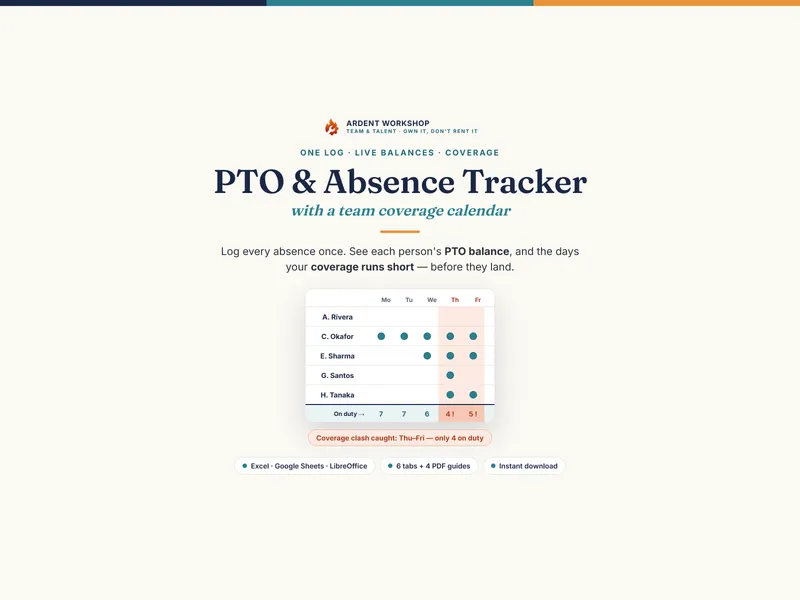
Built for cafes, restaurants, shops, salons, clinics, gyms, and any shift-based team staffing a week by hand — from three people to a couple of dozen. Pairs naturally with the PTO / Absence & Coverage Tracker for who’s off and each person’s leave balance.
A planning tool, not payroll software, and not HR, tax, or legal advice. The example team, rates, and week are illustrative; overtime rules, break rules, and minimum wage are yours to set. Estimated cost is a planning figure — confirm actual pay against your payroll.