Know who can cover what — and fix the gaps before they bite
Most teams find out a task has only one trained person the week that person hands in their notice. You can feel the risk, but you can’t see it — the knowledge of who can cover what lives in a manager’s head, and it walks out the door with them.
The Cross-Training & Coverage Planner turns that knowledge into a plan. Start from a simple skills board, set a coverage target for every task, and the workbook does the rest: it counts your live coverage, shows the gap against each target, flags the single points of failure, and hands you a suggested trainer-and-trainee pairing to close each one.
It’s a spreadsheet you own outright — no per-seat fees, no monthly rent, no vendor holding your team’s capability data. It opens in Excel, Google Sheets, and LibreOffice Calc, and comes pre-loaded with a worked example you overwrite with your own team.
What makes it a planner, not just a chart
A skills matrix tells you who can do what. A coverage planner tells you where you’re short, by how much, and what to do about it.
- Set a target for every task — how many people you want able to run it alone. Two as a baseline (no single point of failure); three or more for tasks that run across shifts.
- See the live gap between your actual coverage and the target, with a plain-English status on every task: No coverage / Below target / At target / Above target.
- Read the scoreboard — the share of tasks meeting target, the count of single points of failure, and which High-criticality gaps to work first.
- Get the pairings — for each task below target, the planner names a trainer (someone who can sign others off) and the best person to bring up next, then spells out the step.
- Track the plan — a tracker to schedule each pairing, and a Progress Log to show the coverage trend moving the right way.
What’s inside the coverage planner
A 7-tab workbook: Read Me, Legend & Levels, the Coverage Matrix (the board), the Coverage Plan (targets, gaps, scoreboard), the Cross-Training Plan (pairings + tracker), Tasks & Criticality, and a Progress Log. Plus four plain-English PDF guides — Start Here, Coverage Targets & Reading the Plan, the Cross-Training Playbook, and a Printable Coverage Plan & Tracker for the wall.
Works in Google Sheets — one click, no import
Prefer Google Sheets? The download includes a “Make a copy” link to a ready-made native Google Sheet, with every dropdown, formula, and color already set up. No importing, nothing to rebuild — the copy lands in your Drive, fully working.
Who the Cross-Training & Coverage Planner is for
Line leads and shift supervisors, operations and team managers, training and HR owners, and quality managers — in warehousing and logistics, manufacturing and food production, labs and clinics, field service, and support teams. Anywhere it matters who can cover which task across shifts.
Own it, don’t rent it
This sits right where a growing team needs it: past the blank spreadsheet you’d have to build and maintain by hand, but short of a per-seat workforce platform built for a company ten times your size. You get the structure of the expensive tool in a file you keep, update, and share on your own terms.
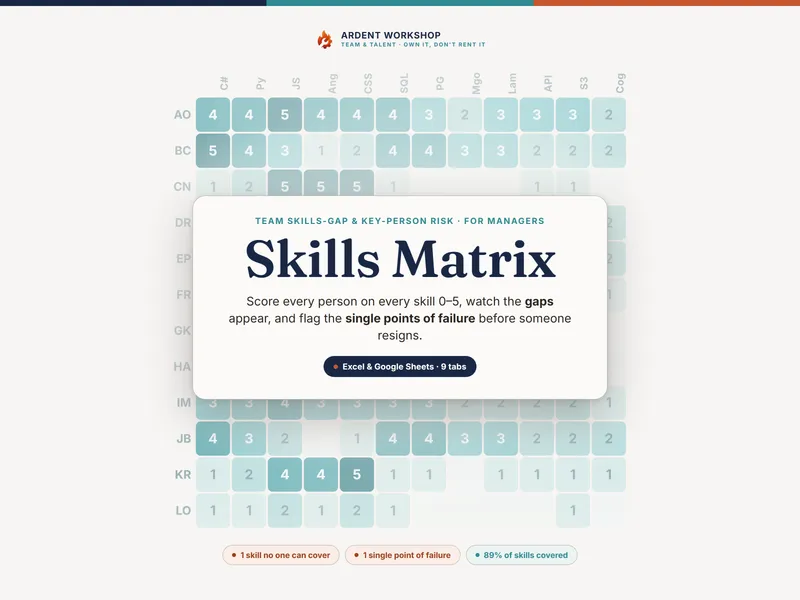
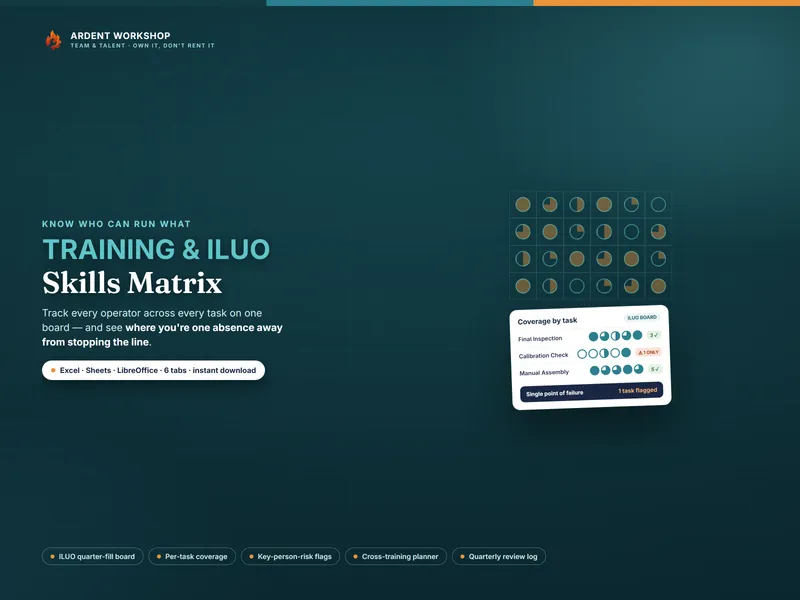
It reads naturally alongside the Training & ILUO Skills Matrix (the full training record) and the Skills Matrix (capability by individual skill). New to the idea? Start with the free single-team coverage checker before you plan the whole operation.
A planning and record-keeping template — not HR, legal, safety, or compliance advice, and not a certification of anyone’s competence. The example team and assessments are fictional and illustrative; what counts as competent, and what an audit requires, are defined by your own quality system. This product is not affiliated with, or endorsed by, any standards body or certifying organization.