Stop tracking leave in five different places
Leave lives in too many places: an email here, a text there, a note on a whiteboard, and the rest in your head. Then two people book the same week off, a shift runs short, and everyone finds out the hard way.
The PTO / Absence & Coverage Tracker puts every absence in one place and reads it three ways. Log a request once — person, leave type, dates, a half-day flag, a status — and the workbook keeps each person’s PTO balance current, draws a day-by-day team calendar, and flags the days your coverage runs short before they land.
It’s a spreadsheet you own outright — no per-seat fees, no monthly rent, no vendor holding your team’s leave data. It opens in Excel, Google Sheets, and LibreOffice Calc, and comes pre-loaded with a worked example you overwrite with your own team.
One log, read three ways
- Log every absence once on a single tab — the working-day count and the PTO draw-down calculate for you, so there’s nothing to tally by hand.
- See each person’s balance — available (allowance plus carryover), approved, pending, and remaining. Pending requests are held back, so a booked trip never looks free, and a low-balance flag calls out anyone near zero or booked over.
- Read the team calendar — who’s off, day by day, for a 31-day window you choose. It counts how many are on duty each day and flags every day that drops below the minimum staffing you set.
- Set your own leave types — vacation and personal days draw down PTO; sick, unpaid, holidays, bereavement, and family leave are recorded for coverage but not deducted. Edit the list to match your policy.
- Check the year overview — a PTO usage bar per person, absence days by type, and the team figures that matter: who’s used the most, who’s low, how much leave is booked.
What’s inside the tracker
A 6-tab workbook: Read Me, Setup & Leave Types, the Absence Log, Balances, the Team Calendar, and a Year Overview. Plus four plain-English PDF guides — Start Here, Balances & Entitlements, Coverage & the Calendar, and a Printable Leave Forms & Planner with a request form and a wall planner. It’s sized for a small team out of the box, with spare rows to add people as you grow.
Works in Google Sheets — one click, no import
Prefer Google Sheets? The download includes a “Make a copy” link to a ready-made native Google Sheet, with every dropdown, formula, and color already set up. No importing, nothing to rebuild — the copy lands in your Drive, fully working.
Who the PTO & Absence Tracker is for
Team leads and office managers who approve leave, small-business owners running a team without a per-seat HR platform, and operations or shift managers protecting daily coverage. Built for any small team — a shop, a studio, a clinic, a warehouse, an office — tracking paid time off, sick days, and other absences by hand.
Own it, don’t rent it
This sits right where a small team needs it: past the blank spreadsheet you’d have to build and maintain by hand, but short of a per-seat HR platform built for a company ten times your size. You get the structure of the expensive tool in a file you keep, update, and share on your own terms.
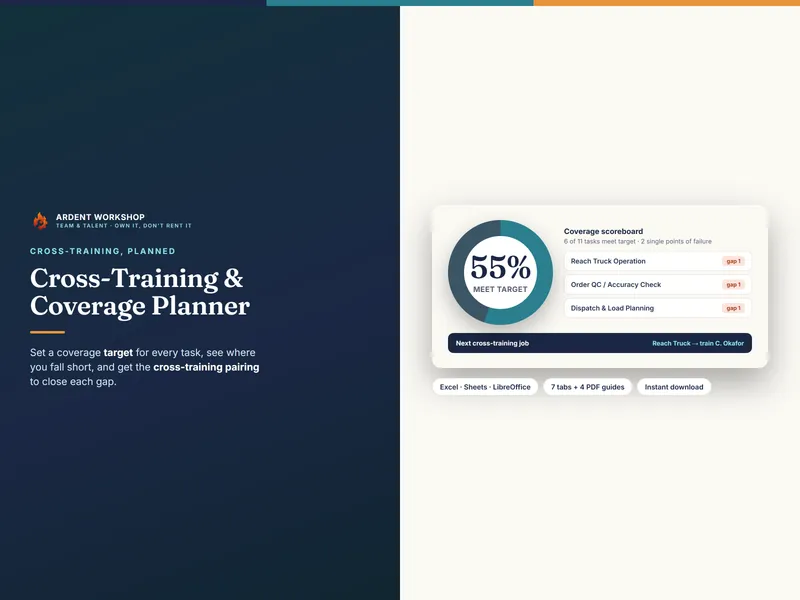
It pairs naturally with the Cross-Training & Coverage Planner — which shows who can actually cover the work when someone’s out — and the Skills Matrix for capability by skill. Want to try before you buy? Start with the free single-month absence tracker.
This workbook helps you record and plan paid time off and coverage. It is not payroll software, and not HR, legal, or employment advice. The example team, allowances, and absences are fictional and illustrative. Leave entitlements, accrual rules, carryover limits, and public holidays vary by company and jurisdiction and are yours to set.