Sources checked September 28, 2026. This is a source check, not professional review.
The quick verdict
A log can help prepare for a visit. Keep the monitoring schedule, targets and response to readings agreed with your care team; NIDDK's diabetes-management guidance explains that these are individualized. Do not wait for a spreadsheet summary when the care plan calls for action.
Side by side
| Consideration | Manual spreadsheet | Device or diabetes app |
|---|---|---|
| Entry | Manual readings or a checked compatible import | May sync with supported devices |
| Alerts | Not a real-time monitoring system | Some connected systems provide glucose alerts |
| Targets | Enter care-team targets | Check configuration with the care team |
| Privacy | Local or cloud; check access and backups | Check storage, permissions and sharing |
| Costs and exports | Check software access and retain usable copies | Check device compatibility, fees and exports |
Where an app genuinely wins
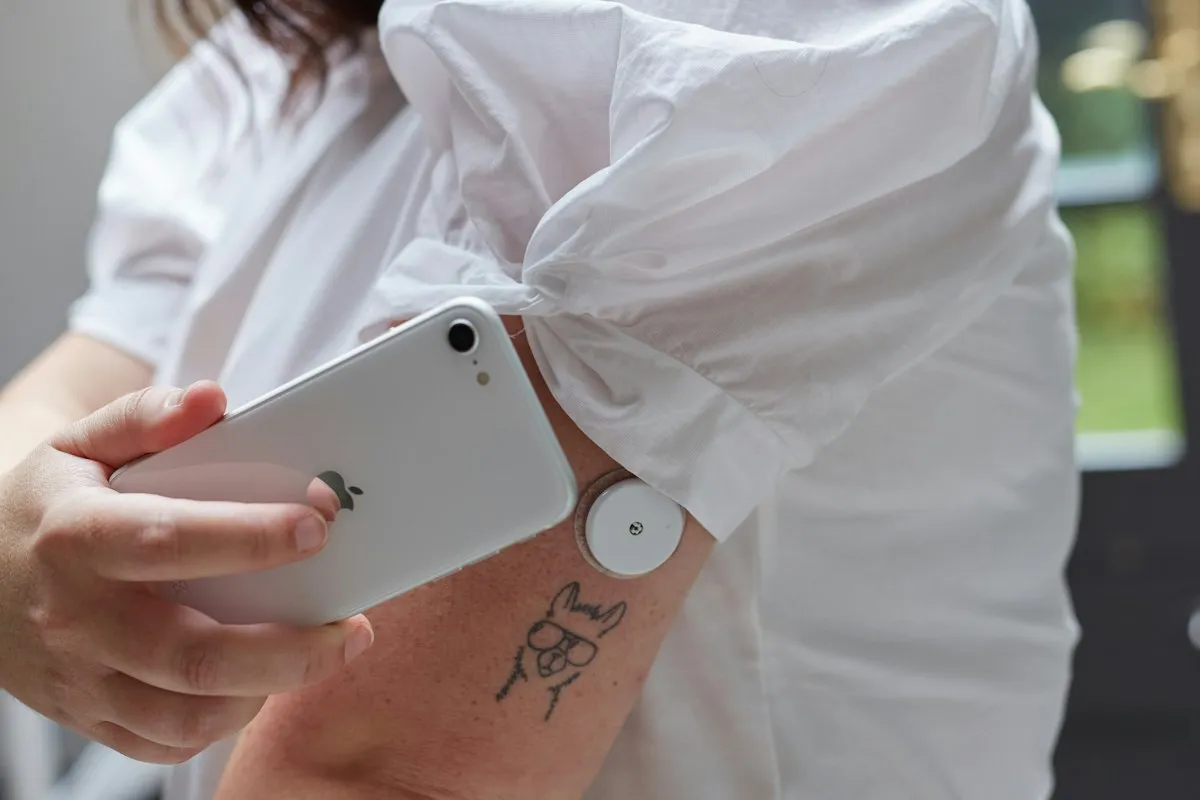
NIDDK describes CGMs as monitoring throughout the day and night; some systems offer alerts and sharing. Those functions go beyond avoiding data entry. Follow the device instructions and care plan.
The privacy angle most people overlook
A Google Sheet is cloud-hosted, while a downloaded file can still be exposed through shared devices or backups. HHS explains the limits of HIPAA protection for personal-device and app data. Protect accounts, restrict sharing and retain secure backups; ownership alone guarantees neither privacy nor permanence.
Build the spreadsheet you own
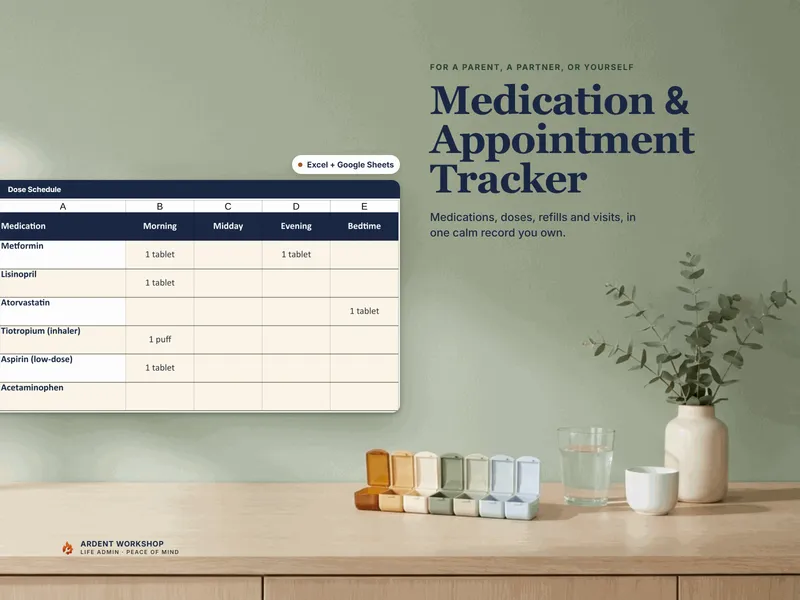
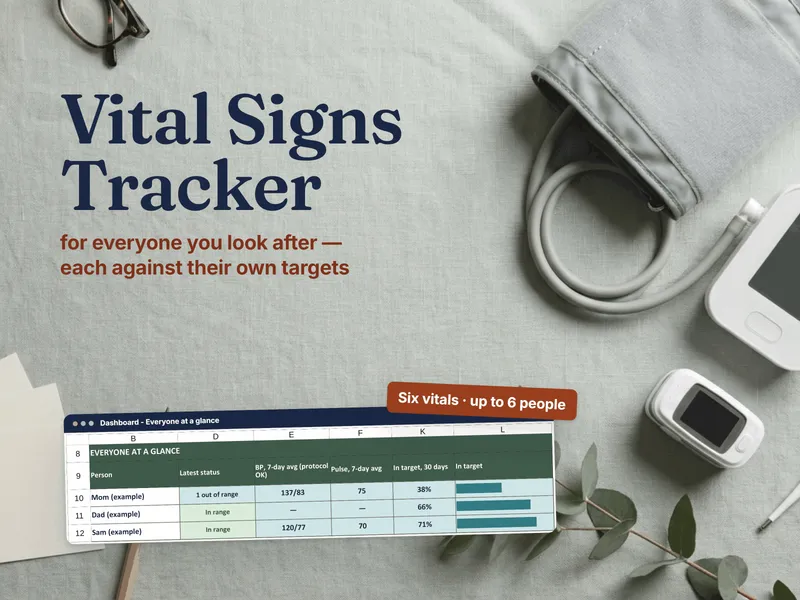
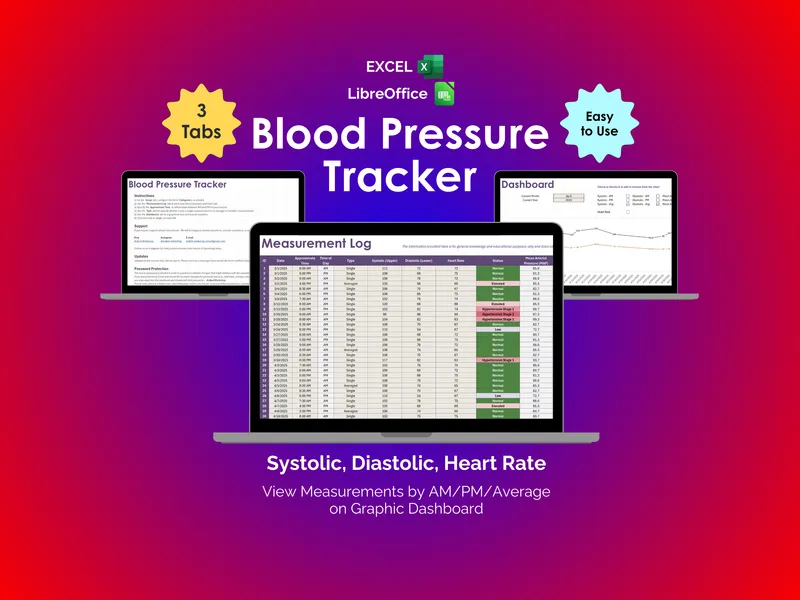
The Blood-Sugar / Diabetes Log can organize entered readings and notes. A percentage of manually entered readings in range is a percentage of that sample, not continuous-monitor time-in-range. Sampling times and missing readings can change the result.
A formula-derived estimated A1C is not a laboratory A1C result. NIDDK explains the blood test and factors affecting interpretation. Keep measured results distinct from estimates and do not use a workbook estimate to diagnose diabetes or change medication.
Start with the Glucose Log starter or the blood-sugar logging tutorial. Ask the care team which information is useful.
Frequently asked questions
- Is a spreadsheet better than a diabetes app?
- Neither format is best for everyone. Compare the care plan, required device functions, ease of recording, cost and access controls. A manual spreadsheet is not a replacement for prescribed monitoring or a device’s alerts.
- Why might a spreadsheet appeal more than a diabetes app?
- A spreadsheet offers editable columns and summaries. Confirm software costs, backups and sharing arrangements; a cloud workbook is hosted too. Use care-team targets rather than choosing treatment thresholds from a template.
- Will a spreadsheet sync from my meter or CGM?
- This manual log uses entered data. Check any device export for compatible units, timestamps, sampling and supported fields before importing. Copying readings does not recreate device alerts or validate a workbook’s calculations.
- Is it safe to keep blood-sugar data in a spreadsheet?
- Safety depends on device and account security, permissions, backups and sharing. Omitting logins or member numbers does not make health information anonymous or automatically safe to share. Limit access and check the recipient.