Sources checked September 28, 2026. This is a source check, not professional review.
The quick verdict
Choose a workbook for records you can maintain and export yourself, or consider a service when its verified collaboration and support features help. California Courts' probate overview illustrates why appointment, notices and accounting are procedural requirements, not just spreadsheet tasks. Use the jurisdiction and procedure for the estate.
Side by side
| Consideration | Workbook | Estate app |
|---|---|---|
| Inventory | Record title and supporting documents; verify routing suggestions | Check classification assumptions and guidance |
| Deadlines | Verify the trigger and period for each action | Check jurisdiction, exceptions and updates |
| Accounting | A ledger supports preparation; adapt it to required forms | Check report format and court acceptance |
| Access and cost | Maintain compatible software and backups | Check fees, cancellation and exports |
| Sharing | Local or cloud; restrict permissions | Check roles, storage and permissions |
Where an app genuinely wins
Shared access and reminders can reduce manual coordination if the service supports the workflow. Test a report export before relying on it and keep the underlying documents. A cloud workbook can also support collaboration; compare the actual configurations.
Where the owned binder wins
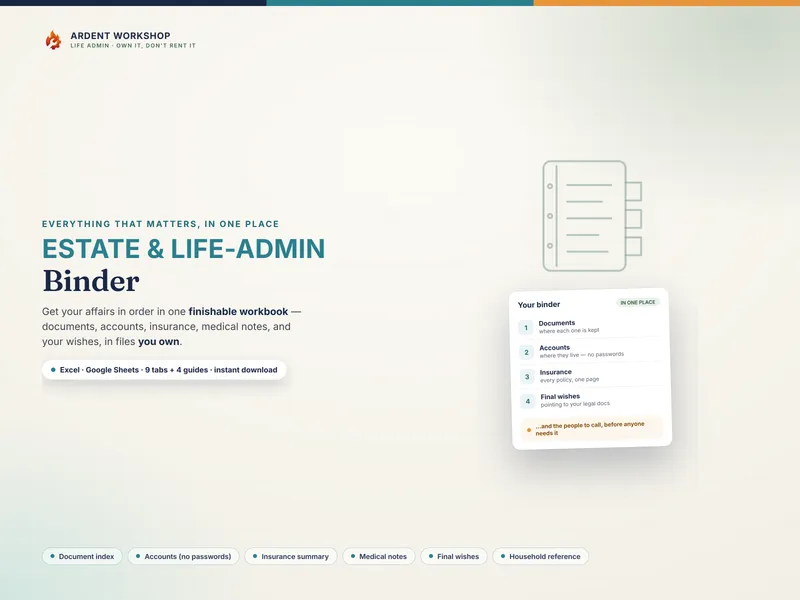
A downloaded workbook offers a file you can retain and adapt. It still needs secure backups, appropriate software and careful sharing. A Google Sheets copy uses cloud storage. Compare total costs over the possible administration period rather than assuming a fixed duration or universal subscription price.
What neither one is
A template is not an appointment, legal opinion or guarantee of an accepted filing. A service may include professional assistance; confirm its scope. Record the source of each deadline, including triggering events other than death.
Non-probate does not automatically mean protected from creditors: California Probate Code 19001 provides a state-specific example involving certain revocable-trust property. Flag uncertain asset treatment for review rather than relying on a routing label.
Where to start
Use the First Two Weeks After a Death checklist for organizing questions, and the Executor's Estate Settlement Records & Task Binder for tasks and transactions. Confirm authority and urgent obligations from the beginning. Read what an executor is, what probate is and the estate-records tutorial.
Frequently asked questions
- Do I need estate settlement software to be an executor?
- Choose a tool that supports the estate’s records and required filings. A workbook may be sufficient for organizing information, but confirm the court’s forms, submission process and accounting requirements. Software does not create authority to act.
- What does estate settlement software actually do that a binder doesn't?
- Some services offer shared access, reminders, document storage or jurisdiction-specific guidance. Features and payment models vary. Check exports, permissions, the currency of any legal guidance and whether professional services are included.
- How should I compare costs when the duration is uncertain?
- There is no universal one-year timetable. Compare the total cost over several possible durations, and confirm what records remain accessible after cancellation. Keep usable exports and secure backups regardless of the tool.
- Can I use a free executor checklist instead?
- A checklist can help identify questions and records to gather. Add a ledger or tracker when you need more detail. Neither a checklist nor a workbook determines asset ownership, creditor deadlines or which report a court will accept.
- What should never go in either one?
- Keep passwords out of a general organizer and limit unnecessary identifiers. Official filings and authorized advisers may need identifying information; use an appropriate secure channel. Estate records remain sensitive even when account numbers are masked.