The morning after a funeral, someone sits with the phone in their hand. The photos from the last family trip are in there. So is the email where the life-insurance policy number lives. The screen asks for a passcode. They don’t have it. Neither does anyone else in the room.
The short version: your digital estate is the money, property, and irreplaceable memories that live behind your logins — and you plan for it in five moves. Inventory your accounts, recording where each one lives and who to call rather than how to get in. Secure the two master keys — your primary email and your password manager — and turn on the password manager’s emergency access. Switch on the platforms’ own free legacy tools: Apple’s Legacy Contact, Google’s Inactive Account Manager, Facebook’s legacy contact. Give the map legal teeth by making sure your will and power of attorney explicitly grant access to digital assets. Then tell your executor the map exists and where it is, and set a reminder to review it once or twice a year. The organizing rule underneath all five: leave a map, not a vault — not a list of passwords, but a record of where everything lives and who has the right to open it. Jump to the five moves if you want to start now.
That scene above is a composite — but some version of it plays out in homes across the country, because of a gap almost nobody plans for. We write wills for the house and the savings account. We name guardians for the kids. And then we leave behind a second estate, one built quietly over years of ordinary Tuesdays, that has no deed, no key, and no map: our digital life.
Here’s the reframe worth sitting with. Your online accounts are an estate — everything someone will eventually have to find, access, and settle. And right now, for most people, the only person who can open any of it is the one person who won’t be there to do it.
This isn’t a fringe problem. According to the 2025 Caring.com Wills Survey (opens in new tab), only 24% of American adults have a will at all — meaning 76% have no will — and of those without one, more than 40% simply say they “haven’t gotten around to it.” If the traditional estate is that neglected, the digital one — which didn’t exist a generation ago — is almost entirely unmapped.
What a digital estate actually is
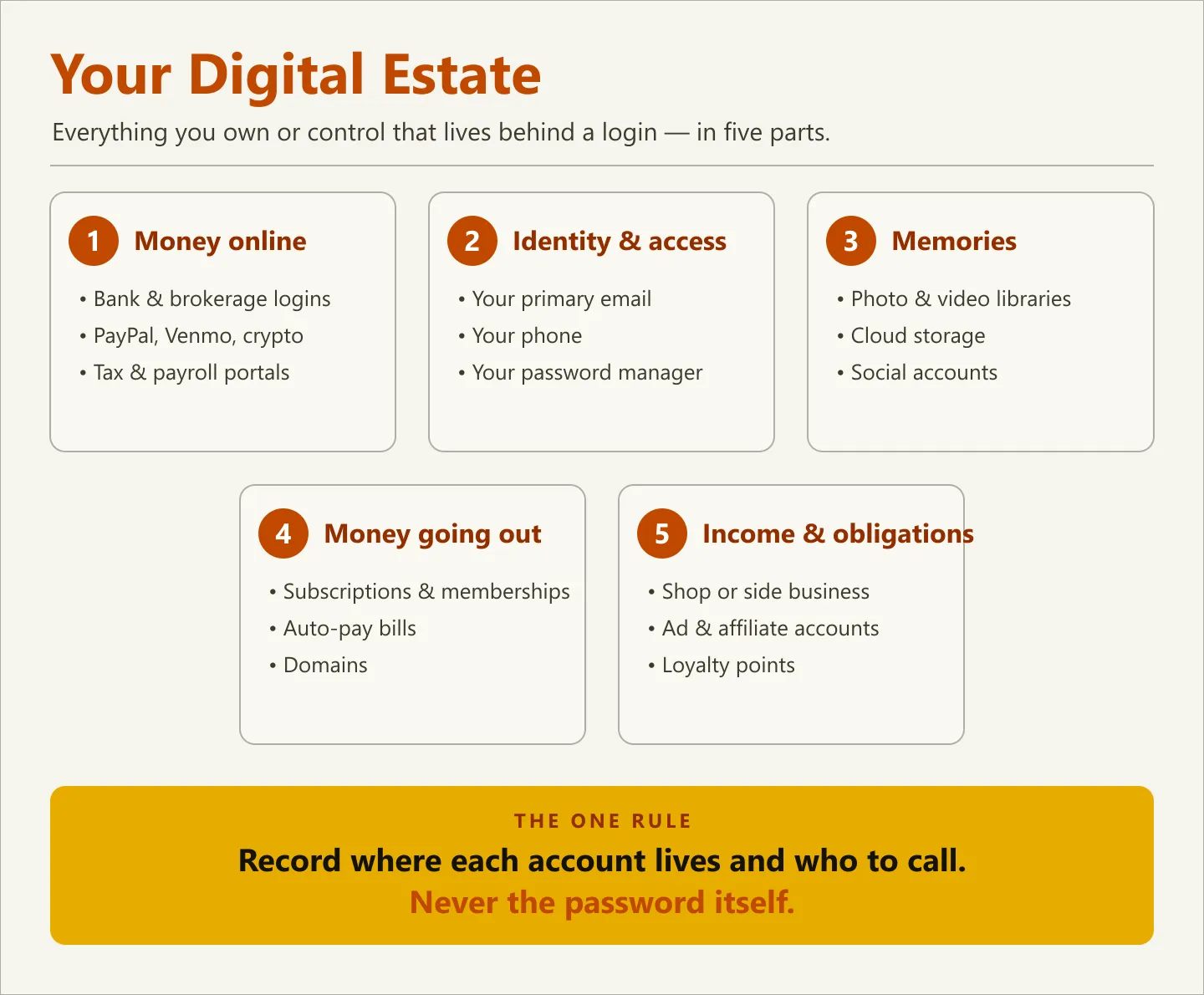
A digital estate is everything you own or control that lives behind a login. That’s a broader category than most people picture. It isn’t just “my social media.” It’s money, access, memories, and obligations — and each part behaves differently when you’re not there to manage it.
Break it into five parts and the scope becomes obvious:
| Category | What lives here | What to record (the map) | What happens if you don’t |
|---|---|---|---|
| Money online | Bank and brokerage logins, PayPal/Venmo balances, crypto wallets, tax and payroll portals | Which institutions, where each is accessed, who to call | Funds sit frozen or unfound; heirs hunt through paper statements |
| Identity & access | Your primary email, your phone, your password manager | Where the “master keys” live and who can reach them | Every other account becomes unrecoverable — email is the skeleton key |
| Memories | Photo and video libraries, cloud storage, social accounts | Which services hold them, and any legacy contact you’ve named | Years of photos lock behind a passcode or auto-delete for inactivity |
| Money going out | Subscriptions, memberships, auto-pay bills, domains | What renews, on which card, and how to cancel | Dead accounts keep charging a card no one is watching |
| Income & obligations | An online shop, a side business, ad or affiliate accounts, loyalty points | What exists, what it’s worth, who depends on it | A living asset quietly dies, or a business obligation goes unmet |
Notice that only the first row is obviously “financial.” The rest is where the real pain shows up — because it’s the part no bank statement will ever remind your family exists.
The real problem: you’re the only key
Most people, when they finally think about this, reach for the wrong fix. They imagine the solution is a list of passwords — a sticky note in a drawer, a document titled passwords.docx, a text to a spouse. That instinct is understandable and almost entirely wrong, for three reasons.
Passwords change, but the need doesn’t. The list you write today is out of date within months. A plan that depends on current passwords is a plan that decays the moment you look away from it.
A password list is a security disaster. A single document containing the keys to your bank, your email, and your identity is exactly what every scam and breach is trying to obtain. You’d be building the thing you spend the rest of your digital life defending against.
Logging in as someone else is often not allowed — or not legal. Here’s what most people don’t realize: even a grieving spouse who has the password usually isn’t authorized to use it. Account access after death is governed by law and by each platform’s terms of service, not by whoever knows the passcode. In most U.S. states, that law is the Revised Uniform Fiduciary Access to Digital Assets Act (RUFADAA) (opens in new tab), adopted in some form by more than 40 states. It gives an executor or agent a legal path to your digital assets — but generally only if you granted that access in advance, through the platform’s own tools or your legal documents. Knowing the password is not the same as having the right to use it.
So the goal isn’t to hand someone your passwords. The goal is to leave a map.
The reframe: build a map, not a vault
Think of the difference this way. A vault holds your secrets — your actual passwords, PINs, and account numbers. A map holds something safer and more durable: where each account lives, who to contact, and where the real keys are kept. A vault is dangerous to leave lying around. A map is safe to keep on a shelf, because on its own it opens nothing.
This is the single principle that makes a digital estate plan both useful and safe to maintain: record where things live and who to call — never the passwords themselves. Your real logins stay in a password manager (a proper vault, encrypted and access-controlled). Your map simply records that the account exists, where to find it, and how the right person gets authorized access when the time comes.
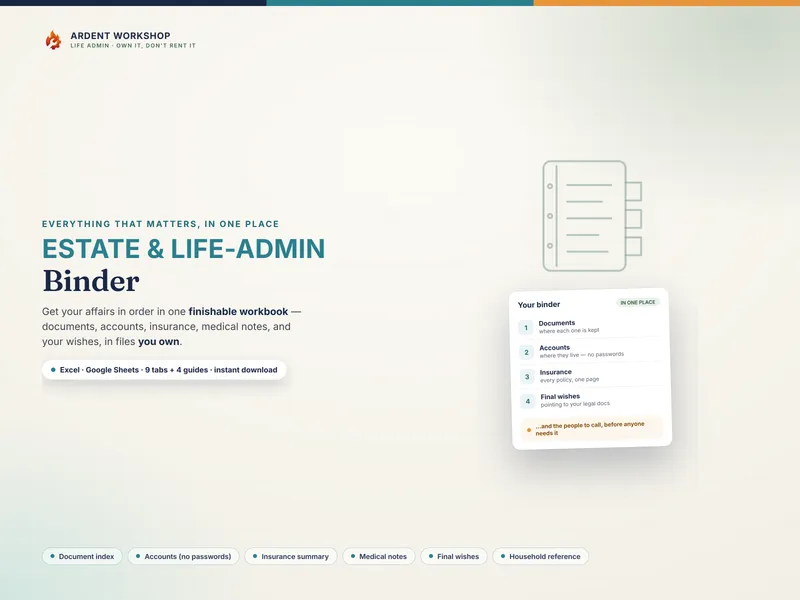
That distinction is exactly why a spreadsheet you own beats a subscription “digital afterlife” app for this job. For records this sensitive, you don’t want your most private map held on someone else’s server, behind a monthly payment that can lapse, on a service that can shut down. A workbook you control — like the Estate & Life-Admin Binder — is a file you keep, store where you choose, and hand to exactly the people you trust. Own it, don’t rent it matters most for the documents you’ll never get a second chance to organize.
How to build your digital estate map in five moves
You don’t need a lawyer to start, and you don’t need a weekend. Do this in five passes, easiest first, and you’ll have covered the ground that matters.
1. Inventory the accounts — where they live, not how to get in
List every account in the five categories above. For each one, record only three things: what it is, where it’s accessed, and who to call. No passwords, no PINs, no full account numbers. This is the map, and it’s the 20% of the work that delivers 80% of the value — because “it’s in here somewhere” becomes “row 4, the credit union, ask for the estate desk.” A structured organizer helps here: give it an accounts-and-access section with a “where it’s accessed” column and, by design, no password column.
2. Secure the two master keys
Two accounts unlock almost everything else: your primary email and your password manager. Email is the skeleton key — most “reset my password” links go there, so whoever controls your inbox controls your accounts. Move your real passwords into a reputable password manager, and turn on its emergency access feature, which lets a person you designate request access after a waiting period. That single step replaces the entire dangerous idea of a written password list.
3. Turn on the platforms’ own legacy tools
The major platforms have built official, legal ways to pass on access. Use them — they’re free and they take minutes:
- Apple — set a Legacy Contact for your Apple Account (opens in new tab). They’ll be able to access your photos, messages, and files with an access key plus a death certificate.
- Google — configure Inactive Account Manager (opens in new tab) to share your data with a chosen person (or delete the account) after a set period of inactivity.
- Facebook — name a legacy contact (opens in new tab) who can manage your memorialized profile. Instagram only memorializes accounts — they’re locked as-is and no one can log in or manage them — so save anything you want preserved there somewhere else first.
- Password managers — enable emergency or legacy access, as in step 2.
These tools do something a password list never can: they grant access the platform itself recognizes as legitimate, which is the whole ballgame under RUFADAA.
4. Give the map legal teeth
Your map tells people where to look; your legal documents give them the authority to act. Make sure your will or trust — and your power of attorney, which covers the scenario where you’re incapacitated but alive — explicitly grant your executor and agent access to your digital assets. This is the language that lets a fiduciary invoke RUFADAA. Your organizer should point to those documents (where the will is, who the attorney is), not try to replace them.
5. Store it safely and keep it current
A map helps only if the right person can find it and trust it’s accurate. Tell your executor or a trusted family member that it exists and where it is — the fireproof box, the specific shelf, the shared drive. Then put a recurring reminder on the calendar, once or twice a year, to review it. Accounts open and close; a plan you never revisit is a plan that quietly goes stale.
What this actually buys the people you love
Here’s the payoff, and it’s worth being concrete about. A digital estate map doesn’t just settle logistics. It removes a specific, awful layer of grief: the detective work. It’s the difference between a family that spends the worst week of their lives searching a locked phone for a policy number, and one that opens a single organized file and finds the map waiting.
Everything worth keeping — the photos, the accounts, the wishes — becomes reachable by the people who need it, instead of sealed behind a passcode that died with you. That’s the same reason a family emergency binder matters for the physical world, and why anyone helping an older relative should pair this with a proper caregiver’s records binder. The digital map is simply the half of that work everyone forgets.
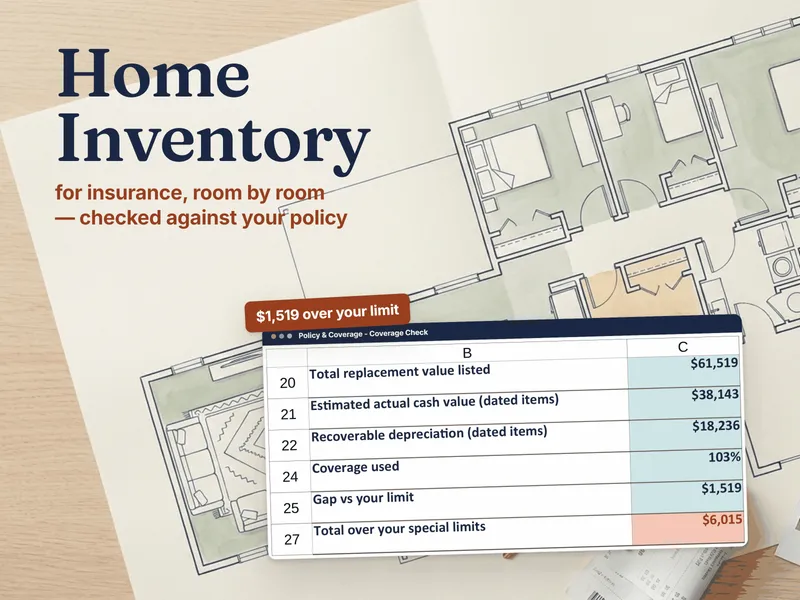
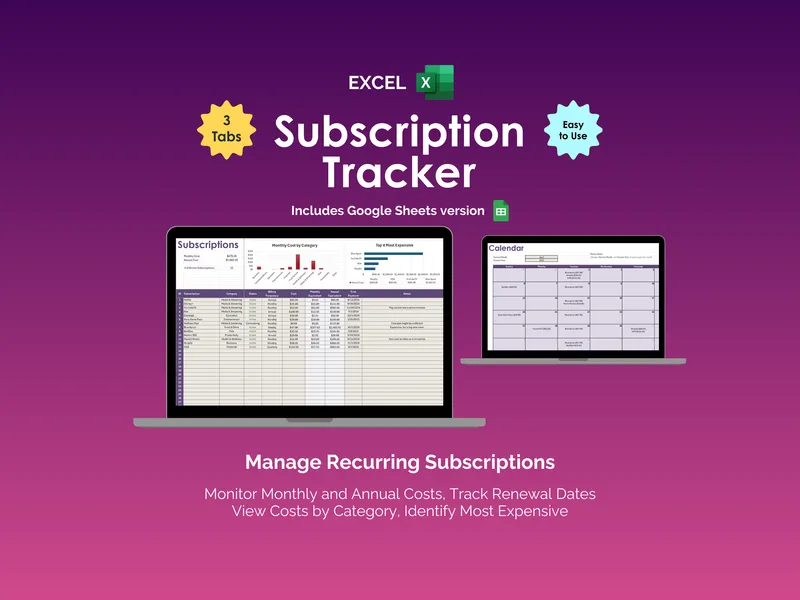
Two adjacent pieces round out the picture. The recurring charges from step one — the subscriptions and memberships that keep billing a card no one is watching — are worth their own running list; a Subscription Tracker keeps them visible so nothing bills into the void. And for the physical side of your estate — what you own, where it is, what it’s worth — a Home Inventory workbook completes the map your family would otherwise have to draw from memory. And if you’d rather leave them less to map in the first place, Swedish death cleaning is the method for thinning the physical estate while you’re still here to decide.
You built your digital estate one login at a time, without ever meaning to. Mapping it is the one afternoon that makes sure it isn’t lost. Start with the accounts that would be hardest to find, record where they live and who to call, and turn on the legacy tools you already have. Future-you — and the people who’ll one day hold your phone — will be grateful you did.
Prefer to start free? Grab the What Documents Do I Need? checklist — a self-scoring list of what to gather, free to download, and the companion to the Estate & Life-Admin Binder.