What a family command center usually contains
Command centers vary enormously from household to household, but the ones that survive past September tend to cover the same five things:
- A shared calendar — the single view of who is where and when, including the school events, the practices, and the days the schedule breaks (early dismissals, in-service days, breaks).
- Deadlines and paperwork — the forms that need returning, the registrations with a closing date, and the records a school or club is waiting on. This is the part most command centers handle worst.
- Contacts — the school office and nurse, the coach, the bus depot, the neighbor who can collect a child at short notice.
- Routines and responsibilities — chores, the morning and evening sequence, who does the drop-off on which day.
- An inbox — a physical tray or a digital folder where paper lands before it's dealt with, so it stops accumulating on the counter.
Why the paperwork side is the part that breaks
A wall calendar is excellent at answering what is happening on Thursday. It is poor at answering what is still outstanding — and that second question is the one that actually costs a household something.
A date on a calendar is a point in time. A form is a piece of work with a deadline attached, a state (returned or not), and often a dependency on somebody else — a doctor's signature, a document you have to request. Written on a calendar, a form appears once, on the day it's due, and then disappears whether or not anyone did anything about it. Nothing about the calendar knows the difference between a form that came back and a form that is now late.
This is why so many command centers work beautifully for schedules and fail at paperwork: the tool is answering a different question from the one being asked of it.
Physical, digital, or both
There's no correct answer, and the honest version is that most households end up with both:
- Physical — a wall calendar, a pinboard, a per-child folder or basket. Its strength is ambient visibility: it's seen without being opened, by everyone, including the people who don't check their phones. Its weakness is that it can't calculate, can't be searched, and only exists in one room.
- Digital — a shared calendar app for events, plus a spreadsheet or document for the records. Its strength is that it can compute, be searched, be shared with a co-parent or a grandparent, and be carried in a pocket. Its weakness is that it has to be opened to be seen.
- Both — the common, workable pattern: the calendar on the wall for what's happening this week, and a file for what's outstanding and what things cost.
Command center vs. family organizer app
A family organizer app is one way to build the digital half. It typically offers a shared calendar, lists, and sometimes chores or meal planning, behind an account and often a subscription. That can be a good fit for a household whose main problem is coordinating schedules across several phones.
Where apps tend to disappoint is the records side — the per-child forms with due dates, the supply lists with costs, the activity fees. Those are generally either absent or a generic list feature with no arithmetic behind them. And the information lives on someone else's computer, behind a login, subject to a pricing change.
A spreadsheet you own sits between the two: it can do the arithmetic an app does, it can be shared with a co-parent, and it stays yours. We compare the two directly in spreadsheet vs. family organizer app.
How to set one up without it collapsing by October
- Pick one location and one file. Two command centers is the same as none. The most common failure is a second system appearing in week three.
- Separate "when" from "what's outstanding." Put events on the calendar. Put forms, records, supplies and costs somewhere that can hold a status, because those have a state and a deadline, not just a date.
- Give every deadline an owner and a date. An undated form is the one found in a backpack in November.
- Keep it an index, not a vault. Record that a form was returned and when — not the document itself. Birth certificates, immunization records, custody orders and passwords belong in your own secure storage, not in something pinned to a kitchen wall or shared with a sitter.
- Make it readable by someone other than you. If a grandparent or a sitter can't use it, you haven't moved the information out of your head — you've only written it down.
- Review it weekly, briefly. Five minutes on a Sunday beats an hour of reconstruction in October.
The seasonal version: back-to-school
August is when a family command center is under the most load. Supply lists, registration deadlines, forms needing a provider's signature, activity sign-ups with their own fees and deadlines — arriving over several weeks, from several directions, per child.
That's the specific job the Back-to-School Family Organizer & Records Workbook does: every form rated against its due date, per child; supply lists costed against a budget; activity fees totaled; and a season dashboard showing what's overdue, what's due this week, and what's still to buy. If you'd rather start on paper, the free supply & forms checklist is a printable version of the two lists — no signup.
Templates that implement this
Build the records side of your command center
3 templates
The calendar handles what's happening. These workbooks handle what's outstanding — the forms, records, supplies and costs a wall calendar can't track.
- $19.95 Spreadsheet

Back-to-School Family Organizer & Records Workbook — School Forms, Supply Lists, Activities & Key Dates in One File (Excel + Google Sheets)
A back-to-school organizer for Excel & Google Sheets — every child's forms, supply lists, activity fees & dates in one file, with what's overdue flagged.
Life AdminView details - $24.95 Spreadsheet
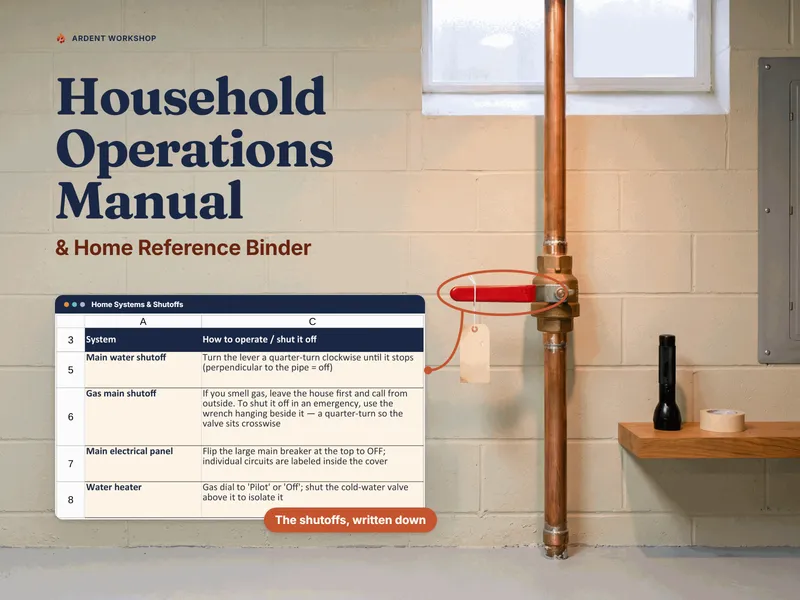
Household Operations Manual & Home Reference Binder — Utilities, Shutoffs, Maintenance, Emergency Contacts & House-Sitter Info (Excel, Google Sheets & Word)
Household operations manual for Excel, Google Sheets & Word: shutoffs, a maintenance schedule that computes what's due, and a house-sitter packet.
Life AdminView details - $19.95 Spreadsheet
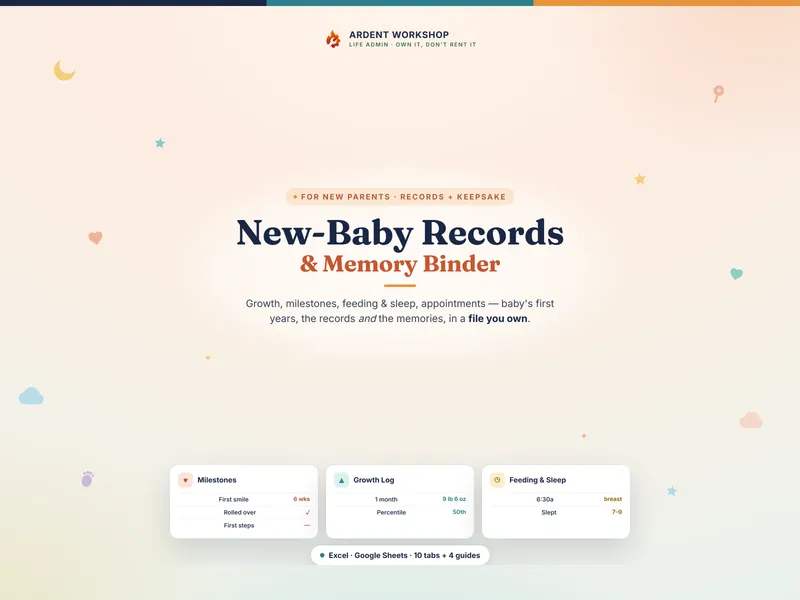
New-Baby & New-Parent Records Binder — Baby's First Years Growth, Milestone, Feeding & Sleep Tracker (Excel + Google Sheets)
A keepsake records binder for baby's first years — growth, milestones, feeding, sleep, and key documents in one file you own (Excel + Google Sheets).
Life AdminView details