Why it works
Streaming services are priced as though you watch them continuously. Almost nobody does. The typical pattern is a burst — a season drops, the household watches it over three weeks, and then the service sits there for eight months collecting a charge a month while nobody opens it.
Rotation matches the payment to the pattern. If you were only ever going to watch one season, you pay for the months that season took. A service at $12.00 a month costs $144 a year paid year-round and $36 if you take it for the three months its season actually runs — the same viewing, a quarter of the money. (Illustrative figures, not published rates.) How far that scales depends entirely on your own prices and months: in the worked household on the rotation tutorial, rotating two of six services and canceling a third takes the year from $1,825 to $1,466 — a saving of $359, with all three figures rounded to the nearest dollar.
What you usually do not lose
The single biggest reason households do not rotate is a fear that is mostly unfounded: that canceling deletes something. On the major services it normally does not. Canceling lapses the billing rather than closing the account, so your profile, your list, your ratings and your viewing history are generally there when you reactivate. The caveat worth knowing is that some services may delete closed-account data after a retention period — which is exactly the case a long rotation gap creates, so check your provider's own cancellation help page before you leave a service off for most of a year.
What you can lose, and should check first
Rotation is not free of trade-offs, and a page that pretended otherwise would be no use. Three things are worth checking before you cancel:
- Promotional and grandfathered pricing. If you are on an old rate, a bundle, or an introductory offer, it may not be available when you come back. Occasionally that alone is worth staying for.
- Annual plans. A plan billed yearly is already paid. You cannot rotate out of it mid-term, so its decision point is its renewal date, not this month.
- Downloads. Titles downloaded for offline viewing generally stop playing once the subscription lapses.
The rules that make it work in practice
- Cancel at the end of a paid period, not the start. Most services keep your access for the remainder of the period you have already paid for — check yours, because a few end it immediately. Canceling the day after a charge posts throws away almost a full month for nothing.
- Wait for the season to finish releasing. Rotating onto a service mid-season means paying for two months to watch one season. Let it finish, then take a month and watch it all.
- Set the cancel reminder when you subscribe, not when you next think of it. A renewal that arrives unnoticed is how a rotation plan quietly becomes a year-round subscription again.
- Stagger rather than stack. If three services are all on in the same month, that month's bill is unpleasant. Moving one into a neighboring month buys the same viewing on a flatter bill.
- Treat downgrading as a half-rotation. Moving to an ad-supported tier is usually materially cheaper — put the two prices side by side on your own services — though ad tiers can drop downloads, 4K, or some titles, so check what you give up.
Deciding what to rotate — and what to simply cancel
Rotation is the right answer for a service that is poor value right now but still has things waiting on it. It is the wrong answer for one with an empty queue — that is not a rotation candidate, it is a cancellation you have not made yet.
So the decision needs two facts: cost per hour watched, which tells you whether a service is earning its place, and the number of titles queued on it, which tells you whether there is anything to come back for. Poor value with a queue is a rotate. Poor value with nothing queued is a cancel. That distinction is the entire difference between the two decisions, and it is why an honest rotation plan needs a watchlist behind it and not just a list of prices.
Building a twelve-month plan
A rotation plan is a grid: services down the side, twelve months across, each cell marked on or off. Months on times the monthly cost is what the plan costs; twelve times the monthly cost is what paying year-round would have cost; the difference is what you save.
Two figures should not go into that saving, and most back-of-envelope versions include them by accident. A service you have already canceled has no year-round baseline to save against — bringing it back is a cost, not a saving, because you had already stopped spending that money. And an annual plan cannot book a saving for a month you mark off, because it is paid.
The Streaming-Service Value & Watchlist Workbook lays the year out this way and prices it, refusing both of those phantom savings; the free cost-per-hour checker is the single-tab starting point for the per-service numbers, though the rotate verdict itself needs the watchlist. To build one grid step by step, read how to rotate streaming subscriptions. Either way it is a file you own outright, and it needs a price and a renewal date — never a card number or a login.
Templates that implement this
Templates that plan the rotation
4 templates
A twelve-month On/Off calendar priced against paying year-round, so the saving is a number instead of a hunch.
- $12.95 Spreadsheet

Streaming-Service Value & Watchlist Workbook — Cost Per Hour Watched, Keep/Rotate/Cancel Verdicts & a Rotation Planner for Excel & Google Sheets
A streaming tracker for Excel & Sheets that joins what each service costs to what you actually watched — cost per hour, a verdict, and a rotation plan.
TrackersView details - $3.95 Excel
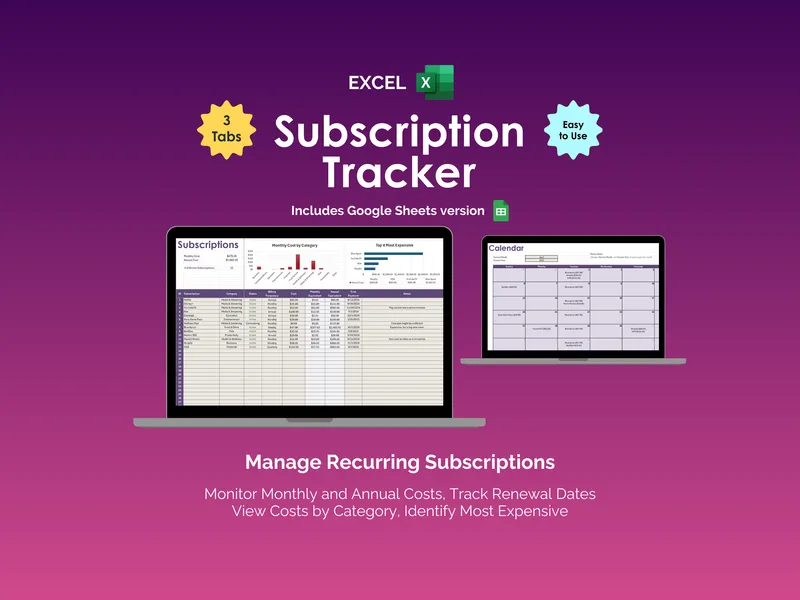
Subscription Tracker - Excel
A downloadable Excel and Google Sheets spreadsheet template for tracking your own subscription expenses, renewal dates and monthly totals. One-time purchase; no recurring charge for this template.
Personal FinanceView details - $1.95 PDF
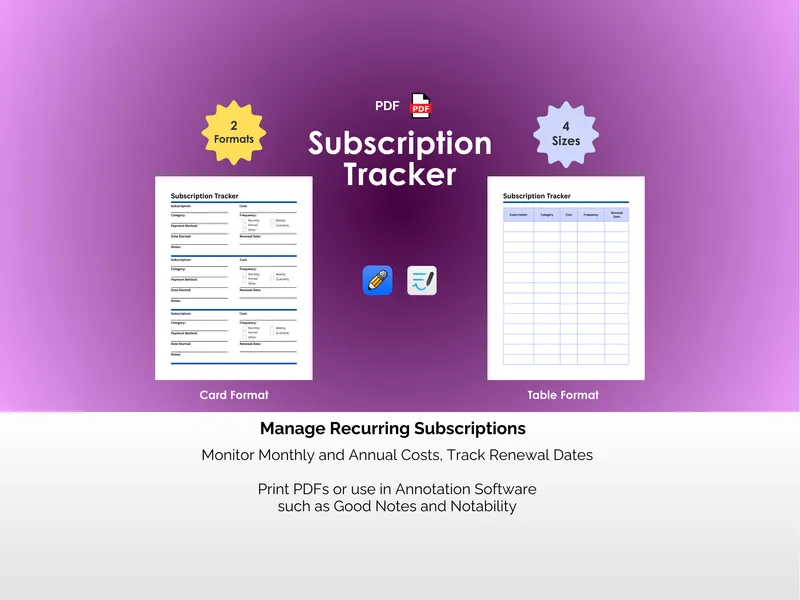
Subscription Tracker - PDF
Your card just got charged $14.99 and you can't remember for what. This printable subscription tracker PDF gives you a pen-and-paper place to log every recurring charge. Two formats, four sizes.
Personal FinanceView details - $4.95 Excel
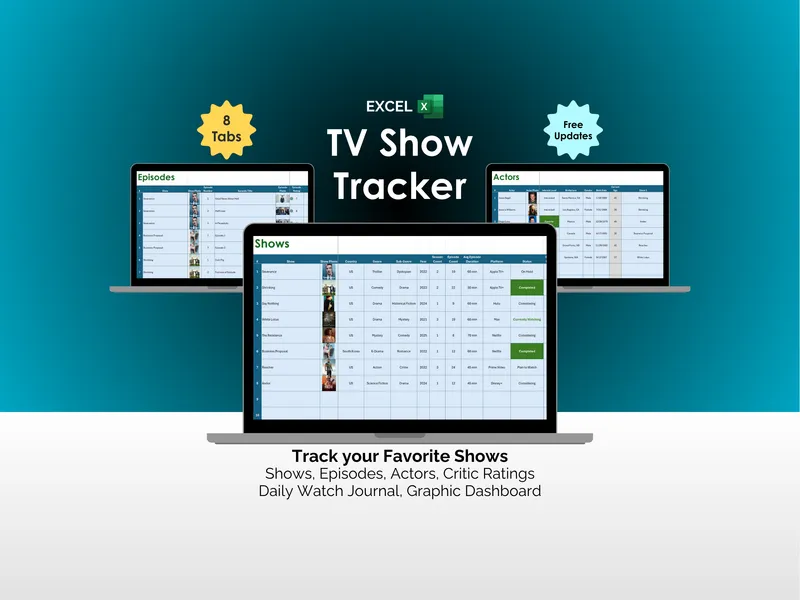
TV Show Tracker - Excel
Streaming has a quiet, persistent problem: the watching is easy, the remembering is what breaks you. This excel tv show tracker fixes that across 8 tabs.
TrackersView details