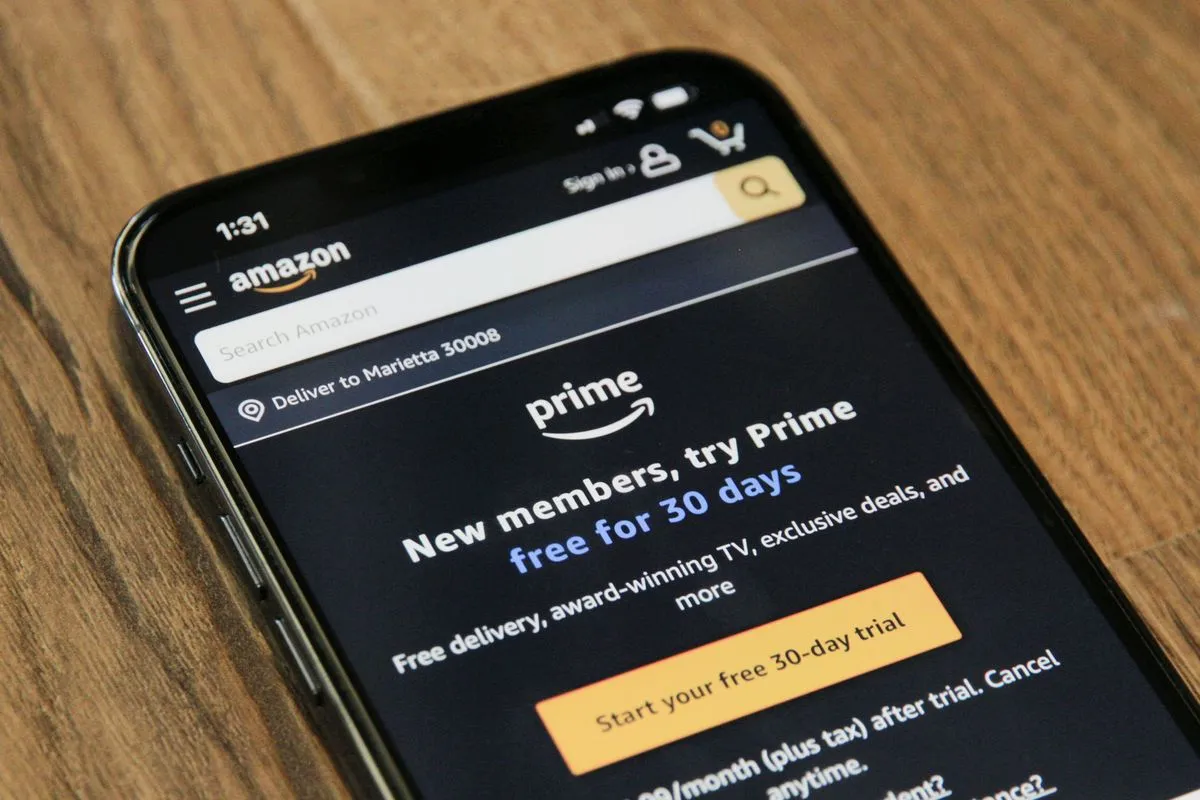
Subscriptions aren’t the budget problem. Not knowing what you’re paying for is. Netflix bills on the 6th. Disney+ renews quarterly. The gym charges annually in March. None of those land in the same statement, so your brain never sees the total — it just sees a steady drip. This excel subscription tracker collapses that drip into one number you can actually act on.
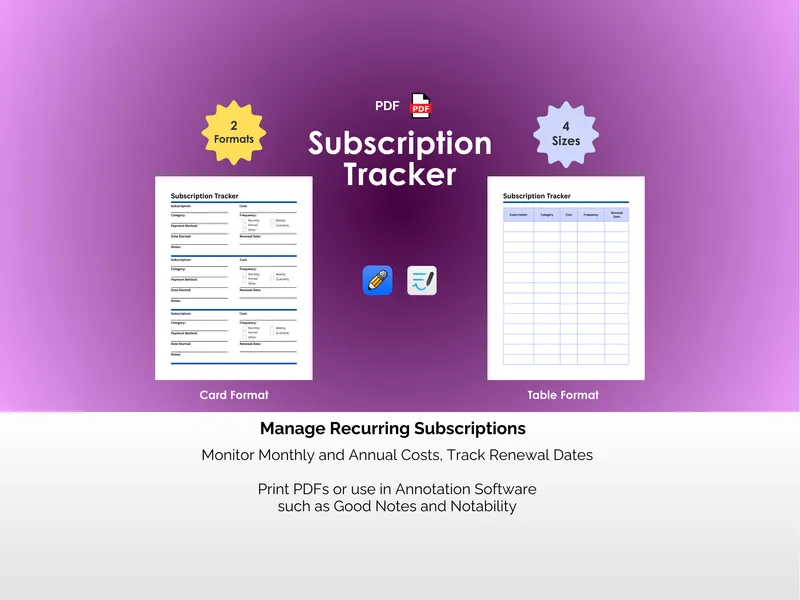
The failure mode is fragmentation. Streaming on one card, the meal kit on another, the annual domain renewal you forgot about entirely, the Sirius XM trial that quietly converted nine months ago. You estimate “maybe $80 a month” and you’re off by half. This excel subscription tracker pulls every recurring charge into a single sheet with category, status, type, frequency, first payment date, and amount, then calculates the monthly and annual equivalent for each one automatically. The guessing stops.
Drop a subscription into the Subscriptions tab and pick its frequency — weekly, monthly, quarterly, or annual — and the spreadsheet handles the math. A $120 annual charge becomes $10 a month next to your $15.99 Hulu line, so weekly coffee subscriptions and yearly insurance premiums finally sit on the same scale. Categories like Media & Streaming, Food & Drink, Health & Wellness, Housing, Utilities, Insurance, and Car keep the picture organized, and the Status field lets you flag what’s Active versus what you’re only Considering.
Two charts at the top of the sheet do the heavy lifting. Monthly Average by Category shows where the money actually goes — usually not where you’d guess. Top 5 Most Expensive ranks your biggest line items so the conversation about what to cut writes itself. The vague sense that “subscriptions are getting out of hand” vanishes; in its place is a ranked list.
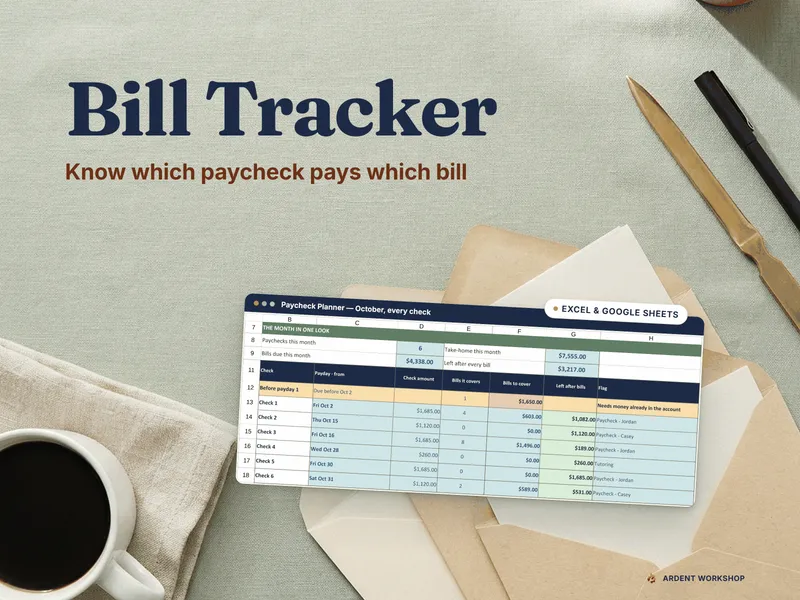
The Calendar tab auto-populates every renewal date based on the frequency and first payment you entered. Change the month and year at the top and the grid redraws instantly, showing exactly which charges hit which day. Three streaming services renewing the same week, two annual bills landing in the same paycheck — patterns that were invisible across twelve bank statements become obvious on one page.
This excel subscription tracker ships with both the Excel and Google Sheets versions in the same purchase, so you pick the tool you already use. You own the file. No login, no recurring fee, no app collecting your transaction data — which would be a strange way to solve a subscription problem. Just a spreadsheet that finally answers the question you’ve been avoiding.