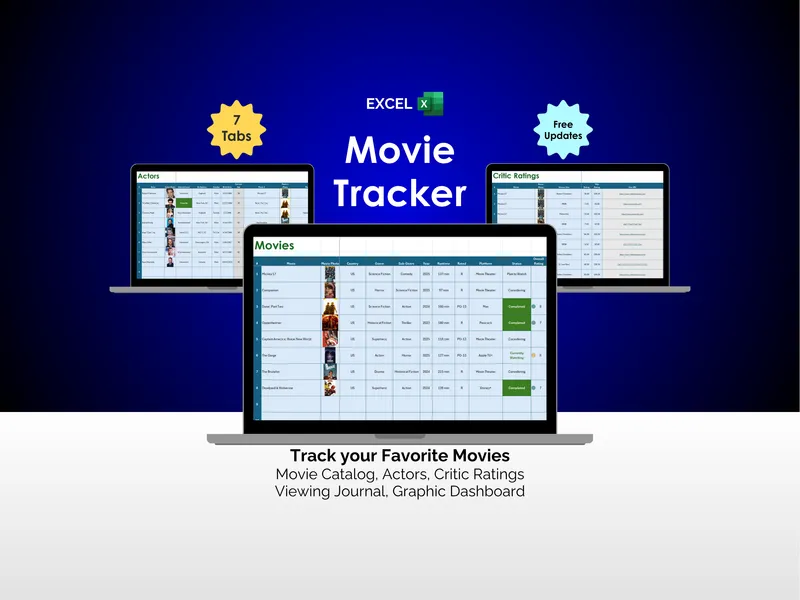
Streaming has a quiet, persistent problem: the watching is easy, the remembering is what breaks you. This excel tv show tracker is the tv watchlist spreadsheet that turns a week of scattered viewing into one organized record across 8 tabs, with every show, episode, rating, and review in one file you control.
It is Monday night. You sit down, open the tracker, and the Shows tab is already waiting with your collection laid out in rows. You add the new drama your sister texted you about, dropping in its genre, season count, episode count, runtime, streaming platform, and status, and you paste a small photo into the row so you can scan by image instead of squinting at titles. Then you tag it with the five-category rating system the spreadsheet uses for everything — Overall, Story, Acting, Production, Music — because The Bear deserves a different breakdown than Severance, and a single star never captures that.
Tuesday evening you finish two episodes, so you flip to the Episodes tab and log them by show name, episode number, and title, dropping a still from each one beside its own rating. This is the tv watchlist spreadsheet pulling its weight, because next month when a friend asks which episode hooked you, you will have the answer instead of a vague gesture. While you are there you update the Actors tab, adding the lead because you have now seen her in three different series and you want the running record.
Thursday you cannot decide what to watch, so you open the Critic Ratings tab and the decision starts making itself. You have logged reviews from Rotten Tomatoes and IMDb with reviewer name, score, year, and a direct URL back to each piece, and the spreadsheet has averaged the critic scores across shows for you. You pick the one with the highest average, settle in, and the rest of the night happens.
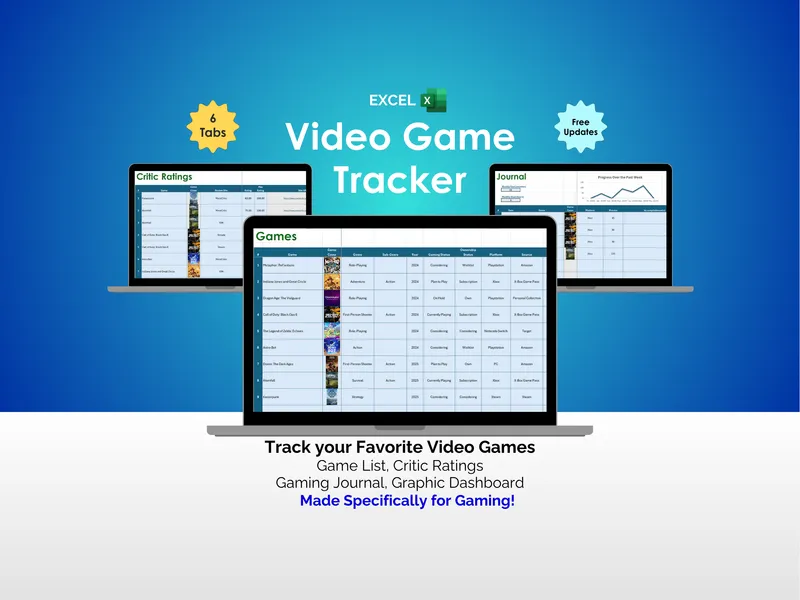
Saturday morning you check the Journal tab because the week is almost over. Every viewing session is there by date, show, genre, photo, and episode count, with a weekly progress chart drawing a line across your past seven days, monthly activity stats below it, and your longest binge streak marked at the top. You see Wednesday was the quiet night, Friday was the long one, and the streak holds.
Sunday is the payoff, and that payoff is the Dashboard. You open it and the whole week resolves into a single view: total shows tracked, shows completed, total episodes tracked, total time spent watching, actors tracked, and shows currently in progress. A bar chart ranks your top-rated shows beside the highest critic-rated ones, and a pie chart shows how much of your library has critic ratings attached. What separates this excel tv show tracker from a notes app or a streaming queue is that everything lives on your own computer in plain Microsoft Excel — no logins, no subscriptions, no server somewhere holding your taste hostage — and free updates roll in as the template improves. It is Monday night again, you sit down to watch, and this time you know exactly where you left off.