The pattern rotation is fixing
Look honestly at how a streaming service gets used in most households and it is not a steady trickle. A season drops. Everyone watches it over three weeks. Then the service sits there for eight months, charging every month, while nobody opens it.
You paid twelve months for three weeks of viewing. Rotation is simply refusing to keep doing that.
What rotation is not
It is not canceling everything and living without. It is not a discipline exercise. And it is not the right answer for every service — which is where most attempts go wrong.
Three groups, and only one of them rotates:
- Keep. Cost per hour watched inside your good-value line. On for all twelve months. Stop thinking about it.
- Rotate. Poor value right now, but titles queued that you genuinely intend to watch. This is the rotation candidate.
- Cancel. Poor value and nothing queued. Not a rotation — a cancellation you have not made yet. Marking it “off for eleven months” is a polite way of avoiding the decision.
A Watch more verdict — value in the middle, with something there you are not getting to — also stays on all twelve months. You gave it a month of attention on purpose; rotating it off would settle the question by default instead of answering it.
Sorting into those groups needs cost per hour watched and a count of what is queued. If you have not done that yet, work out which streaming service to cancel first — this plan is what you build afterwards.
Building the twelve-month grid
Services down the side, twelve months across, starting from the month you are in. Mark each cell on or off.
| Service | $ / month | Months on | Planned year | Year-round | You save |
|---|---|---|---|---|---|
| Live TV package | $83.00 | 12 | $996 | $996 | $0 |
| The one everybody opens | $15.00 | 12 | $180 | $180 | $0 |
| Bought for one series | $17.00 | 12 | $204 | $204 | $0 |
| Three things waiting on it | $10.00 | 3 | $30 | $120 | $90 |
| Finished the show it was for | $13.00 | 0 | $0 | $156 | $156 |
| Off-season sports pass | $14.08 | 4 | $56 | $169 | $113 |
| Total | $152.08 | Not applicable | $1,466 | $1,825 | $359 |
The same illustrative household as the cancel guide, carrying its verdicts across: the two Keeps stay on all year, the Watch-more stays on to be watched more, the two Rotates take the months they need, and the Cancel goes to zero. The prices are example figures, not published rates — use what your own statement says. Annual figures are rounded to the nearest dollar.
Months on times the monthly cost is what the plan costs. Twelve times the monthly cost is what paying year-round would have cost. The difference is the saving — $359 here, for identical viewing.
The zero-month row is a cancellation rather than a rotation, and it is counted here because the household was still paying for that service when the plan started. That is the test for every row: was this money actually going to be spent?
Two savings that are not real
Any rotation plan can be made to look better than it is by counting money that was never going to be spent. Two cases to exclude:
A service you have already canceled. It has no year-round baseline behind it. Bringing it back for two months is a cost, not a saving — you had already stopped spending that money, and counting it again is double-counting.
A plan billed annually. It is paid up front. Marking one of its months off books a saving you cannot take this year. Its decision point is the renewal date, not the calendar.
A plan that quietly includes both will overstate the saving by a noticeable fraction. It is worth being strict about, because the number is the reason you will actually follow the plan.
Read the monthly bill row
Once the grid is marked, total each month across the services that are on. Most first drafts have one or two months that are much heavier than the rest, usually because two rotated services happened to land together.
Moving one of them into a neighboring month buys the same viewing on a flatter bill. This is the one thing a service-by-service decision cannot see, and it is often what makes the difference between a plan a household keeps and one it abandons when an expensive month arrives.
The practical rules
- Cancel at the end of a paid period. Most services let you keep access for the remainder of the period you have already paid for, so canceling the day after a charge posts wastes almost a full month. Check yours — a few end access the moment you cancel.
- Wait for a season to finish releasing. Rotating on mid-season means paying twice for one season. Let it finish, then take a month.
- Set the cancel reminder when you subscribe. This is the single failure mode of the whole method: a renewal arrives unnoticed and the service goes back to being year-round.
- Check discounted plans before you cancel. Promotional, bundled or grandfathered pricing may not be there when you return. Occasionally that alone is worth staying for.
- Treat downgrading as a half-rotation. Moving to an ad-supported tier is usually materially cheaper — put the two prices side by side on your own services — though ad tiers can drop downloads, 4K, or some titles, so check what you give up.
What you usually do not lose
The biggest brake on rotation is a fear that is mostly unfounded. On the major services, canceling lapses the billing rather than deleting the account: your profile, your list, your ratings and your viewing history are normally there when you come back.
Two caveats worth knowing before a long gap. Some services may delete closed-account data after a retention period, so a plan that leaves a service off for most of a year is exactly the case where that can bite — check your provider’s cancellation help page. And downloads are the genuine exception: titles saved for offline viewing generally stop playing once a subscription lapses.
Keeping the plan alive
Ten minutes a month: top up what you watched, glance at what renews next, act on anything whose verdict has changed. Twice a year, rebuild the grid properly against what is actually queued.
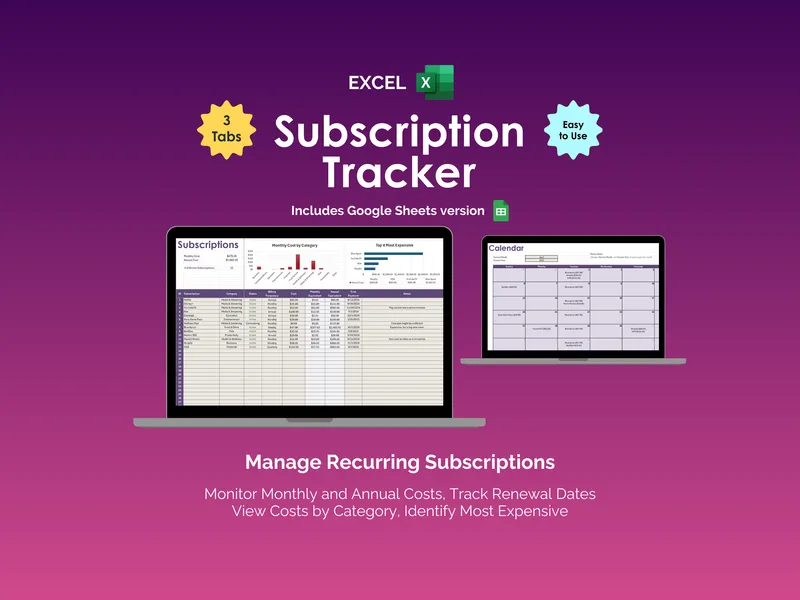
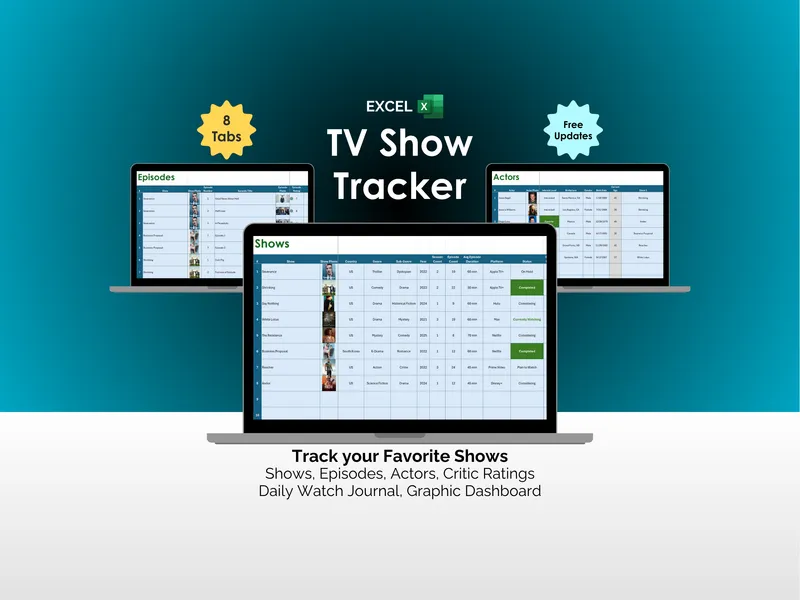
The free streaming cost-per-hour checker gets you the per-service numbers the plan is built on. The Streaming-Service Value & Watchlist Workbook holds the twelve-month grid itself, prices it against paying year-round, refuses both of the phantom savings above, and shows the monthly bill row so you can stagger rather than stack.
It is a file you own, and it only ever needs a price, a renewal date and an hours figure — so keep card numbers, account numbers and logins out of it. Next year’s plan starts from the same grid, already filled in.