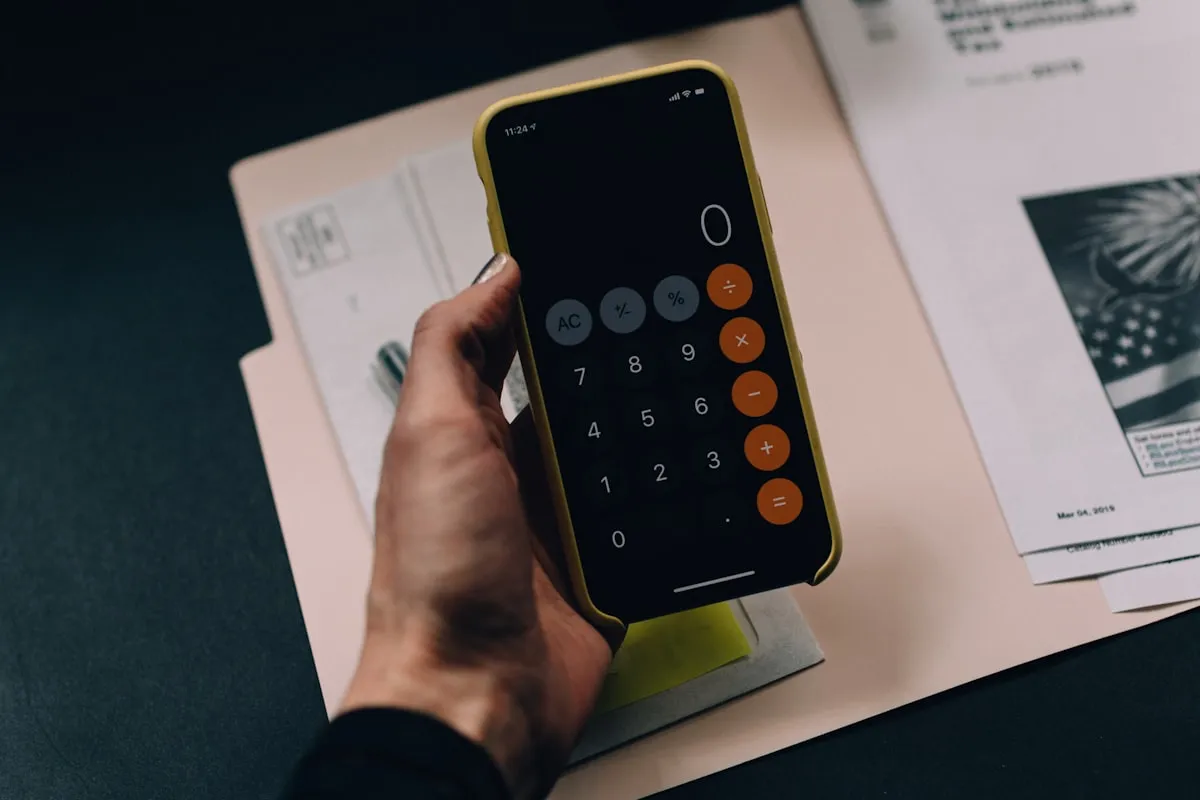
It’s a Tuesday morning. Your bank statement lists a $9.99 charge you don’t recognize, and three more like it further down the page. This printable subscription tracker PDF is the pen-and-paper fix. Print it, fill it in, and finally see every recurring charge in one place.
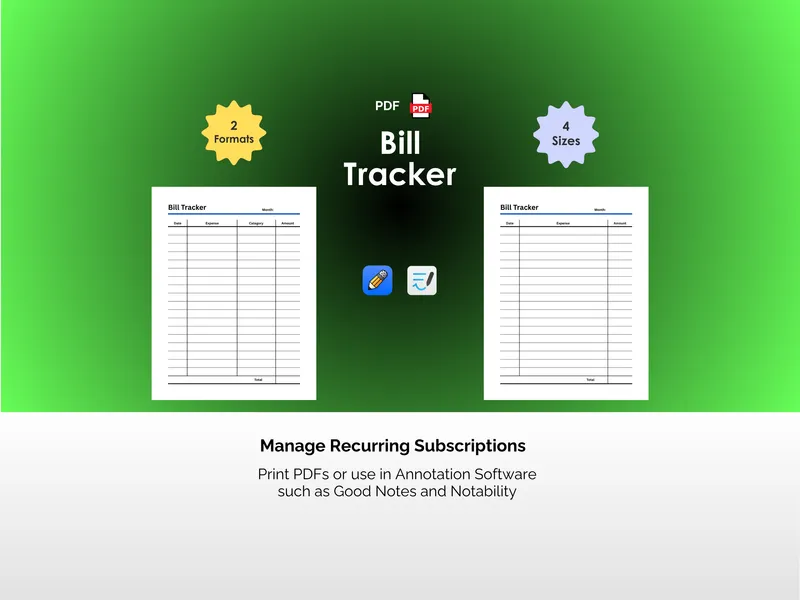
This is a PDF, not a spreadsheet. No app, no login, no software required. Open the file, hit print, and start writing. The subscription tracker printable works in a binder, a planner, on a clipboard, or loaded onto a tablet in GoodNotes or Notability if you’d rather write with a stylus.
The Card Layout dedicates a block to each subscription with fields for name, cost, category, frequency (checkboxes for weekly, monthly, quarterly, and annual), payment method, date started, renewal date, and notes. Three cards fit on one page. It’s the format to use when you want the full picture on a service — what it costs, when it renews, and which card pays for it.
The Table Layout strips it down to five columns: subscription, category, cost, frequency, and renewal date. More entries per page, faster to scan. Use it for the at-a-glance master list, then keep the Card Layout for the services that need detail.
Every format ships in four sizes: Letter (8.5 x 11 in), A4 (21 x 29.7 cm), Planner (7 x 9.25 in), and A5 (14.8 x 21 cm). That’s 8 PDF files total. Letter and A4 fit binders and standard printers. Planner and A5 drop straight into most discbound and ring planners.
The differentiator is simple. Most subscription trackers are apps that want their own subscription. This one is paper you control. Print as many copies as you need, write in pen, cross things out, and stop paying for services you forgot you signed up for.