Why the obvious approach does not work
The instinct is to look at the total, pick the service you feel least attached to, and cancel that one. It rarely survives contact with the household, because feeling attached to a service and getting value from it are different things — and the argument that follows has no way to resolve itself. Nobody can produce a fact.
The fix is not more discipline. It is putting two numbers side by side that normally live in separate places.
The two halves, and why they never meet
What it costs lives in your bank or card statement, mixed in with groceries and fuel, spread over a dozen different billing dates, sometimes on a second card and sometimes on somebody else’s account.
What you watched lives inside each app, in a viewing history most services make awkward or impossible to export, that you cannot compare across services, and that in most cases you cannot even see beyond the last few titles.
Neither half is hard to obtain. They are simply never in the same place at the same time, which is why the question feels unanswerable when it is really just unassembled.
Cost per hour watched
Put them together and one number falls out for each service: what it costs a month, divided by the hours anyone actually watched on it. It is not a clever metric — it is the price of the thing next to the amount of the thing, which is how you judge every other purchase you make.
What makes it useful is that it is personal. There is no correct number. A household that watches one prestige series a month and loves it is buying something genuinely different from one that leaves live TV on all evening. You set the thresholds once; the method’s job is to apply your answer consistently to every service instead of relitigating each one separately.
| Service | Cost / month | Hours / month | Cost per hour | Queued or upcoming | Verdict |
|---|---|---|---|---|---|
| Live TV package | $83.00 | 52.6 | $1.58 | 0 | Keep |
| The one everybody opens | $15.00 | 21.7 | $0.69 | 1 | Keep |
| Bought for one series | $17.00 | 4.4 | $3.86 | 1 | Watch more |
| Three things waiting on it | $10.00 | 0.9 | $11.11 | 3 | Rotate |
| Finished the show it was for | $13.00 | 1.2 | $10.83 | 0 | Cancel |
| Off-season sports pass | $14.08 | 1.7 | $8.28 | 2 | Rotate |
An illustrative household. The prices are example figures, not published rates — use what your own statement says.
Two things in that table are worth pausing on. The most expensive service in absolute terms — the $83.00 live TV package at $1.58 an hour — is one of the cheapest per hour watched, while the two smallest bills are far and away the most expensive. And two services with almost identical, equally bad costs per hour get opposite verdicts, because one has three titles waiting and the other has none.
The queue is what separates a cancel from a rotate
This is the step people skip, and skipping it is what turns a sensible audit into a round of cancellations you half-regret.
A service with poor value and an empty queue is finished. Cancel it; nothing is waiting.
A service with poor value and three things queued is not a cancellation — it is a subscription rotation. Cancel it now, come back for one concentrated month later, and watch the queue down in a single go. You pay for one or two months instead of twelve for exactly the same viewing.
A seasonal service works the same way with a calendar instead of a queue. The off-season sports pass in the table is poor value today and has two competitions it carries when they come back around, so it is a rotate too — cancel now, resubscribe when the season starts.
The honesty requirement is real, though. If a title has sat in the queue for a year untouched, it is not queued. Mark it abandoned and let the verdict tell you the truth.
Two cases the number cannot decide for you
Somebody else’s service. A subscription kept for one household member who watches little but loves it can be worth a bad cost per hour. That is a perfectly good reason — as long as it is a reason rather than inertia. Write it down beside the service.
A free trial. A trial has no cost per hour, because it has no cost yet. What it has is a date. The single most valuable thing to catch in this whole exercise is a trial about to convert silently into a paid plan, because that is money spent on nothing at all.
Doing it without doing it by hand
The arithmetic is trivial. The bookkeeping is what stops people — every service on one scale, hours logged per title against the service it lives on, and the two joined. That is three tables and a set of lookups, which is exactly what a spreadsheet is for — and what a streaming tracker app is not.
The free streaming cost-per-hour checker does the single-tab version for up to six services and ships pre-filled with a worked household, so the method is legible before you change anything. It gives you keep, watch more and cancel on cost per hour alone.
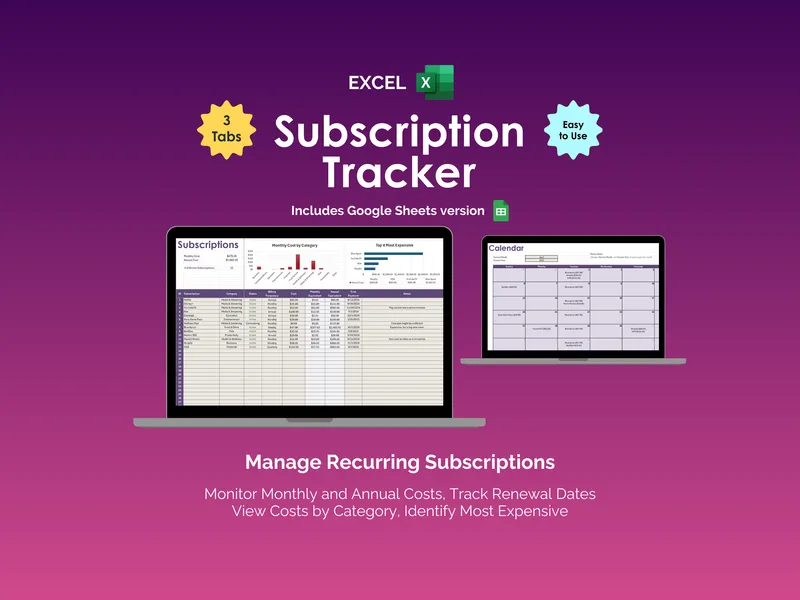
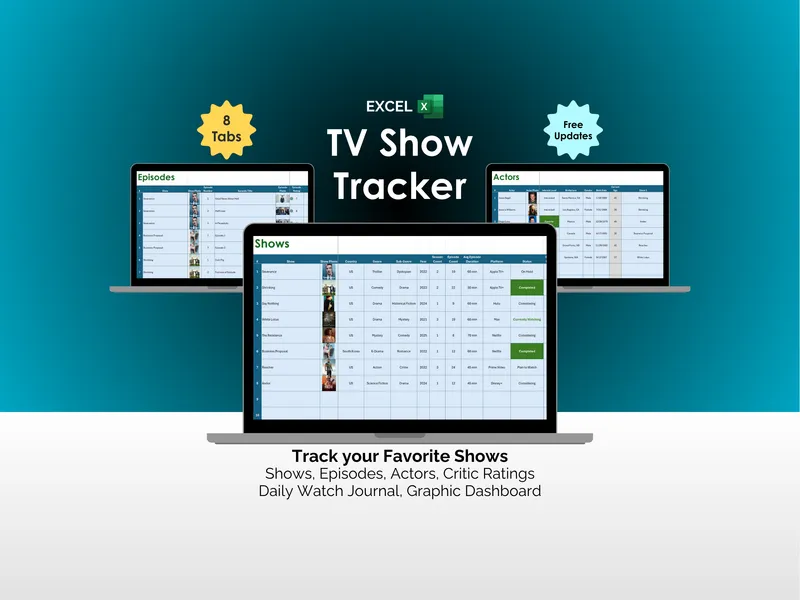
The Streaming-Service Value & Watchlist Workbook adds the fourth answer and the machinery behind it: a watchlist that turns episodes and runtime into hours per service, the queued-titles count, a renewal countdown that catches free trials before they convert, every billing cycle on one comparable scale, and a twelve-month rotation plan priced against paying year-round.
Either way it is a file you own, and it only ever needs a price and an hours figure — so keep card numbers, account numbers and logins out of it. Once the plan is built, rotating the services worth coming back to is the step that turns the verdicts into a year’s worth of savings.
Keeping it true
Budget about half an hour the first time and ten minutes a month after — top up what you watched from each app’s continue-watching row, glance at what renews next, and act on anything whose verdict has changed. Twice a year, redo it properly: seasons move, and a service that earned its place in March may not in September.
The point was never to spend less on streaming. It was to stop paying for the parts nobody watches, so the parts you do watch stop feeling like an indulgence.