What does an hour of your crew’s time actually cost?
Not the wage. The hour.
It is an easy number to get wrong, and the error tends to run in one direction, for a reason that has nothing to do with arithmetic. Paid hours are not billable hours. The toolbox talk on Monday morning is paid. The apprentice’s class day is paid. The drive between the yard and the job is paid. The half hour at the supply house is paid. None of it is on a customer’s ticket — and if you price an hour as though it were, every job you quote is quietly short.
That share — how much of your paid time is actually billable — is what divides every cost in your shop rate. Get it wrong and every number downstream is wrong by the same proportion. And in this bundle, two of the files take it as an estimate rather than a measurement. The Flat-Rate Pricing Book opens with 65% already sitting in the cell for you to change. The Route Manager works it out, but from a typical day you type in yourself.
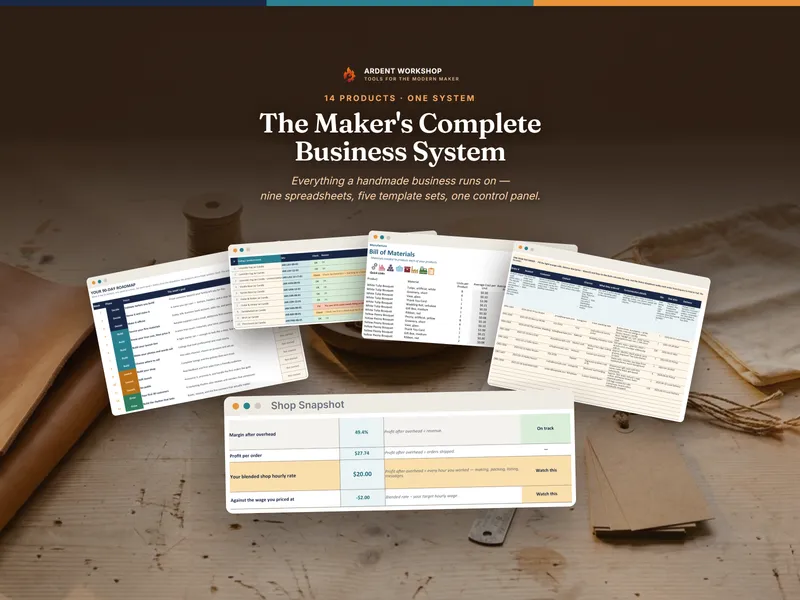
This bundle is seven finished products that between them run the office side of a trades or service business — plus one new workbook that measures that number instead of asking you for it.
What’s in the trades bundle: the seven products
Each of these is a complete Ardent Workshop product, sold on its own, and you get all of them.
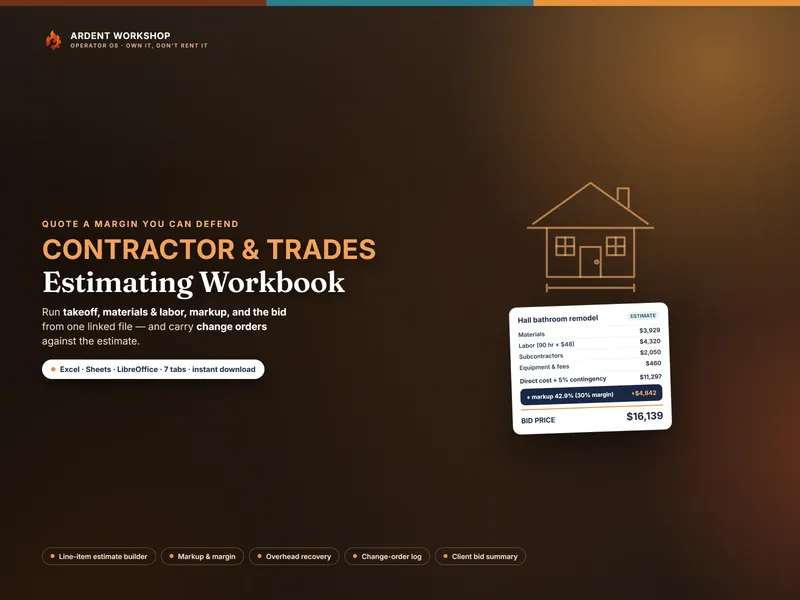
- Contractor & Trades Estimating Workbook — build a bid line by line (materials, labor, subs, equipment) with waste and contingency, mark it up to a margin you can defend, and log every change order against it.
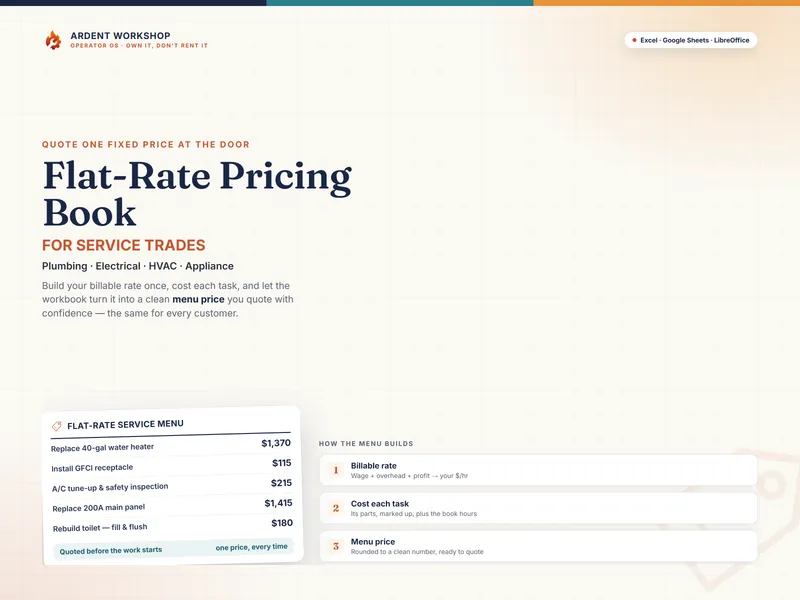
- Flat-Rate Pricing Book for Service Trades — quote one fixed price at the door instead of guessing by the hour, built on a billable rate rather than a hunch.
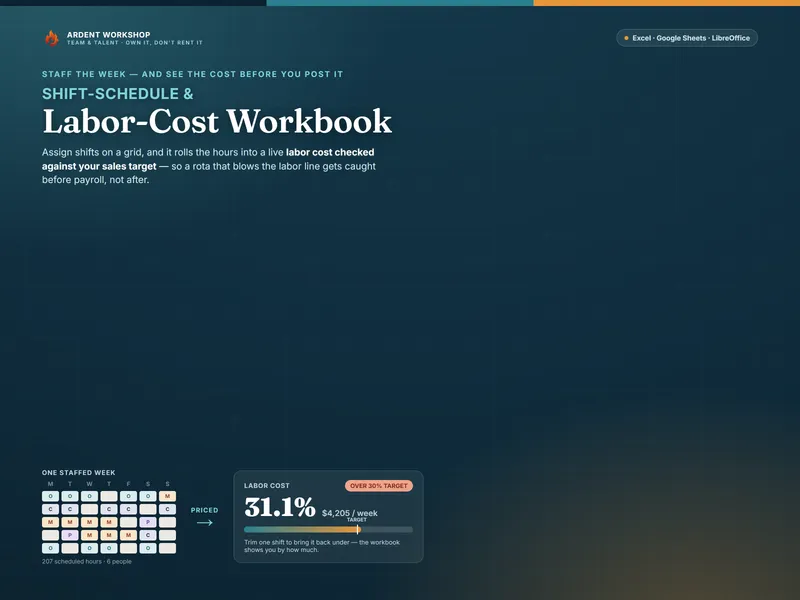
- Shift-Schedule & Labor-Cost Workbook — staff the week on a grid and watch what it costs while you do it, with regular and overtime hours priced per person and a coverage check for the short days.
- Cleaning & Service-Business Job & Route Manager — the recurring half of the business: what an hour on the road really costs once the van, the drive time and your own pay are in it, and which standing clients are quietly underwater.
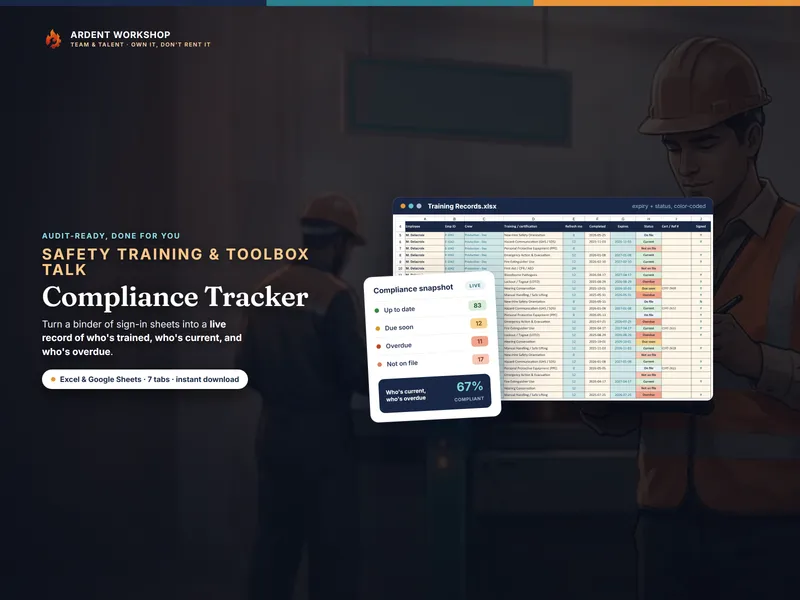
- Safety-Training & Toolbox-Talk Compliance Tracker — who is trained, who is current, who is overdue, computed from the completion dates you enter, with printable sign-in sheets for the morning huddle.
- Apprenticeship & OJT Training-Hours Logbook — on-the-job hours by work process, classroom hours, competency sign-offs, and how far each apprentice still has to go.
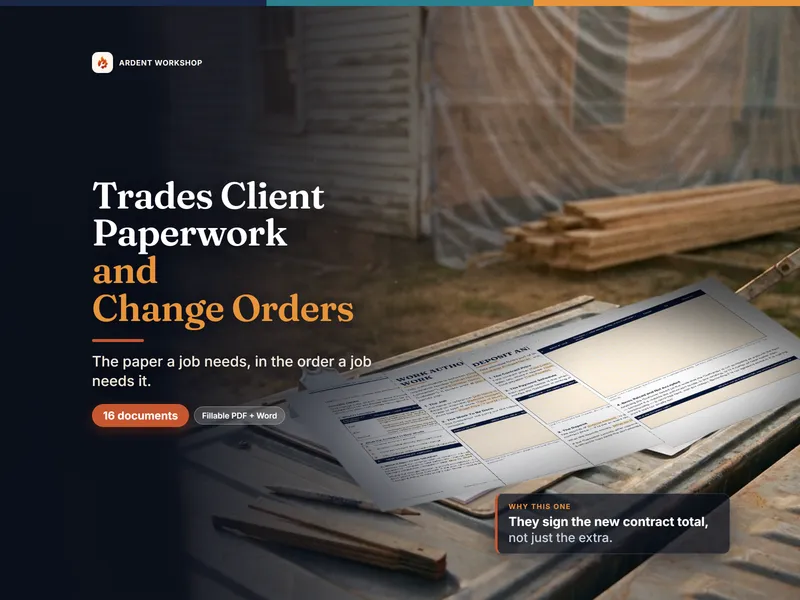
- Trades Client Paperwork & Change-Order Template Pack — sixteen fillable documents, each also an editable Word file: the work authorization, the deposit schedule, the change order with its running contract math, the punch list, the warranty, the collections ladder.
And the Trades Control Panel, which only exists because you own all seven
7 products. 8 tabs. 39 setup steps. 43 routed jobs. 23 numbers that have to agree.
Seven native Google Sheets, not one. The Control Panel ships as a spreadsheet file and as a native Google Sheet — not a converted copy — and so does every one of the six component workbooks. Each has its own one-click “Make a copy” link, so the whole set opens in Excel, Google Sheets or LibreOffice with the same formulas, dropdowns and conditional formatting.
Three of its tabs do work no single file in the set can do, because the numbers they need live in four different files at once.
The Rate Engine — the number the pricing files ask you to estimate
Enter your crew once: pay rates and paid hours from the shift schedule, toolbox-talk hours from the safety tracker, apprentice class hours from the logbook, drive and shop time from the route manager. The panel works out, per person and then across the crew, how many of those paid hours are actually billable — your billable utilization, measured rather than typed — and what a billable hour therefore costs you once payroll burden is loaded on.
Then it works out the rest of the chain: overhead recovery per billable hour, the all-in cost, the rate your own cost structure requires at your target margin, and how far the rate you charge today sits from it.
Finally it names the product, the tab and the cell each of those numbers belongs in. Five of them have to travel to the Flat-Rate Pricing Book together, because any one of them alone leaves that file computing a different rate from the same crew.
Job Reconciliation — what the finished jobs prove
A rate is a hypothesis until finished work has tested it. Enter what you bid, what the change orders added, what the crew actually burned and what it actually cost. The panel then reports your realized margin per job and across all your jobs, how far your estimated hours run light, and your net profit per crew hour once the overhead the Rate Engine computed is taken off.
It also checks the rate against reality: the labor cost your jobs actually carried, compared with what the Rate Engine assumed — and the payroll burden percentage your finished work proves, as a number to type straight back in before you quote the next one.
Crew Readiness — who you can put on the job tomorrow
The safety tracker and the apprentice logbook are records. This turns them into a decision. Per crew member: Ready, Expiring or Lapsed, from refresher dates and toolbox-talk attendance against thresholds you set — plus the hours each apprentice still needs, and the paid hours you are carrying this week that you cannot bill because somebody has lapsed.
What else does the Control Panel do, and which guides come with it?
The three tabs above are the ones only a bundle can compute. The panel’s other five hold the system together — eight in all:
- Start Here lays out the money chain the seven files form — price, schedule, do the work, paper the change, reconcile, re-price — with a key that marks every cell in the panel as either something you type or something it computes.
- Setup Sequence carries all 39 setup steps across the seven products and the panel itself, in dependency order rather than the order the files are numbered — because the two files that price work both need a rate that does not exist until the crew’s hours are flowing.
- Job Router points 43 real jobs at the exact file and tab.
- Number Flow maps the 23 numbers that have to be carried between files by hand, with the direction, the reason and a tick box for each.
- What’s Included names the seven products and what each one is for, with a cell for what you paid so the panel works out the saving from your own figure rather than quoting one at you.
Five guide PDFs come with it — 56 pages in total: a nine-section Start Here guide, a printable setup checklist, a printable router and handoff reference, a component index, and a landscape wall chart of the whole system for the office wall.
That is only this product’s own paper. The six component workbooks bring 26 more guide PDFs between them — 189 pages — and the Client Paperwork pack adds two guides of its own on top of its sixteen documents.
Own it, don’t rent it: files you keep, not software you rent
Field-service software is rented rather than bought: you subscribe for as long as you use it, and your records generally live in the vendor’s system rather than on your own machine. A blank spreadsheet is free and holds nothing. This sits between them: structure you own outright, downloaded once, with no subscription, nothing to renew, and no downloaded file that stops working. Every file stays exactly as useful the day you stop paying attention to Ardent Workshop as it was the day you bought it.
Nothing in the set reaches across your Drive and edits another file, and that is deliberate — it is why nothing changes underneath you. The trade is the Number Flow list, and it is short.
When a file-based system stops being enough
Files will run a trades business for years. When the same job exists in four of them and you are the integration between them, that is the honest ceiling of any file-based system. Ardent Seller is where it graduates to: your materials become tracked inventory that draws down as you buy and use it, your suppliers and customers become real records, and your true cost per unit of work is computed for you. There is a free plan to start — and everything in this bundle stays yours either way.
What this is, and what it is not
An operating framework, not financial, accounting, tax, legal or compliance advice. The worked examples that ship in the Control Panel are illustrative — every crew member, job and figure in them is invented — and the comparison bands behind the verdicts are Ardent Workshop rules of thumb for a small trades crew, not published benchmarks. Replace them with your own. The client documents are starting points; have anything you intend to sign reviewed for your own situation and jurisdiction. Nothing here is a substitute for your own OSHA, state licensing or apprenticeship-program obligations.