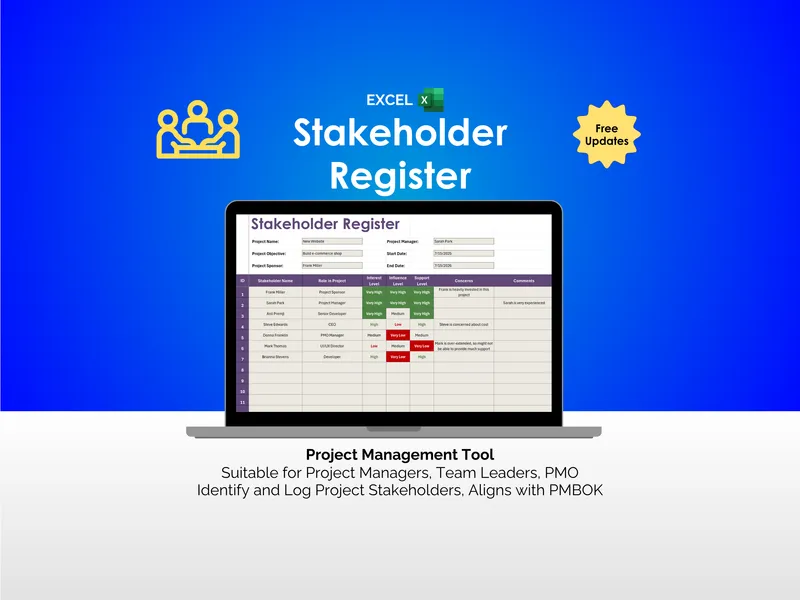
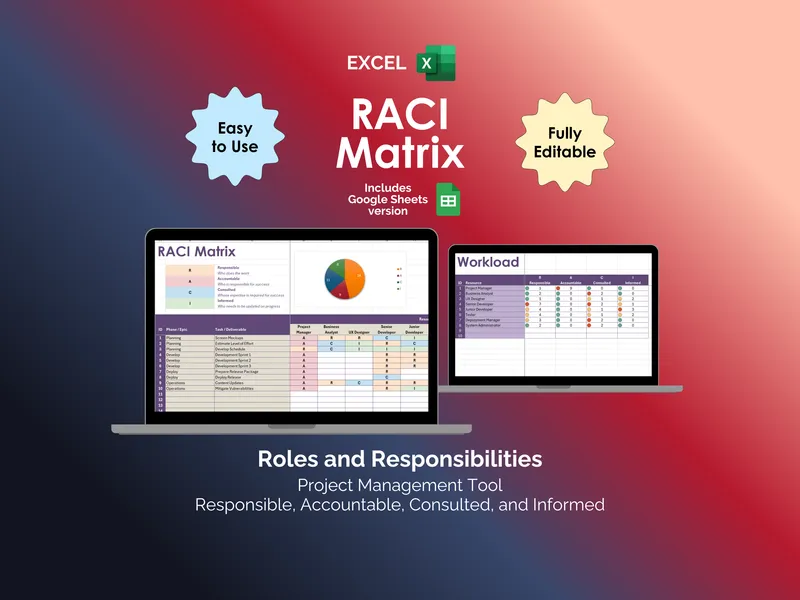
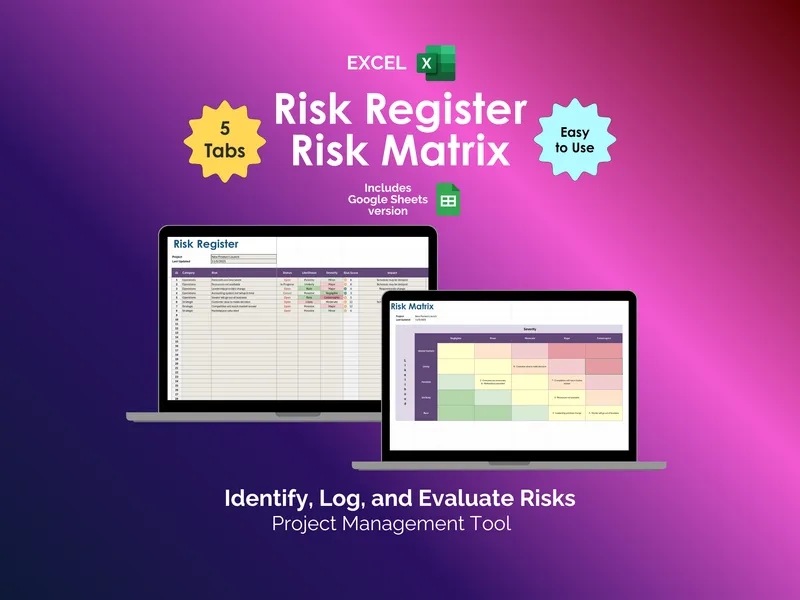
Stakeholder management isn’t a contact list. It’s the quiet discipline of knowing whose phone rings first when the timeline slips, and whose inbox can wait until Friday. This excel stakeholder management tool gives project managers that judgment in spreadsheet form, four connected workbooks that turn a vague org chart into a working plan.
Open it and you land in the Stakeholder Register, where up to 100 stakeholders sit in one place, each tagged by Interest Level, Influence Level, and Support Level. The excel stakeholder management tool then pushes those entries into the Stakeholder Matrix, which auto-populates a power-and-interest grid sorted into Monitor, Keep Informed, Keep Satisfied, and Manage Closely. You stop guessing who needs a steering committee invite and who needs a monthly email.
But here’s where it gets interesting. Most stakeholder spreadsheets stop at the matrix and leave the hard part, the actual outreach, to your memory. This file keeps going. The Stakeholder Engagement Plan asks you to commit to a Method of Engagement, a Frequency, a Priority, an Area of Concern, and an Engagement Strategy for each name, so the plan exists somewhere other than your head.
The Communications Plan finishes the loop. Every entry captures Type of Communication, Objective, Method, Frequency, Audience and Owner, and Deliverables, which is what separates a project where the sponsor feels informed from one where they hear about a missed milestone over Slack. Together with the matrix, this is the excel stakeholder management tool turning a category like Keep Satisfied into a concrete weekly status note owned by a named person.
The structure tracks the PMBOK Guide directly, covering Identify Stakeholders (13.1), Plan Stakeholder Engagement (13.2), Manage Stakeholder Engagement (13.3), and Plan Communications Management (10.1), so a PMO reviewer sees familiar ground. Your download is a zip with the Stakeholder Management Tool.xlsx workbook plus an Example file pre-loaded with sample data. Prompt support is included if a formula breaks, and you get free updates as the tool evolves. One file, six tabs, a project that stops surprising you.