Your kickoff meeting just wrapped. You have 17 names scribbled across a whiteboard, a vague sense that the VP of Operations is going to be a problem, and a sponsor who wants the stakeholder list “by EOD.” This excel stakeholder register template is the spreadsheet you open instead of starting from a blank grid (because starting from blank at 4:45 p.m. is how mistakes happen).
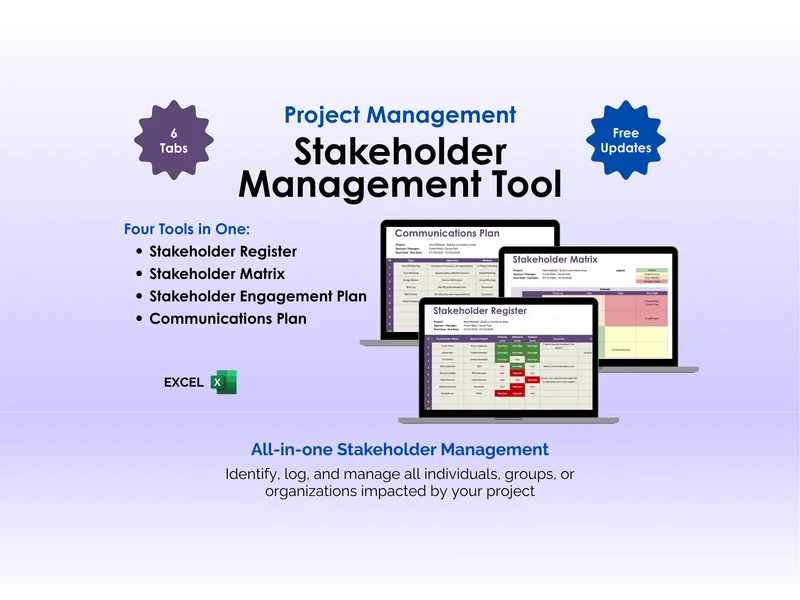
Project managers, team leaders, and PMO analysts use this excel stakeholder register template to capture every person and group with skin in the project, then keep tabs on how each one feels as the work moves. It is built around the PMBOK Identify Stakeholders and Plan Stakeholder Engagement processes, so the columns line up with what your methodology already expects you to track. You will not have to retrofit a generic contact list to satisfy an audit.
The project header sits at the top of the sheet with fields for Project Name, Project Manager, Project Objective, Project Sponsor, Start Date, and End Date. This matters because the register usually gets shared upward (to sponsors, steering committees, sometimes legal), and a labeled header means nobody has to ask which project a row belongs to. It also gives you a clean cover line for screenshots in status decks.
The stakeholder roster is a numbered table with rows for Stakeholder Name and Role in Project. You enter people once, then everything else (interest, influence, support, concerns) hangs off that single row. The numbering is small but useful when you are talking through the register on a call and need to say “row 4” instead of trying to pronounce someone’s last name three times.
The interest, influence, and support columns each take a five-level rating (Very Low, Low, Medium, High, Very High) and the cells are color-coded so a quick glance tells you where the risk is. Red on the Support column next to High on Influence is the row you are losing sleep over. Green across the board is the row you can probably leave alone for a sprint. The color shift means you do not have to read every cell to find the trouble.
The concerns and comments columns give you a place to write down the actual sentences people said, in their own words. “Worried this will increase her team’s workload mid-quarter” is a different problem than “skeptical of the vendor,” and both are different from “wants to be cc’d on everything.” Storing the raw quote (instead of paraphrasing into a category) protects you later when you are explaining to the sponsor why you handled someone the way you did.
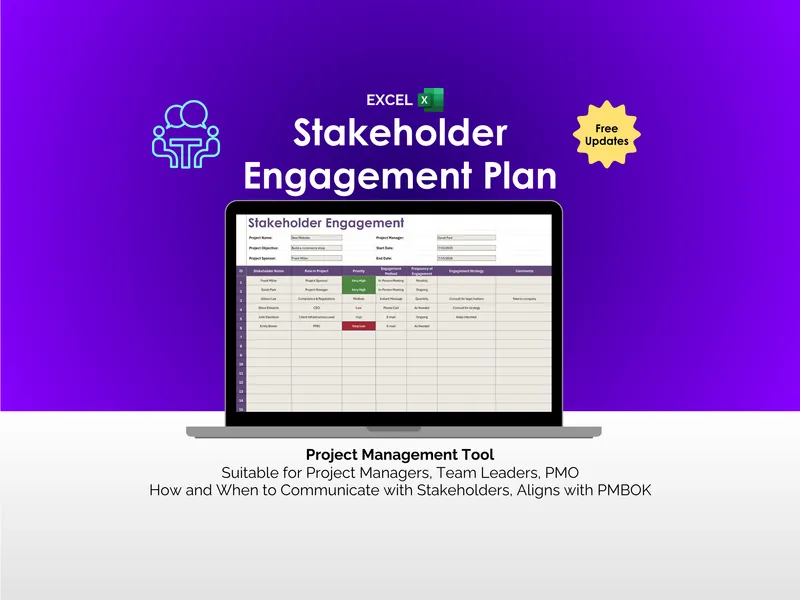
What separates this excel stakeholder register template from the free PDF you downloaded last year is that it is a living workbook, not a one-time deliverable. The five-level ratings, color cues, and free-text comment fields are designed to be edited every week as the project moves and people’s positions shift (which they will, especially after the first demo). You get free updates when the template is revised, the workbook is fully editable so you can add columns for engagement strategy or communication frequency, and delivery is instant via download so the version you pull tonight is the same version your PMO is reviewing tomorrow morning.
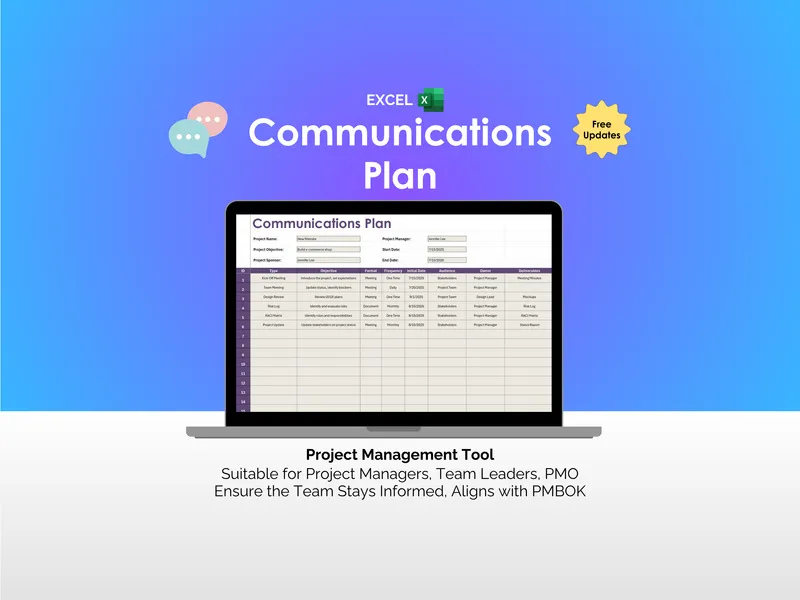
If you are running anything bigger than a two-person side project, the register is the document that quietly keeps the rest of stakeholder management honest. Pair it with the Stakeholder Engagement Plan and Communications Plan and you have a stack that survives a project audit, a sponsor change, and the inevitable Tuesday when someone asks who approved what.