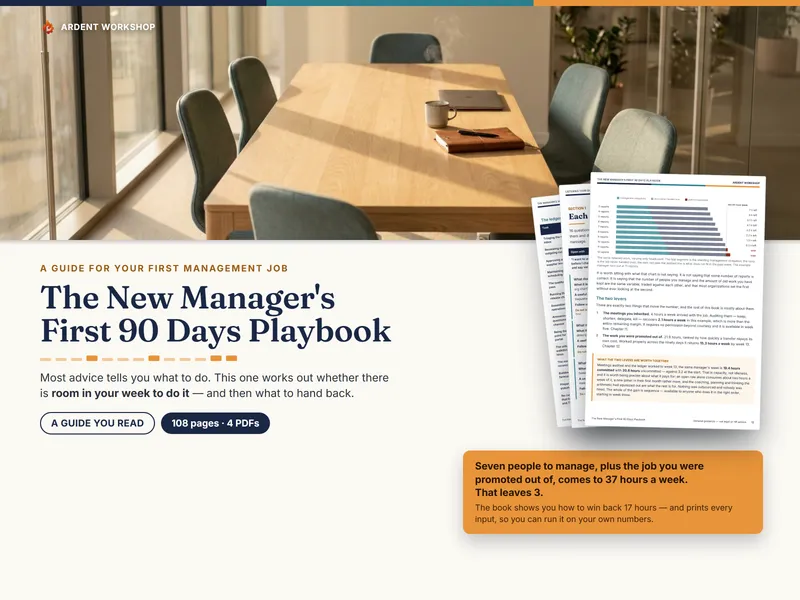
You were promoted a few weeks ago. Nobody handed you a system, and four of the things you are suddenly responsible for — planning the first ninety days, running the weekly one-on-ones, setting goals somebody could actually score, and eventually writing all of it down — each arrived on their own, in their own week, with no warning.
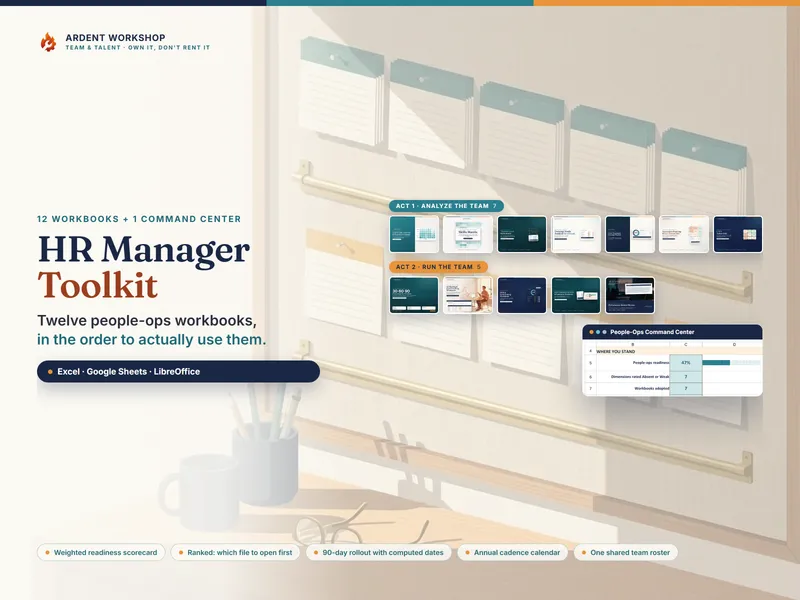
The New Manager’s Starter Kit is those four things, as four complete workbooks for Excel, Google Sheets and LibreOffice, plus a fifth — the New Manager Command Center — that joins them together.
Who is this for?
A first-time manager, a new supervisor, or a team lead in their first year — often running one-on-ones with people who were peers a month ago, and facing a performance review to write about them, in most companies, before the year is out. It assumes no HR system behind you and nothing already set up.
The four workbooks, and the file that joins them
Each of the four sells on its own and is included here in full — nothing sampled, nothing cut down. Bought separately they come to $84.80. The kit is $49 — $35.80 less, a 42% saving — and the Command Center comes with it.
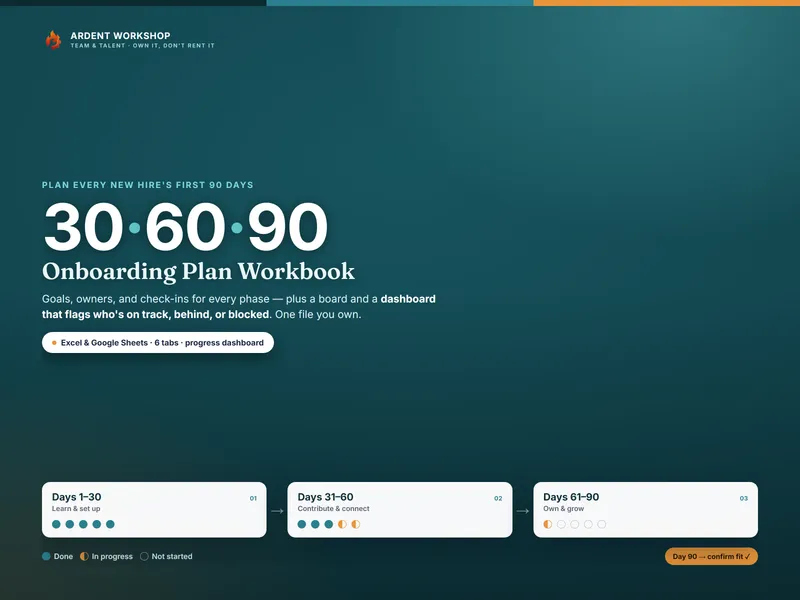
- Plan — the 30-60-90 Onboarding Plan Workbook: what a first ninety days should actually contain, phase by phase, with the check-in dates already on it. Open it for your own ramp in week one, and again the first time you hire someone.
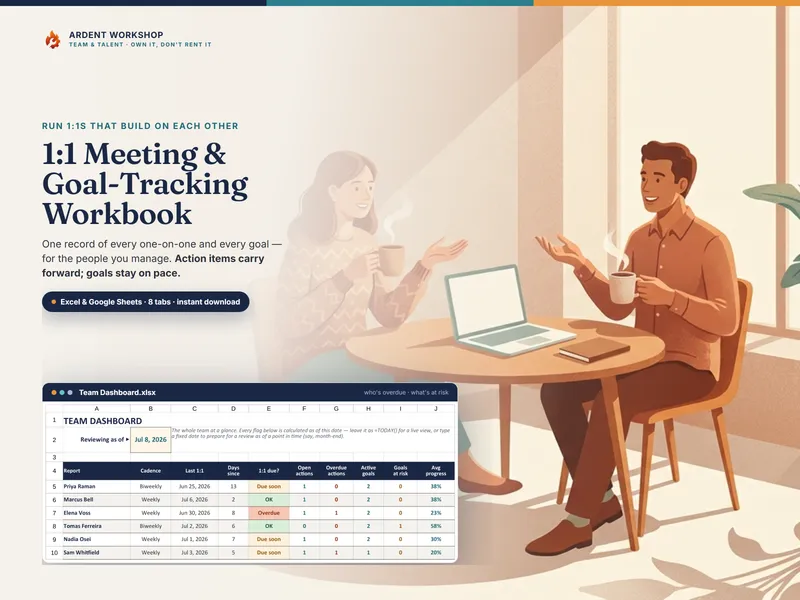
- Rhythm — the 1:1 Meeting & Goal-Tracking Workbook: what was agreed last time, and whether it happened. Actions carry forward from one meeting to the next instead of being re-remembered.
- Goals — the OKR & Goal-Setting Workbook: every objective has to carry key results with a start, a target and a unit before it will score.
- Words — the Performance-Review Phrasing & Feedback Wording Bank: not a phrase list. Every phrase names the evidence it requires, so you can see what a phrase would need before you use it.
All four have something free on the site you can try before you buy: the 30-60-90 Onboarding Plan Starter for one new hire, the 1:1 Meeting Starter Log for one person’s 1:1s, the OKR Starter Sheet for one team’s quarter, and Behavior, Not Personality, ten review sentences rewritten. No signup, and none of them is the workbook it comes from.
The fifth file is the New Manager Command Center, and it is the only one here you cannot buy on its own.
What the Command Center does that the other four cannot
Each of the four stops at its own edge. The 30-60-90 plan is written for a new starter and has never seen your calendar. The one-on-one workbook knows what was agreed with one person, not whether the other five have been seen at all. The OKR workbook knows whether a goal is measurable, not who on your team has one. The wording bank knows how to phrase a review, not whether you have anything on record to phrase.
So the Command Center’s nine tabs do the three things that live in the joins.
Your first ninety days, on a real calendar
Type one date into Setup — the day you became a manager — and 30 curated milestones date themselves across weeks 1 to 13 from that single cell. The tab then computes which week you are in, what is due in the next seven days, and what has already slipped past its date. Change that one cell and the whole schedule moves with it.
That is the thing a printed 30-60-90 list cannot do, because it was written before it knew when you started: it reads the same on day two as it does on day eighty.
The person you are neglecting, by name
My Team holds one row per direct report. Everything to the right of the name is read back out of your own one-on-one log:
- days since you last sat down with them, and when the next one is due
- open commitments, and commitments logged with no due date at all
- how many times the same action has been re-agreed rather than closed
- goals on record, and tagged evidence notes counted
Then it does the part that matters — it turns all of that into one sentence telling you what to do about this person this week, and the Dashboard names the single person who needs you most.
The tab makes no judgment about why a gap opened. It just counts the days, puts the longest one at the top, and leaves you to decide what that means — which is harder to skip past than a gap nobody was measuring.
Whether you could write their review today
Review Readiness gives every person a column for each of the 9 competencies the Wording Bank organizes its phrases by, and counts the one-on-one notes you tagged to each. A zero there is not a low score — it means you have nothing on record, and any rating you gave would be coming from memory rather than from anything you wrote down at the time.
Finding that out in month three is worth a great deal more than finding it out the week the review is due.
Excel, Google Sheets and LibreOffice
Every .xlsx in the kit opens as it is in Excel and LibreOffice Calc, and every one
of them also has a native Google Sheets copy — a real “Make a copy” link, not an
import you have to repair afterwards. Take whichever suits how you already work;
owning one does not cost you the other. The Sheets copy lands in your own Drive —
keep it there rather than in a folder your team shares, because what you type into
it is a private record about named people.
Own it, don’t rent it
Software for this job is typically sold as a subscription, for a rhythm you run once a week. This is five workbooks and five guides — 27 PDFs in all, the four printable sheets among them — downloaded once. It still works in your second year of managing, when the first ninety days are a memory and the rhythm is the whole job. No subscription, no seat count, no account to keep alive, and nothing locked, so you can change any of it.
When you own headcount rather than a team
This kit is scoped to four things a first-year manager is handed early. If your job grows into the other half — what good looks like across a team, who can cover for whom, where the key-person risk sits, who is ready for more — the HR Manager Toolkit Bundle is the larger shelf, and it carries these four workbooks inside it.
A planning aid, not advice
Everything in this kit is illustrative and is not legal, HR or employment advice. Employment law, documentation duties and data-protection obligations vary by country, state and employer size, so check your own obligations before you rely on any of it. No flag, count or status in the workbook is a verdict on a person, or on its own a basis for a pay, promotion, discipline or termination decision.
Once you start using it, this workbook holds candid, personal notes about named people: keep it confidential to those who need it, store it privately rather than in a shared team folder, treat the printed prep and evidence sheets the same way, and handle all of it as your own privacy policy and local employment law require. Every person, company, date and number in the worked example is fictional.