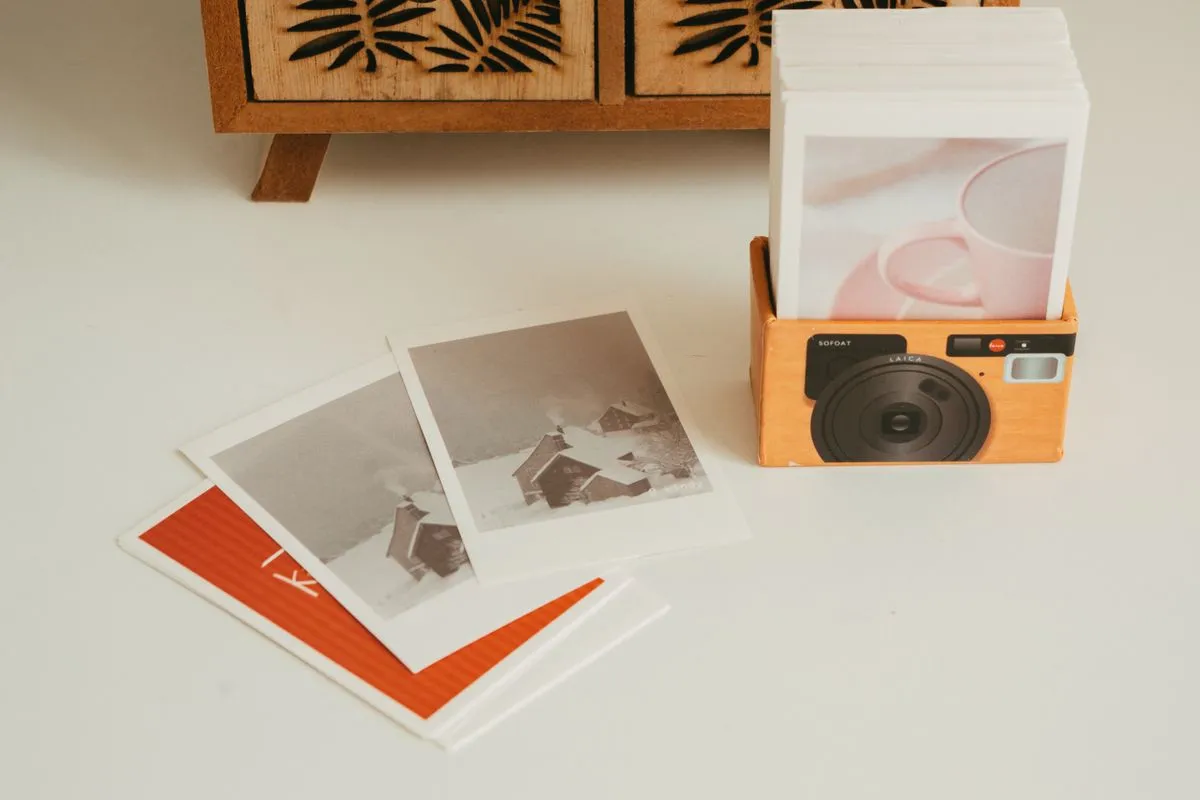
Sound familiar? The cards started in the album boxes, moved to a shoebox, spilled into a desk drawer, and now some of them live in a binder you bought in a hurry. A comeback drops, a trade partner asks “do you have the B version of her?”, and you spend twenty minutes flipping pages before buying a card you already owned.
Organizing K-pop photocards comes down to three decisions: one sort order, one physical home for every card, and one list that says where each card lives. The third is the easiest one to skip. The binder looks tidy, but the information about what you own, what you want, and what you have promised to someone is spread across a camera roll and a few chat threads.
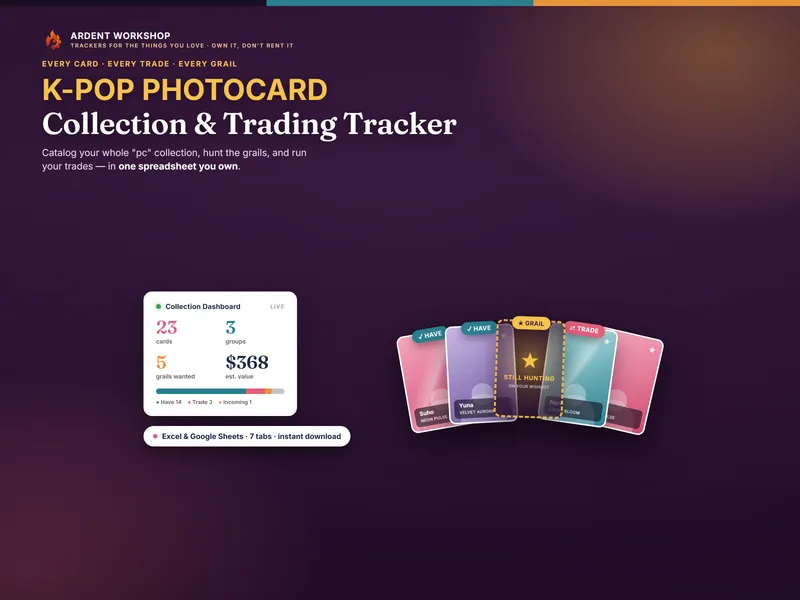
That list is the part a spreadsheet does better than memory. The K-Pop Photocard Collection & Trading Tracker is built for it, with one row per card, a status for every card, and separate tabs for grails and trades. The system below works with or without it, though, so here it is from the start.
What is a photocard organization system?
A photocard organization system is the set of rules that decides where a new card goes the moment it arrives. It has three parts:
- A sort order. The one key the binders are arranged by: member, era, or album version.
- A home for every card. A keeper binder, a trade binder, and top loaders, each with a clear job.
- A catalog. A record of every card with its status and its location, so you can answer questions without touching the binders.
If a card can arrive and you have to think about where it goes, the system is missing a rule. The goal is that filing a card takes the same thirty seconds every time.
If you are new to the vocabulary (POB, lucky draw, grail, WTT), the glossary entry on what a K-pop photocard is covers where cards come from and how trading works. This post is about what to do with them once you have them.
How to choose a sort order for your K-pop photocards
Pick one primary sort order and use it in every binder. Each of the three common orders answers a different question quickly and makes other questions slower.
| Sort by | Fastest answer | Slower answer | Best for |
|---|---|---|---|
| Member | “Every card I own of my bias” | “Is this comeback’s set complete?” | One group, a clear bias |
| Era / release | “Which cards from this comeback am I missing?” | “Everything I have of one member” | Set completers, several groups |
| Album version | “What came with version A vs version B?” | Almost everything else | Collectors who buy every version |
Sort by member if you mostly collect one group and your bias is the point. Give each member a section, then order cards inside it from oldest era to newest.
Sort by era if you collect several groups or love seeing a release as a full set. One spread per comeback, members in the group’s usual order, and the gaps show you at a glance what you still need.
Sort by version only if you deliberately buy every version of every album. For most people it splits one member’s cards across too many pages.
You can nest a second key inside the first (member, then era is the most common pairing). Never change the primary key partway through a binder. A binder that is half member-sorted and half era-sorted is harder to search than a shoebox.
Where should photocards be stored?
Each kind of storage has one job. Problems start when one of them is doing two jobs at once.
| Storage | Its job | Don’t use it for |
|---|---|---|
| Keeper binder (pocket pages, sleeved cards) | The collection you are keeping, in your sort order | Cards you are trying to trade |
| Trade binder | Duplicates and cards you are letting go, ready to show | Anything you would be upset to lose |
| Top loaders | Grails, high-value cards, cards about to be posted | Every card, since they eat space fast |
| Incoming box | Cards that arrived and are not logged yet | Long-term storage, so empty it every week |
Three habits protect a collection more than any particular binder:
- Sleeve before you file. A soft sleeve first, then the binder pocket. It keeps scratches and edge wear off a card’s surface.
- Measure before buying sleeves in bulk. Photocards are not all the same size across releases, so check a few of yours against the sleeve size listed before you order a hundred.
- Keep binders upright and out of the sun. Stacked binders press on the pages, and sunlight can fade prints.
Give every card a binder address
This step is easy to skip, and it is what makes the catalog useful. A binder address is a short code for exactly where a card lives: which binder, which page, which pocket.
A simple format works: binder letter, page number, pocket number. K2-14-3 means keeper binder 2, page 14, pocket 3. T1-05-1 is the trade binder, page 5, pocket 1.
Here’s how it plays out with an illustrative example. Say a trade partner asks whether you have a particular member’s lucky draw card from last spring’s comeback. Without addresses, you flip through two binders. With addresses, you search your list for that member and that era, read K2-14-3, and open the binder to the right page.
Two rules keep addresses honest:
- Leave empty pockets for gaps. If you sort by era, leave a pocket open for each card you are still missing. The address already exists, so the card just slots in when it arrives.
- Update the address when a card moves. A card moved to the trade binder without its address changing is a card you will report as “lost” a month later.
In the photocard tracker, the address goes in the Notes column next to the card. The tracker has no separate location column, and a consistent code at the start of the note does the same job and stays searchable.
What to record for each photocard
Record enough to tell two similar cards apart without looking at them. For most collectors that is:
- Group and member. Spelled the same way every time. Pick one romanization and stick to it.
- Album, version, and era. The same member can have six cards from one comeback, and these fields are what tell them apart.
- Type. Album inclusion, preorder benefit (POB), lucky draw, fansign, broadcast, or collab.
- Condition. Graded from the card’s worst flaw, not its best side.
- Status. Have, for trade, want (grail), incoming, or sold / traded.
- Address. Where it physically lives.
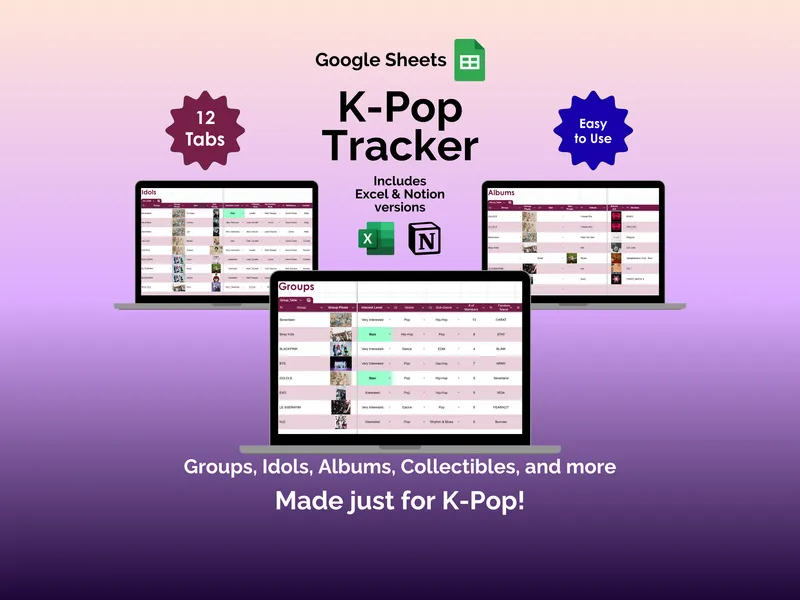
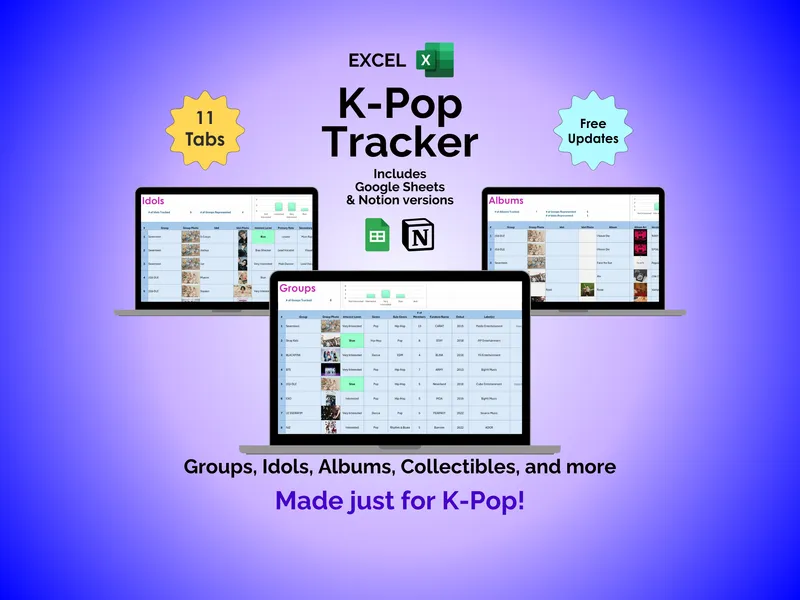
The photocard tracker’s My Photocards tab has every one of those fields except the address. Type, condition, and status are dropdowns, so spelling cannot drift. If you collect other K-pop items too (albums, light sticks, merch, concert dates), the K-Pop Tracker for Google Sheets keeps those alongside your groups and idols. For the general method of cataloging any long-running collection, see how to catalog a collection you have been building for years.
How to separate keepers, duplicates, and grails
Every card belongs to exactly one of three groups. Keeping them apart, physically and in your list, prevents most collection mistakes.
- Keepers. Cards you are keeping. They live in the keeper binder in your sort order, and their status is “Have”.
- Duplicates and trades. Doubles, and cards you are willing to let go. They live in the trade binder, and their status is “For trade”. Anything in a pending trade stays here until the swap is done.
- Grails and wants. Cards you don’t own yet. They live only on your list, with a priority and a budget ceiling, so you trade with a plan instead of overpaying on the spot.
The common failure is a duplicate living in the keeper binder. You forget it is spare, and you never offer it in a trade that would have landed a grail. The other is a card you have promised someone still sitting in the keeper binder. Move it the moment you agree to the trade.
How to file new photocards when a comeback drops
Do this the day the cards arrive, before they join the pile. It takes a few minutes per album.
- Open everything into the incoming box. Keep each album’s cards with their album until they are logged.
- Check against your wants. Any card on your grail list gets marked found right away.
- Log each card. One row each: group, member, album and version, era, type, condition, status.
- Decide keeper or trade. A second copy of a card you already have goes to the trade binder with status “For trade”.
- Sleeve, file, and write the address. Put the card in its pocket and add the address to its row.
- Empty the incoming box. If it still holds cards at the end of the week, the system has a gap.
Skipping step 3 “just this once” is how a collection drifts back into a shoebox. The binders still look organized, but the list stops being true, and once you can’t trust the list you stop using it.
Common questions about organizing photocards
Should I sort photocards by member or by era?
Sort by member if you collect one group deeply and mostly care about your bias. Sort by era if you collect several groups or like seeing a comeback as a complete set. Either works. What does not work is switching between them halfway through a binder.
Do I need a top loader for every photocard?
No. A soft sleeve is enough for most cards in a binder. Save rigid top loaders for grails, high-value cards, and anything you are about to post or trade.
How do I keep track of photocards I have traded away?
Do not delete the row. Change its status to “Sold / traded” and note who it went to and what came back. That history is how you stop re-buying a card you already let go of, and it is your record if a trade goes wrong.
The short version
Choose one sort order. Give each kind of storage one job. Write an address for every card. Keep keepers, trades, and grails apart, and log new cards the day they arrive.
If you want to try the list before committing, the free photocard starter sheet is a single tab, one row per card, with a have or want status. When the collection outgrows it, the K-Pop Photocard Collection & Trading Tracker adds the wishlist with budgets, a trade board tracked from available to done, and a dashboard that counts your collection by group, type, and status. It’s one file you own, with no app account and no subscription.