It is Monday morning of comeback week. Your bias group just announced a mini album with four versions, the teaser dropped at 6 AM KST, and you already know that by Friday your wallet will be filing a complaint. This excel kpop tracker is the spreadsheet that finally lets you ride out the chaos without losing your stack of receipts — and yes, your inner multistan can finally breathe.
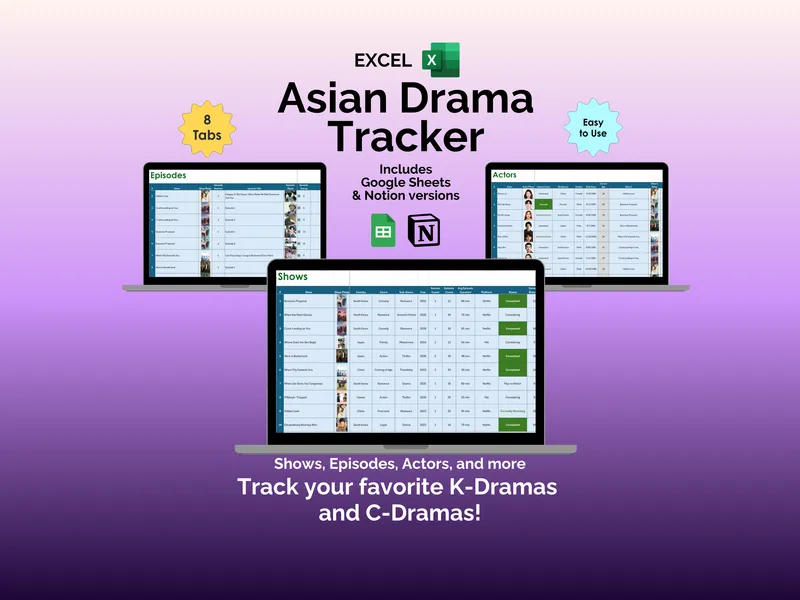
Tuesday after work, you open the kpop collection spreadsheet to set the stage. The Groups tab holds up to 500 groups with fields for genre, member count, debut date, fandom name, label, and website, plus a photo that carries over to other tabs (so your bias group never looks faceless again). You log the comeback’s parent group, then jump to the Idols tab and add or update the lineup with role, birthplace, gender, birth date, age, blood type, height, and weight across 500 entries.
Wednesday the album officially drops, so the excel kpop tracker earns its keep. On the Albums tab you log each version as its own row by group or idol, with album type, version, genre, runtime, ownership status, and your personal rating, and the group and idol photos auto-populate so you can scroll through your shelf visually. The Songs tab gives every track on the release its own line for individual listens and ratings — because rating a B-side higher than the title track is a personality trait.
Thursday is photocard trading day, and this is where your kpop collection spreadsheet does its quietest, most useful work. The Collectibles tab catalogs photocards and merch with versions and ownership status, while the Concerts tab keeps tour history and the upcoming shows you are still pretending you can afford. The Journal tab logs your daily fandom activity and feeds a built-in chart that quietly graphs just how feral the week got, and the Setup tab lets you customize the genre list and collectible types so every drop-down sounds like you, not a stock template.
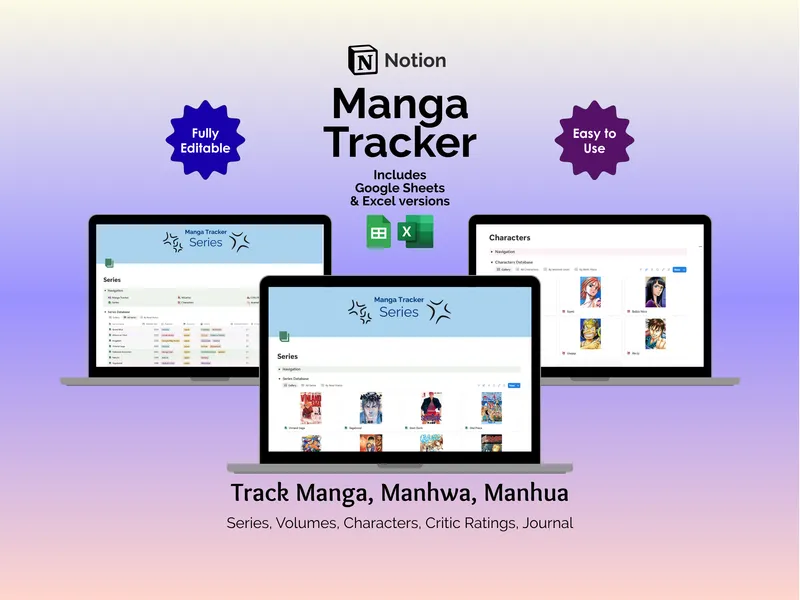
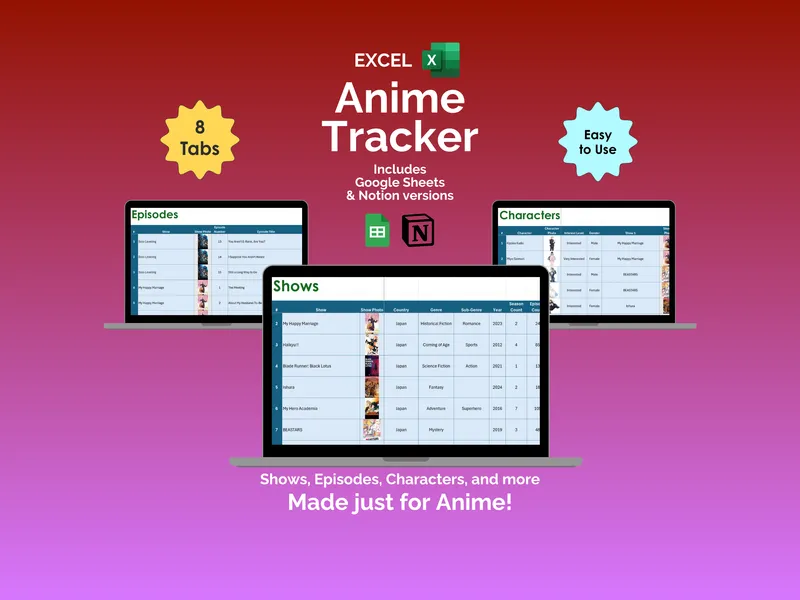
What sets this apart is that the same download ships Excel, Google Sheets, and Notion versions of all 11 tabs, with automated drop-down lists (Not Interested through Owned) and automated charts already wired up. No subscription, no account, no fandom app trying to push notifications during your concert. By Sunday night the comeback has settled, the binder is logged, and the spreadsheet is still right where you left it on Monday morning — ready for the next mini album, presale, and three-version photocard panic.