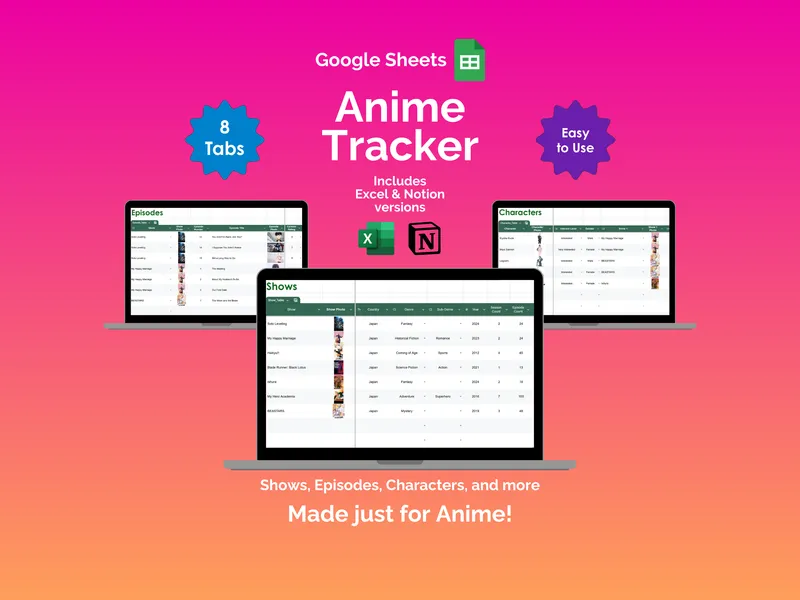
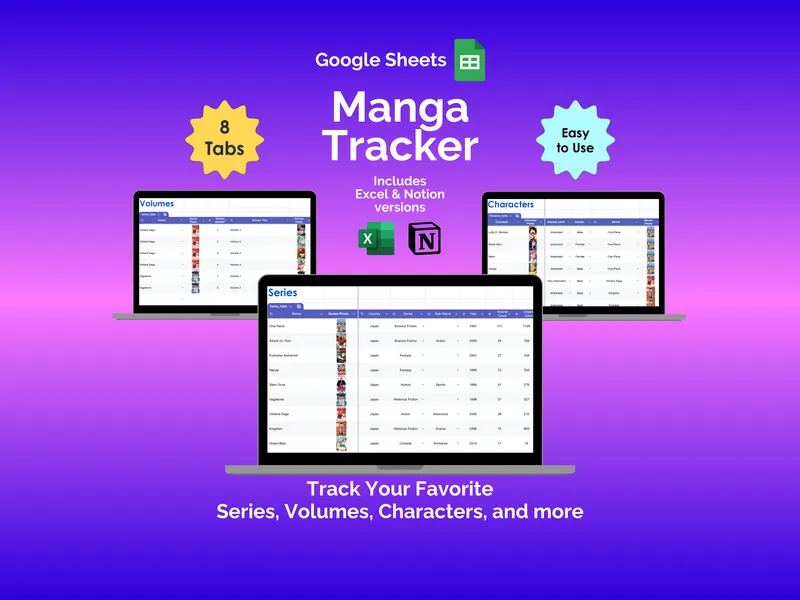
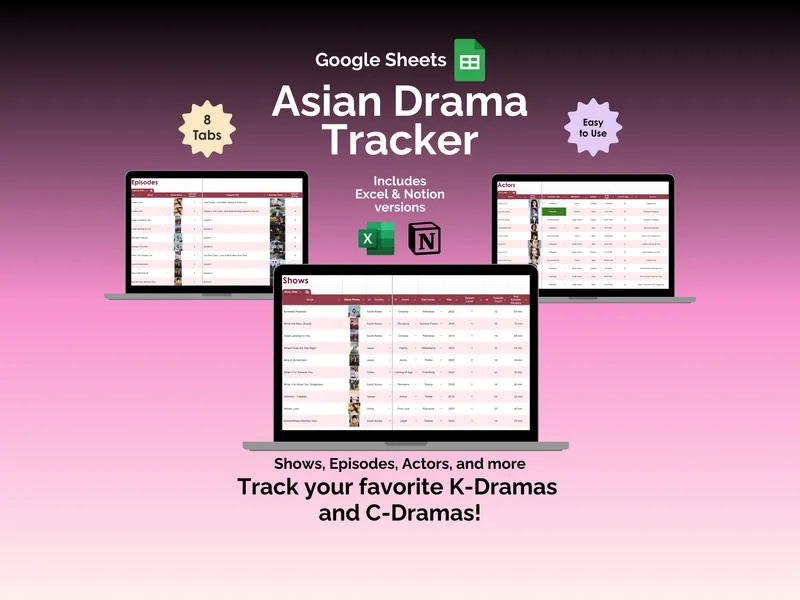
A comeback drops and you cannot remember which version of the album you already preordered (or which photocards you still need to trade for). That is exactly the chaos this google sheets kpop tracker is built to solve. Everything you stan, in one spreadsheet, with the fields a generic planner would never think to include.
This google sheets kpop tracker gives you 12 tabs that actually speak fluent fandom. The Groups tab holds up to 500 entries with columns for sub-genre, member count, debut year, fandom name, and label (yes, the spreadsheet knows what JYP and HYBE are). Upload a group photo once and it auto-populates across every other tab, which matters because typing “BLACKPINK” into seven sheets gets old fast.
The Idols tab matches that depth for up to 500 bias-list entries, with role in group, birthplace, birth date, age, blood type, and your personal interest level. The Albums tab catalogs your collection by group or idol with album type, version, genre, runtime, ownership status, and a rating column so you can finally settle the “is this their best era?” debate with yourself. The Songs tab handles individual tracks, and the Lyrics tab stores the lines you keep rewatching fancams for.
But here is where it gets interesting. The Collectibles tab is where this kpop collection spreadsheet earns its keep, tracking photocards, light sticks, and merch in a single view (with cost fields and a wishlist column for the next OMO drop you are eyeing). The Concerts tab logs performances with dates, venues, and attendance status, so you have a real record of every show instead of squinting at old screenshots.
Then there is the Journal tab, which is the part you did not know you needed. You log daily K-pop activity by date, platform (Spotify, YouTube Music, fancam binges, whatever), and minutes spent, and it rolls up into weekly and monthly totals against goals you set. A Reviews tab lets you compare your scores against other platforms, and the Dashboard tab pulls every tab into charts and summaries (collection size, top-rated albums, time spent per group). The Setup tab lets you rewrite the genre and collectible drop-downs to match your taste, and conditional formatting color-codes status cells so you can scan ownership and interest at a glance.
You own this file outright (no subscription, no login, no app abandoning you in two years), and it works offline. Excel and Notion versions ship with your purchase, so you can stan from whatever platform you already live in.