This SKU generator for Excel builds a SKU for every variant from codes you set once, checks each one with a plain-English reason (duplicates, clashing codes, characters a barcode cannot hold, retired codes), and lays them out on Avery 5160 barcode labels. It replaces the usual routine: you add a new scent in two sizes, type a SKU for each, and a month later find the same code on a different product, or a label that will not print because a SKU has a lowercase letter in it.
How the SKU generator builds your codes
On Setup you choose the format once: the delimiter (a dash, a dot or none), letter case, an optional shop prefix, how many digits the number at the end gets, and a length target. On the Dictionary you name up to four attribute families, such as Product, Scent, Size and Edition, list up to 30 values in each, and give every value a short code. Jar candle becomes JAR, Lavender Fog becomes LAV, 8 oz becomes 08.
The Dictionary checks every code as you type it. Two values sharing a code, a missing code, a character a Code 39 barcode can’t hold, a code over your length limit, and the letters O and I (which read like 0 and 1) are all flagged before a single SKU is built from them.
Every variant, expanded for you
The Variant Builder is where a new listing turns into rows. Pick one listing and the values it comes in, say five scents and two sizes, and the workbook expands them into every combination, up to 300. It marks the ones already in your catalog, catches a gap in a pick column or a value picked twice, and hands you a paste block of the new rows with the SKU each one will get.
A Check and a plain-English reason on every row
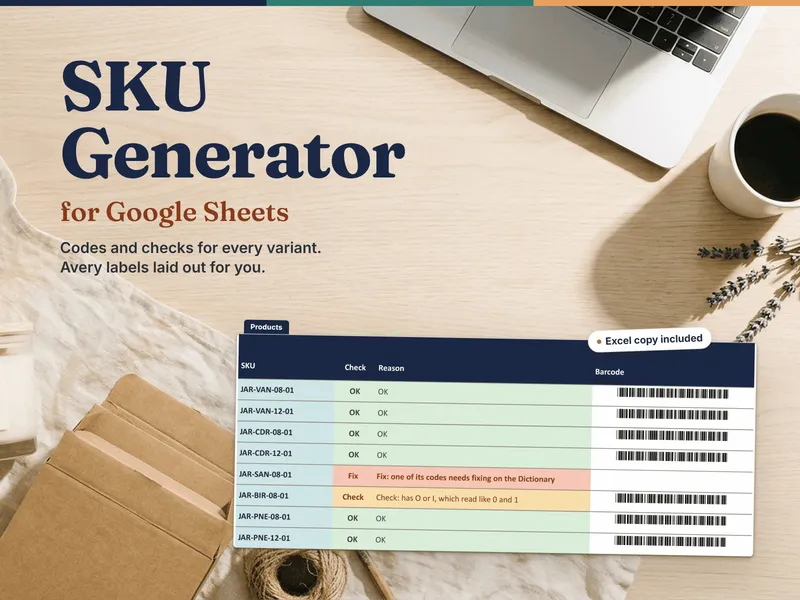
The Products tab holds up to 500 variants. Each row gets its SKU from the Dictionary and an automatic number per code stem, then a Check (OK, Check or Fix) and a Reason in plain words. It catches a duplicate SKU and names the other row, the same listing and values entered twice, a retired code coming back, a dictionary problem, a barcode-illegal character, a SKU over your length target, and one too long for a label barcode. Rows marked Fix are held back from the labels and the export until they are fixed.
The Retired SKUs register keeps every code you must never reuse, old system codes included, and the duplicate check reads it. If a retired code turns up in Products again, both tabs flag it, and the Reason tells you the next free number to type.
Barcode labels on one Avery 5160 sheet
The Labels tab lays out a print-ready Avery 5160 sheet: 30 labels, each with a name line, the SKU and, when it fits (13 characters or fewer), a Code 39 barcode in the free Libre Barcode 39 font. Choose the item to start from, skip labels already used on a part-used sheet, and set copies of each. An alignment and scan test page prints on plain paper first, so you can line it up against a label sheet before you spend one. The placement was measured from PDF exports of Google Sheets, LibreOffice and Excel, at the Label Printing Guide’s print settings, to land on the label centers; Excel can shift slightly with Windows display scaling, which is what the test page is for.
A label barcode holds up to 13 characters. A longer SKU still gets a label with its name and SKU as text, and Setup shows the longest SKU your format can make before you build a row.
Shopify columns, an Etsy list and a decoder
The Export tab lays your catalog out in Shopify’s product-CSV variant columns (Handle, Title, option names and values, Variant SKU, price and barcode), plus an Etsy-friendly list of listing, variant, SKU and barcode that also feeds the step-by-step Word mail merge in the label guide. The Decoder reads any SKU back: type or scan it and each part is named, along with where it lives in your catalog.
What is in the download
- The 9-tab workbook, opening on a worked example for a fictional candle shop, and a blank copy
- A one-click Google Sheets copy, a native version in your own Drive with no import step
- The 18-page Start Here guide: what a SKU is versus a UPC (a UPC needs a GS1 prefix; Code 39 is for your own internal labels), how to design codes that don’t clash, and every tab
- The 10-page Label Printing Guide, from the workbook first and then a step-by-step Word mail-merge path
- A 6-page SKU Scheme Planning Worksheet to plan your format on paper
- The Libre Barcode 39 font and its open font license, for the barcodes in Excel and LibreOffice
Own your SKU system
There are no macros, add-ons or monthly fees. Everything is a formula in a file you keep, so the same formulas run in desktop Excel, LibreOffice Calc and the Google Sheets copy. It uses classic functions only, nothing newer than Excel 2016. For the barcodes in Excel or LibreOffice, install the included Libre Barcode 39 font and restart the program; until then, barcode cells show the SKU between asterisks as text.
Want to try the idea on your own codes first? The free SKU Generator Lite builds SKUs from three attribute families on one short product list, numbers them, and flags a SKU that repeats. It opens on the same fictional candle shop. No email, no signup.
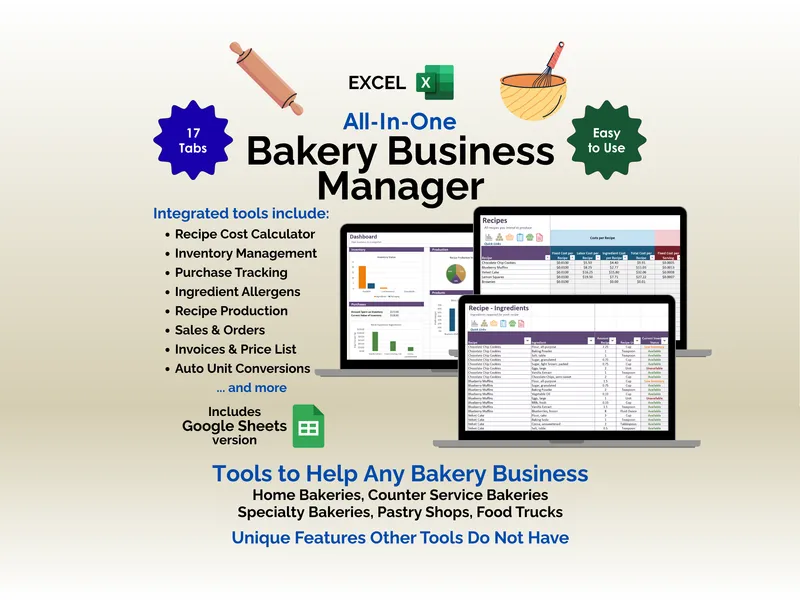
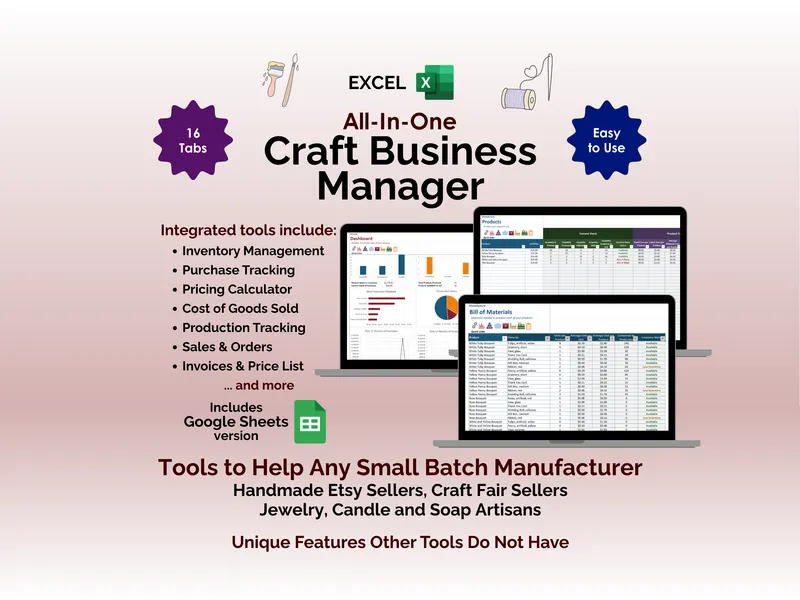
When your catalog outgrows a spreadsheet and you want inventory, sales and recipes tracked in one place, Ardent Seller (opens in new tab) picks up where it leaves off.