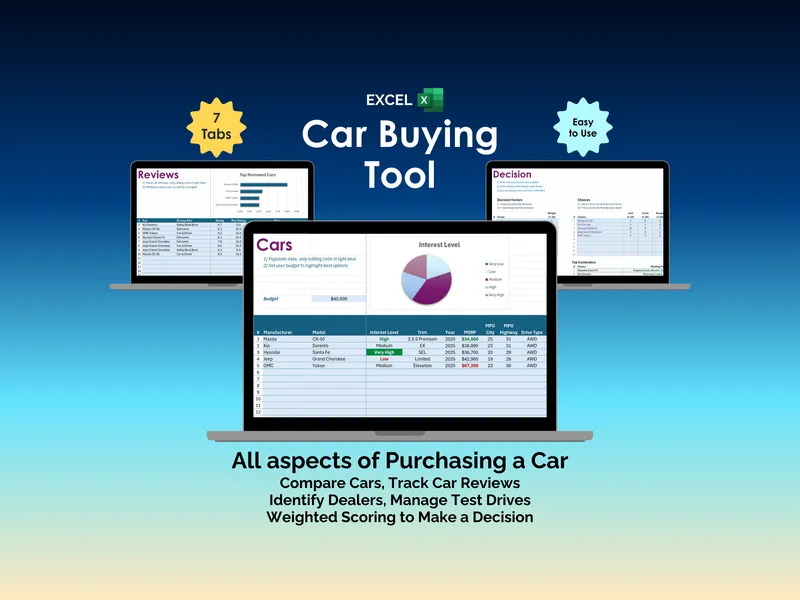
There are two kinds of car shoppers: the ones who run the numbers, and the ones who fall for the showroom. Most buyers chase the lowest sticker price, the prettiest paint, or the sales pitch from the loudest dealer, then live with the regret for six years of payments. This Excel car buying decision helper forces every contender through the same math so you stop deciding with your gut and start deciding with weights.
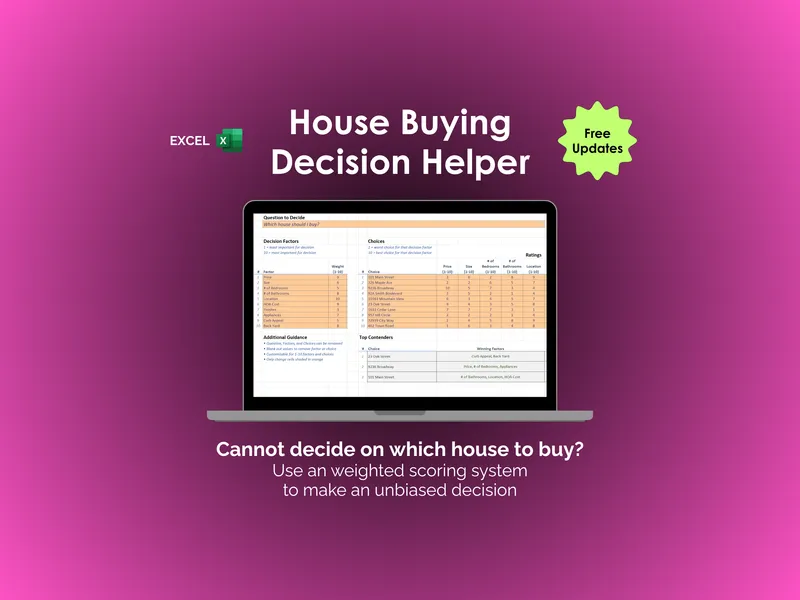
The weighted scoring engine is the core of the workbook. You set up to ten decision factors with a 1-to-10 weight on each, where 10 marks the factors that matter most to you and 1 marks the ones that barely register. Default factors are already filled in as starting points: Cost, Ongoing Costs, Resale, Test Drive, Warranty, Looks, Size, Engine, Utility, and Fun. Overwrite any of them with your own criteria, like cargo space, EPA range, or third-row legroom.
Then you load up to ten cars into the Choices section and rate each one against every factor on a 1-to-5 scale. The workbook multiplies your ratings by your weights and produces a single weighted score per vehicle, sorted so the best fit floats to the top. That is the whole point of an Excel car buying decision helper: the answer comes out of the formula instead of the test-drive endorphins.
The Top Contenders panel pulls your three highest-scoring cars and breaks each one into a Winning Factors column and a Losing Factors column, so you can see exactly which criteria carried the score and which ones the vehicle lost on. An Additional Guidance area gives you space to capture notes from dealer visits, financing quotes, and mechanic feedback alongside the math.
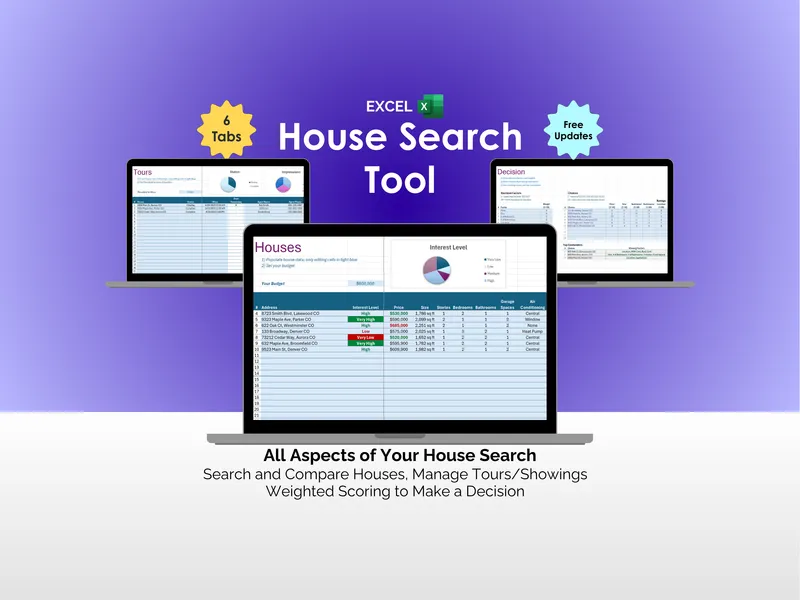
The file ships as a clean, customizable Excel template you can fork for any major decision. The bundled Bonus tab demonstrates the same scoring model applied to Comparing Job Offers, Buying a new House, and Comparing Colleges, so one purchase covers the next four big calls you have to make.
You get free updates, a Microsoft Excel file delivered instantly, and a structure that holds up whether you are cross-shopping a Toyota RAV4 against a Honda CR-V or weighing a used pickup against a lease. Pick the side that scores the decision. The Excel car buying decision helper does the multiplication so you can defend the choice.