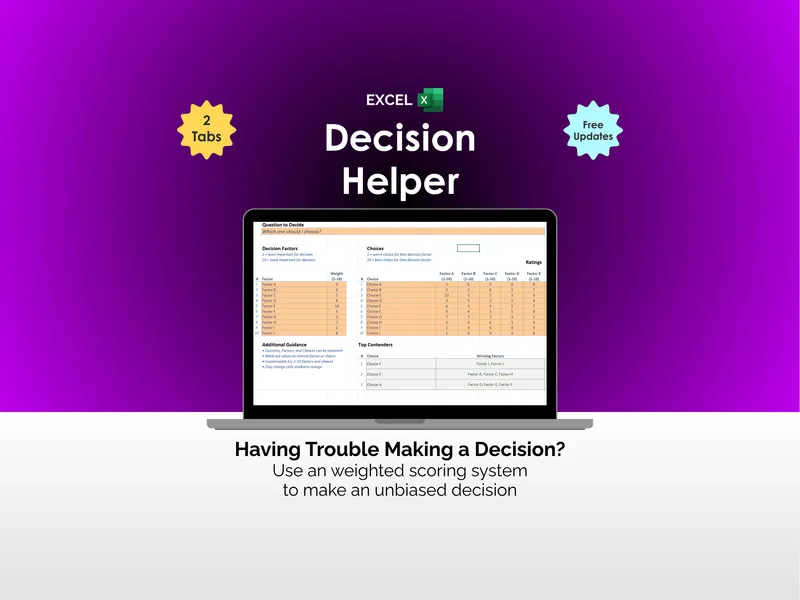
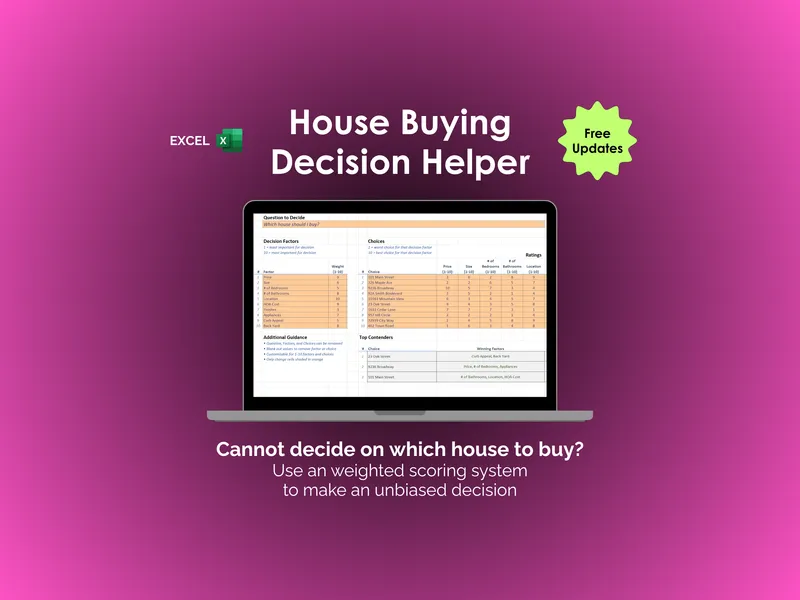
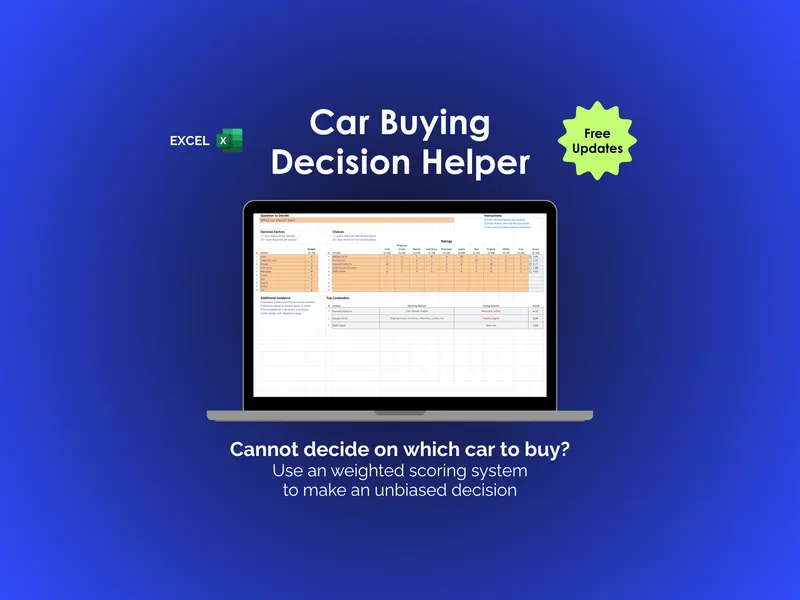
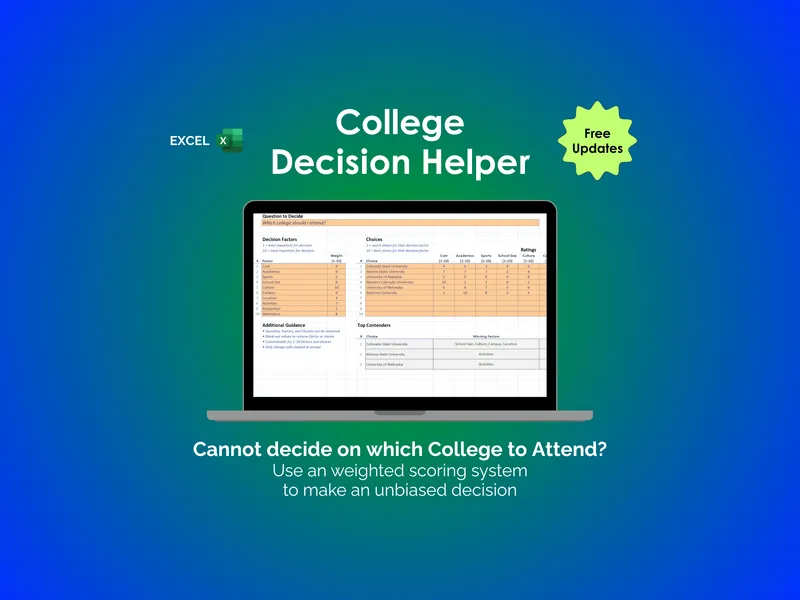
The honest framing isn't "which is better" — it's "what are you actually paying for." Under the hood, a decision-making app and a weighted-scoring spreadsheet do the same thing: weighted decision scoring. An app charges a subscription for a nicer wrapper and cloud storage; a spreadsheet charges once and hands you the file. For a decision you make a few times a year, that's a lot of recurring cost for a bit of polish.
The quick verdict
- Choose a decision-making app if you'll use it constantly, you want a guided interface and team collaboration, and a monthly fee plus cloud storage of your decisions is a fair trade for that.
- Choose a spreadsheet if you want a one-time cost, your deliberations kept private on your own device, full control of the criteria, and a file you keep whether or not you ever pay again.
Side by side
| What matters | Weighted-scoring spreadsheet | Decision-making app |
|---|---|---|
| Cost | One-time purchase (or free to build) | Usually a monthly or annual subscription |
| The scoring math | Weighted decision scoring | Weighted decision scoring (same method) |
| Privacy | Stays on your device | Usually stored on the provider's servers |
| Ownership | Yours forever, in Excel / Sheets / LibreOffice | Access usually ends if the subscription does |
| Custom criteria | Total — rename, add, reweight anything | Limited to what the app allows |
| Interface | A spreadsheet you fill in | Guided, polished, sometimes with AI prompts |
| Best for | Occasional, private, high-stakes choices | Frequent or team decision-making |
You're renting the wrapper, not the math
It's worth being clear about what a subscription buys here. The weighting, the scoring, the ranking — none of that is proprietary. It's the same arithmetic a spreadsheet has done since the 1980s. What a decision app adds is the interface, the hand-holding, and a place to store your history. Those have real value if you decide things constantly. For a job offer, a house, or a car — choices you face a handful of times in a life — paying monthly to rent that wrapper is hard to justify.
Where an app genuinely wins
Credit where it's due: if you make structured decisions for a living — a procurement team scoring vendors every week, say — a dedicated app's collaboration, audit trail, and polish are worth paying for. Consistency and shared access beat a spreadsheet emailed around. Be honest about whether that's you, or whether you're weighing one big personal choice.
Own the decision instead
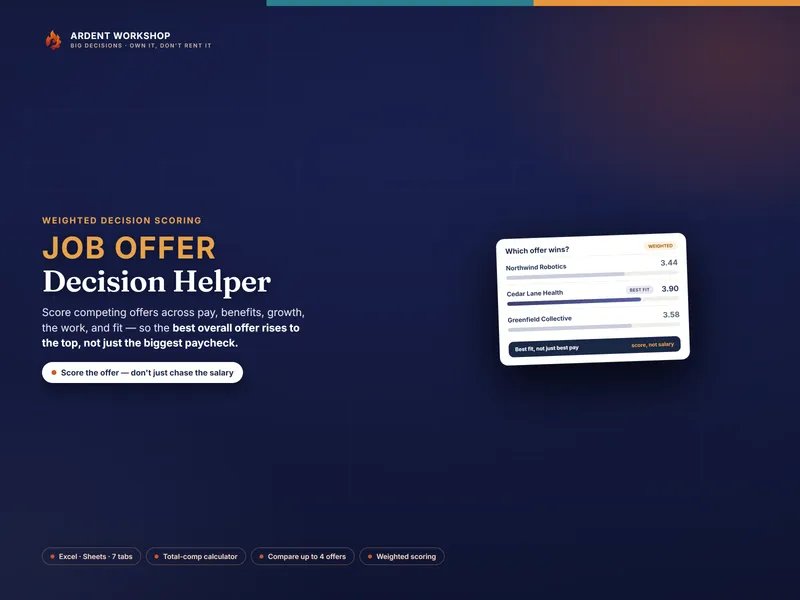
For a job offer, the Job-Offer Decision Helper is the owned version of a decision app — eight weighted criteria, up to four offers, a total-comp calculator, and a ranking, in a workbook you keep for $14.95 once instead of a recurring fee. Try the free job-offer web scorer to feel the method, and see the wider set of decision helpers for houses, cars, and colleges. It's the structure between a blank spreadsheet and a rented app — the decision matrix, owned.
The same holds for an elder-care choice — in-home care, assisted living, memory care, or a nursing facility. The Elder-Care Decision Helper keeps that scoring in a workbook you own outright, not a sales-driven referral service, so you score the care, not the lobby. Feel the method first with the free elder-care web scorer.
Pet adoption is where the spreadsheet-versus-app difference is easiest to feel. Most free breed selectors cost nothing, so the objection is not the price: it is that they run as a session. You answer a questionnaire, you get a dog or cat breed, and typically nothing you told it survives the tab closing. Several of them eliminate rather than rank, too, so a household with a few genuine constraints can be left looking at an empty result. The Pet-Adoption & Breed-Fit Decision Helper is a spreadsheet you own instead: your answers to its twenty-six household questions, your weights, the money, and what you wrote down at each shelter visit all persist and stay editable, and a hard limit is flagged in plain words beside a candidate that is still ranked. Try the free pet-adoption web scorer first — two animals, five criteria, in your browser. The scorer stores nothing either; it is a taster, not the workbook you keep.
A child's schooling makes the ownership argument sharper still. Choosing between public, charter, private, a hybrid program and teaching at home is a decision you remake every year for a decade, and the figures that decide it — a parent's forgone pay, the weekly hours a path demands, what an education savings account actually pays out — are exactly the ones a generic decision app has no field for. The School-Path Decision Helper computes them in a file that keeps working long after any subscription would have lapsed. Try the method with the free school-path web scorer.
A retirement location is the case where a general-purpose decision app is weakest, because the hard part isn’t the scoring — it’s the domain data underneath. No generic app knows whether a state taxes your pension. The Where-to-Retire Decision Helper carries a sourced reference for all 50 states and DC inside the file, wires it into a cost model, and turns the result into a rating — the sort of thing an owned workbook can hold and a subscription scorer generally can’t. The free where-to-retire web scorer shows the scoring half.
Leaving a job for your own work is the other decision where the domain data, not the scoring, is the hard part, and a general decision app is just as thin on the facts that settle it. An employee pays 7.65% payroll tax — 6.2% for Social Security up to the wage base, plus 1.45% for Medicare on every dollar (IRS guidance on withholding rates, 2026). A self-employed person pays the whole 15.3% self-employment tax on 92.35% of net profit, its Social Security portion capped by that same base (IRS guidance on self-employment tax). The employer health premium you stop receiving is real compensation too — and in a generic app all of it has to come from you.
The Career-Pivot Decision Helper carries them inside the file, converts each path to one total effective compensation and one effective hourly rate, and only then scores it — in a workbook you keep for $14.95 once. The free runway web calculator handles the separate question of how long your savings would last.
A generic decision app has no field for the step that comes before scoring contractor bids. It ranks whatever options you type in, and two renovation quotes are not necessarily comparable options until somebody makes them so: one may price the subfloor repair while another writes it out of scope entirely. A scorer that holds only criteria and ratings has nowhere to put that work. The Contractor-Choice Decision Helper does the leveling inside the file, adding the excluded work back at your own cost and every allowance shortfall alongside it, across 46 scope lines and five bids. The cost criterion then reads that comparable total directly, in a workbook you keep for $14.95 once. The free contractor bid comparison worksheet runs that same first step on two quotes across 16 lines, and stops there — no scoring.
Pet insurance is the case where a decision app has nothing to rank yet. It will happily hold three plans and five criteria, but the criterion that matters — what this policy actually costs you — is not a fact you can type in. It has to be computed first, from the deductible, the reimbursement rate, the annual cap, the waiting periods and the exclusions, against bills you choose. The Pet-Insurance Plan Decision Helper does that arithmetic inside the file, runs it twice for year one and year two, and projects each premium forward as the animal ages, in a workbook you keep for $12.95 once. It also names no insurer and carries no affiliate link, which is worth more here than in most categories. The free pet-insurance web scorer runs the scoring half on two plans and stops there — no arithmetic.
Mortgage offers are the case where the app you would otherwise reach for is not neutral. Plenty of the rate calculators a borrower lands on belong to somebody hoping to lend them the money, and the official shopping worksheets that do not — the CFPB's and Freddie Mac's among them — are capture-only — a place to write the numbers down, computing nothing. So the gap is not the interface. It is three numbers nobody with a rate sheet to sell has a reason to compute: the month mortgage insurance actually stops, read off the loan's own schedule; the month a cheaper rate overtakes the offer that cost least at the closing table; and what a slipped closing would cost against the rate lock. The Mortgage / Loan-Offer Decision Helper does all three inside the file, for up to five Loan Estimates, in a workbook you keep for $14.95 once. The free loan-offer web scorer works out what two offers cost to borrow by your horizon and scores them on five criteria, then stops — no insurance month, no crossover, no lock.
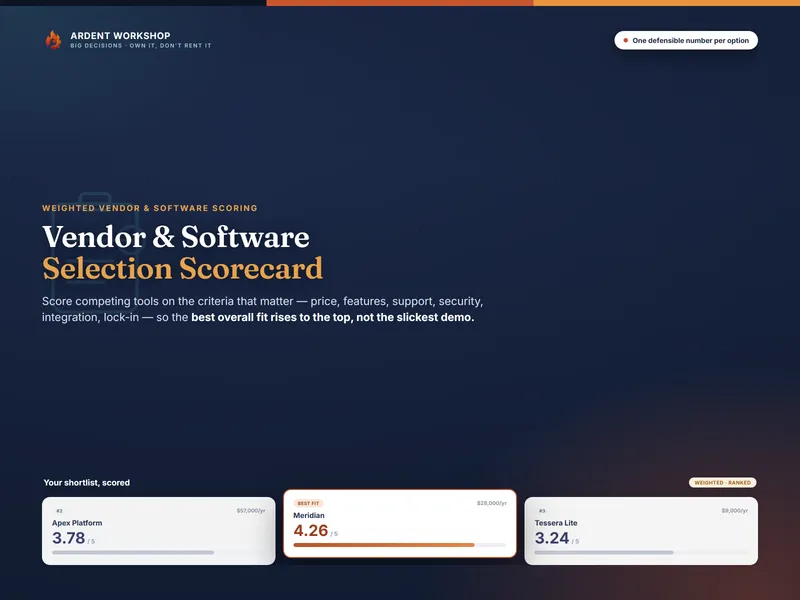
And when the decision is a piece of software — picking a new platform, running an RFP, or weighing a renewal against switching — the Vendor / Software Selection Scorecard is the owned version of the decision app you'd otherwise buy: eight weighted criteria, up to four options, a cost-of-ownership calculator, and a ranking, in a workbook you keep — and a documented rationale to show finance and security. Try the free vendor-selection web scorer first.
Choosing where to live is the case where the weights are the argument. Whose commute counts for more, what an hour of it is worth, how a school district trades against a mortgage payment — those are the household’s to set, and they move as the household talks them through. The Neighborhood / Relocation Decision Helper keeps them in the open, with a weight column for each household member, up to four, blended by an influence share you set. Your own researched figures go in beside them, each with a Source cell and a Checked date so you can see when a number went stale. It prices every commute in annual dollars and annual hours, and works out how many months the move takes to pay for itself. The file opens in Excel 2019 and later, Google Sheets, LibreOffice Calc and Numbers, with no login and no subscription — a workbook you keep for $14.95 once. The free neighborhood scorer ranks two places on six fixed criteria from one shared weight column, then stops — no Source and Checked cells, no commute pricing, no break-even.
Whichever you use, a weighted score is a tool for thinking, not a verdict — and none of this is financial, medical, legal, or career advice. If the choice is really just one option versus another, the simpler tool is a pro/con list, compared to a decision matrix here.
Frequently asked questions
- Is a spreadsheet better than a decision-making app?
- For weighing a one-time choice, usually yes. A weighted-scoring spreadsheet does the same math a decision app does — criteria, weights, scores, a ranking — but costs once instead of monthly, keeps your private deliberations on your own machine, and bends to exactly the criteria you care about. A decision app's edge is a polished interface and prompts; a spreadsheet's edge is that you own it outright.
- What does a decision-making app do that a spreadsheet can't?
- Mostly it walks you through the steps with a friendlier interface, sometimes adds collaboration or AI suggestions, and often stores your past decisions in its cloud. The underlying method — weighted decision scoring — is identical to a spreadsheet's. You're paying a subscription for the wrapper, not for better math.
- Why would I not want my decisions in an app?
- A job offer you're weighing, the salary numbers behind it, the reasons you're leaning one way — that's sensitive, personal data. In a spreadsheet it stays on your device. In a cloud-based app it typically lives on someone else's server, often tied to an account you keep paying to access. For a once-in-a-while decision, that can be a lot of lock-in for a bit of polish.
- Do I lose my decisions if I stop paying for the app?
- Often, yes — that's the lock-in. Many decision apps keep your saved decisions behind the subscription, so cancelling can mean losing access to your own history. A spreadsheet you bought once is yours forever, openable in Excel, Google Sheets, or LibreOffice, with nothing to renew.