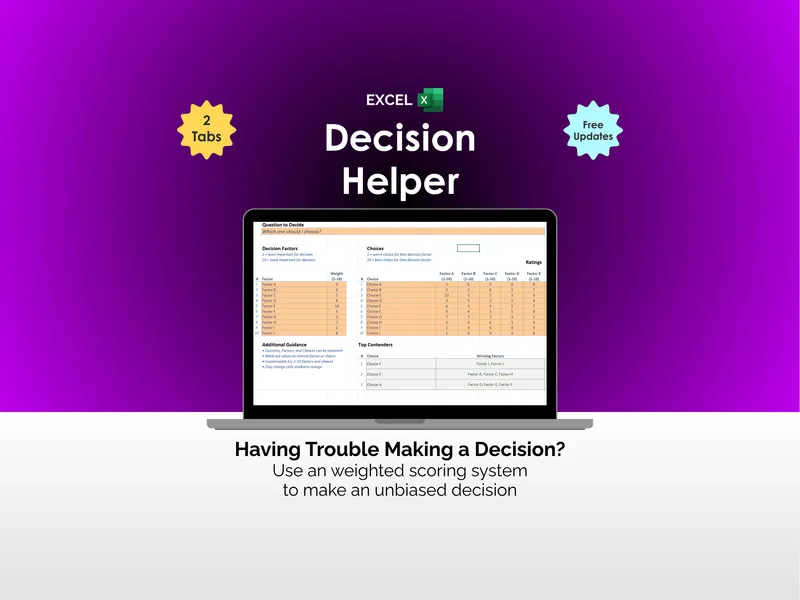
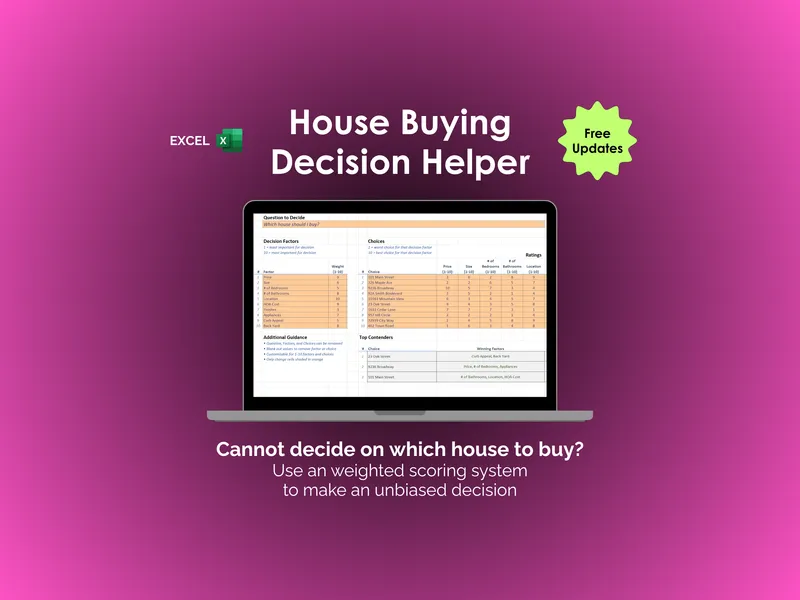
The honest framing isn't "which is better" — it's "how big is this choice." A pro/con list is the right tool when you're deciding for or against a single option and you only need to convince yourself. A decision matrix is the right tool the moment there's a second option to compare, a factor that matters far more than the others, or a second person whose priorities differ from yours.
The quick verdict
- Use a pro/con list if it's one option, a handful of factors, the decision is yours alone, and you need an answer in two minutes.
- Use a decision matrix if you're comparing two or more options, some factors matter much more than others, or you have to justify the choice to someone else.
Side by side
| What matters | Pro/con list | Decision matrix |
|---|---|---|
| Options it handles | One (for it or against it) | Several, ranked against each other |
| Are factors weighted? | No — every point counts the same | Yes — each criterion carries a weight |
| Output | A longer column wins, roughly | A weighted score per option, ranked |
| Surfaces trade-offs? | Loosely — by eye | Explicitly — in numbers you set |
| Speed | ~2 minutes | ~10–20 minutes |
| Good for a group? | Not really — no shared weights | Yes — weights make priorities negotiable |
| Best for | A single yes/no, decided alone | Multi-option, high-stakes, or shared choices |
Why the longer column can be the wrong answer
The flaw in a pro/con list is that it counts reasons instead of weighing them. Five small pros can outvote two large cons, even when one of those cons is a dealbreaker. "Free coffee" and "a 90-minute commute" sit on opposite sides of the page as if they cancel out. A decision matrix fixes exactly this: you weight the commute a 9 and the coffee a 1, and the math stops pretending they're equal.
How to upgrade a list into a matrix
- Turn your pros and cons into criteria — the factors the choice actually turns on (pay, commute, the work, the people).
- Give each criterion a weight for how much it matters to you. The instinct to make everything equally important is the very thing the matrix exists to fix.
- Score each option 1 to 5 on every criterion, scoring in isolation rather than relative to the others.
- Add up (weight × score) for each option and read the ranking. If it disagrees with your gut, a weight is probably wrong — adjust it and re-read, but treat the number as a prompt, not a verdict.
That's weighted decision scoring, run inside a decision matrix. You can build one in a blank spreadsheet, or start from a pre-built one.
Skip the setup
If the choice in front of you is a job offer, the Job-Offer Decision Helper is a ready-made weighted matrix — eight criteria, up to four offers, and a total-comp calculator, in a workbook you own. Want to feel the method first? The free job-offer web scorer runs a two-offer matrix in your browser. For other choices, see the pre-built decision helpers for houses, cars, and colleges.
For an elder-care choice — in-home care, assisted living, memory care, or a nursing facility — the Elder-Care Decision Helper scores the care instead of the lobby in a workbook you own, with a free elder-care web scorer to try the method first.
Choosing which pet to adopt is a case a pro/con list handles badly, because the pros and the cons are usually about different animals. One is the dog or cat you met and liked; the other is a breed page. The Pet-Adoption & Breed-Fit Decision Helper holds both to the same twelve criteria. Flag one candidate as an individual animal, and your own visit notes drive six of its ratings instead of the breed reference, which still supplies rows such as grooming, shedding and health outlook. A pro/con list also has no way to mark that a pet weight limit written into your lease is a hard limit rather than one more con; the Decision Helper flags it in plain words and still ranks the candidate. There is a free pet-adoption web scorer to try the method on two animals first.
A pro/con list is at its weakest on pet insurance, because it has no way to hold a con that is only true for six months. “Six-month wait on anything orthopedic” sits in the cons column looking like any other line, when in fact it decides the entire first year and then stops mattering. The Pet-Insurance Plan Decision Helper handles it by running your vet bills twice — year one with the waiting periods in force, year two with them served — and reporting both answers, which are frequently different plans. A list of pros and cons can tell you a plan excludes hereditary conditions; it cannot tell you that the exclusion costs you $2,100 on the bill you are most likely to face. There is a free pet-insurance web scorer to try the method on two plans first.
A pro/con list fails on mortgage offers because the pros and cons are genuinely in tension. “Lower rate” goes in one column and “more cash at closing” in the other, and nothing in the format tells you which wins, or when. The Mortgage / Loan-Offer Decision Helper nets the two columns into a single month: the point at which the cheaper rate has finally repaid what it cost you at the table. In the four-offer example the workbook ships with, the offer that buys the rate down hardest costs $6,211 more at closing and takes 29 months to win that back — worth buying if you stay 7 years, never worth it if you stay 2. A pro/con list can tell you the offer charges points; it cannot tell you that. There is a free loan-offer web scorer to try the method on two offers first.
For a child's schooling — public, charter, private, a hybrid program, or teaching at home — a pro/con list runs out of road fast: it cannot weigh tuition against the paid work a parent gives up, or against the weekly hours a path demands. The School-Path Decision Helper prices both and holds all five paths to the same criteria, with a free school-path web scorer to try the method first.
Where to retire shows the limit of a pro/con list most sharply, because the list has no way at all to weigh “$4,000 a year cheaper” against “twenty minutes from the grandchildren” — they simply sit in different columns as though they were the same size. The Where-to-Retire Decision Helper resolves it by refusing to let you rate the money by hand: you enter what a year in each place would cost, and it converts that onto the same 1–5 scale as everything you can’t price. The free where-to-retire web scorer does the same for two locations.
Another case a pro/con list cannot settle is whether to leave a job for your own work, and for a reason worth naming: the two columns are not the same unit. In the workbook’s own illustrative example, “$138,000 of freelance billings” and a “$96,000 salary-and-bonus package” look like a one-sided comparison until self-employment tax, the employer health premium, the retirement match and every unpaid hour are put on both sides. The Career-Pivot Decision Helper — job vs self-employment computes that conversion, then scores the result against ten judgment criteria including stability, autonomy, growth, hours and how easily you could go back. The free runway web calculator answers the narrower question of how long your savings would last.
Contractor bids expose a limit both formats share: a pro/con list and a matrix each assume the options are the same thing described differently. Two renovation quotes may not be. One may leave the countertop template and install to you; one may cap a materials allowance for hardware at the cheapest pulls on the shelf, not the ones you specified; one may write “as discussed” against a line you expected priced. Neither format is built to catch that, because both start from the numbers as given. The Contractor-Choice Decision Helper puts up to five bids on one 46-line scope, and only then scores nine weighted criteria: you rate eight of them by hand, and Cost & Value is calculated from that comparable total instead. The free contractor bid comparison worksheet covers two bids and 16 of those lines, stopping short of the scoring.
Neither a pro/con list nor a plain matrix can tell you how close the call was, which is the thing you most want to know before an expensive, hard-to-undo move. The Neighborhood / Relocation Decision Helper decomposes the gap between first and second place into per-criterion contributions, so you can see which single row actually decided it. It declines to name a winner at all when the top two sit inside a stated margin, and it says how far one weight would have to move before the ranking flips. It also prices each commute twice over — in annual dollars and in annual hours — and sets the one-time cost of moving against what changes every year. The free neighborhood scorer ranks two places on six fixed criteria and shows the margin, then stops — no per-criterion attribution, no weight-flip, no commute pricing.
A weighted score is a tool for thinking, not a verdict — and none of this is financial, medical, legal, or career advice. If you'd rather keep your scoring in an owned file than a subscription tool, that's spreadsheet vs a decision-making app.
Frequently asked questions
- Is a decision matrix better than a pro/con list?
- For a choice with more than two options or more than a couple of factors, yes — a decision matrix weights what matters and scores every option, so the trade-offs are explicit and comparable. A pro/con list is faster and perfectly good when you're weighing a single yes/no and only need to convince yourself. The matrix earns its extra few minutes the moment a second option or a second person enters the picture.
- What's the real difference between them?
- A pro/con list counts reasons; a decision matrix weighs them. A pro can sit next to a con as if they're equal, even when one is a dealbreaker and the other is trivial. A decision matrix fixes that by giving every criterion a weight and every option a score, then doing the arithmetic — so 'a short commute' and 'the corporate logo' don't get the same vote.
- When should I still just use a pro/con list?
- When there are exactly two options, the factors are few, and the decision is yours alone. A quick pro/con list is the right amount of structure for 'should I take this one offer or stay put?' The moment you're comparing three offers, or a partner has different priorities, the unweighted list breaks down and a weighted matrix pays off.
- Can I turn my pro/con list into a decision matrix?
- Yes, and it's the natural upgrade. Your pros and cons are really just criteria in disguise. List them as criteria, give each a weight for how much it matters, score each option 1–5, and you've converted a flat list into a weighted comparison that can handle more than one option at a time.