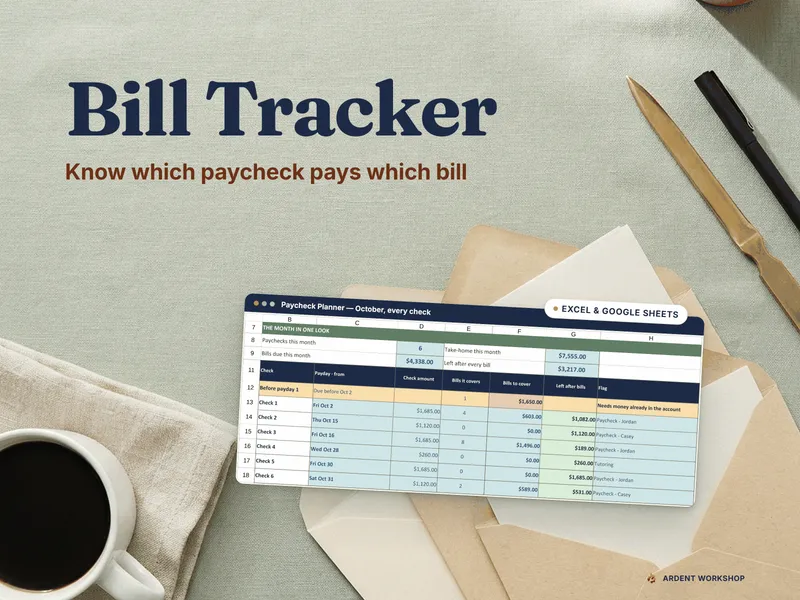
Most people don’t need another budgeting app. They need a sheet of paper they’ll actually look at. This printable bill tracker PDF is a stack of clean, fillable bill sheets you print, hang on the fridge, and update with a pen. No formulas, no logins, no syncing — just the bills, the dates, and the amounts in front of you.
Version A is the detailed layout. Each page has a month field at the top and four columns down the body: Date, Expense, Category, and Amount, with a Total row at the bottom. Use it when you want to see which bills belong to which category and where the month’s money actually went. It’s a printable bill tracker built for people who want the full picture on one page.
Version B is the simple layout. Same month field at the top, but the columns drop to Date, Expense, and Amount, with the Total row still at the bottom. Use it when you just need a quick monthly bill list you can fill in as statements come in. It’s the bill tracker printable for anyone who finds the category column more hassle than help.
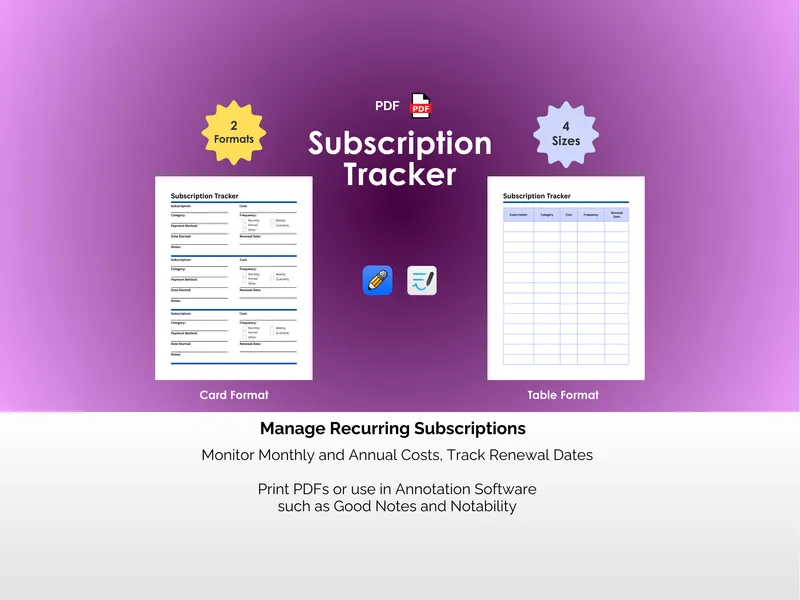
Four sizes ship with both formats: Letter (8.5 x 11 in), A4 (21 x 29.7 cm), Planner (7 x 9.25 in), and A5 (14.8 x 21 cm). That works out to 8 PDF files in the download — two formats across four page sizes — so the sheet fits a binder, a fridge magnet, a Filofax, or a pocket planner without scaling tricks. Print one, print twelve, print one a month for a year.
The PDFs are flat, printable forms, but they also open cleanly in GoodNotes and Notability if you’d rather write on a tablet with a stylus. Either way, the file is yours once you download it. Print as many copies as you want, this year and every year after.
Paper doesn’t crash and a printed bill list on the wall doesn’t get buried under notifications. That’s the whole pitch.