You already carry a rough map of your team in your head — who is flying, who is coasting, who could do far more if you gave them the chance. The 9-Box Talent Grid gets that map onto one page, in a shape you can talk through with other managers and act on with a clear head.
It’s the classic performance × potential 9-box, built as a workbook you own. Score each person on two axes and every name is placed automatically in the right box — from Talent Risk in the bottom-left to Star in the top-right. No dragging names around, no agonizing over where someone “belongs.”
New to the 9-box? Try the free single-team starter grid — plot one team by hand, then upgrade here for auto-placement, a live calibration grid, and named lists.
What is a 9-box talent grid?
A 9-box grid plots people on two scores. Across the bottom is performance — how well someone delivers in their role today (Below, Meets, or Exceeds expectations). Up the side is potential — how much more they could take on in future (Low, Growth, or High). The two scores cross into one of nine boxes, each with a name and a suggested focus, so a whole team becomes a single, readable picture of talent and succession risk.
Score two axes — the box fills in
On the Talent Grid tab, you list your people and pick a Performance and a Potential score from the dropdowns. That’s it. The box number, the box name, its zone, and a suggested focus all calculate for you and read from a single source of truth, so the grid always agrees with itself. You never place anyone by hand.
See your whole team on one calibration grid
The Calibration Grid tab lays the team out on the familiar 3×3, performance across and potential up, with a live count in every box pulled straight from your scores. It’s the view to project in a talent-review meeting — the conversation starts from the picture, not a spreadsheet. An empty top row is a succession gap you can name; a crowd in one box is a calibration prompt.
Counts and named lists, ready for the meeting
The Box Summary tab gives you one row per box: the headcount, the share of the team, a suggested focus, and the named list of exactly who is in it. Bring it straight into the calibration conversation — who are your Stars, who is a flight risk, who has been quietly overlooked.
What’s inside
- Talent Grid — the working tab: two scores per person, auto-placed into a box.
- Calibration Grid — your whole team on the 3×3 with a live count per box.
- Box Summary — counts, shares, suggested focus, and named lists.
- The 9 Boxes — what each box means and its zone (the reference the grid reads from).
- Scoring Guide — how to score the two axes fairly, with an anchored definition for each level.
- Review Log — a dated record of each talent review or calibration session.
- Read Me — how the tabs fit together and where to start.
- Four PDF guides — Start Here, the 9-box method & scoring guide, reading the grid & talent actions, and a printable wall chart & calibration sheet for the meeting.
Works in Excel, Google Sheets, and LibreOffice
One .xlsx that opens in Microsoft Excel and LibreOffice Calc — or, for Google Sheets, open the included one-click link and click Make a copy to drop a ready-made native version straight into your Drive, no importing and nothing to set up. It ships pre-loaded with a worked example — a fictional twelve-person organization that fills all nine boxes — so the method is obvious on open. Overwrite it with your own team, and add rows for a larger one. It’s an instant digital download: nothing ships, and the workbook and all four PDF guides are yours the moment you check out.
Own it, don’t rent it
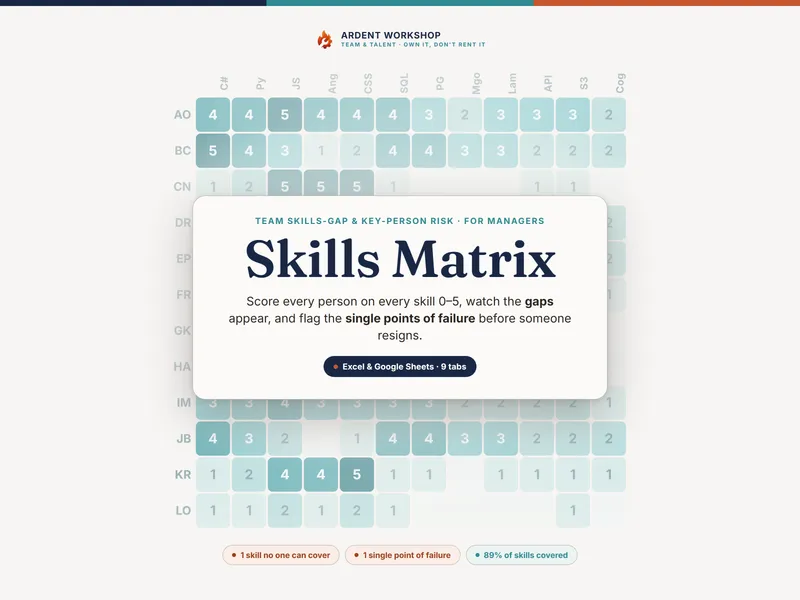
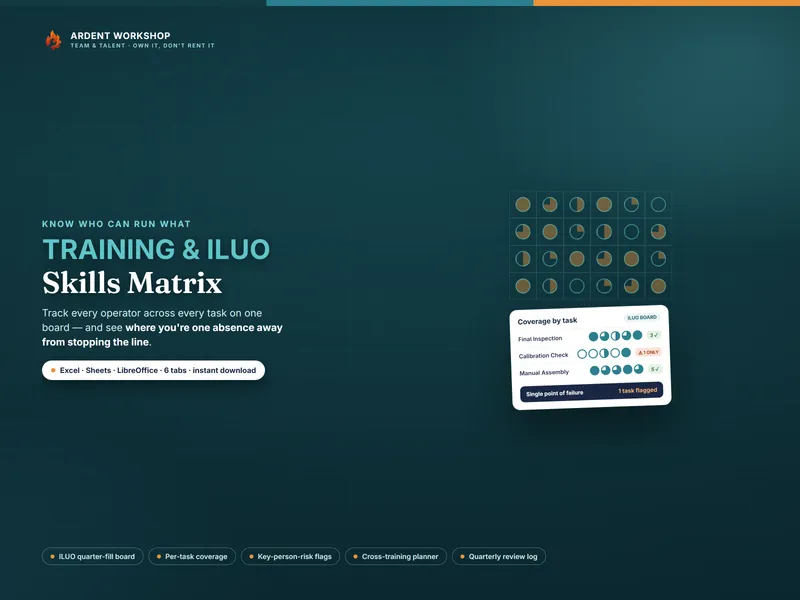
This sits between a blank spreadsheet (free, but you build and maintain everything) and a per-seat talent-management platform (overkill for most teams, and a recurring bill). It’s the structure you keep: a connected, owned workbook, with no seats and no monthly fee. Track what your people can actually do, skill by skill, with the companion Skills Matrix, and find more people-ops tools in the full Ardent Workshop catalog.
What this is — and what it isn’t
The 9-Box Talent Grid is a talent-review and planning template — not HR, legal, or professional advice, and not an objective assessment of any real person. A box is a starting point for a conversation, not a verdict: never make a pay, promotion, or exit decision on the box alone. The example team and scores are fictional and illustrative. Keep your people’s data confidential to those who need it, the way your own privacy policy and local law require. The 9-box is a generic, widely-used talent model; this product is not affiliated with or endorsed by any consultancy or framework owner.