Manga readers rarely run out of books. They run out of memory. After dozens of titles across manga, manhwa, and manhua, the details blur. This Notion manga tracker keeps every series, volume, character, rating, and reading session in one workspace you actually own.
The point of this Notion manga template is simple. Stop juggling browser tabs and half-finished lists. Open one page and see exactly where you are across the whole collection.
The Series database holds 14 properties and 3 views. Log each title with a cover image, reading status, genre, release year, platform, and chapter count. The gallery view turns your library into a visual shelf, and the table and filtered views handle sorting by status or genre when you need a specific cut.
The Volumes database goes deeper. Link each volume to its parent series, give it a personal star rating, capture chapter count and page count, and use the favorite part field to mark the moments you want to remember. Next time someone asks for a recommendation, you have the receipts.
The Characters database runs as a gallery with 4 properties and 4 views. Track your favorite leads and side characters across series without hunting through old chapters. This is the part of the Notion manga tracker that grows fastest once you start using it.
The Critic Ratings database gathers outside scores in one place, entered by you as you come across them. Log what you read on Goodreads, AniList, or Comic Watch with rating, max rating, and a normalized percentage. Different scales become directly comparable, so picking the next read stops being a guess.
The Journal database closes the loop with a daily reading log. Each entry captures date, series, duration, mood, and notes, with a daily log view and a calendar view for spotting patterns over weeks and months. No third-party tracking app needed.
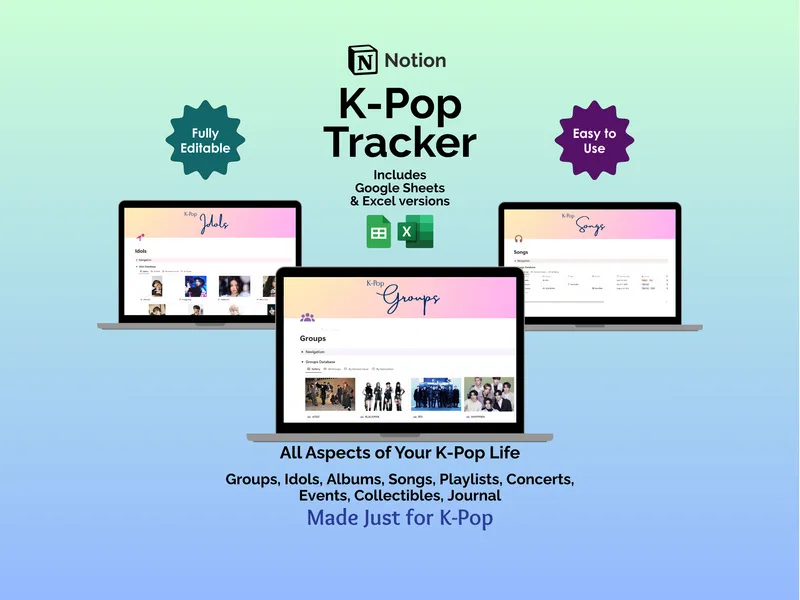
Unlike a subscription service that can change terms or shut down, this template is yours to keep and fully editable. It runs on a free Notion account across desktop, tablet, and phone, and the download includes Excel and Google Sheets versions if you prefer spreadsheets. Instant access after purchase, free support if you need it.