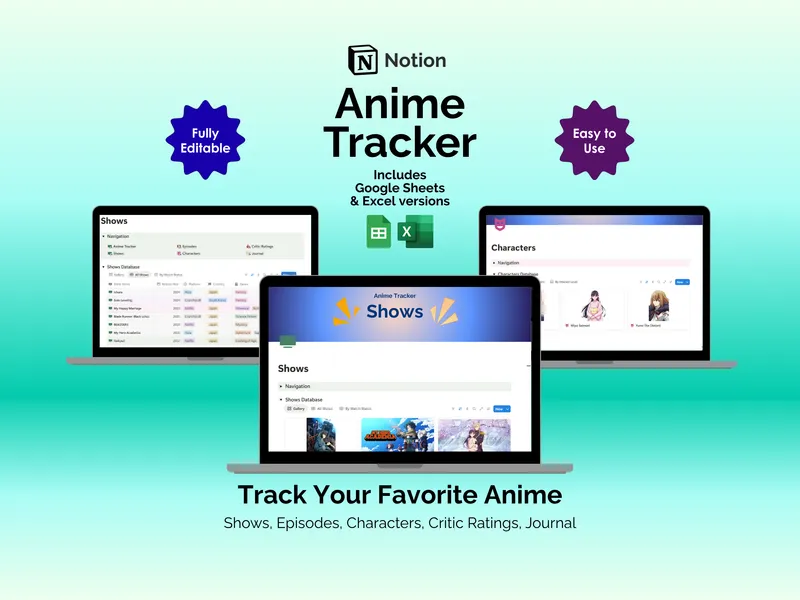
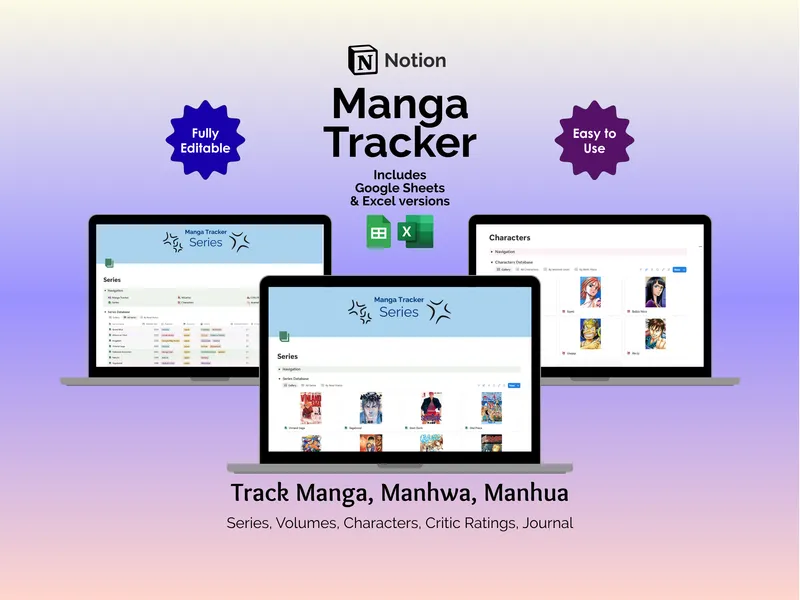
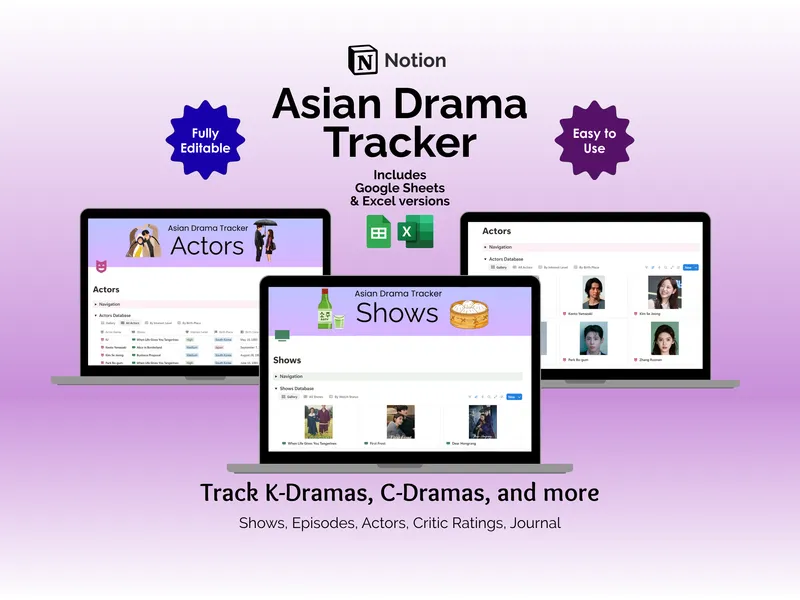
A teaser drops at 6pm KST. You scramble between your Notes app for album lineups, a screenshot folder for photocard trades, and a calendar that doesn’t know what a comeback is. This notion kpop tracker collapses all of it into a single, fan-shaped workspace built around groups, idols, albums, songs, playlists, concerts, events, collectibles, and a journal that finally understands the assignment.
The notion kpop tracker opens on the Groups database, which carries 8 properties per group (group name, company, generation, interest level, debut date, active status, fandom name, website) across 4 views: Gallery, All Groups, By Interest Level, and By Generation. Each row connects outward through 7 relations, so opening BLACKPINK pulls up every linked member, album, song, concert, event, collectible, and journal entry without a single tab switch. It is the kind of single-page rabbit hole that turns a casual scroll into an hour of lore.
Go one layer deeper and the Idols database holds 12 properties per member — idol name, group, position, interest level, company, birthplace, birth date, age, blood type, MBTI type, height, weight, plus a social media link — with 4 views and the same 7-relation web that ties each face back to groups, albums, songs, concerts, events, collectibles, and journal entries. Your music side lives in the Albums database (8 properties: title, release date, genre, album type, version, number of tracks, ownership status, personal rating; 3 views including By Ownership) and the Songs database (6 properties: title, release date, genre, language, personal rating, favorite part; views for All Songs, Recent Releases, and By Rating). A track like Dynamite slots in once and shows up everywhere it belongs.
The Playlists page carries 4 properties (playlist, source, mood, URL), two views by genre and mood, and embedded Spotify players for a K-Pop mix, a Korean playlist, and more, so the music plays inside your notion kpop template instead of in some other browser tab. Live events land in the Concerts database and Events database, which share 11 properties between them (concert name, event name, date, venue, status, ticket prices, seats, event type), 8 views including calendar layouts and Upcoming/By Status filters, and 2 relations back to the right group and idol. A BTS show in November stops being a screenshot graveyard and becomes a row with a venue, a seat, and a countdown.
The Collectibles database wrangles photocards, lightsticks, and merch with 6 properties (item name, type, ownership status, condition, vendor, price) across 4 views, including a gallery so your hauls look like hauls. The Journal rounds it out with 6 properties (title, date, activity type, duration, mood, notes) and two views — Daily Log and Calendar — so a Saturday spent watching a Music Bank stage gets logged, dated, and linked back to the group that earned it.
Across 10 pages you get 9 interconnected databases and 29 views, a navigation panel on every page, pre-populated dropdowns, and live sync, so a name change in Groups updates everywhere it appears. It runs on desktop, tablet, or phone through the Notion app or website with just a free Notion account, every field is fully editable, and the purchase also includes Excel and Google Sheets versions so you can keep tracking even when Notion is having a moment. Instant access, free updates, and a layout that finally fits the way fans actually think.