It’s Tuesday at 9:47pm. You open Crunchyroll, stare at the continue-watching row, and realize you genuinely cannot remember which episode of Solo Leveling you’re on, whether you finished season one of My Happy Marriage, or what BEASTARS was even about. This anime tracker Excel spreadsheet is for the kind of viewer who watches faster than memory holds — five active series, three platforms, and a backlog longer than most people’s entire watchlist.
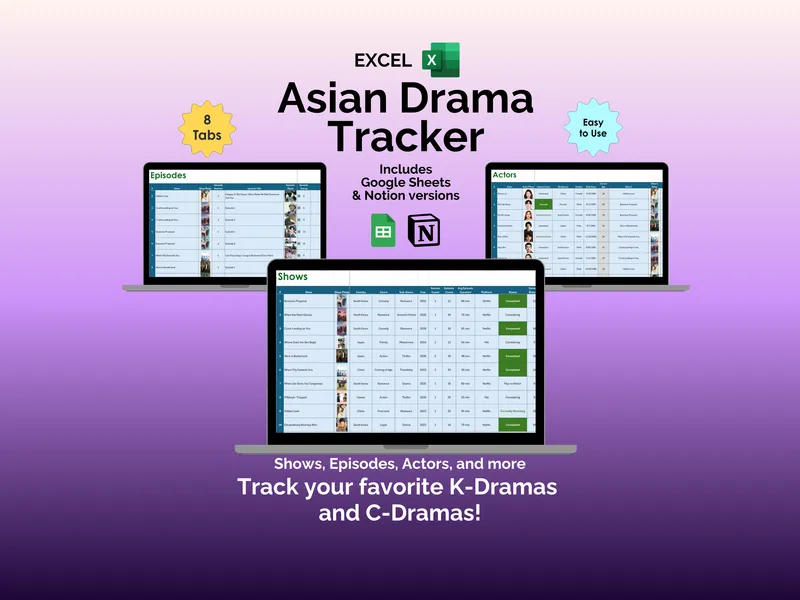
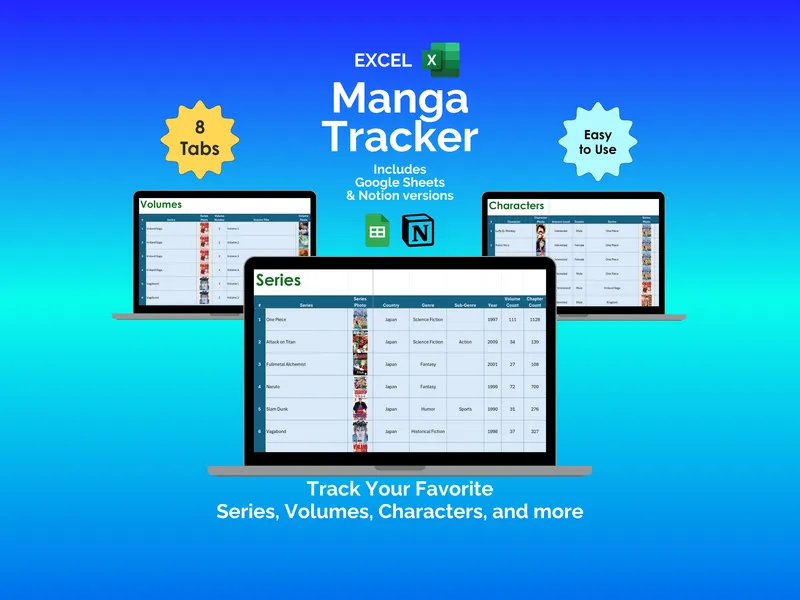
You open the file and start with the Shows tab. Log up to 500 series with show photo, country, genre, sub-genre, year, season count, episode count, average episode duration, and the platform you’re streaming on — Crunchyroll, Netflix, Hulu, whichever. Mark each show’s status (Currently Watching, Completed, On Hold, Dropped, or Plan to Watch), the number of episodes you’ve watched, and rate it across five categories: Overall, Story, Character, Animation, and Music. There are also columns for Rewatch Potential and Times Rewatched, in case rating your favorites once wasn’t painful enough.
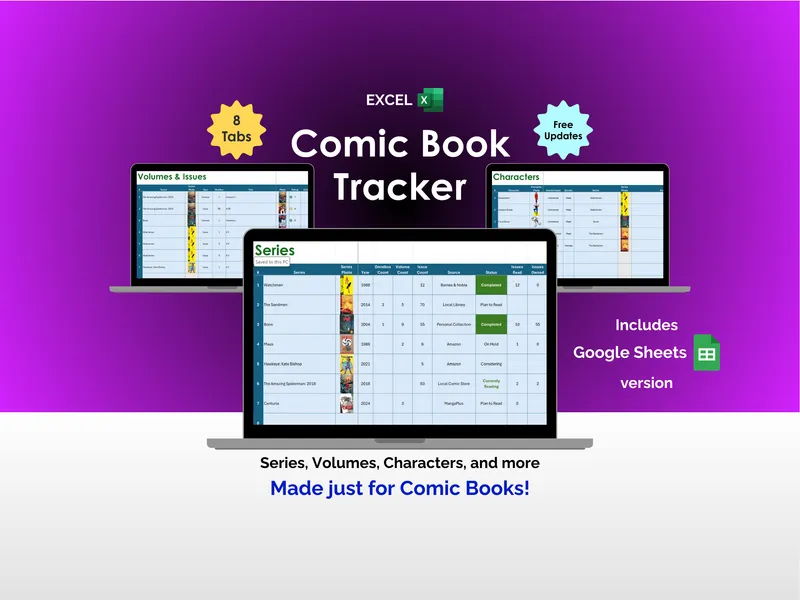
Wednesday night, you finish three more episodes. The Episodes tab in this anime tracker spreadsheet handles up to 500 individual entries — show, show photo, episode number, episode title, episode photo, and your personal rating per episode. So when someone asks which episode of Solo Leveling has that one scene, you can actually answer. The Characters tab catalogs favorites with character name, photo, interest level, gender, and the show they belong to. Yes, we’re building a spreadsheet database of anime characters. No, we’re not embarrassed about it.
Thursday you’re on the fence about starting something new. The Critic Ratings tab is where you note down reviews you have read on IMDB, Crunchyroll, Google, and anywhere else, each row holding the show, review site, rating, max rating, type of reviews, and a site URL you paste back to the source. Stack those scores against your own ratings on the Shows tab and the next pick stops being guesswork. The Journal tab logs each day’s viewing — date, show, show photo, platform, minutes watched, and notes — with a Weekly Goal in minutes and Monthly Goal in hours at the top. A “Progress Over the Past Week” line chart tracks daily minutes, and indicators next to it show whether you’ve hit your weekly target and monthly hours goal.
Sunday morning, coffee, the Dashboard. The dashboard sheet in the anime tracker Excel template surfaces Total Shows Tracked, Total Shows Completed, Total Episodes Tracked, Total Time Spent Watching, Total Characters Tracked, Shows Currently Watching, and Total # of Critic Ratings as headline numbers. Below that: a Show Status bar chart, a My Top Rated Shows bar chart, a Critic Top Rated Shows bar chart, and a Shows with Critic Ratings pie chart. Scattered viewing, finally legible.
What sets this anime tracker apart is the bundle. One purchase includes the Excel version, a Google Sheets version, and a Notion version of the same 8-tab structure, so you can use whichever tool already lives on your laptop. No account to create, no subscription, no internet required to open the Excel file. Fully editable, yours to keep, with free support and updates included. And the next time it’s 9:47pm on a Tuesday, you’ll know exactly which episode you left off on.