An IVF tracker that keeps the record and the money together
A round of IVF leaves two piles of paper. One is the medical side: medications, monitoring visits, what came back from the lab. The other is the money: clinic bills, pharmacy receipts, insurance statements that arrive weeks later. Most trackers keep the first pile and leave the second to a folder.
This workbook keeps both, for every round, in one file you own. It has 20 connected tabs, so a bill or a dose goes in once and shows up everywhere it is needed. The next round can start from what the last one actually did and cost.
It is for anyone in treatment or planning a round, and for anyone choosing between clinics. It opens filled with a fictional worked example, so you can see each tab working before you clear it and enter your own. It is an instant download: a workbook (.xlsx) for Excel or LibreOffice, plus a one-click Google Sheets copy.
Check every bill against its insurance statement
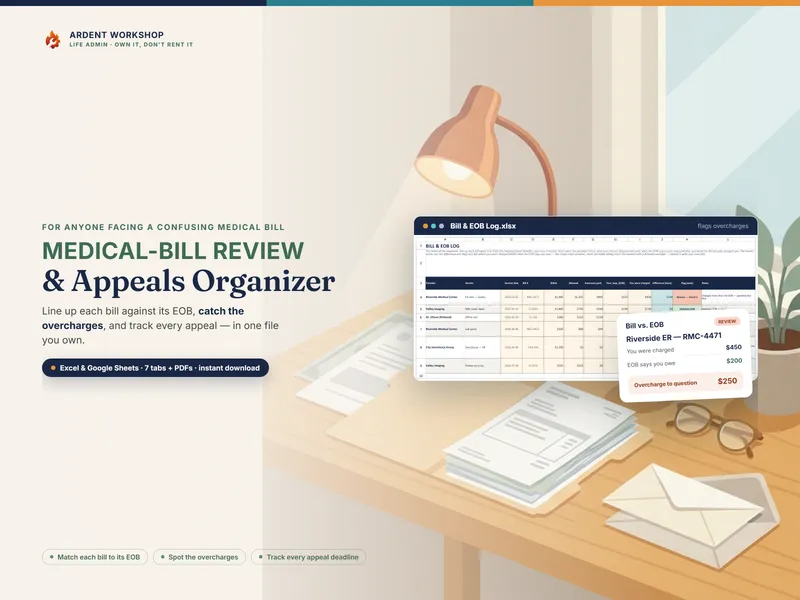
An EOB, or explanation of benefits, is the statement your insurer sends after a claim. Bills & EOB gives every bill a row, by provider and round. Enter what the EOB says you owe, and the workbook works out a status across 9 statuses, including Matches, Awaiting EOB, Denied, Reimbursement due, and Check: billed more than EOB says.
In the worked example, a clinic’s bill asks for $900 where the EOB says $780, so the row reads Check before anything is paid. Open Bills then gathers everything unresolved by round and by provider and lists the calls to make, most urgent first, with the amount and what to say. If a bill still looks wrong after that call, the blog post on how to dispute a medical bill covers the next steps.
How much of your plan year is used and left?
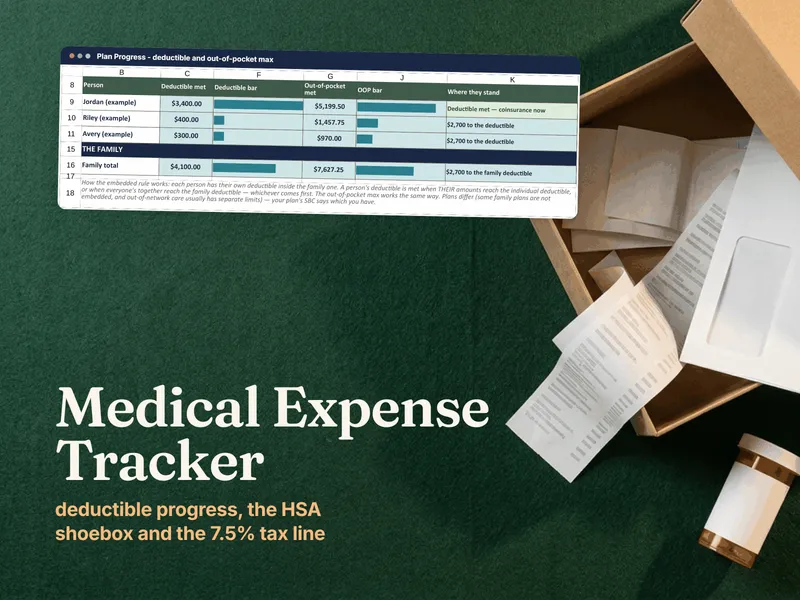
Plan-Year Benefits rolls your bills up by service date into deductible, out-of-pocket maximum and fertility benefit, each used and left, for each plan year. It also records whether an item you paid in cash counted toward the benefit, and it has a what-if for the next round’s covered charges. The what-if is an estimate from your own figures; your plan’s documents decide what is covered, so check with your insurer.
Insurance is optional. If you are paying for treatment yourself, leave those fields blank; the file works without them.
Funding shows every source of money and whether the next round is still funded after open bills. The HSA-FSA & Travel tab keeps a record by year paid, and travel and split-care costs by round. That view is a record, not tax advice.
Every round, side by side
Round-by-Round holds up to 8 rounds, one column each: dates, stim days, retrieved through frozen, outcome, total billed, plan paid, your cost, and cost per retrieved and per frozen. It also compares what you expected to pay with what you did. These are your own numbers only, with no benchmarks.
Round types cover fresh IVF, frozen transfer, egg freezing, embryo banking and IUI. It works the same for donor, single-parent and same-sex paths.
Pick a round and the Next-Round Brief prints one page for your next consult: what happened, what it cost, where your plan stands, and the questions to bring.
A medication tracker, monitoring log and IVF journal
The daily side is here too. Today pulls what is due across your logs, for today and the next 7 days. The Medication Log holds each dose exactly as your clinic’s sheet wrote it, with the time, the injection site and any side effects, and the site record shows where you last injected. The Monitoring Log keeps each appointment, the results as reported, and what the clinic told you to do. Embryo Results holds your own count at each stage, and the Journal is there for the days you want to write something down.
For the days you would rather use paper, the 13 printable pages include medication and monitoring logs, clinic questions, journal pages and two-week-wait pages.
Compare clinics by what they will really cost
If you are choosing a clinic, Clinic Quotes takes each one through the same 26 quote lines. Each line is included, extra or unknown, and the tab works out an all-in cost per round and for the rounds you are planning, with travel counted. A blank stays Unknown and becomes “Ask clinic”, so an incomplete quote cannot read as cheapest.
Clinic Scorecard and Clinic Results then rank the clinics on your own weights across 8 criteria, with cost and travel scored from your quotes. Any published rate is your own entry, scored only when it is compared like for like. Clinic Questions gives you 49 questions to bring to a consult.
Want to try it first? The free IVF One-Cycle Tracker is a workbook for a single round: medication log, monitoring log, journal and a plain list of what the round cost, already filled in with a fictional example round. The same page has a two-clinic scorer you can use in your browser. No email, no signup. When you want every round in one file, each bill checked against your insurance statement, and clinics compared on full quotes, this workbook is the full version.
Yours to keep, in Excel or Google Sheets
The download is an Excel workbook (.xlsx) plus a file named “Open in Google Sheets.pdf”. Click the link inside it, choose “Make a copy” (a free Google account is all you need), and a native Google Sheets copy is yours, with no import step. A 17-page guide walks through each part of the file. There is no Ardent Workshop account and no subscription, and your records stay in a file you own, on your computer or in your own Google Drive.
This workbook records what your clinic tells you. It does not calculate doses or give medical advice, and it does not predict results. Ask your clinic about anything to do with your care.