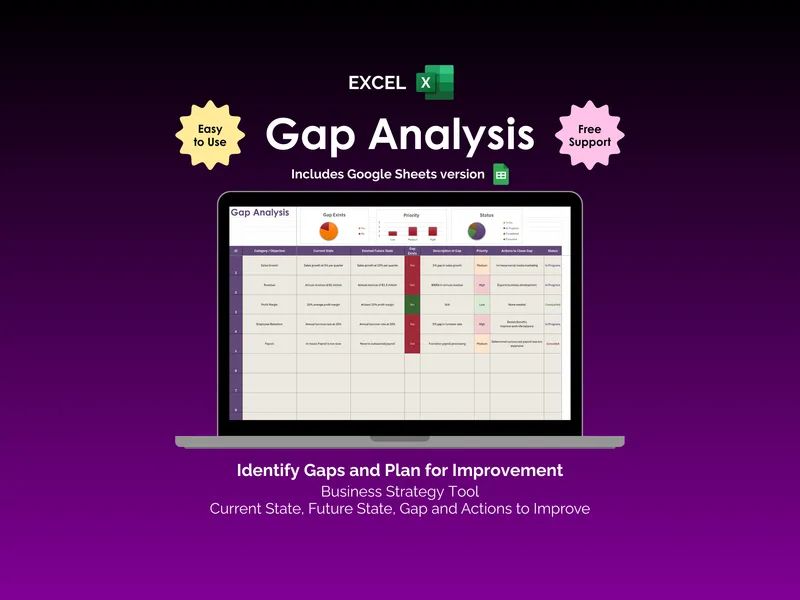
Think back to your last strategy review. Did it actually tell you what to fix first, or just list goals? This google sheets gap analysis template was built around that question, scoring every gap by Priority and Status so the loudest item on the page is the one you should work on next. A finished row reads as a sentence: Category, Current State, Desired Future State, Gap Exists, Description of Gap, Priority, Actions to Close Gap, Status.
The Priority and Status matrix is the heart of the google sheets gap analysis spreadsheet. Each row carries a Priority dropdown of Low, Medium, or High and a Status dropdown of To Do, In Progress, Completed, or Cancelled. Conditional formatting paints High priority and open gaps in red, Medium in amber, and Completed work in green, so a quarterly review becomes a triage view rather than a reading exercise.
Three charts sit above the table and recalculate as the gap analysis spreadsheet fills in. A Gap Exists pie shows the share of objectives still off-target, a Priority bar chart counts Low, Medium, and High items side by side, and a Status pie tracks how much of the plan is still To Do versus already Completed. Nothing needs to be refreshed by hand.
The Category / Objective column is the organising spine. Group rows by function, by department, or by initiative — Sales Growth, Revenue, Profit Margin, Employee Retention, Payroll — and the same scoring rules apply across every line. Pre-populated dropdowns keep the vocabulary consistent, which is what makes the charts trustworthy in the first place.
One purchase covers both formats: the native Google Sheets file and an Excel version of the same workbook, sharing the same layout and formatting rules. Open it in Google Workspace, copy it into a Drive folder, or download the Excel copy for offline review.
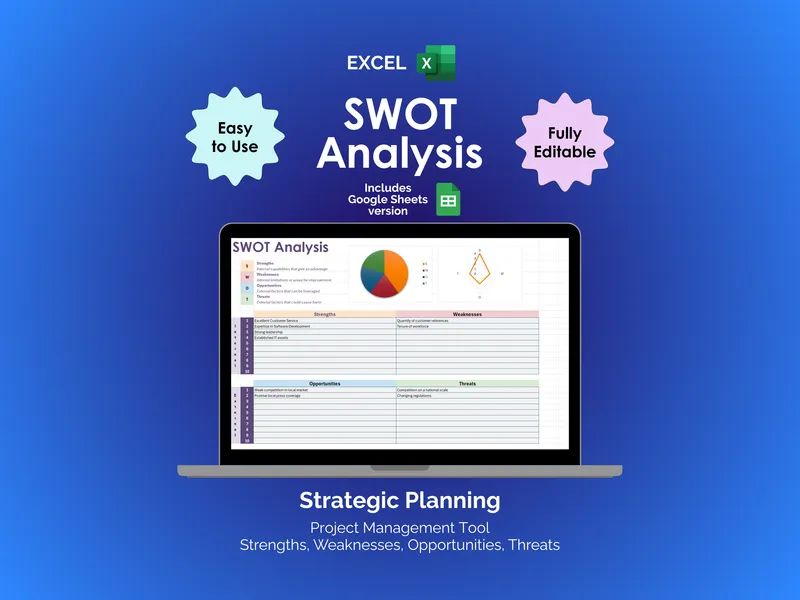
What separates this from a static SWOT slide is the Priority and Status matrix doing the prioritising for you. The structure is plain, the colours mean something specific, and the charts read at a glance — so the next action out of every meeting is already on the page.