The honest framing is not templates-versus-software. It is: what is the thing you are actually short of? Most contractors reaching for an app are short of documents — a scope sheet with real exclusions, a change order that shows the new contract amount, a punch list that closes. Some are short of a system — dispatch, scheduling, field hours, payments. Those two problems have very different prices.
When owned templates are exactly right
- You are one person, or a crew of two to six, doing residential work.
- You send a handful of documents a month — an authorization, a couple of change orders, a completion sign-off.
- You already have a way to get paid and a way to schedule.
- What is actually costing you money is the undocumented scope change, not the time it takes to type one out.
- You want the wording to be yours, on your letterhead, forever.
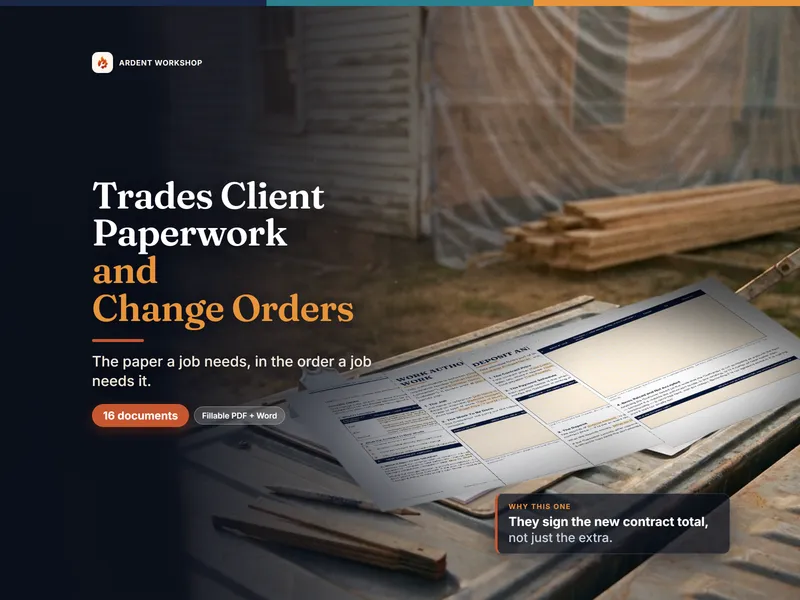
At this stage a pack of well-written documents beats an app outright. It costs once, the wording is yours to change, and there is no per-seat fee the month you take on a second van. The free change order form is a no-signup taste of what that looks like — one page, for one change. The Trades Client Paperwork & Change-Order Template Pack covers that ground plus fifteen more documents, sequenced to a job, with the log that carries the contract amount forward across all of them.
The signals an app is starting to earn its keep
Volume, not document quality, is what tips the balance:
- You have crews to dispatch. More than one team, moving between jobs, with a schedule that changes during the day.
- Field hours arrive by text. You re-key time from messages, and payroll is a reconstruction exercise.
- You cannot answer "where is that job?" without calling someone.
- Customers expect to see and sign on a phone, and to pay through the same link.
- The signed documents themselves are getting lost. Not written badly — genuinely mislaid, across dozens of live jobs.
One or two of these is normal for a growing shop. All of them, every week, is the work telling you a system would pay for itself.
Side by side
| What matters | Owned paperwork templates | Contractor app |
|---|---|---|
| Cost | One-time. Yours after that. | Monthly, usually per user, indefinitely. |
| What you are buying | The documents, and the judgment in how they are written. | A workflow that happens to produce documents. |
| Control of the wording | Total. Edit any clause, add your own exclusions, use your letterhead. | Within the app's model. Customizable to a point. |
| Scheduling & dispatch | Not covered. Use whatever you use now. | Core strength — this is what you are paying for. |
| Field time capture | Not covered. | From a phone, into the job, automatically. |
| Getting paid | Not covered — the documents record what is owed and when. | Often integrated: send, sign and pay in one flow. |
| Where signed copies live | Your own files. You are responsible for filing them. | In the app, searchable — until you stop subscribing. |
| If you stop paying | Nothing happens. You still have every file. | Access ends. Export before you cancel. |
General document templates and guidance for a trades business — not legal advice, and not a substitute for it. Nothing here tells you what your rights are, and residential construction is regulated at state and often city level. Compare any app's current pricing, subscription terms, export options, and what you keep on cancellation yourself before you commit; they change.
The part neither one does for you
Software will not tell you which clause on your work authorization is carrying the weight, or that an allowance covers the material and not the labor, or that a punch list has to close before the final payment means anything. Neither will a free form off a search result. That judgment is the actual product — a change order that leaves out the new contract amount is a bad change order whether an app generated it or you typed it. If you want to see one written properly, follow how to write a change order end to end.
Whichever you end up on, decide what your own documents should say first. Otherwise you will accept a vendor's defaults without ever having read them.
A reasonable order to do this in
- Fix the documents. Get an authorization with real exclusions, a change order with the running total, a payment schedule tied to milestones, and a completion sign-off that closes the punch list.
- Make them yours once. Put your business details and your own hard-won exclusions into master copies, so a new job is a copy-and-fill.
- Then, if the volume demands it, buy the system. You will evaluate apps far better knowing what your paperwork should already say — and you will not be paying a subscription for a document generator.
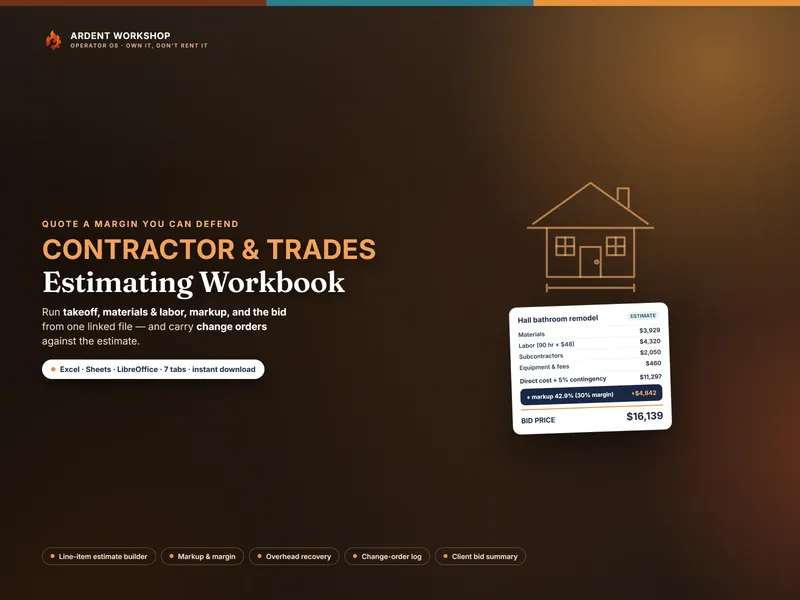
Every tool built for this stage sits on the templates for contractors hub, and the spreadsheet vs job-costing software comparison covers the same question for the estimating side.
Frequently asked questions
- Do I need contractor software to send a change order?
- No. A change order needs the scope change, the price, the effect on the completion date, the new contract amount, and both signatures — all of which fit on one page. Software adds convenience: it remembers the job, fills the customer details, and stores the signed copy for you. For a one-person shop or a small crew, a fillable PDF you print or e-sign records the same things for no monthly cost. Whether a particular signature or delivery method satisfies your state's home-improvement rules is a separate question worth asking locally.
- When is a contractor app worth the subscription?
- When the volume makes the admin the bottleneck — several crews, dozens of live jobs, and a schedule that changes daily. At that point the value is not the documents; it is the scheduling, the dispatch, the field time capture, the customer messaging and the payment collection all sitting in one system. If you are mostly sending a handful of documents a month, you are paying a subscription for a document generator.
- Can I use my own paperwork with a contractor app later?
- Usually in part. Most apps let you customize their templates and some accept your own wording, but you are working inside their document model. That is a real reason to know what your documents should say before you subscribe: you will be reviewing their versions, and if you have never decided what your own exclusions or warranty terms are, you will accept their defaults by default.
- Are free contractor forms good enough?
- A free single form is fine for a single moment. What free downloads do not give you is the sequence — the authorization the change order amends, the register that carries the running contract amount, the completion sign-off the final payment releases against, and the notice that stops the clock when something is found behind a wall. A job goes wrong in the gaps between documents, not usually inside one.