The answer is lessons left ÷ school weeks left. If a math course has 127 lessons left and 24.4 school weeks to finish them in, you need about 5.2 lessons a week. The part that is easy to get wrong is the bottom number: school weeks left is not the number of weeks on the calendar, it is the school days you will really teach, with breaks and holidays removed, divided by how many days a week the course meets.
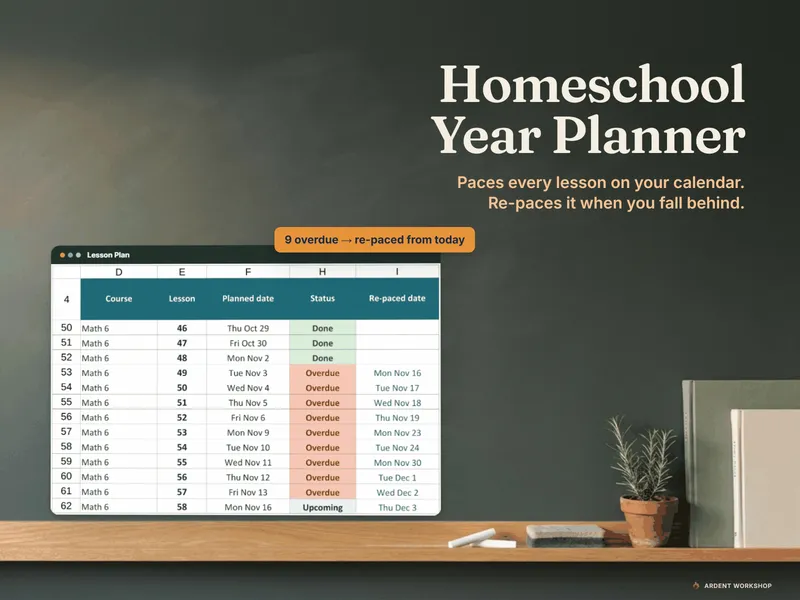
You can do all of this with a pencil, and the steps below show the arithmetic. If you would rather not redo it each time you fall behind, the Homeschool Year Planner is an Excel and Google Sheets workbook (with printable weekly pages) that runs this pacing for up to 5 children and 40 courses. It is a file your family keeps, not a subscription. For a single course, the free Homeschool Curriculum Pacing Calculator does the lessons-per-week and finish-date arithmetic.
The worked example: Math 6
The example below is the planner’s fictional sample family, so the numbers are made up, but the arithmetic is exactly what you would do with your own. Math 6 is taught Monday to Friday. It is mid-November. There are:
- 127 lessons left in the book.
- 122 school days left before the last school day, June 3, 2027.
- 5 school days per week.
Step 1: Count the real school days left
Start at today and count forward to your last school day, but count only days you will actually teach this course. Take out winter break, spring break, holidays, and any other no-school days you already know about. This is the step that changes the answer most, because a calendar that shows 28 weeks left may hold far fewer real teaching weeks.
If a course meets on set weekdays rather than every day, count only those meetings. A science class on Tuesday and Thursday loses a meeting whenever a Tuesday or Thursday falls in a break, and the sequence simply moves on to the next one.
In the example, the count is 122 school days.
Step 2: Convert school days to school weeks
Divide school days by the days per week the course meets.
122 school days ÷ 5 school days per week = 24.4 school weeks
Step 3: Divide lessons left by school weeks left
127 lessons ÷ 24.4 weeks = 5.2 lessons per week
That is your required pace from today. Math 6 meets five days a week, and the family has been doing one lesson per meeting, so five a week. They now need 5.2. The gap looks tiny, but it is real, and it is the whole reason the question “are we on track?” is worth asking mid-year rather than in May.
If you have been doing exactly the required pace or faster, you are fine. If the required number is higher than what you have been keeping, you are behind, and you have a decision to make.
Step 4: Decide what to do when you’re behind
There are two honest ways to close the gap, and they trade off different things. The planner’s Catch-up tab calls them Keep the rhythm and Fit by the last day.
Keep the rhythm
The remaining lessons continue at your normal pace from today. Nothing doubles up, and the finish date moves later. In the Math 6 example, five lessons a week finishes on June 10, 2027, which is 5 school days late.
Choose this when the finish date is flexible or the shortfall is small. A few days past the planned end may matter little, and a steady rhythm can be easier on a child than a squeeze.
Fit by the last day
The remaining lessons are squeezed into the meetings left before your last school day, so some days carry two lessons. In the example, that takes 5 double-up days, and the book finishes on June 3, 2027.
Choose this when the finish date matters and the days left can absorb the extra lessons. A subject with a hard end date, such as a co-op class or a testing window, is a good fit for it. If the doubled days would land on a child who already finds the subject hard, that is a sign to pick the other option, or to trim the book.
When there are no days left
Sometimes the arithmetic comes out that no amount of doubling saves the course. Then the choice is to trim lessons, drop the book, or carry it into next year. Seeing that in November is far better than discovering it in May.
Loop courses pace differently
Everything above assumes a course that meets on fixed days and runs one lesson after another. Subjects like art, music, poetry and nature study can be scheduled on a rotation instead, where the child does the next couple of subjects in the loop each school day. A loop course has no meeting days of its own. It shares the child’s loop slots with the other loop courses, so its lessons per week come from its share of those slots rather than from meeting days: roughly the child’s loop slots per week divided by the number of loop courses sharing them. A missed day just means the subject comes around again. See what loop scheduling is for how a loop works and which subjects suit it.
Putting it into practice
- Write down lessons left and your last school day for each course that has a hard end.
- Count real school days, convert to weeks, and divide.
- Compare the result with the pace you have been keeping, and choose Keep the rhythm or Fit by the last day.
- Recheck every month or so. The number moves whenever a sick week, a trip or a new break changes the days left.
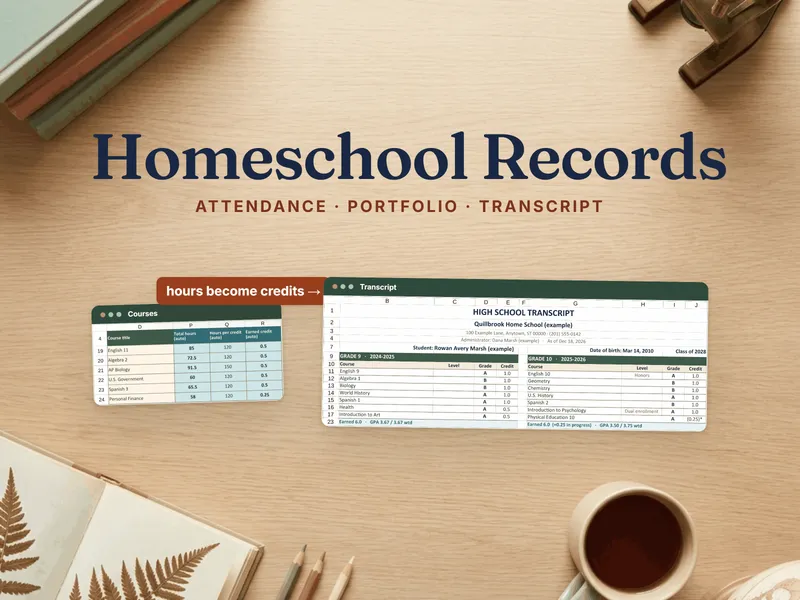
If you teach several children, repeat this for each course, which is where a workbook that holds all of them saves the most time. For a broader look at planning the year, see the homeschool families hub. The planner plans the year ahead, and the Homeschool Portfolio, Attendance & Transcript Records Binder proves it afterward.