A homeschool planner that re-paces itself
This workbook paces every lesson of every book across your real school calendar, and re-paces what is left when you fall behind. Enter each curriculum’s lesson count once. The Lesson Plan puts every lesson on a school day, skipping your weekends, breaks and holidays. When a sick week puts you behind, Catch-up shows the lessons per week now required and the re-paced finish date, and the Lesson Plan moves every overdue lesson forward from today.
A paper weekly planner, filled in by hand, works until the first sick week, and then every page after it is wrong. Fixing it means rewriting the rest of the term. This planner does that arithmetic for you, for up to 5 children and 40 courses.
Your real school calendar, built once
On Year Setup you set the first day of school, which weekdays are school days, your breaks and holidays (up to 20), and your own day and hour targets. The School Calendar lists every date for 52 weeks, numbers each school day, and finds your last school day from your day target.
A sick day, a field trip or a Saturday make-up is one row in Day changes, on the School Calendar tab. Add it, and the calendar, the lesson plan and every finish date move with it. Your Done Log of finished lessons is kept apart from the plan, so it never changes when the plan does.
Every lesson gets a date: Fixed days or Loop
List each course on Courses with the number of lessons in the book, the minutes per lesson, and how it is scheduled:
- Fixed days — the course meets on the weekdays you tick (math every day, science on Tuesday and Thursday).
- Loop — the next lesson comes up on the next school day in rotation, for subjects you rotate through. A loop course that has finished leaves the rotation, and the others take its turn.
The Lesson Plan lists every lesson with its planned date and week, with room for up to 3,000 lessons, and Courses shows each book’s planned finish date.
Fell behind? Catch-up does the math
Catch-up compares what you have logged with the plan and, for every course, shows the lessons left, how many still fit before your last school day, your normal lessons per week, the lessons per week now required, the double-up days needed, a verdict and the re-paced finish date. You pick the method: Keep the rhythm (the rest of the book continues at its normal pace, and the finish date moves later) or Fit by the last day (the remaining lessons are squeezed into the school days you have left).
One week, one child, one page
The Weekly Plan is a single view with a child picker and a week picker, not a separate sheet for every week. It lays out that week’s lessons as a checklist, Monday to Sunday: days that have passed show what was logged, and the days ahead show the re-paced plan. Print it for the kitchen table, or use the undated printable weekly lesson pages instead.
Progress, days and hours
The Progress Dashboard marks every course and every child AHEAD, ON PACE or BEHIND, with a projected last lesson. It also turns what you log into attendance days and hours, counted against the targets your family sets.
Plan the year, then prove it
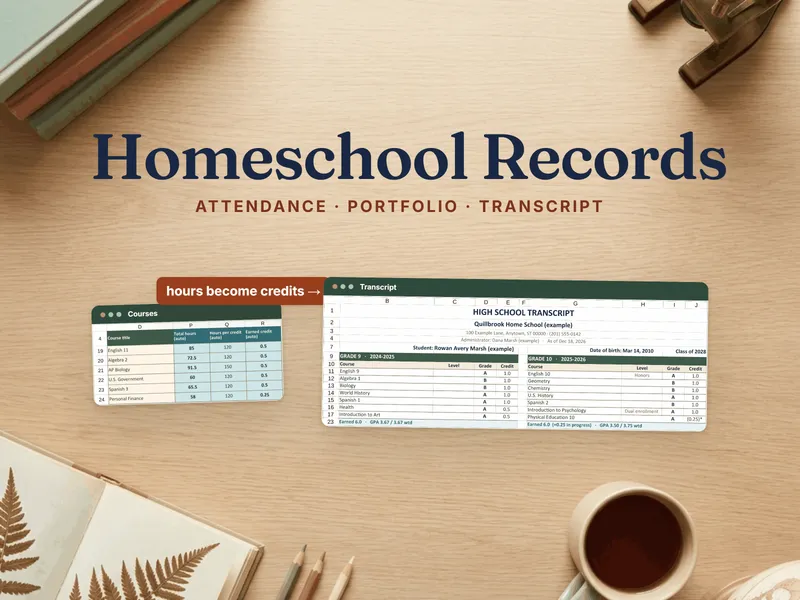
Binder Export lays your done days and hours out in the columns of our Homeschool Portfolio, Attendance & Transcript Records Binder, which keeps the attendance, portfolio and transcript records. The planner plans and paces the year; the binder keeps the record of it.
What this is, and what it isn’t
This is a planner. It schedules and counts the lessons you plan and log, and it states no state’s homeschool law. The day and hour targets are yours to type in. The blank copy starts at 180 days and 900 hours as examples, not requirements. Check what your own state asks for with its official sources.
Own it, don’t rent it
Subscription homeschool planning apps charge a fee every year. This is a file you keep: no account, no subscription, no per-child fee, and the Excel file works offline. It opens on a clearly fictional example family so you can see every tab working, and a blank copy is included for your own year. Next year, change the start date and the courses. It works in Excel 2016 or later and Microsoft 365, in Google Sheets through the one-click copy, and in LibreOffice.
Want to try the pacing first? The free Homeschool Curriculum Pacing Calculator is a smaller version of this planner’s pacing. No email, no signup.