Subscription audits aren’t a willpower problem — they’re a visibility problem. You can’t cancel what you can’t see, and most people have no idea Netflix, Disney+, Canva, and three meal kit pauses are quietly compounding in the background. This google sheets subscription tracker turns “vague monthly dread” into a sortable list with real totals. Spoiler: the number is bigger than your guess.
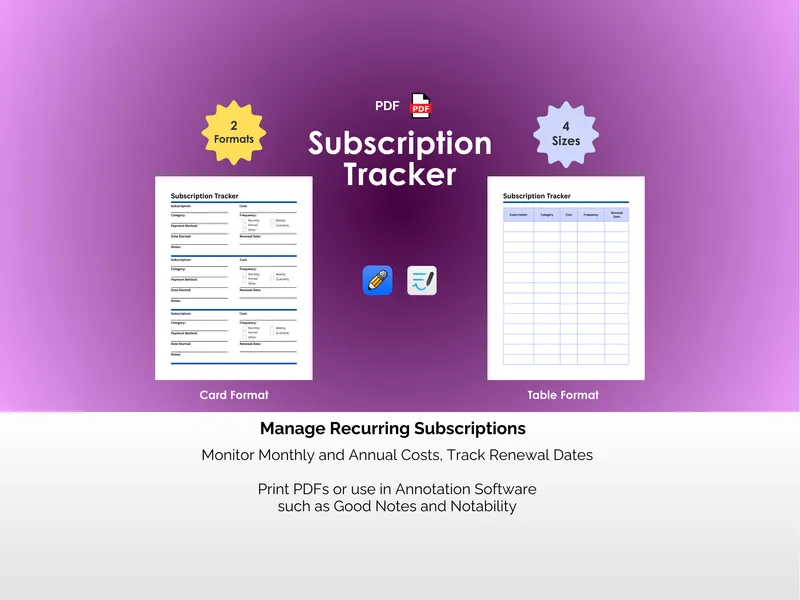
The first frustration is mental math across mismatched billing cycles — $9 weekly, $40 monthly, $120 annual, and suddenly your brain is doing currency conversions. The Subscriptions tab in this google sheets subscription tracker logs each service with its category, status, billing frequency, and cost, then auto-calculates Monthly Equivalent and Annual Equivalent columns so weekly and annual charges show up on the same scale. A summary at the top tallies your total monthly cost, total annual cost, and active subscription count — three numbers worth printing onto a fridge magnet.
The second frustration is that “which one is the actual problem?” never gets answered, so nothing gets cancelled. Two built-in charts inside the google sheets subscription tracker solve it: Monthly Cost by Category shows whether streaming or productivity tools are the real budget villain, and a Top Most Expensive ranking puts your biggest line items in unavoidable view. Pair that with a Notes column for flags like “may cancel due to price increase” or “free plan might be sufficient” — basically a memo from past-you to future-you, who is famously bad at remembering things.
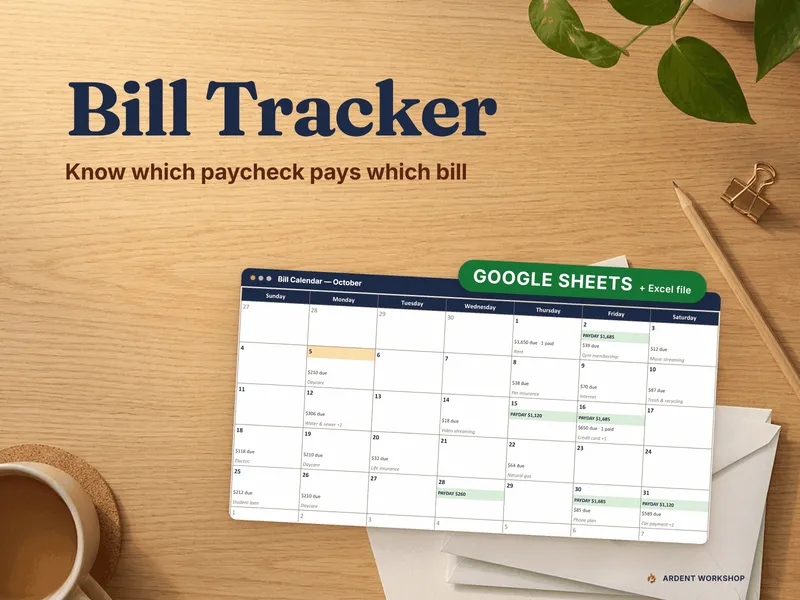
The third frustration is the surprise auto-renewal hitting on a Tuesday you weren’t expecting. The Calendar tab auto-populates renewal dates across the month you pick, with Current Month and Current Year selectors that let you scrub through any period without rebuilding the layout. You’ll spot the week three streaming services all renew together, which is usually the moment a cancellation actually happens.
What sets this tracker apart is the dual-format delivery — the file includes both the Google Sheets and Excel versions, so you can edit on a Chromebook at lunch and on a desktop after dinner without copy-paste gymnastics. There’s no app to install, no account to register, and (refreshingly) no monthly fee for the thing you bought to fight monthly fees. Open it, list what you’re paying for, and let the totals do the convincing — the cancellations tend to follow on their own.