What goes in a stakeholder register
A useful register is a small handful of columns, kept current. The fields below are the standard PMBOK set; you can add team-specific columns, but resist the urge to make it a personnel database.
- Name and role. The person (or group), and their formal position in the org.
- Interest. How much they personally care about the project's outcome (Low / Medium / High).
- Influence. How much they can shape the outcome — formal authority, budget, or political capital (Low / Medium / High).
- Current support level. Unaware / Resistant / Neutral / Supportive / Champion. This is the column that drives engagement.
- Required support level. Where you need them to be. The gap between current and required is the engagement work.
- Concerns / expectations. What they've said, in their words.
- Engagement strategy. What you'll do to move them toward the required support level.
- Owner. Who on the project team manages the relationship.
The power-interest grid
The register's most-used view is the power-interest grid — a 2×2 chart that plots every stakeholder by influence (vertical) and interest (horizontal). The four quadrants give a strategy at a glance.
- High influence, high interest — Manage closely. These are your sponsors and key partners. They get the most attention.
- High influence, low interest — Keep satisfied. Powerful but not engaged. Brief, regular updates. Don't surprise them.
- Low influence, high interest — Keep informed. Cheerleaders and users. Communicate often; they amplify the project.
- Low influence, low interest — Monitor. Light-touch. Don't ignore, but don't over-invest.
What it's actually for
Most project failures are political, not technical — the work itself went fine, but the wrong person got blindsided, or the right person never got pulled in. A stakeholder register makes the political landscape explicit. When a senior leader you didn't realize cared raises an objection in week six, you don't say "we should have looped them in" — they were already on the register, and you missed moving them from Unaware to Informed.
When to build one
- Project kickoff. Always. Even for small projects with three stakeholders.
- Any time a project enters a new phase (planning → execution → close) where the stakeholder mix shifts.
- After an org change. New leaders mean new positions, new concerns.
- When a project becomes contested. Map who's pushing which side.
- Before a major decision or milestone. Run the register one more time before going public.
How to build one in twenty minutes
- Brainstorm names — everyone who can speed up, slow down, or kill the project. Aim wide; trim later.
- Add the formal sponsors, the funding owners, and the people whose teams have to do the work.
- Add the people who'll be affected by the outcome — users, downstream teams, customers.
- For each, rate interest and influence on Low/Medium/High.
- Rate their current support level honestly. If you're guessing, mark it and plan a conversation.
- Set the required support level for each. Note the gap. That's the engagement plan.
Common mistakes
- Only listing supporters. The skeptics are the ones the register is built for.
- Static register. Support levels shift weekly. A register frozen at kickoff is a wall decoration.
- Confusing role with interest. A senior VP might be the formal sponsor and not actually care about the outcome. Their influence is high; their interest may be low.
- Treating it as a directory. The register isn't an org chart — it's a strategy document. If you'd be embarrassed to share a row with the named person, you're using it right.
- Skipping the engagement strategy column. Without it, the register documents the problem without committing to a solution.
Related templates and concepts
A stakeholder register pairs naturally with a RACI matrix (the internal team responsibilities) and a risk register (where political opposition shows up as a tracked risk). For more PM tools, see the templates for project managers hub.
Templates that implement this
Templates that build a stakeholder register
3 templates
Capture interest and influence, log concerns and expectations, track support level over time — and pair it with a power-interest grid that updates as the values change.
- $3.45 Excel
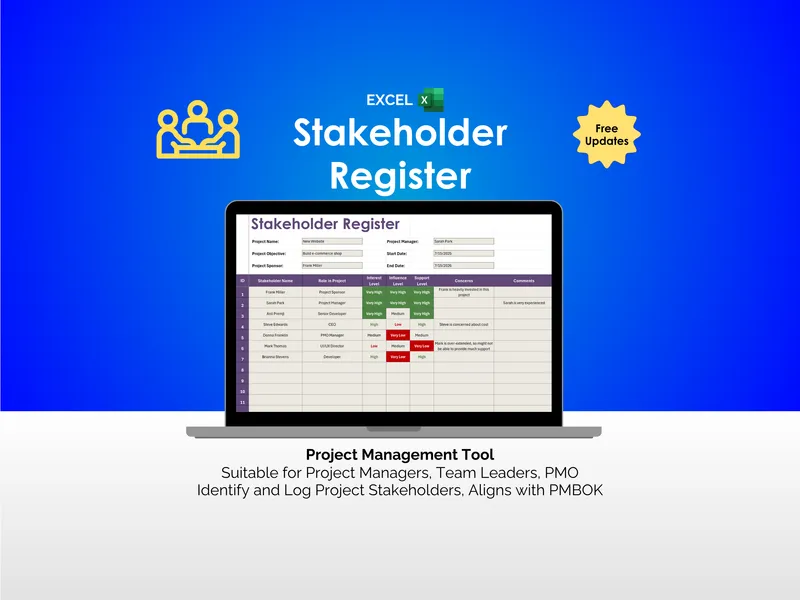
Stakeholder Register - Excel
Your kickoff meeting ended with 17 names on a whiteboard. This excel stakeholder register template turns that mess into a sortable, PMBOK-aligned roster.
Project ManagementView details - $4.95 Excel
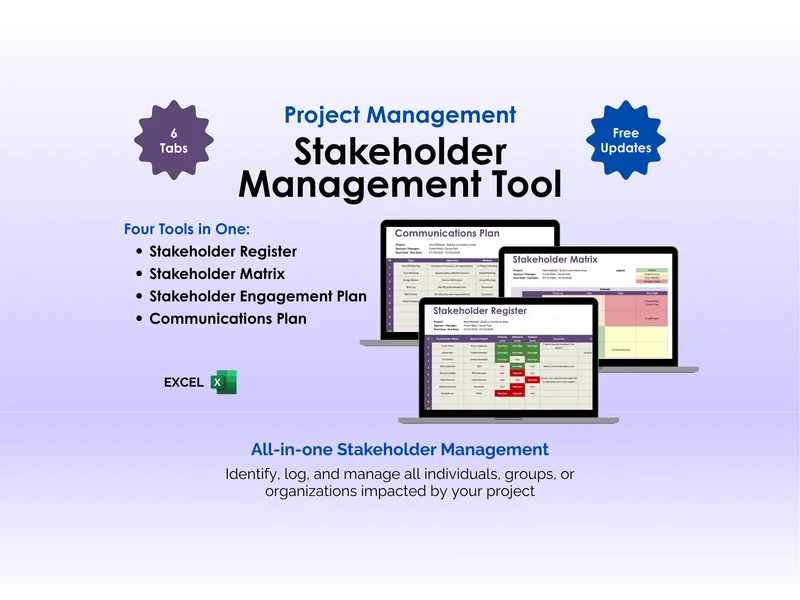
Stakeholder Management Tool - Excel
Stakeholder management isn't a roster. It's knowing who to call first when scope shifts. This excel stakeholder management tool unifies register, matrix, engagement, and comms.
Project ManagementView details - $3.45 Excel
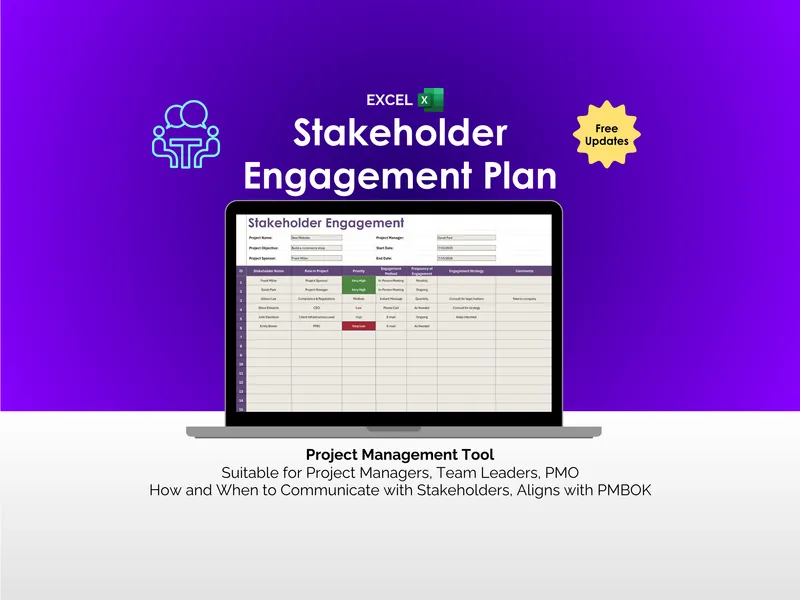
Stakeholder Engagement Plan - Excel
Most stakeholder plans are contact lists in disguise. An excel stakeholder engagement plan for project managers — priority, method, frequency, strategy.
Project ManagementView details