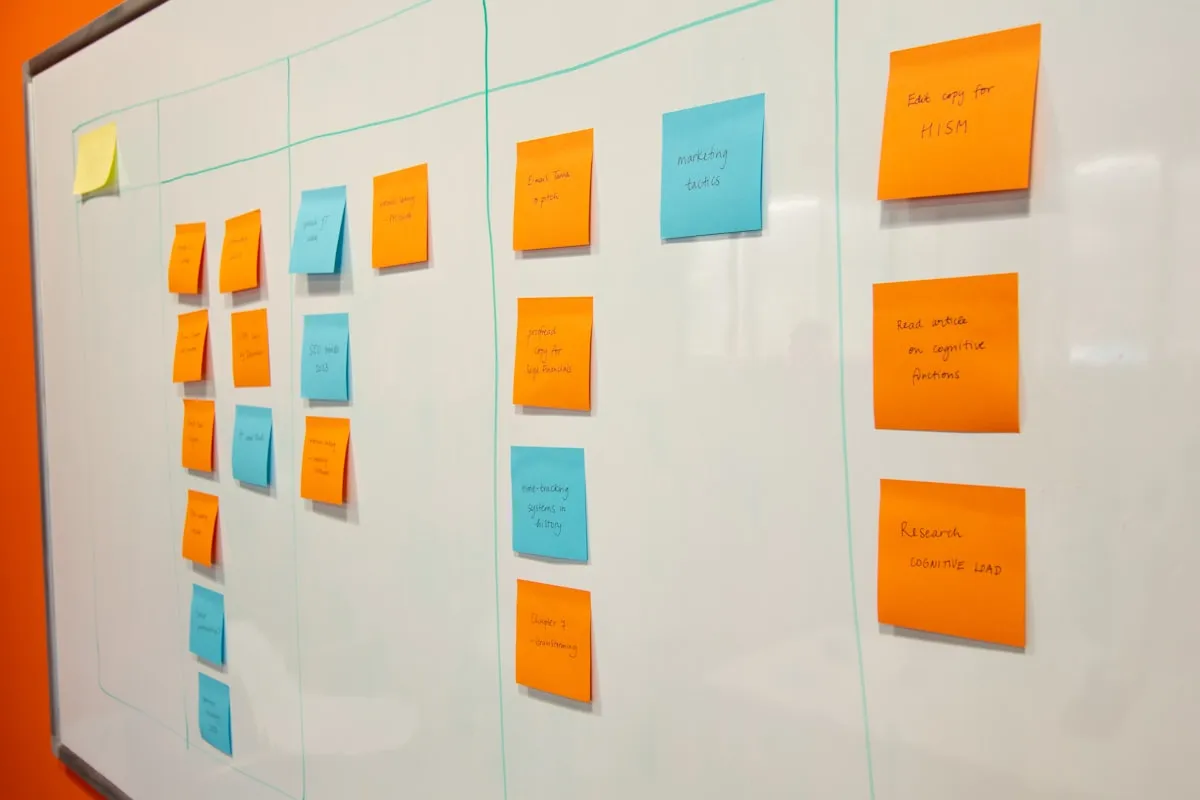
Where kanban came from
Kanban (Japanese for "signboard" or "billboard") originated on the Toyota factory floor in the 1940s as a system for signaling when a workstation needed more parts. The cards were physical — a token that traveled with the work. Software teams in the 2000s adopted the visual metaphor for knowledge work, and the digital kanban board became one of the most widely used project artifacts in the world.
The core columns
Almost every kanban board you'll encounter starts with three columns and grows from there. The simplest possible board looks like this:
- To Do. Work that's been defined and is ready to be picked up.
- In Progress. Work actively being done. This is the column that needs a limit — see WIP below.
- Done. Work that has shipped or been completed.
Larger teams add columns for review, blocked, or specific stages (design, code, QA). The discipline is to keep the columns meaningful — every column should map to a real state change in the work.
WIP limits — the actual rule kanban enforces
Kanban's most important contribution isn't the board itself; it's the discipline of work-in-progress limits. Each column has a maximum number of cards it can hold. If In Progress is capped at five and the team finishes one, they can start another. If In Progress is already at the cap, no new work starts until something moves on.
The result is that bottlenecks become visible. If cards pile up in QA, you don't need a meeting to discover QA is the constraint — the board is showing you.
Kanban vs. Scrum
Both are forms of agile project management, and the difference catches people regularly.
- Scrum works in fixed-length sprints (typically two weeks) with a commitment to a set of stories per sprint. The board resets each sprint.
- Kanban is continuous flow. There's no sprint boundary; work enters the board when it's defined and exits when it's done. The board never resets.
Teams that ship in cadence (releases every two weeks) lean Scrum. Teams that handle a stream of unpredictable work (support, ops, content) lean Kanban. Mixed teams (Scrumban) borrow from both.
When to use a kanban board
- Anytime more than two people are sharing a task list.
- Whenever you need to make work visible to people outside the team (stakeholders, managers, dependent teams).
- For personal task management when a to-do list keeps growing without shrinking.
- For operational queues — incidents, support tickets, content pipelines — where work arrives continuously.
How to build one in ten minutes
- List every task in a single column. Don't categorize yet.
- Assign each task a status: To Do, In Progress, Done. Anything in progress that no one is working on this week goes back to To Do.
- Set a WIP limit for In Progress (3–5 cards per person is typical).
- Pick a refresh cadence. Daily standup is the classic — even a five-minute scroll counts.
- Move cards as work changes state. Resist the urge to skip the In Progress column for fast tasks — the move itself is the signal.
Common mistakes
- Too many columns. Every column you add is one more place a card can sit unattended. Start with three.
- No WIP limits. Without limits, kanban becomes a bulletin board. The limit is the whole mechanism.
- Cards that don't move. If a card has been in the same column for three weeks, it's not a task — it's a wish.
- Using kanban for unestimated long projects. Kanban shines for flow. For roadmaps with fixed scope and dates, pair it with a Gantt or sprint plan.
Related templates and concepts
A kanban board pairs well with a RACI matrix (who owns each card) and a risk register (what could derail the cards already in flight). For more PM tools, see the templates for project managers hub.
Templates that implement this
Templates that run a kanban board
2 templates
Type the task in the list, pick a status, and the board re-sorts itself — no dragging required.
- $3.95 Excel
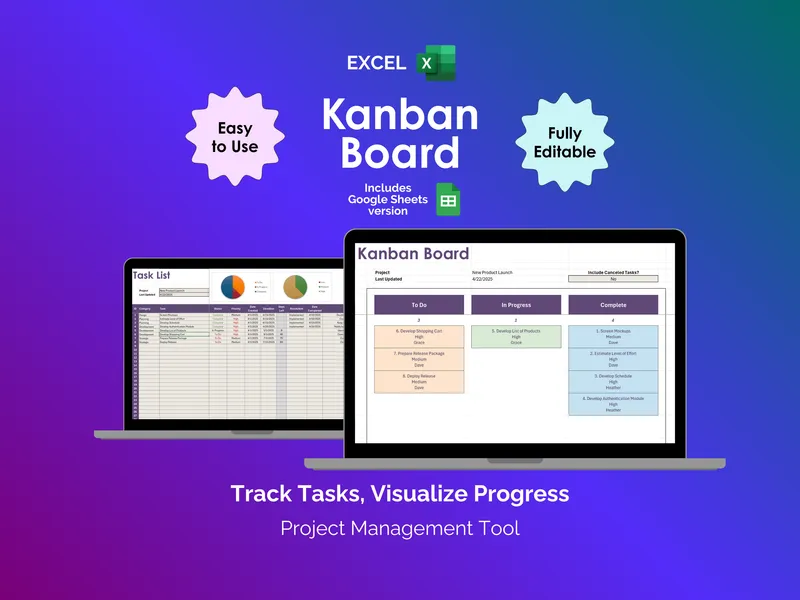
Kanban Board - Excel
A kanban board isn't a wall of sticky notes — it's a Task List that arranges itself. This excel kanban board template fills three columns as you type. No dragging required.
Project ManagementView details - $3.95 Sheets
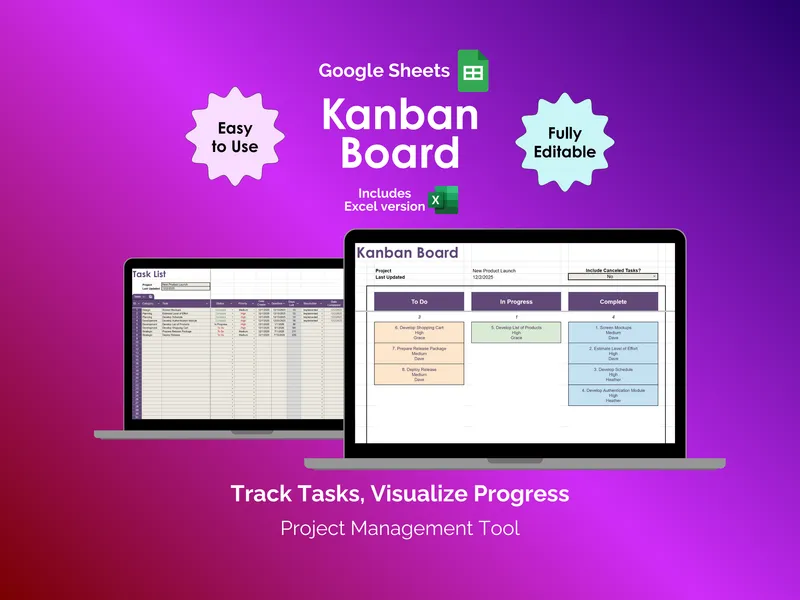
Kanban Board - Google Sheets
Teams rarely struggle with tasks. They struggle with status. This google sheets kanban board turns your task list into a live To Do / In Progress / Complete view.
Project ManagementView details