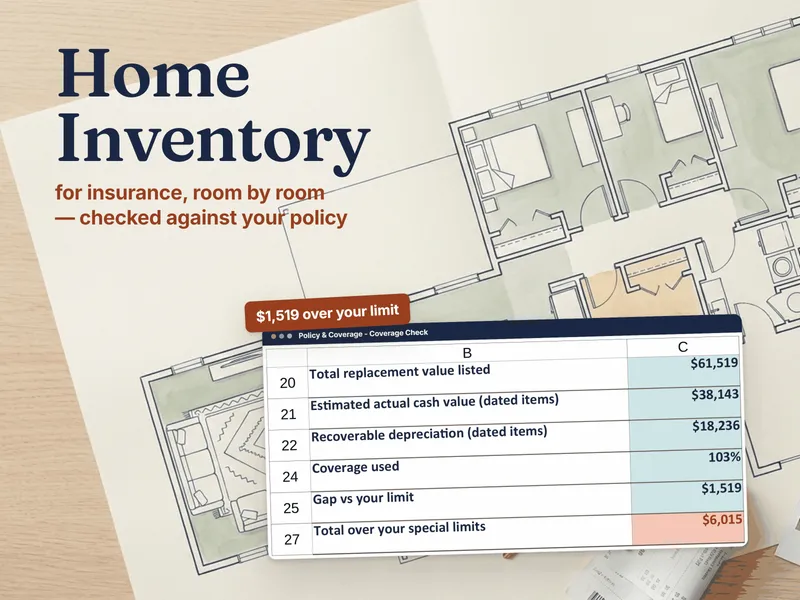
The honest framing isn't "which is better" — it's "which trade-off do you want." A budgeting app buys you automatic transaction imports in exchange for a monthly fee and handing your bank logins to a third party. A spreadsheet asks you to type your numbers in, and in return costs nothing after purchase, keeps your data on your own machine, and bends to exactly how you think about money. Pick the trade you're comfortable with.
The quick verdict
- Choose a budgeting app if automatic transaction import is the only thing that will keep you consistent, and a monthly subscription plus bank-linking is a fair price for that.
- Choose a spreadsheet if you want a one-time cost, full privacy, and total control — and you don't mind a few minutes a week of entry that doubles as a spending review.
Side by side
| What matters | Budgeting spreadsheet | Budgeting app |
|---|---|---|
| Cost | One-time purchase (or free to build) | Often a monthly or annual subscription |
| Transaction entry | Manual — you type it in | Automatic via bank connection |
| Privacy | Data stays on your device; no bank login shared | Requires linking bank credentials to a third party |
| Categorization | Exactly how you define it | Automatic, but frequently needs correcting |
| Customization | Total — add any category, formula or view | Limited to the app's features |
| Awareness | High — entering each cost makes you notice it | Lower — automation can hide spending |
| Best for | Control, privacy, deliberate budgeters | Hands-off users who want it automatic |
The hidden upside of manual entry
The thing budgeting apps treat as a chore — typing in what you spent — is quietly the most effective part of budgeting. Entering a number forces a half-second of attention on every purchase, which is exactly the friction that changes behavior. Automatic imports remove that friction, and with it the awareness. Plenty of people find they spend less the moment they go back to entering it themselves.
Where an app genuinely wins
Credit where it's due: if the only way you'll ever keep a budget is for it to update without you, an app's automatic import is worth the fee. Consistency beats perfection, and a connected app you actually check beats a flawless spreadsheet you abandon. Be honest with yourself about which person you are.
Build the spreadsheet system
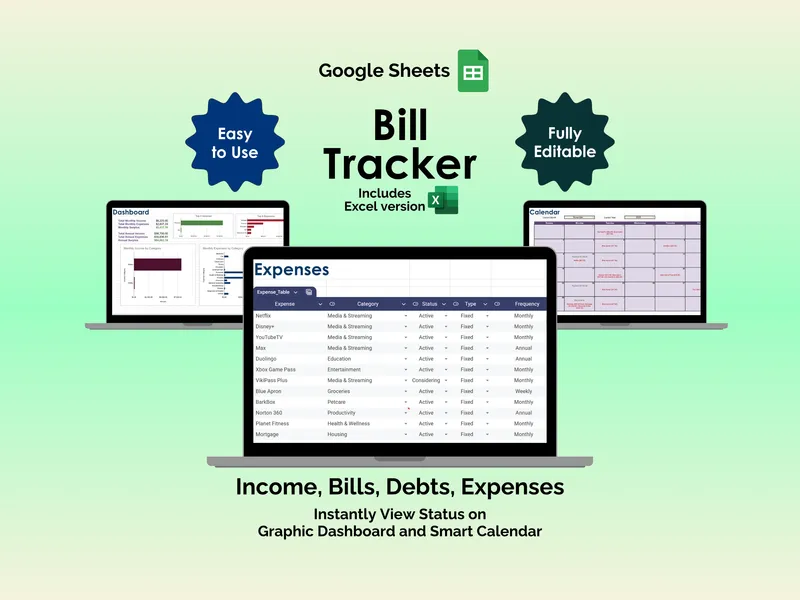
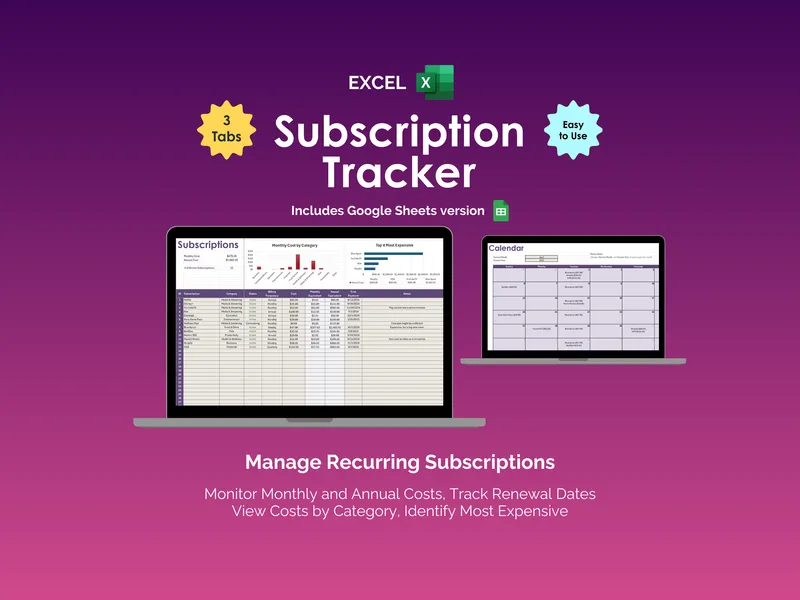
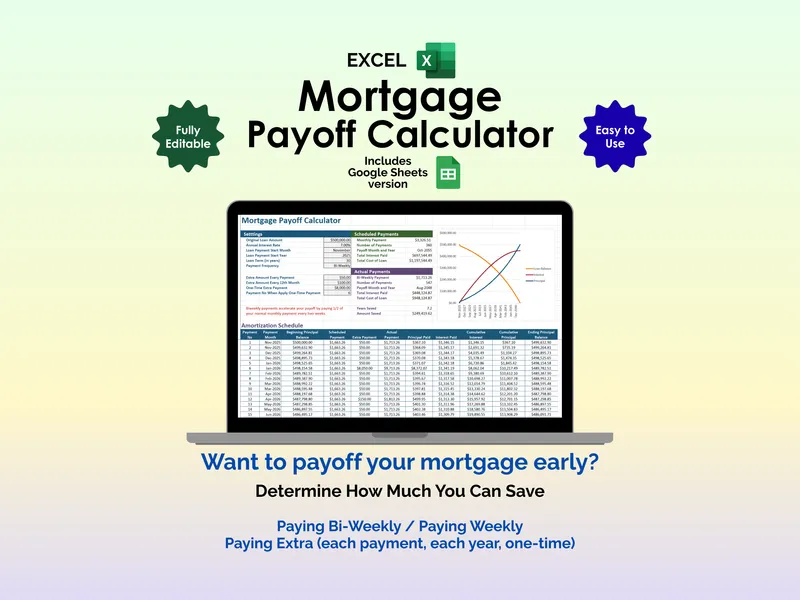
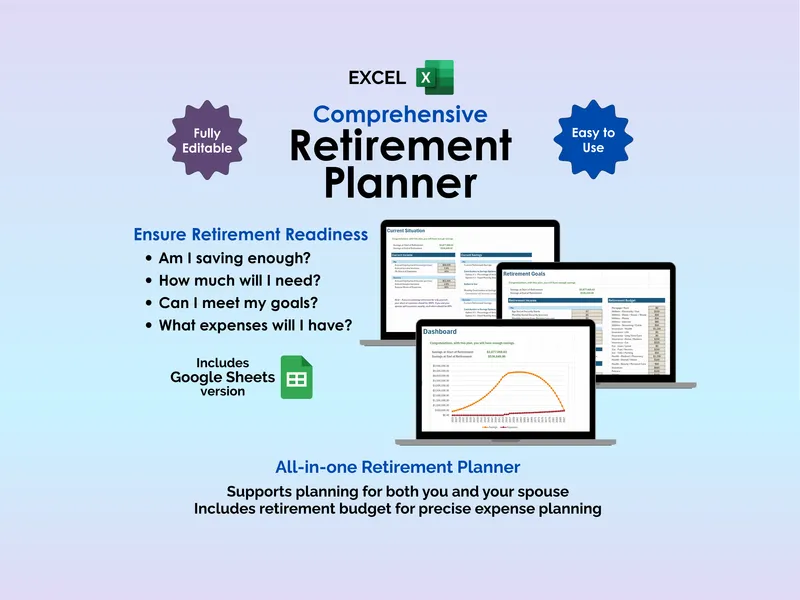
A budget is only the start. The full picture is a few connected tools: a bill tracker for due dates, a subscription audit to catch the quiet drains, a mortgage payoff plan, and a retirement projection. Browse the personal finance templates hub for the whole set, and see how the formats differ in Excel vs Google Sheets.
Weighing free finance templates against paid ones is its own question — that's free vs paid templates.
Frequently asked questions
- Is a spreadsheet better than a budgeting app?
- It depends on what you value. A spreadsheet is better for privacy, control and a one-time cost — you decide exactly how it works and no company sees your accounts. A budgeting app is better for automation, since it imports transactions for you. If you're happy to spend a few minutes a week entering numbers, a spreadsheet usually wins on cost and control.
- Why do people switch from budgeting apps back to spreadsheets?
- Three reasons come up again and again: budgeting apps increasingly charge a monthly subscription, they require connecting your bank logins to a third party, and their automatic categorization is often wrong enough that you end up correcting it anyway. A spreadsheet costs once, keeps your data on your own machine, and never miscategorizes because you enter it.
- Do I have to connect my bank to a budgeting spreadsheet?
- No — and that's the point for many people. A budgeting spreadsheet works entirely from numbers you type in, so no bank credentials leave your computer. The trade-off is manual entry, which for most households is a few minutes a week and doubles as a built-in spending review.
- Can a spreadsheet do everything a budgeting app does?
- Almost. Spreadsheets handle budgets, bill due dates, subscription audits, debt payoff and net-worth tracking just fine. The one thing they can't do is pull your transactions in automatically — that's the single genuine advantage a connected app has. Everything else is a question of which interface you prefer.