Project management software is built to solve coordination problems — keeping a big team in sync, automating status, untangling dependencies. If you don't have those problems yet, you're paying a per-seat subscription for power you won't use. A spreadsheet covers the actual fundamentals of running a small project, and it covers them well. The question is whether your coordination has outgrown a file.
The quick verdict
- Use a spreadsheet if you're a solo operator or a small team on a defined project — tasks, ownership, risk and a timeline are all you really need.
- Use PM software if a larger team needs live shared views, automated reminders, dependency tracking, and integrations with the rest of your stack.
Side by side
| What matters | Spreadsheet frameworks | PM software |
|---|---|---|
| Cost | One-time (or free to build) | Usually per user, per month |
| Setup | Open and start | Onboarding, configuration, training |
| Task tracking | Yes — lists, kanban, status | Yes, with richer views |
| Real-time collaboration | Cloud sheets only; can hit version conflicts | Built in for whole teams |
| Dependencies | Manual | Automatic, with critical-path views |
| Notifications | None | Automatic reminders and alerts |
| Integrations | Limited | Connects to chat, code, docs, calendars |
| Best for | Solo & small teams, defined projects | Larger teams, ongoing complex coordination |
What a spreadsheet actually covers
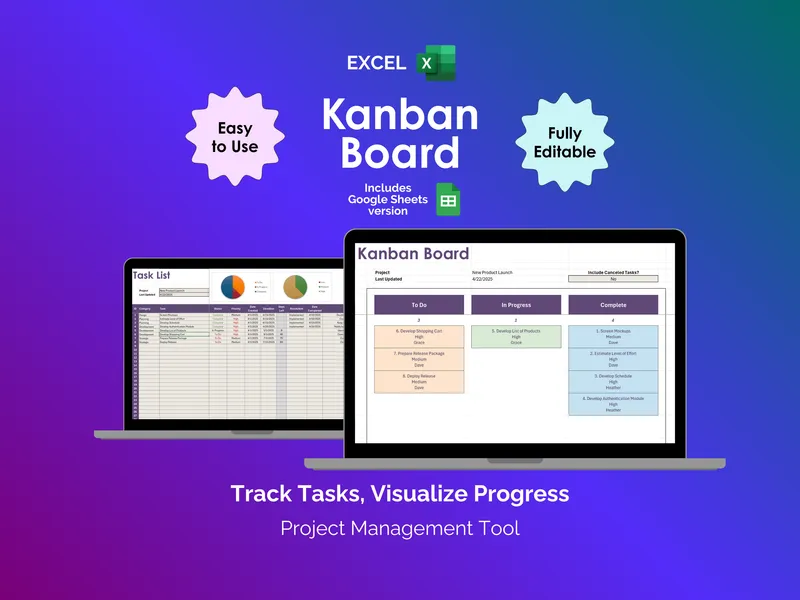
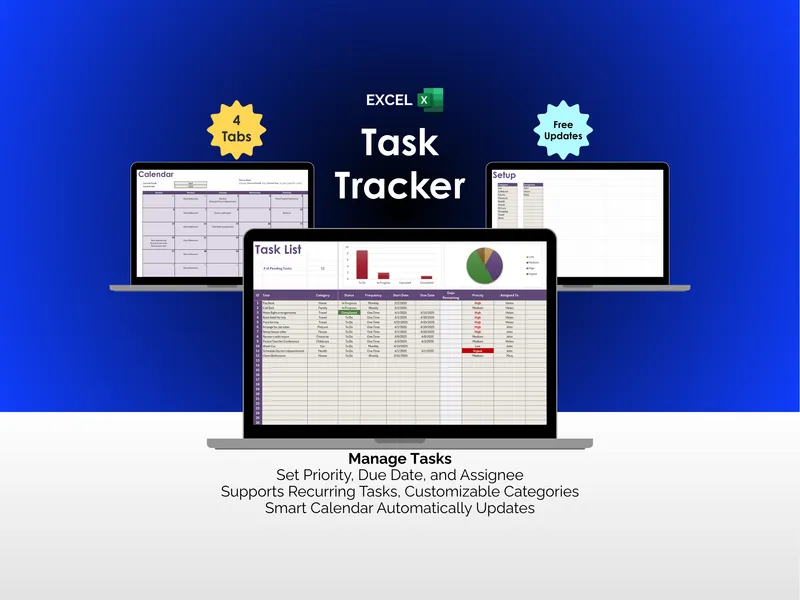
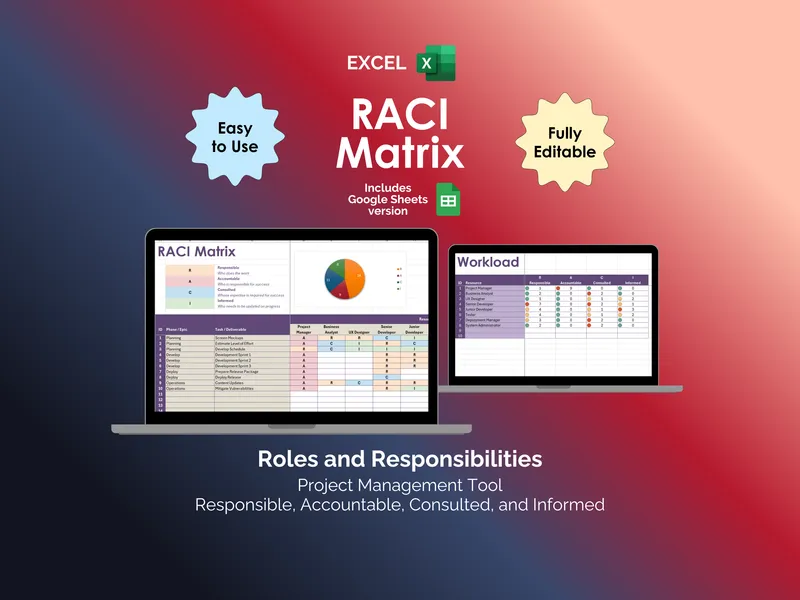
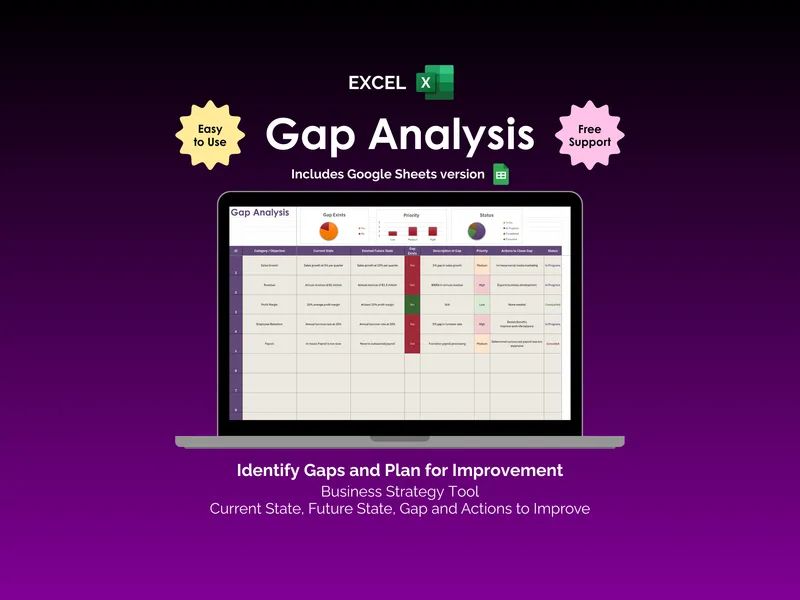
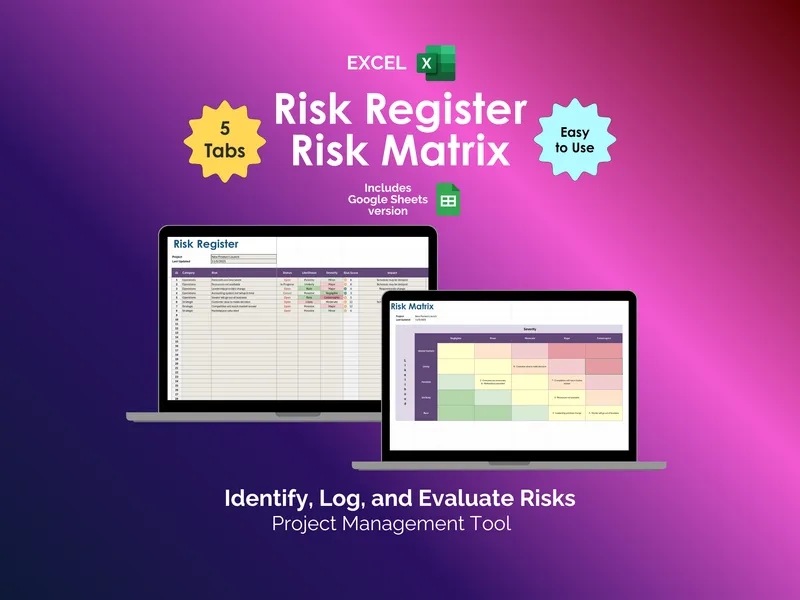
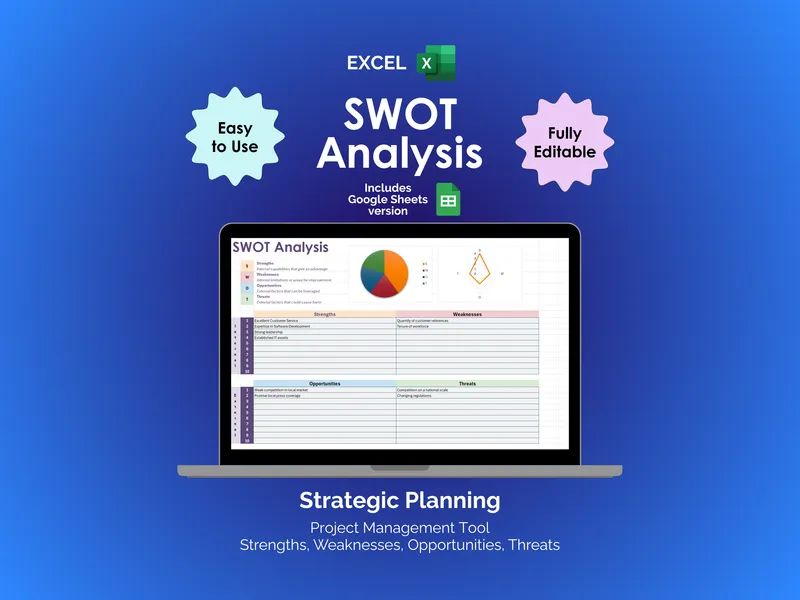
More than people expect. A kanban board gives you visual workflow. A RACI matrix settles who owns what. A risk register tracks what could go wrong, a gap analysis and SWOT handle planning, and a task tracker carries the day-to-day. That's the backbone of most projects — no subscription required.
Where software earns its seat licenses
The moment you're manually chasing status from five people, or two editors keep clobbering each other's changes, or the dependency web is too tangled to hold in your head, software stops being overkill and starts being worth it. Live collaboration, automatic notifications and dependency logic are the things a spreadsheet genuinely can't do — and the signal that you've crossed the line.
Start with the frameworks
Most small teams reach for software too early and pay for coordination they don't yet need. Start with the project management templates hub, prove out your process, and let the spreadsheet tell you when it's time to graduate. For the business-operations version of this same "tool vs software" call, see spreadsheets vs inventory software.
Frequently asked questions
- Can you manage a project in a spreadsheet?
- Yes — for small projects and teams, a spreadsheet handles task lists, a kanban board, a RACI matrix, a risk register and a simple timeline perfectly well. Dedicated project management software earns its place when you need real-time collaboration across a larger team, automated notifications, dependencies, and integrations with other tools. Below that threshold, a spreadsheet is cheaper and faster to set up.
- When should a team move from spreadsheets to PM software?
- Move when the spreadsheet starts costing more than it saves: when several people need to edit and see updates live, when you're manually chasing status updates, when task dependencies get too tangled to track by hand, or when you need automated reminders and reporting. For a solo operator or a handful of people on a defined project, a spreadsheet is usually still the right tool.
- Is project management software worth the cost for a small team?
- Often not, early on. PM software is typically priced per user per month, which adds up fast for a small team, and much of its power is aimed at coordination problems small teams don't have yet. A set of well-built spreadsheet frameworks covers the fundamentals — tasks, ownership, risk, planning — at a one-time cost.
- What can a spreadsheet not do for project management?
- It can't push real-time notifications, enforce task dependencies automatically, give everyone a live shared view without version conflicts (unless it's a cloud sheet), or integrate with your other tools. Those are exactly the gaps dedicated software fills — and exactly why you switch when you hit them.