Backlog vs. watchlist vs. completed list
These three terms get used interchangeably and they aren't quite the same thing:
- Backlog. What you own, have queued, or have explicitly committed to consuming. The pile.
- Watchlist (or to-read / to-play). A broader queue of things you'd like to consume. Lower commitment than the backlog. Many never make it to the backlog.
- Completed / Finished. Things you actually saw through. The list that tells you what you genuinely enjoyed and what you abandoned at episode 3.
A working tracker keeps all three views in one file, with items flowing left to right: watchlist → backlog → in progress → completed (or abandoned, which is a legitimate destination).
Where the term comes from
"Backlog" entered the modern media vocabulary from gaming — Steam libraries swelled past what any human could play, and the "Steam backlog" became a meme by the mid-2010s. The term spread outward: anime fans use it, book readers use it, podcast listeners use it. The underlying concept (a queue of committed but unfinished things) is the same across formats.
What a working backlog tracker has
- Title and platform. "Disco Elysium (PC, Steam)" reads better than "Disco Elysium" alone, especially when you have the same game on two platforms.
- Status. Backlog / In progress / On hold / Completed / Dropped. Five buckets cover almost every case.
- Priority. A 1–5 score or a Top 10 flag. Without priority the backlog is just a list.
- Estimated length. Episodes, chapters, pages, hours. A 100-hour JRPG is a different commitment than a 6-hour indie.
- Reason it's on the list. One sentence on why you added it. Future-you will not remember.
- Score / rating (after finishing). Your own, not the critic aggregate.
- Started / completed dates. Useful for seasonal patterns and for the satisfying "look at what I finished this year" view.
How to actually shrink a backlog
Backlogs grow faster than anyone consumes them. The honest goal isn't zero — it's flow. A few patterns that work:
- One in, one out. Before adding a new item, finish or drop one. Maintains a steady-state list.
- Limit "in progress." Same logic as a kanban board — cap the number of things you're actively consuming. Three is workable; eight is decision paralysis.
- Drop without guilt. If a book hasn't called to you in six months, it's not on your backlog — it's on your shelf. Move it to dropped. The list gets shorter.
- Pick by mood, not by guilt. The backlog should enable the night, not become an obligation. A 1–5 mood tag (light / heavy / cozy / intense / nostalgic) helps you pick on Friday.
- Schedule "binge windows." A weekend specifically booked to finish a series catches the tail of long-running things that lose momentum mid-season.
Format-specific notes
- Games. Backlog inflation is highest here. Steam sales, free-with-subscription games, Humble Bundle.
- Anime / K-drama. Episode counts matter — a 12-episode season is a weekend; a 100-episode season is a commitment.
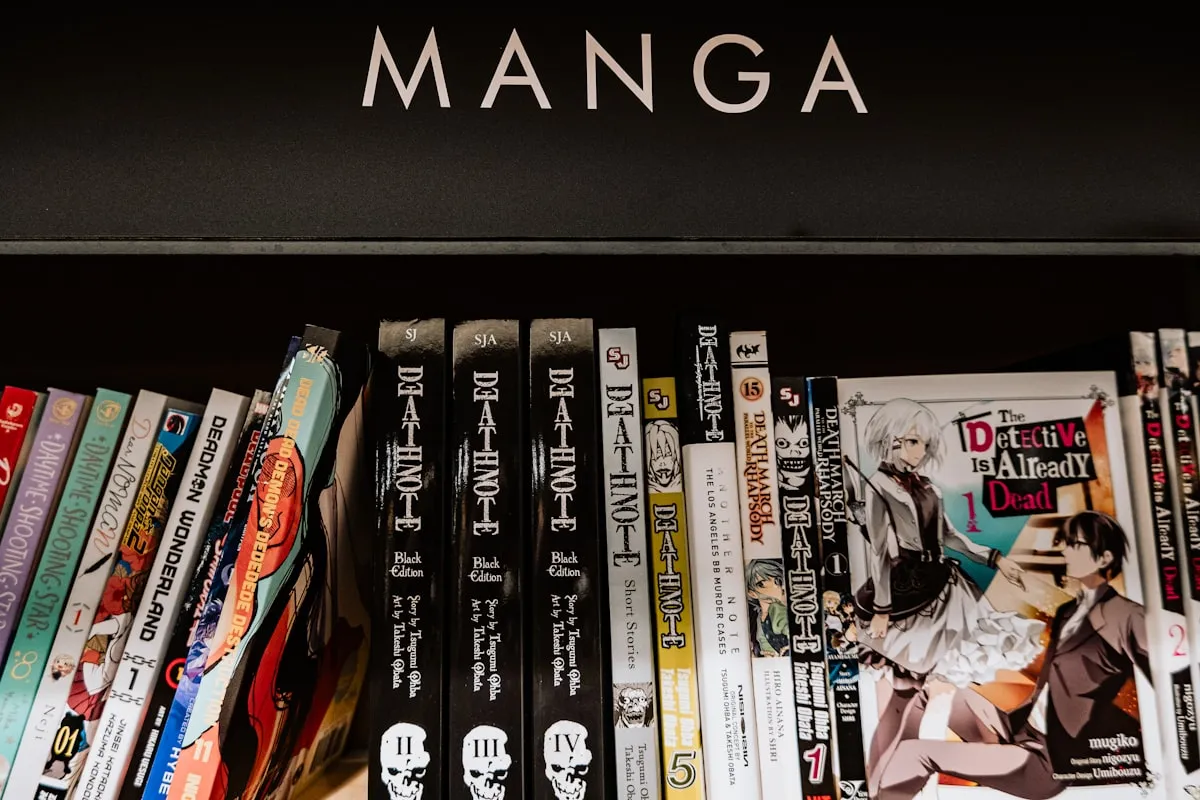
- Manga. Chapter counts are unstable on ongoing series — track both "caught up" and "chapters since."
- Books. Audiobooks and physical/digital each have their own attention shape. Distinguish them.
- TV / movies. Streaming-service availability changes — note where each one currently lives so you don't search five apps next Friday.
Common mistakes
- Listing without prioritizing. A 400-item list is identical to no list when it comes time to start something.
- Adding everything you've ever heard of. The list is a queue, not a wishlist. Keep the wishlist somewhere else.
- Refusing to drop. Sunk-cost fallacy applies to hobbies too. Episode three is allowed to be your last.
- Treating it as homework. If the backlog feels like a chore, prune it. Hobbies should produce energy, not deplete it.
Related templates and concepts
Trackers for specific formats let you maintain a backlog with format-specific fields — see the templates for anime fans, templates for K-drama fans, or the full Trackers catalog.
Templates that implement this
Templates that track a media backlog
6 templates
Games, anime, manga, books, TV, films — pick the format, log the queue, score by priority, and stop scrolling Netflix at 9:47pm.
- $4.95 Excel
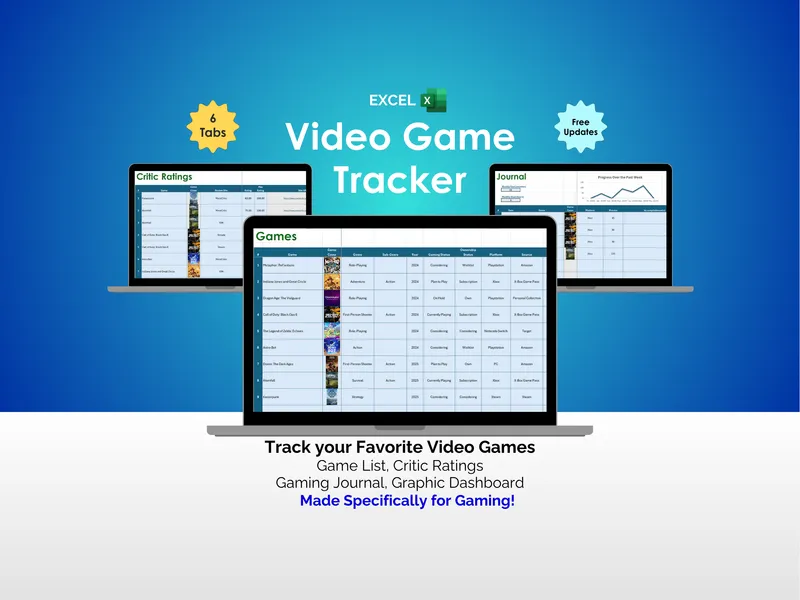
Video Game Tracker - Excel
You bought another game on sale, didn't you. This excel video game tracker logs 500 titles with personal ratings, critic scores, a play journal, and a dashboard.
TrackersView details - $4.95 Excel
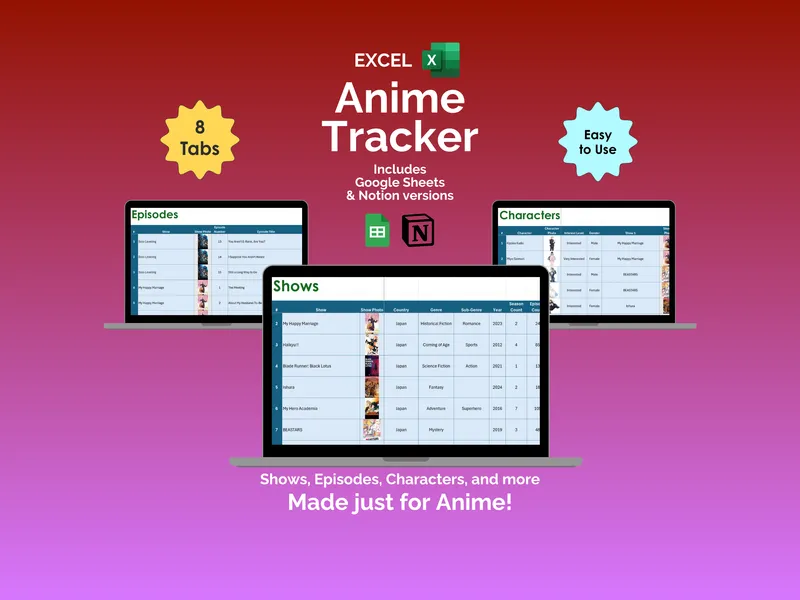
Anime Tracker - Excel
Three shows in progress, zero clue where you left off. This anime tracker Excel spreadsheet logs shows, episodes, characters, critic ratings, and viewing stats across 8 tabs.
TrackersView details - $4.95 Excel
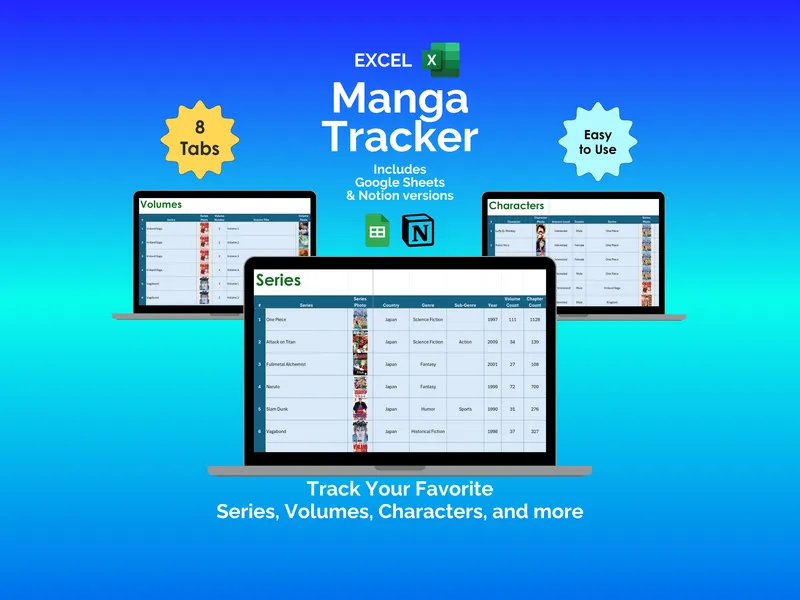
Manga Tracker - Excel
Nobody tells you the hard part of collecting manga is remembering it. This excel manga tracker turns your manga collection spreadsheet into one source of truth.
TrackersView details - $4.95 Spreadsheet
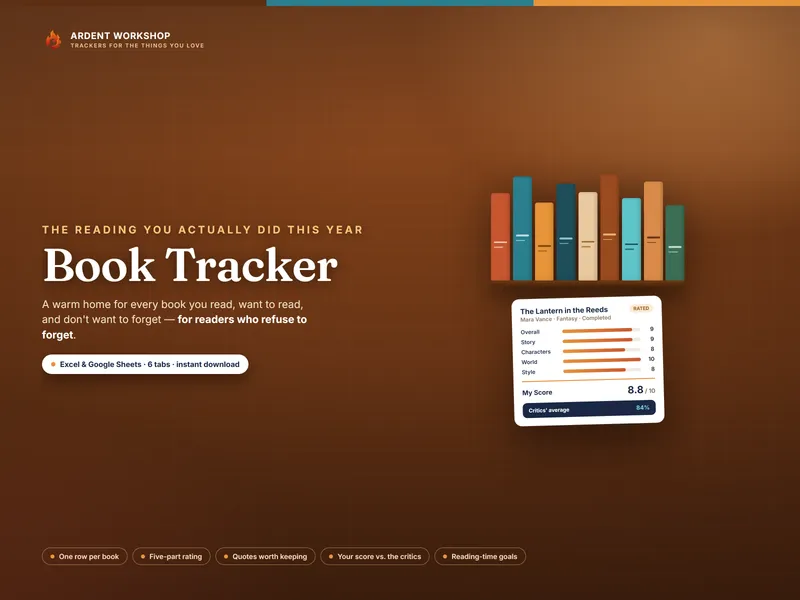
Book Tracker — Reading Log, Journal & Five-Part Ratings (Excel + Google Sheets)
A Book Tracker spreadsheet for Excel & Google Sheets — log every book, rate it five ways, save quotes, and see your reading year on a live dashboard.
TrackersView details - $4.95 Excel
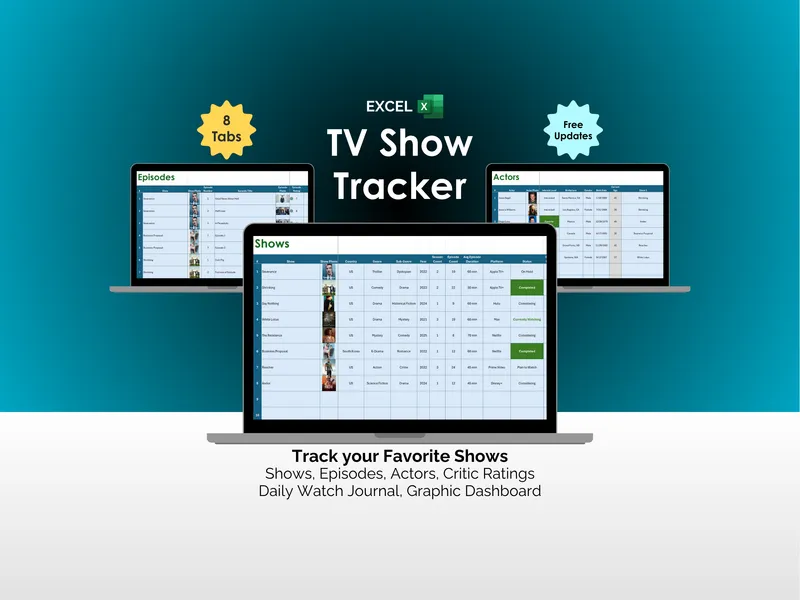
TV Show Tracker - Excel
Streaming has a quiet, persistent problem: the watching is easy, the remembering is what breaks you. This excel tv show tracker fixes that across 8 tabs.
TrackersView details - $4.95 Excel
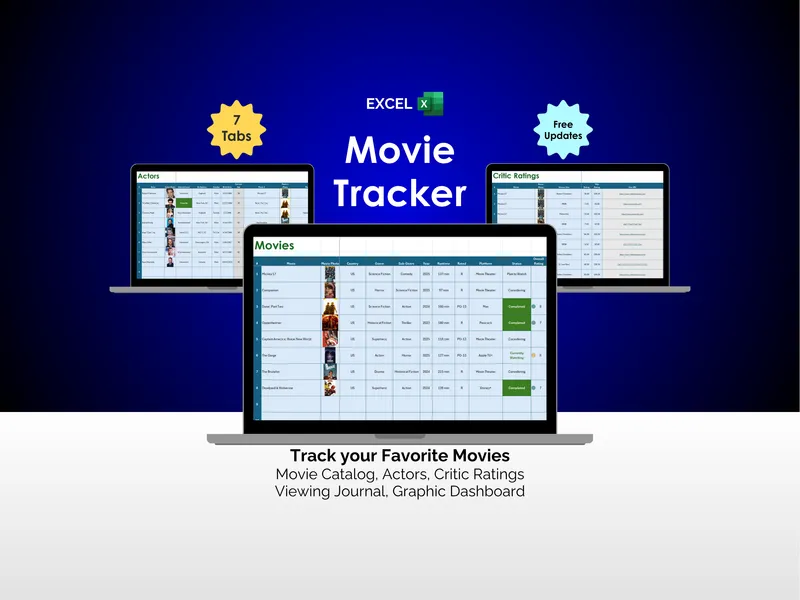
Movie Tracker - Excel
It's Friday night and you can't remember if you already saw that one. This Excel movie tracker logs 500 films, links actors, and sets critic scores beside your own on one tidy dashboard.
TrackersView details