The Hydration Tracker is a water-intake workbook for Excel, Google Sheets, and LibreOffice that turns “I should drink more water” into a number you can actually watch move. You set your unit and daily goal once, type how much you drank each day, and the workbook counts your days, your streak, your percent of goal, and your week for you. It’s 4 p.m. on a Tuesday, you’ve had one coffee and not much water, and the afternoon slump is setting in — this is the file that helps you notice, gently, and it’s yours to keep.
Log your daily water in two quick entries — the rest fills itself in
The Daily Log is the whole habit: type the date and the amount you drank. From there the workbook fills in the percent of your goal, the change from the day before, and a color-coded Goal met / Behind badge, so you can see a good week (and the day you replaced water with cold brew) at a glance. An optional drink-type column and a notes column are there when a pattern — “hot day,” “long walk” — is worth remembering.
See your hydration streak on a live dashboard
The Dashboard is the payoff. It reads live from your log and shows days logged, your total and average intake, the percent of days you hit your goal, and your current and longest goal-met streaks — the streak being the quiet nudge that keeps a habit going. A day-by-day bar chart lays out any month you choose, and a This week reading tracks the last seven days against your weekly goal.
See the patterns, not just today
The Insights tab is the longer view: your average by day of the week (the shortest bar is the day to shore up), each recent month’s total and daily average, and your best and lowest logged days. It’s where a habit’s real shape shows up.
Your unit, your goal
On the Setup tab you pick cups, ounces, liters, or milliliters and set a daily goal — the whole workbook follows instantly. New to this? An illustrative starting-point guide (a rule of thumb, clearly hedged) and a unit-conversion table are built right in. This is a wellness tracker for building a habit — general information, not medical advice, and it does not set a clinically correct intake target for you.
Excel or Google Sheets — your choice, no import
Prefer Google Sheets? You don’t have to import anything. Open the included link, click Make a copy, and the whole tracker lands in your Google Drive with every formula, dropdown, and the live Dashboard already set up and tested. Or open the .xlsx in Excel or LibreOffice — it works natively in all three.
Own it, don’t rent it
What sets this apart from a phone app is that you own the file, the formulas, and the history — forever. No subscription, no account, no ads, nothing watching your habits, and it won’t vanish if a service shuts down. It sits right where it should: past a blank spreadsheet you’d have to build yourself, and well short of a rented monthly app holding your data on someone else’s server.
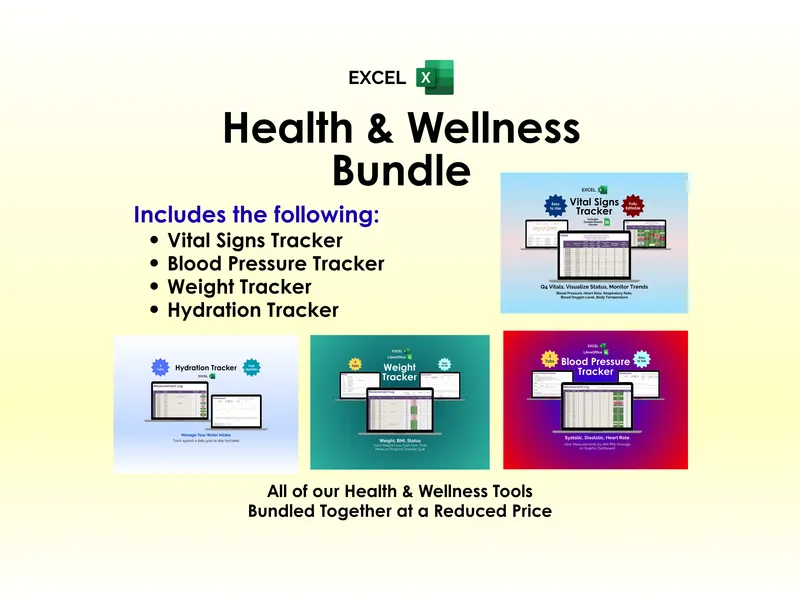
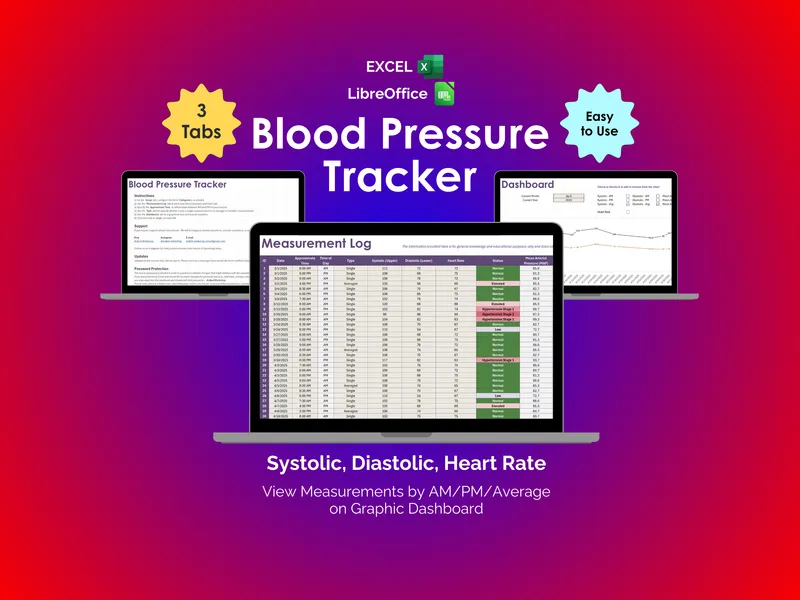
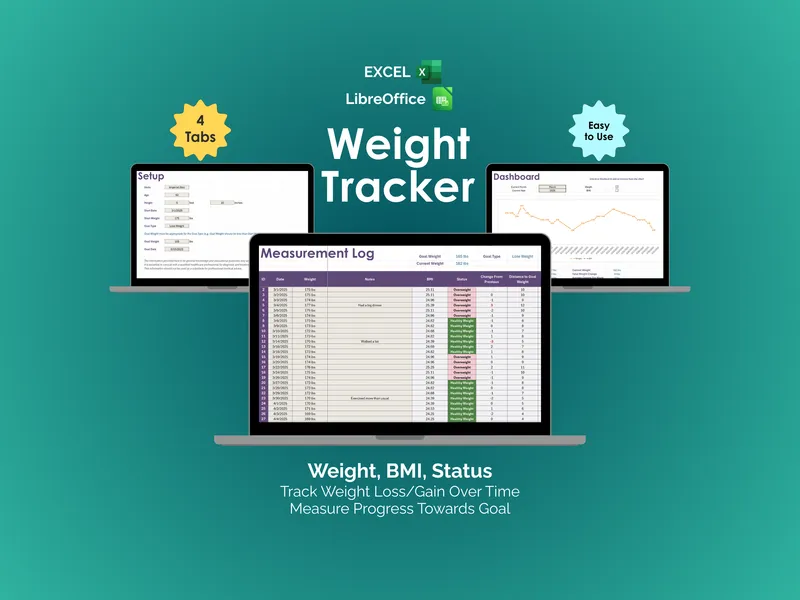
Prefer to try before you buy? Start with the free one-page “This Week” hydration starter — seven days and a goal on a single printable — then step up to the full tracker when you’re ready. And if you track more than water, the matching weight and blood-pressure trackers round out the Health & Wellness bundle.
Download it, spend two minutes on Setup, and log today’s water before the afternoon slump sets in.